
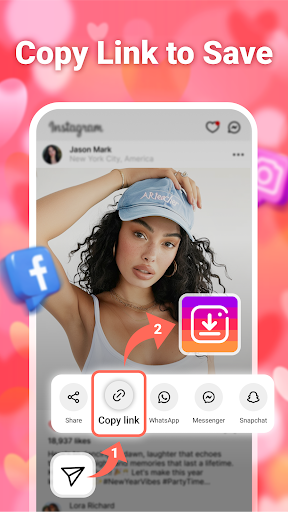
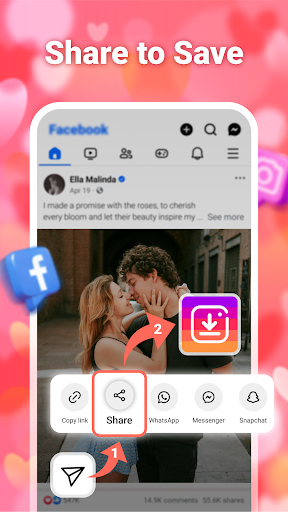

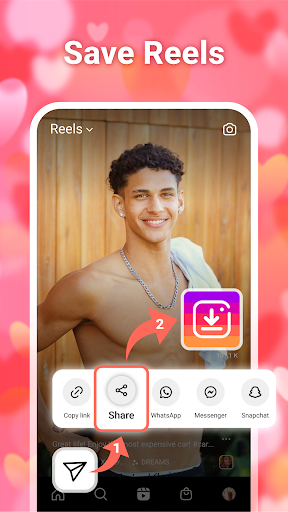
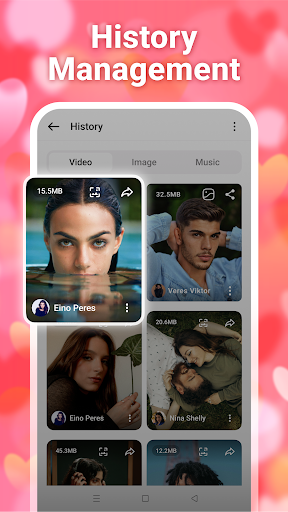

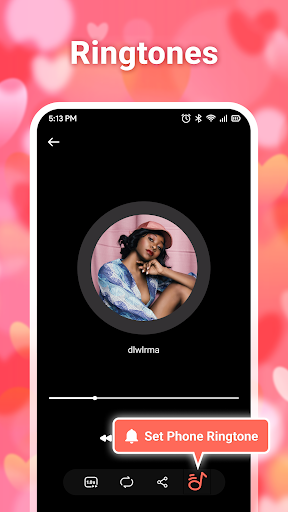
InSaver is a versatile tool designed for downloading and managing multimedia content from various social media platforms. This application allows users to save photos, videos, stories, and music directly to their devices without the need for account login. With its user-friendly interface, InSaver makes it easy to download high-definition content for offline viewing, ensuring that every video or photo is crisp and clear.
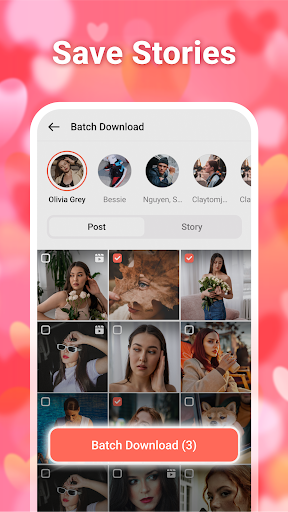
One of the standout features of InSaver is its ability to support batch downloads, enabling users to save multiple files simultaneously. Additionally, the app provides powerful story downloading capabilities, catering to all types of social media stories with just a single click. Whether you're looking to access content from private accounts or simply organize your downloaded media, InSaver offers a comprehensive solution for all your social media downloading needs.
InSaver boasts an array of features that make it an indispensable tool for social media enthusiasts. The app eliminates the hassle of logging in by allowing direct downloads of videos, photos, stories, and music. It supports free downloads across multiple social media platforms, making it accessible to a wide audience. The batch download functionality is particularly useful for users who wish to save several files at once, streamlining the process significantly.
Another remarkable aspect of InSaver is its commitment to quality and safety. Users can enjoy high-definition downloads, ensuring superior visual and audio experiences. The app also prioritizes user security by providing a safe and reliable downloading process that protects personal information. Furthermore, InSaver's powerful multimedia management system enables users to categorize, view, play, and delete downloaded files effortlessly, enhancing overall usability.
User-friendly interface
High-definition downloads
Batch download support
No login required
Comprehensive social media support
Limited to social media content
Requires internet connection
Permissions needed for storage
Potential copyright issues
Ads may be present

Auto video maker with music & exclusive filters. Video editing made simple.
 4.50
4.50
?100% FREE! Download & save videos? safely in this app. All formats supported.
4.60
Create & edit videos with AI
4.30
Explore the largest library of free GIFs, Stickers & Memes - or create your own!
3.90
AI Video Editor:AI Music, Text to Video,Text to Speech,Auto Caption,Video Effect
4.00
The essential companion to your Blue Iris PC software
2.50
A Simple app to download Video & Music from the Internet.
4.70
Fast & Private HD Video Downloader with Built-in Proxy Browser and Video Player.
4.50
Viddo: Generate Action Figure, AI Anime, AI kiss, AI hug Video from image & text
4.40
HD Video player all format, HD Videos, Cast & Subtitle. No annoying ads.
4.60
Create photo video with music & template. AI video maker for stunning slideshow.
4.60
Browser for Fire TV to stream webvideos, online movies, livestreams in HD
4.40
KMPlayer Plus (Divx Codec) officially support Divx codec.
4.30
Video player with 4K & 1080P support, popup play, background play and subtitle.
4.20
Fast private browser with secure, seamless access & supported video downloads!
4.00
Online Videos Player
3.90
Connect 2 UVC devices for recording and broadcast video/audio stream
3.90
Kodi media center, a free and open source cross-platform entertainment hub
3.60
Stream high quality video from your camera over NDI protocol
4.5


User Reveiws