
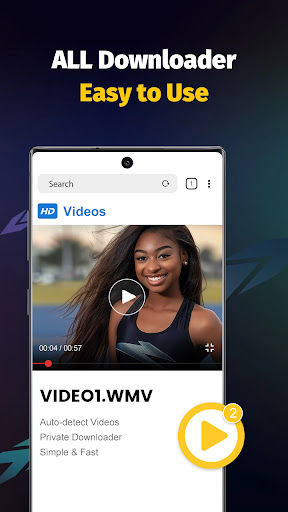
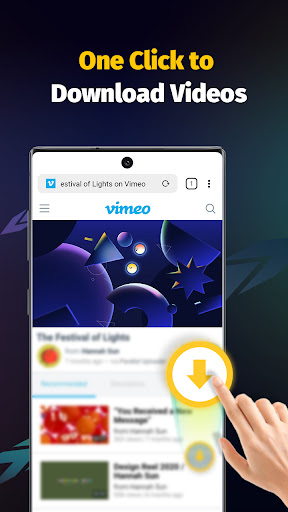
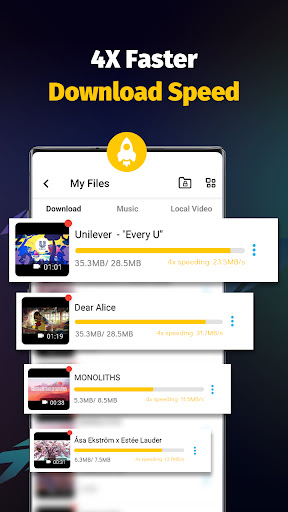


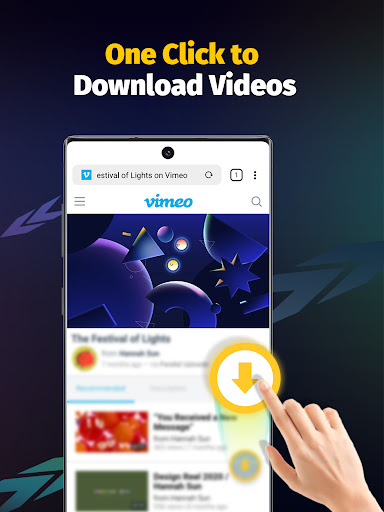
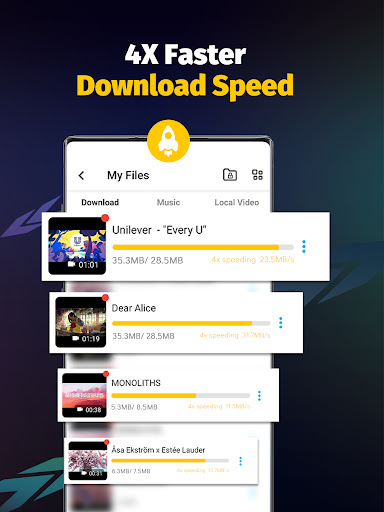

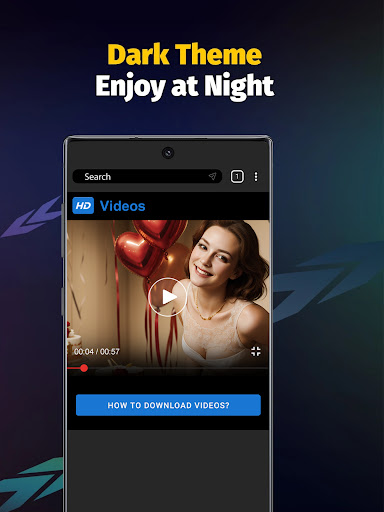
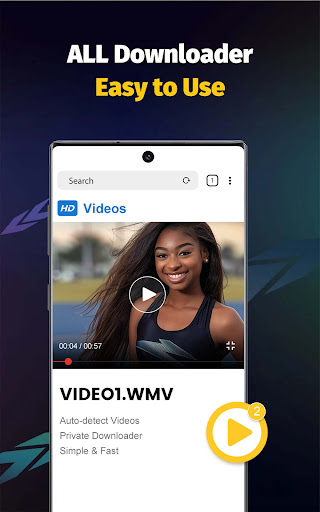
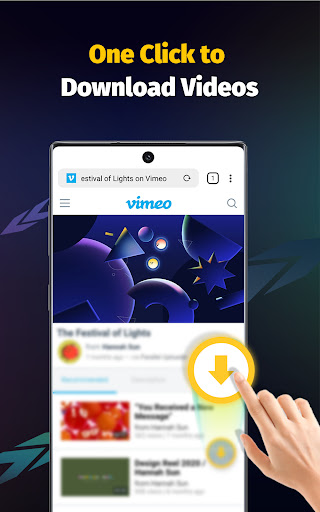

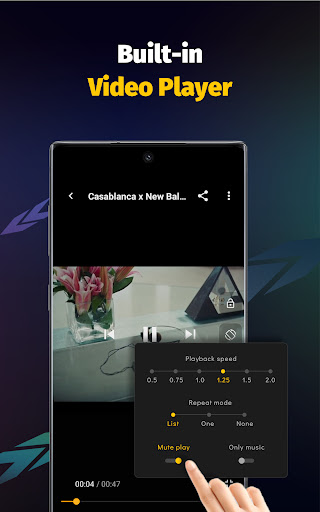
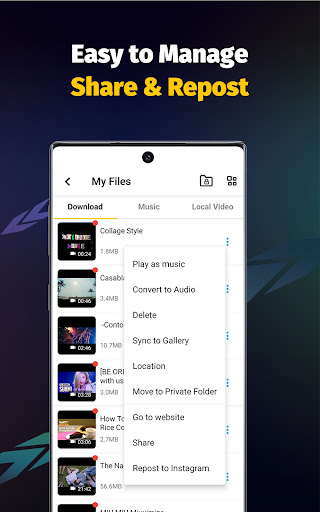
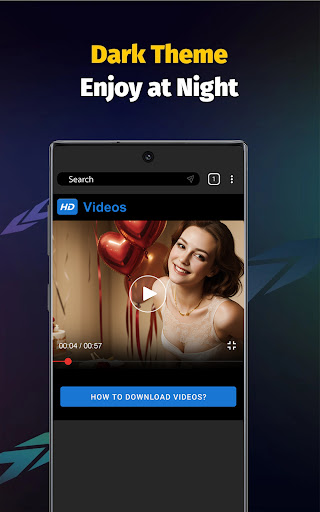
Video Downloader - Save Videos is a versatile application designed for users who need to download and manage video content across multiple platforms. This app stands out with its ability to provide fast downloads at up to 4x the standard speed, making it an excellent choice for saving HD videos, images, and music files from various social media sources.
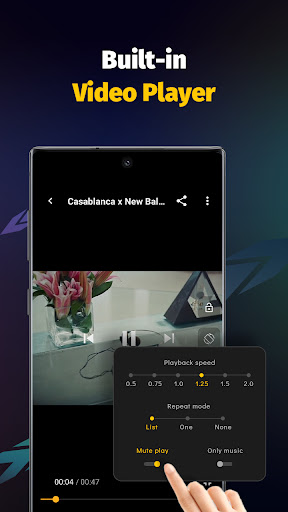
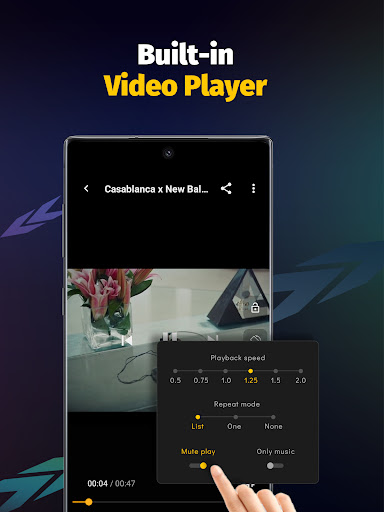
The app includes a built-in browser and multi-functional player, ensuring seamless transitions between downloading and enjoying content. With features like adjustable playback speed, audio extraction, and private folder protection, Video Downloader offers both convenience and security. Whether you're looking to collect ideas or simply enjoy media offline, this app provides a comprehensive solution.
Its user-friendly interface and robust functionality make it suitable for anyone seeking an efficient way to manage their digital media library on their mobile device.
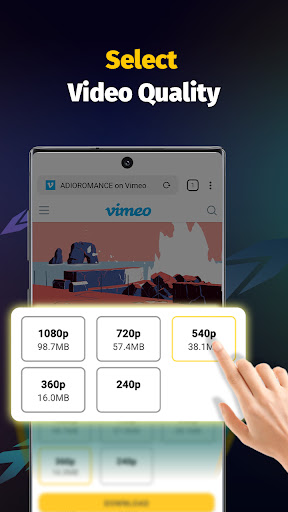
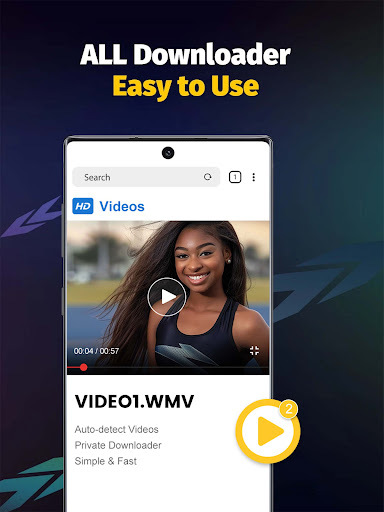
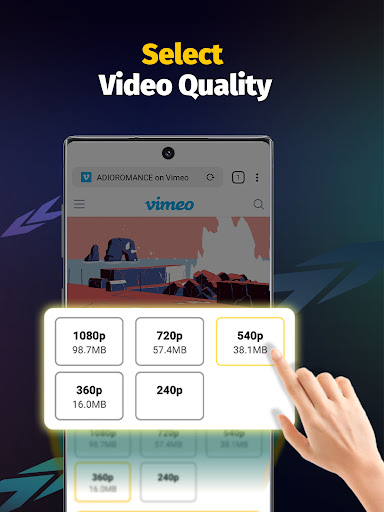
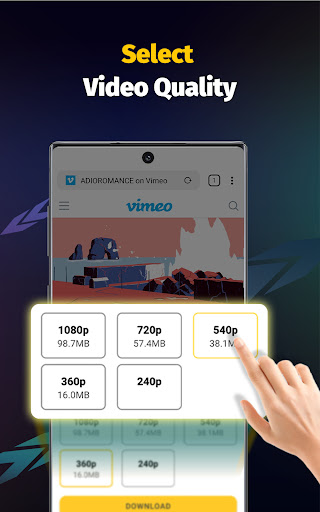
Video Downloader - Save Videos boasts an array of features that cater to diverse user needs. One of its key strengths is the support for simultaneous downloads of multiple files, enhanced by multi-threading technology that significantly accelerates the process. The app handles a wide range of file formats including MP4, AVI, and PNG, while offering different resolution options to suit varying quality preferences.
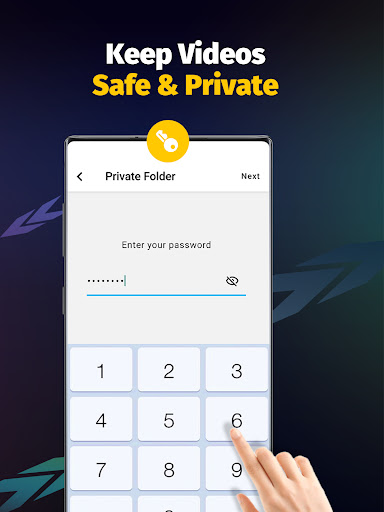
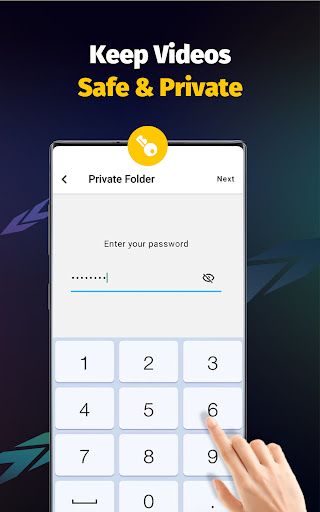
Security and customization are also prioritized, allowing users to password-protect private folders and organize downloaded files efficiently. Additionally, the integrated media player supports offline playback, while automatic detection of downloadable content streamlines the user experience. These capabilities ensure that users can maximize their productivity and enjoyment without compromising on safety or convenience.
With its focus on speed, versatility, and ease of use, Video Downloader - Save Videos positions itself as a top choice in the realm of video management tools.
User-friendly interface
Fast download speeds
Multi-threading support
Built-in media player
Private folder protection
No YouTube support
Limited format conversion
Requires account login
Ads may appear
Occasional bugs

The smartest M3U IPTV Player your playlists have ever seen.
 4.5
4.5
IPTV-Smarters Player Pro M3U - Watch Live Stream TV Channels with Chromecast
4.00
Fast video downloader & private browser. Save HD clips to watch offline.
4.40
Powerful HD video player with support for all formats & subtitles.
4.4
High-Quality USB Camera Viewer & HDMI Display
4.70
LumaFusion: The Ultimate Storytelling Experience for Video Editing
4.10
Powerful video player with advanced hardware acceleration and subtitle supports
4.20
AI Video Editor with Music, Filter, Slideshow, Effect, Merge & Trim Video.
4.80
Photo editor & video maker with music and slideshows.
4.10
Download videos and play them offline
4.70
Cast to Chromecast, Xbox, Fire Stick, Roku, DLNA, Smart TV & No Feature Limited!
4.50
Add date and time watermark to photos and videos
4.50
Fast & Private Video Downloader App. Save all videos easily from the Internet.
4.40
Video player, file manager for all formats, 4K/HD media player supports subtitle
4.30
Turn your phone into a wireless camera!
4.20
1)AirPlay/DLNA Mirroring/Streaming, up to 4 connections; 2)Samba/NAS/DMS Player.
4.00
Fast private browser with secure, seamless access & supported video downloads!
4.00
Connect 2 UVC devices for recording and broadcast video/audio stream
3.90
AirMirror is Receiver for Screen Mirroring and Casting from Apple Devices.
3.60


User Reveiws