Photo Video Maker

4.60

Information

Category:

Video Players & Editors

Price:

Free

Rank:

30

Rating:

4.60

Overview

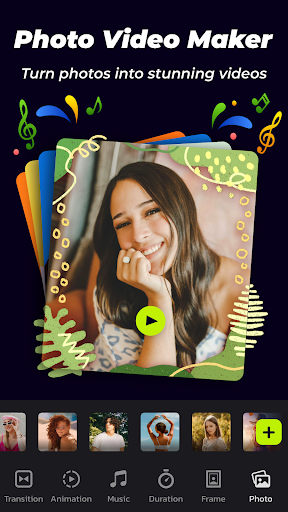
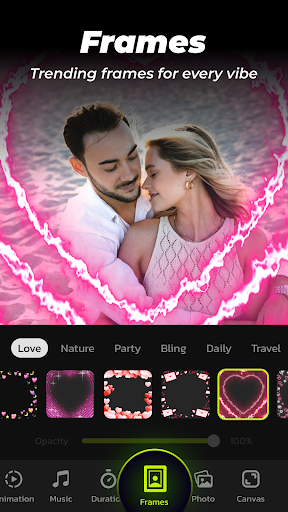
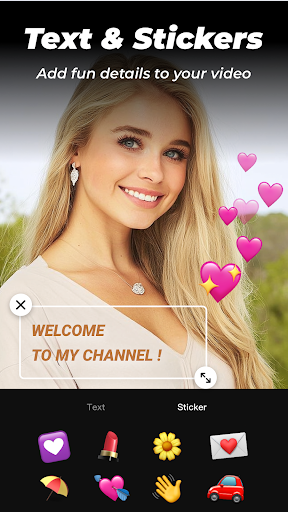
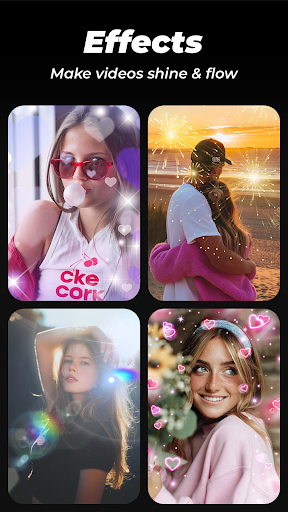
Photo Video Maker with Music - InSlide is a versatile video editing tool designed for creating engaging photo slideshows, music albums, and presentations. The app offers an intuitive interface that allows users to add music, transitions, animations, and frames to their projects.

With its robust feature set, InSlide caters to both casual users looking to create holiday greetings and professionals needing to produce tutorial videos. Its ability to export high-quality videos in resolutions up to 2K makes it suitable for sharing across various social media platforms like YouTube, TikTok, and Instagram.

Features

InSlide stands out with its comprehensive content library that is regularly updated, providing users with fresh resources for their creative projects. The app simplifies the video creation process into four straightforward steps, from importing photos to exporting the final video.

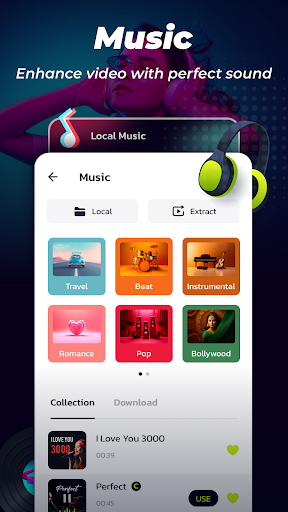
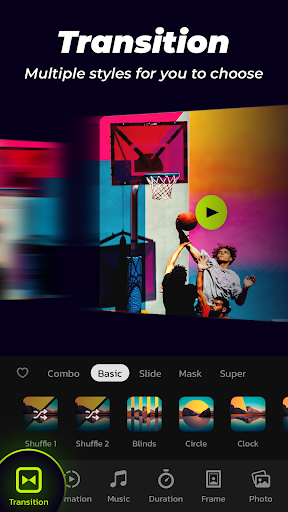
Users can customize their creations by adjusting aspect ratios, transparency, and transition durations between 0.5 to 8 seconds. Additionally, the app supports uploading personal music tracks or selecting from a variety of online music styles, enhancing the storytelling potential of each slideshow.

Video format compatibility

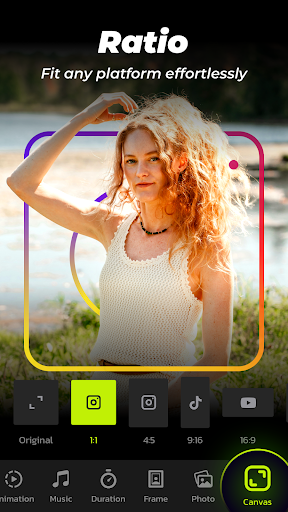
Video format compatibility is a crucial feature for any video player or editor as it determines the range of video files that can be imported edited and exported by the application In the case of Photo Video Maker with Music InSlide users are provided with multiple resolution options ranging from 480P to 2K allowing them to tailor their slideshow exports according to their specific needs Whether one requires a lower resolution for easier sharing on social media platforms or a higher resolution for professional presentations this flexibility ensures that the final output meets the desired quality standards Furthermore the app supports various aspect ratios enabling users to adjust their creations for optimal display on platforms like YouTube TikTok Facebook Instagram WhatsApp and Twitter This versatility in format compatibility not only enhances user experience but also broadens the scope of content distribution making it possible to share precious memories and happy moments across different digital environments without compromising on visual fidelity The ability to customize these settings empowers creators to produce visually appealing slideshows that cater to diverse audience preferences and platform requirements thereby maximizing engagement and reach

AI-powered editing features

AI-powered editing features represent a significant advancement in video editing technology providing users with tools that simplify complex processes and enhance creativity In Photo Video Maker with Music InSlide incorporates several AI-driven functionalities designed to streamline the creation of stunning slideshows One notable feature is the automatic transition effect which eliminates the need for manual selection by offering a one-click solution that optimizes visual flow between images This saves time and ensures a professional finish by leveraging sophisticated algorithms to choose the most suitable transitions Additionally the app offers intelligent customization options such as adjusting transition durations from as short as 05 seconds to as long as 8 seconds allowing for precise control over pacing and rhythm Another innovative aspect is the smart content library which continuously updates with abundant well-organized resources including music tracks frames and animations These assets are curated to inspire creativity and facilitate the production of engaging videos whether for personal milestones or promotional purposes By integrating AI into its framework InSlide empowers both novice and experienced editors to craft high-quality multimedia projects efficiently and effectively enhancing overall productivity while maintaining artistic integrity

Props

User-friendly interface

Extensive customization options

High-quality export capabilities

Versatile content library

Smooth integration with social media

Cons

Limited advanced editing tools

Premium features require subscription

Occasional bugs reported

Watermark on free version

Ads present in free version

Features and Functions

What is this app and what can I use it for?

Create stunning photo slideshows with music and effects.

How do I download and install this app on my device?

Download from Google Play Store and install on Android devices.

How do I get started after opening the app for the first time?

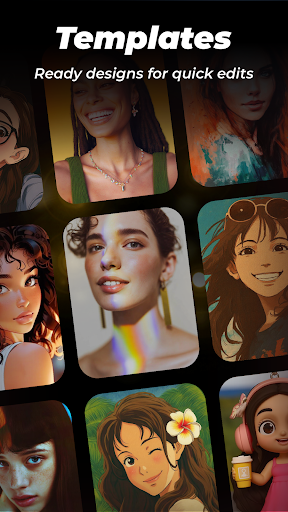
Import photos and select templates to begin editing.

What are the main features and capabilities of this app?

Add music, transitions, animations, and customize settings.

How can I customize my experience and adjust preferences?

Adjust preferences for transitions, music, and aspect ratio.

How do I save or bookmark my favorite content for later access?

Save projects within the app for future editing or access.

How can I share content with friends or on social media?

Share directly to social media platforms via in-app options.

How do I access detailed information and explore more content?

Explore detailed tutorials and tips in the help section.

What permissions does this app need and how do I manage them?

Grant necessary permissions during installation and manage in settings.

How do I check for updates and keep the app running smoothly?

Check for updates in the app store to ensure smooth operation.
Show more

User Reveiws

{{ comment.reviewer_name }}
{{ comment.review_date_formatted}}
{{ comment.review_content }}
{{ tab.name }}
{{ comment.reviewer_name }}
{{ comment.review_date_formatted}}
{{ comment.review_content }}
No reviews with this rating