

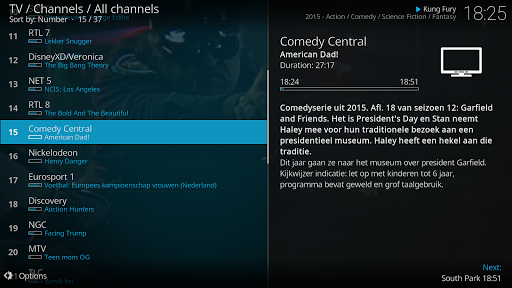
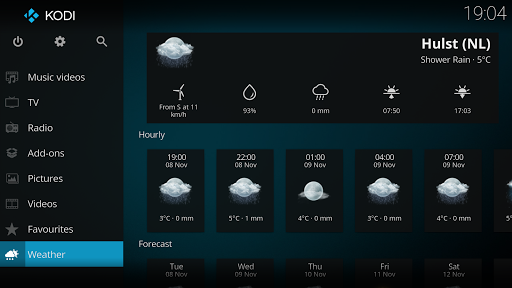
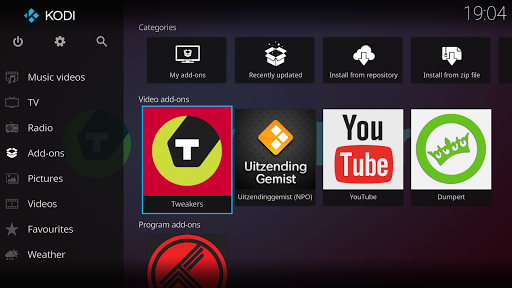
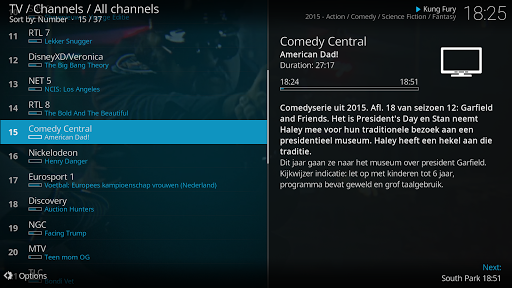
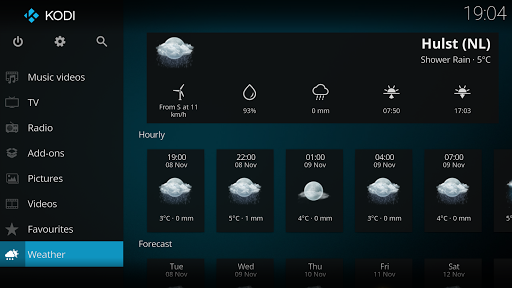
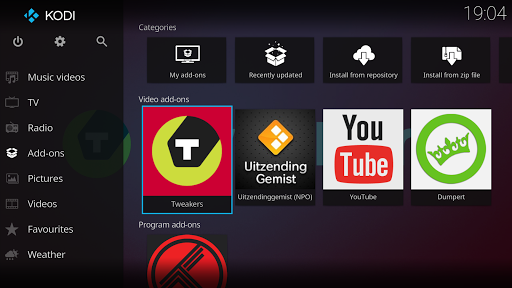

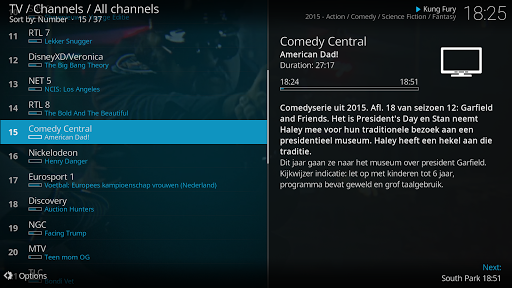
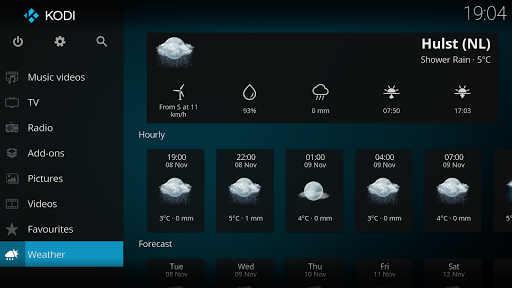
Kodi is an award-winning media player and entertainment hub designed for home theater setups. It offers a 10-foot user interface, making it perfect for living-room environments where users can navigate with a remote control. Kodi supports various media formats and allows seamless playback from multiple sources including hard drives, optical discs, local networks, and the internet.
One of Kodi's standout features is its ability to integrate with third-party plugins, enhancing its functionality by providing access to freely available content online. With skins like Estuary and Estouchy, Kodi delivers a fast and user-friendly experience optimized for larger screens and touch devices. Whether you're managing your personal media library or streaming online content, Kodi serves as a versatile platform for all your digital media needs.
Kodi boasts a range of features that make it a top choice for media enthusiasts. Its graphical user interface (GUI) is intuitive and easy to navigate, allowing users to browse and view videos, photos, podcasts, and music effortlessly. The software supports extensive customization through third-party plugins, enabling users to tailor their experience according to their preferences.
Another notable feature is Kodi's compatibility with various platforms and devices, ensuring a consistent experience across different hardware. Skins such as Estuary and Estouchy enhance usability, particularly on larger screens and mobile devices. Additionally, Kodi's open-source nature invites developers to contribute to its ongoing development, ensuring regular updates and improvements. This combination of flexibility, customization, and cross-platform support makes Kodi a powerful tool for managing and enjoying digital media.
User-friendly interface
Extensive format support
Customizable with plugins
Cross-platform compatibility
Active developer community
No built-in content
Requires technical knowledge
Third-party plugins vary in quality
Not ideal for small screens
Potential legal concerns with plugins

A Quick and Pro Video Editor
 4.70
4.70
Watch full episodes of your favorite Cartoon Network and Cartoonito shows!
3.50
KineMaster, Your Ultimate Video Editor!
4.40
High-Quality USB Camera Viewer & HDMI Display
4.70
Video Browser & Downloader X to play the sexy videos from any website.
4.40
Movie maker & video editing app with AI effects and green screen
4.30
AI Video Editor:AI Music, Text to Video,Text to Speech,Auto Caption,Video Effect
4.00
Make your own Animations, Video and Photo Edits, Visual Effects, and more!
4.00
Download Hub, easy and private way to download and enjoy your videos offline
4.80
Flud is a simple and beautiful BitTorrent client for Android.
4.80
An easy-to-use and all-round screen recorder with audio
4.80
A Simple app to download Video & Music from the Internet.
4.70
HD Video player all format, HD Videos, Cast & Subtitle. No annoying ads.
4.60
?100% FREE! Download & save videos? safely in this app. All formats supported.
4.60
Auto video maker with music & exclusive filters. Video editing made simple.
4.50
AirMirror Receiver - Screen mirroring/cast web videos to Android TV by AirPlay.
4.40
Video Downloader is an utility that can save videos and music from web sites
4.20
All format media Player, no need video converter any more!
4.00
Cast to Smart TV, Fire TV. Cast video, photo - Fast & Stable!
3.90


User Reveiws