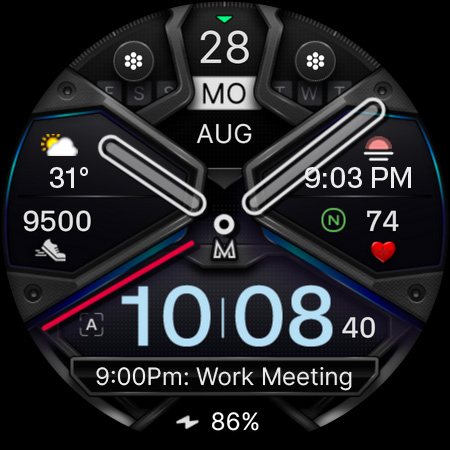
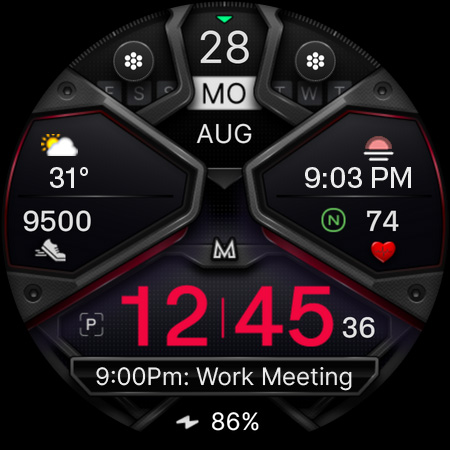
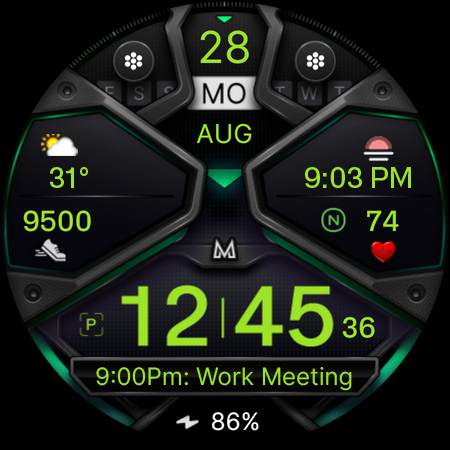
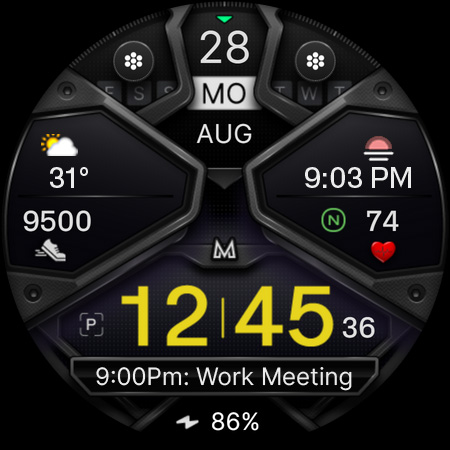
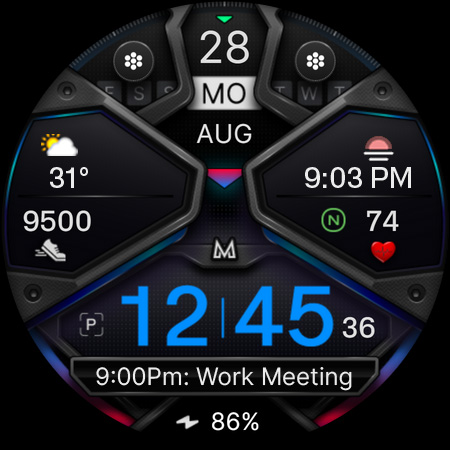
MD326 3D Modern Watch Face

4.40

Information

Category:

Android Wear

Price:

$ 1.99

Rank:

49

Rating:

4.40

Overview

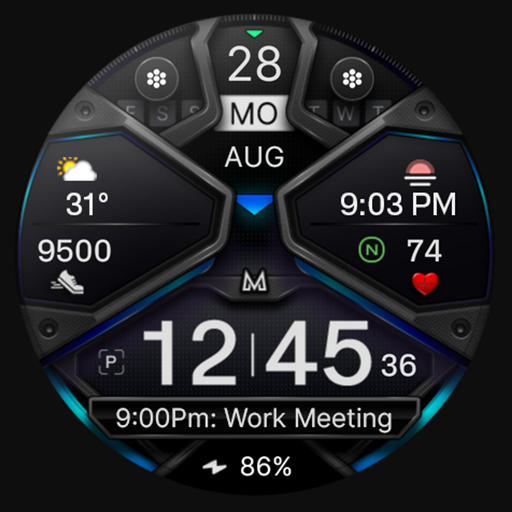
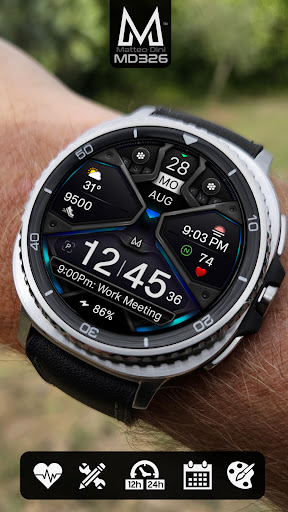
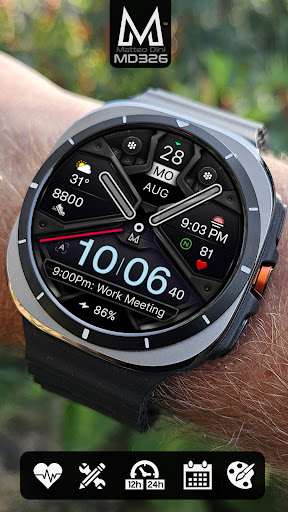
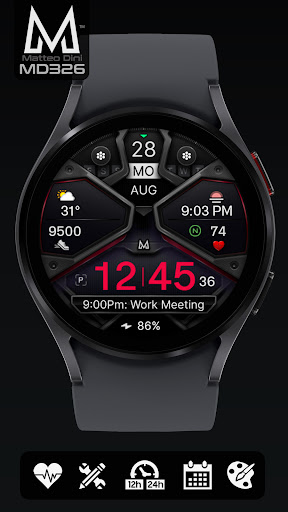
MD326 3D Modern Watch Face offers a sophisticated and customizable timekeeping solution for Wear OS devices. Designed with advanced features, this watch face supports all Wear OS devices running API Level 33+ (Wear OS 4 and later), including Samsung Galaxy Watch 4-8, Ultra, and Pixel Watch models.

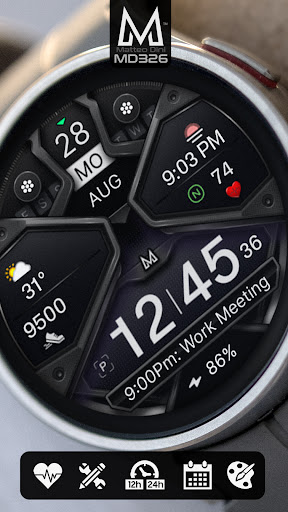
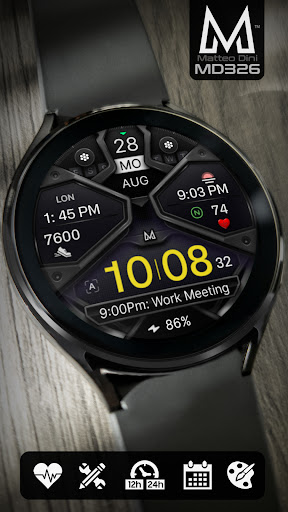
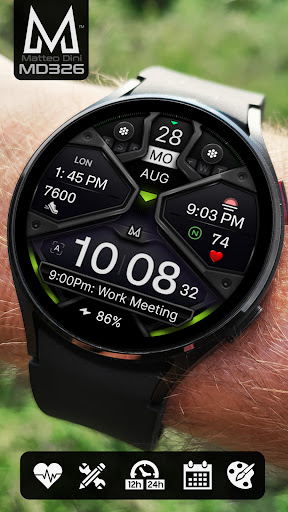
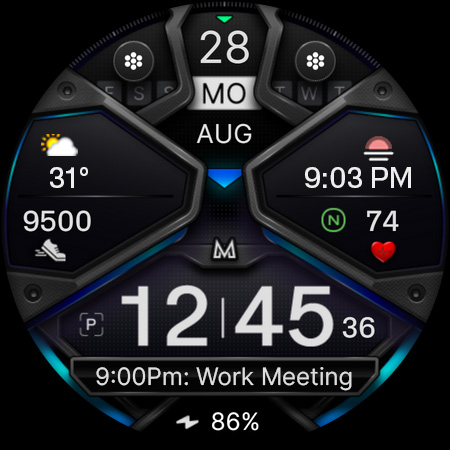
The watch face includes three preset app shortcuts, two customizable shortcuts, and three complications that can display various data types such as weather, barometer readings, and UV index. Users can personalize the appearance by changing colors of the time display, bezel, background, and more. With support for both 12-hour and 24-hour formats based on phone settings, it provides essential information like date, day, month, battery status, steps, and heart rate intervals.

This versatile watch face is ideal for users seeking both functionality and style on their smartwatches. Its Always-On Display feature with optional minimal style ensures important details are accessible at a glance, while hideable hands allow further customization to suit individual preferences.

Features

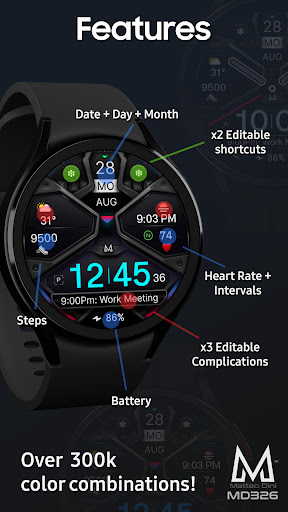
MD326 3D Modern Watch Face stands out with its comprehensive feature set tailored for tech-savvy users. The watch face automatically adjusts to 12/24-hour formats based on phone settings and displays crucial information such as date, day, month, battery level, step count, and heart rate intervals.

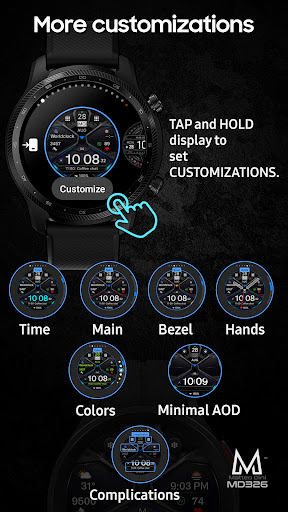
Customization options abound with three preset app shortcuts for Calendar, Battery, and Heart Rate measurement. Additionally, users can configure two customizable shortcuts and three complications to show preferred data like weather forecasts or world clocks. The Always-On Display mode offers an optional minimal style, ensuring visibility even when the watch is idle.

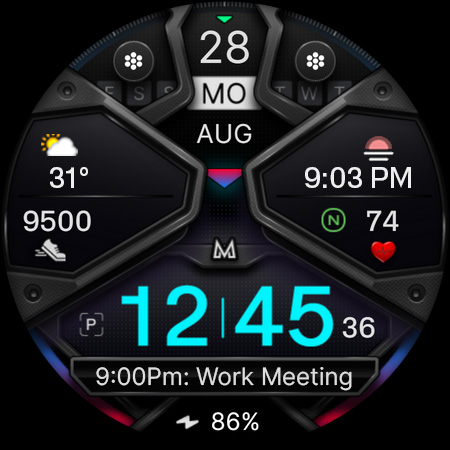
Further personalization comes from adjustable colors for the time display, bezel, background, and other elements. Despite occasional loading issues in the Samsung Wearable app's editor, direct customization on the watch itself remains seamless. This makes MD326 a top choice for those desiring a fully personalized smartwatch experience.

Companion app integration

The MD326 3D Modern Watch Face demonstrates exceptional companion app integration by allowing users to customize and manage their watch face directly from their smartphone or wearable device. This seamless connection between the watch face and its companion app ensures that users can easily access and modify various features without any hassle. The customization process is straightforward - users simply need to touch and hold the display, then tap on the customize option to personalize their watch face according to their preferences. With support for all Wear OS devices with API Level 33+ including Samsung Galaxy Watch 4-8, Ultra, and Pixel Watch, this application guarantees broad compatibility and functionality across multiple devices. By offering features such as 12/24hr time display based on phone settings, date, day, month, battery status, step count, heart rate monitoring with intervals, three preset app shortcuts, two customizable shortcuts, and three customizable complications, it provides a comprehensive suite of tools for personalization. Users can choose from a wide array of data options like weather, barometer readings, UV index, chance of rain, etc., ensuring they have quick access to relevant information at all times. Additionally, the always-on display feature with optional minimal style enhances visibility while conserving battery life. Overall, the robust companion app integration in MD326 3D Modern Watch Face empowers users to tailor their smartwatch experience precisely how they want it, making daily interactions more efficient and enjoyable.

Wear OS/device compatibility

MD326 3D Modern Watch Face stands out due to its extensive Wear OS and device compatibility, catering to a wide range of smartwatches running on Wear OS 4 and later versions. Designed specifically for devices such as Samsung Galaxy Watch series (4-8), Ultra models, and Google's Pixel Watch, this watch face ensures optimal performance regardless of the specific hardware being used. One notable aspect is its adaptability to different screen sizes and resolutions, maintaining high-quality visuals and smooth operation across diverse platforms. Despite occasional issues related to the watch face editor within the Samsung Wearable appu2014which are not inherent flaws of the watch face itselfu2014users are encouraged to customize directly on their watches until these technical glitches are resolved by Samsung. To facilitate easy installation and troubleshooting, detailed guides are available via an external link provided by the developer. Furthermore, the watch face supports both 12-hour and 24-hour formats depending on user preferences set in their phone settings, alongside essential functionalities like displaying date, day, month, battery level, step count, and heart rate monitoring with intervals. Preset app shortcuts include Calendar, Battery status, and Measure Heart Rate, complemented by additional customizable shortcuts and complications where users can select desired data types such as weather updates, world clocks, barometric pressure readings, among others. Although certain advanced features might be limited on older or less capable devices, the overall design prioritizes universal accessibility and usability. Thus, whether you own a cutting-edge model or a slightly older version of a compatible smartwatch, MD326 3D Modern Watch Face promises a consistent and reliable user experience tailored to meet individual needs effectively.

Props

Highly customizable

Modern 3D design

Wide device compatibility

Comprehensive data display

User-friendly interface

Cons

Complex setup process

Limited customer support

Premium price point

Occasional glitches

Heavy battery usage

Features and Functions

What is this app and what can I use it for?

A customizable Wear OS watch face with 3D design and multiple data display options.

How do I download and install this app on my device?

Download via Google Play Store and follow installation instructions on the official website.

How do I get started after opening the app for the first time?

Tap and hold the screen on your watch, then select Customize to begin setup.

What are the main features and capabilities of this app?

Customizable shortcuts, complications, and color options with Always-On Display.

How can I customize my experience and adjust preferences?

Use the customize option on your watch to adjust colors, shortcuts, and complications.

How do I save or bookmark my favorite content for later access?

Save favorite settings directly through the watch's customization menu.

How can I share content with friends or on social media?

Share your customized design via social media links provided on the developeru2019s webpage.

How do I access detailed information and explore more content?

Access detailed info through customizable complications showing weather, health stats, etc.

What permissions does this app need and how do I manage them?

Requires standard permissions; manage them in the Samsung Wearable app settings.

How do I check for updates and keep the app running smoothly?

Check Google Play Store for updates and ensure your watch firmware is current.
Show more

User Reveiws

{{ comment.reviewer_name }}
{{ comment.review_date_formatted}}
{{ comment.review_content }}
{{ tab.name }}
{{ comment.reviewer_name }}
{{ comment.review_date_formatted}}
{{ comment.review_content }}
No reviews with this rating