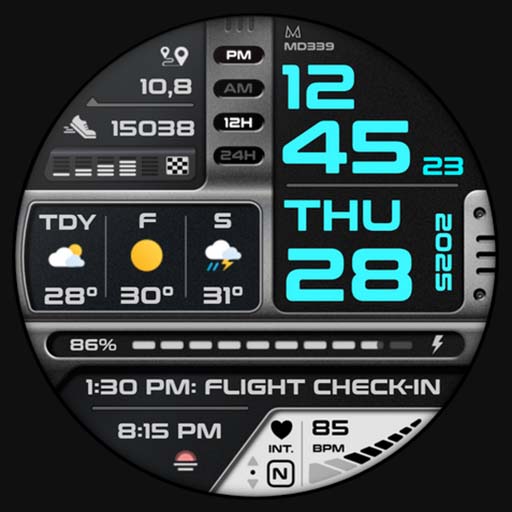
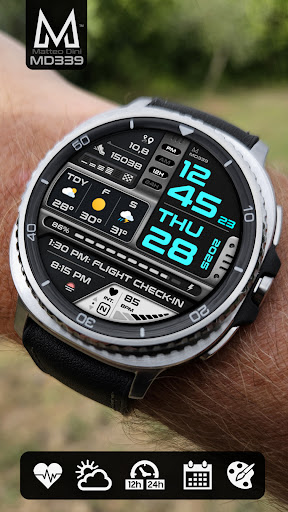
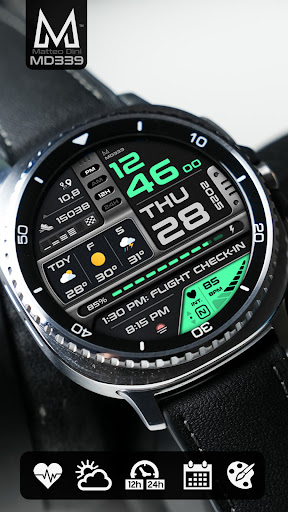

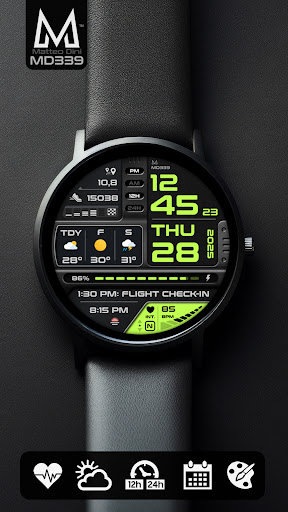
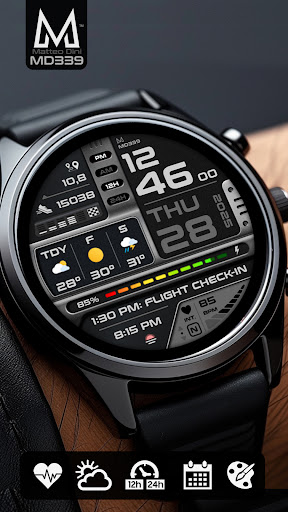
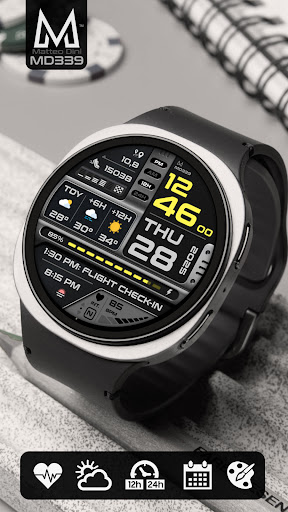
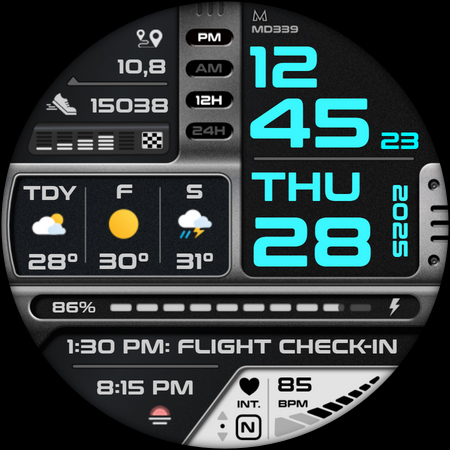
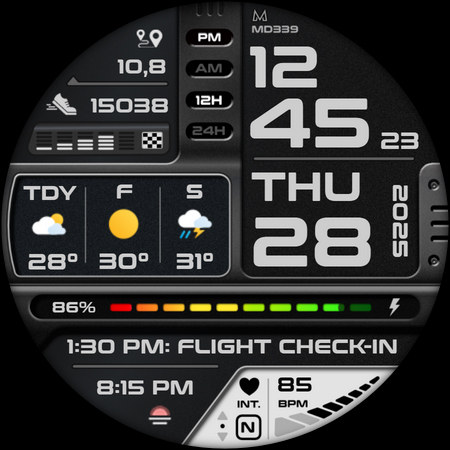
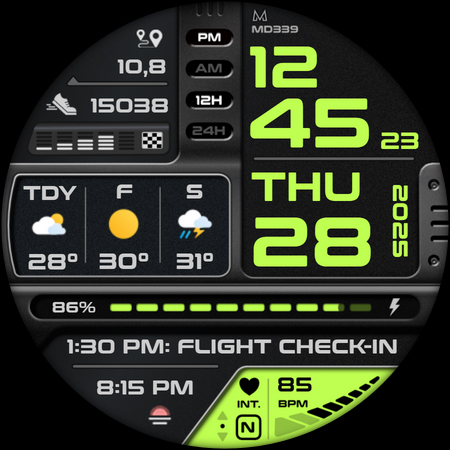
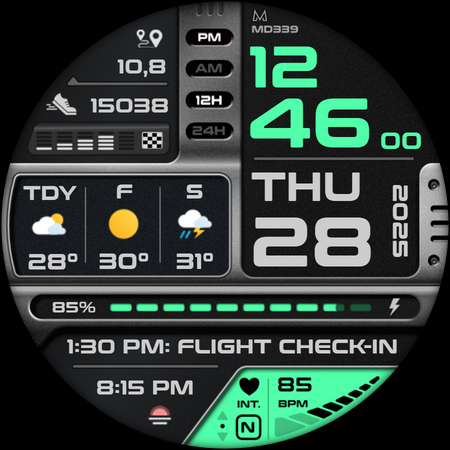
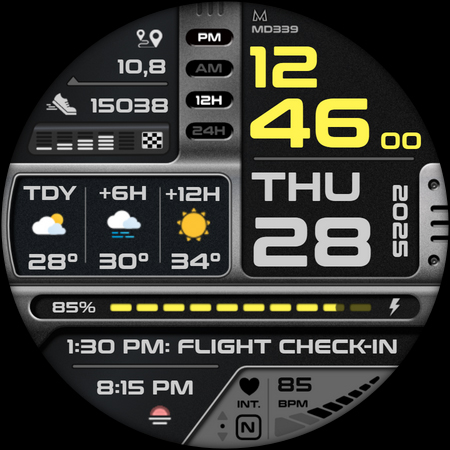
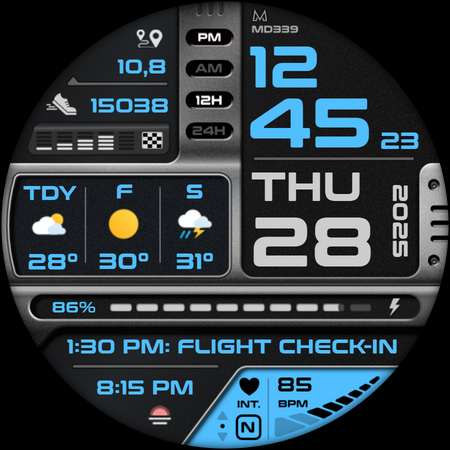

MD339 Digital watch face represents the cutting-edge in Wear OS customization, designed for users seeking both style and functionality. This advanced watch face supports all Wear OS devices with API Level 34+ including Samsung Galaxy Watch 4-8, Ultra, and Pixel Watch models.
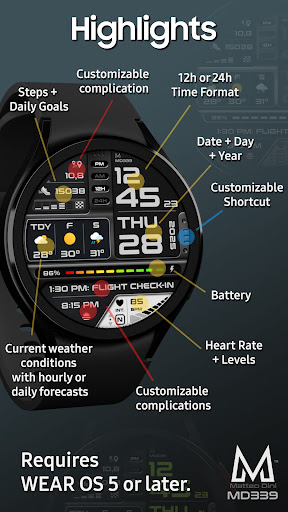
The watch face features a modern design with extensive customization options. Users can choose from 6 preset app shortcuts and 1 customizable shortcut, while also personalizing up to 3 complications that display preferred data such as barometer readings, distance walked, calories burned, and UV index. The interface syncs seamlessly with phone settings for 12/24hr format, weather forecasts, and temperature units.
Practical applications include health monitoring through heart rate intervals and step tracking with daily goals, making it ideal for fitness enthusiasts who want their essential metrics accessible at a glance on their smartwatch display.
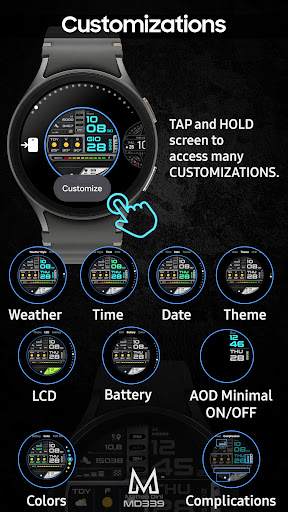
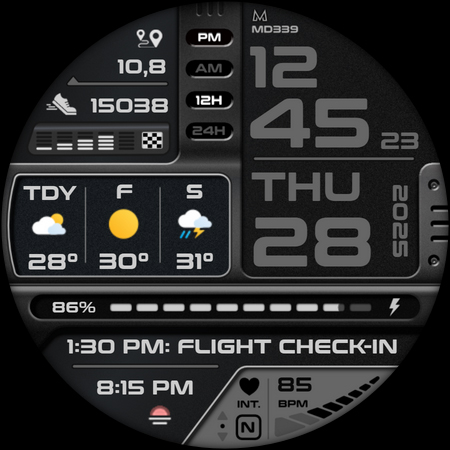
MD339 stands out with its comprehensive feature set tailored for power users. The watch face offers both minimal and full Always On Display modes, allowing users to optimize battery consumption while maintaining access to crucial information.
Customization is a core strength, enabling independent changes to time/date colors, complication fonts, battery indicator color, and heart rate LCD color. Users can switch between light and dark themes according to their preference. The weather functionality provides flexible forecasting options, though it relies on the device's built-in weather provider.
Advanced capabilities include detailed health metrics tracking and support for external complications. While some features require additional installations, this architecture allows for greater flexibility and future expansion possibilities, establishing MD339 as a versatile digital companion for various Wear OS devices.
Highly customizable
Modern design
Comprehensive health tracking
Flexible weather options
Wide device compatibility
Complex setup process
Limited weather control
Older device issues
External dependencies
Premium feel but not free

Wear Os Watch Face - Animated Snow - Sesonal for Christmas & Winter
 4.4
4.4
Stylish digital watch face for Wear OS devices with customizable features
4.1
Nutrition, Macro tracker: Food, fitness & healthy diet tracking for weight loss
4.60
Stay in touch with your friends and family using LINE!
3.40
Viewer for Wyze/Yi/Eufy/Arlo/ONVIF/RTSP/P2P IP cams w/ adv. features & DIY DVR
4.00
Premium hybrid watch face with many customizations for Wear OS devices.
4.40
A white realistic classic analog watch face with many customization options.
4.40
Simple, helpful messaging by Google
4.60
Back up your contacts & access them anywhere
4.30
The most customizable hybrid watch face. For Wear OS 5.0, API 34+ and later
4.70
Diet tracker for weight loss - track calories, food and macros. Simple and easy!
4.70
Highly customizable hybrid watch face for Wear OS, perfect for everyday use.
4.60
Current temperature, weather hourly, weather radar by the weather forecast app
4.40
Christmas watch face. For Wear OS devices.
4.30
Find EV charging stations
4.30
Calming & relaxing sounds for sleeping and stress relief. Stay focused all day!
4.20
sleep, alarm, snoring, stress, healing, focus, sound therapy, circadian rhythm
4.10
Your local weather forecast, storm tracker, radar maps & live weather news
3.40
Analog watch face with 8 complications and expedition styling
4.1


User Reveiws