
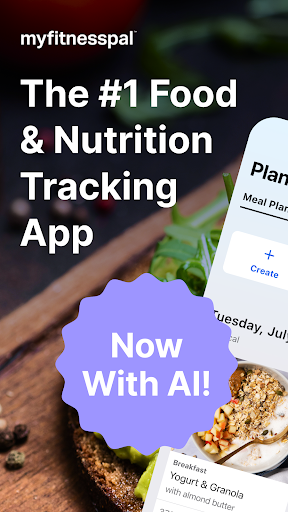
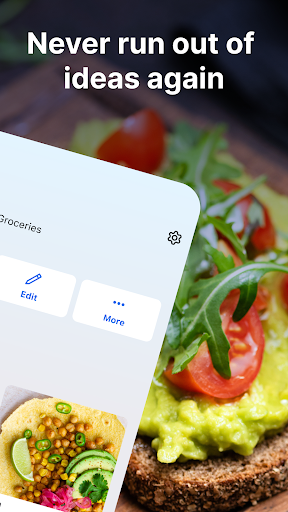
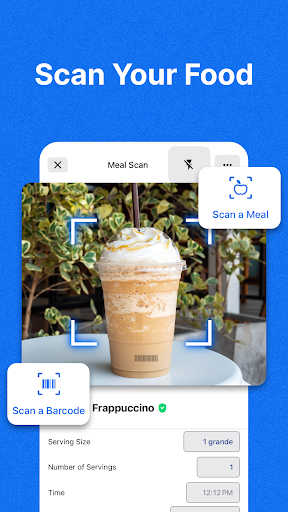
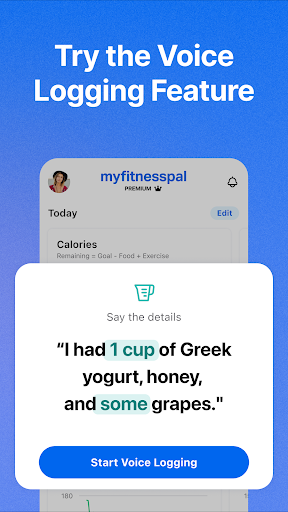

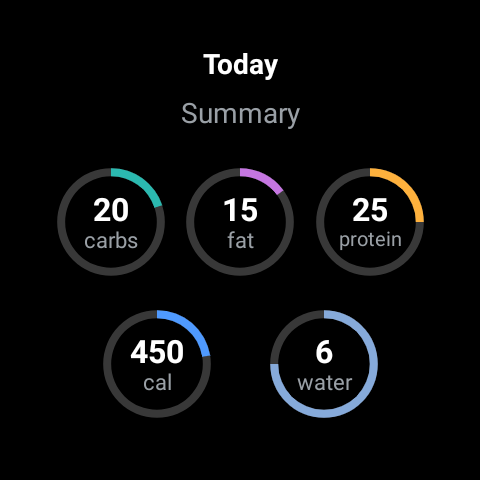
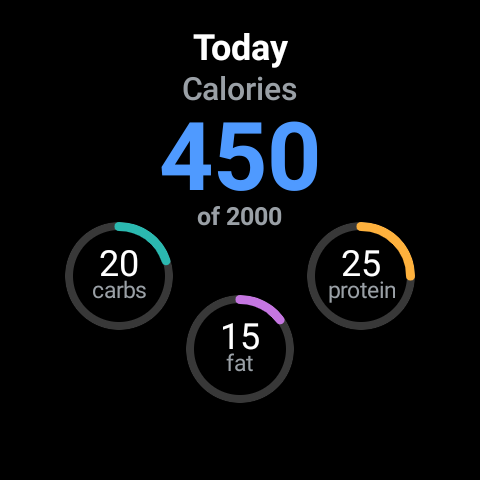
MyFitnessPal is a comprehensive health and fitness tracking app designed specifically for Android Wear users. This application serves as a complete solution for monitoring your nutritional intake, calorie consumption, macronutrients, and overall fitness progress. With its extensive food database of over 20 million items, including restaurant dishes, it simplifies the process of tracking meals throughout the day.
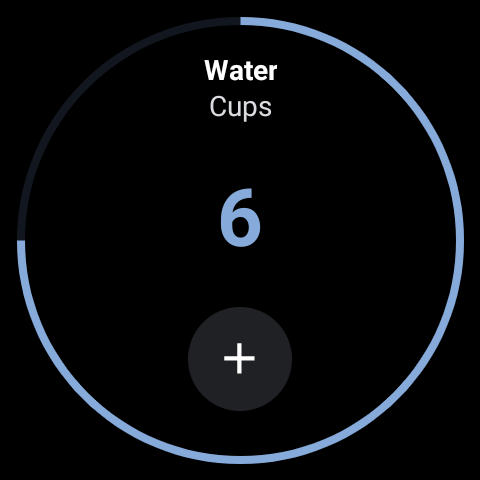
The app goes beyond basic calorie counting by offering advanced features such as macro tracking, hydration monitoring, and integrated fitness tracking. Users can log workouts, track their weight, and monitor detailed progress reports directly from their wearable device. The Wear OS integration provides quick access to essential tracking features through home screen complications and nutrient tracking tiles.
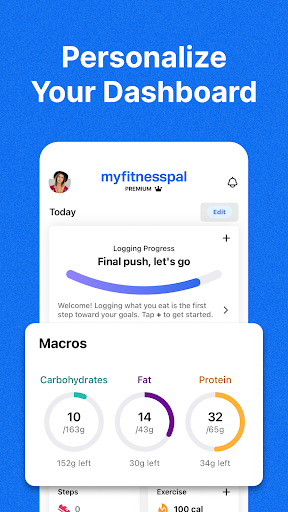
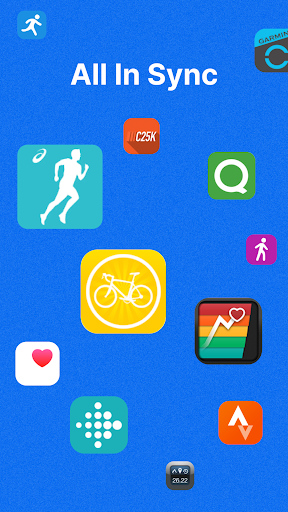
Whether you're looking to lose weight, maintain your current weight, or simply improve your overall health, MyFitnessPal offers personalized dashboards and goal-setting tools that cater to individual needs. Its ability to connect with over 40 different apps and devices makes it an indispensable companion for anyone serious about achieving their fitness objectives.
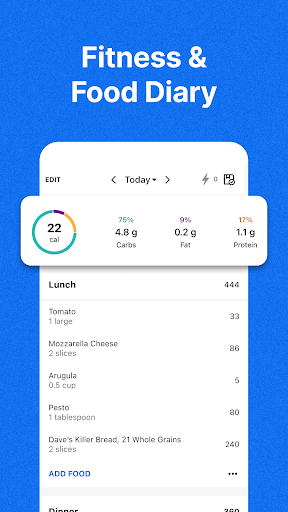
MyFitnessPal stands out in the Android Wear category due to its comprehensive feature set tailored for health-conscious individuals. One of its most notable features is the extensive food tracking system, which allows users to quickly log meals from a database of over 20 million foods. This includes detailed macro tracking for carbs, fats, and proteins, eliminating the need for separate apps.
The app's fitness tracking capabilities are equally impressive. Through integrated activity tracking, users can monitor their workouts, steps, and overall fitness progress directly from their wearable device. The Wear OS integration takes this further by providing quick-access complications and nutrient tracking tiles on the watch face, making it easier than ever to stay on top of your health goals.
Additional premium features include barcode scanning, meal planning tools, and personalized meal suggestions with integrated grocery delivery. These features, combined with the app's ability to connect with numerous third-party apps and devices, create a seamless ecosystem for managing all aspects of personal health and fitness right from your wrist.
Comprehensive food database
Integrated Wear OS support
Advanced macro tracking
Personalized meal planning
Extensive third-party integrations
Premium features locked behind paywall
Occasional syncing issues reported
Complex interface for beginners
Limited free version functionality
High data entry requirements

A customizable Christmas watch face for Wear OS with a countdown.
 4.20
4.20
an Analog Watch Face for winter season with freeze winter background for Wear OS
4.0
Contemporary digital watch face with five complications
4.3
Be an elegant and classy secret agent, with this carefully detailed watch face
4.70
Digital, flexibly customizable watch face. For Wear OS 5.0, API 34+ and later.
5.00
Retro digital watch face with customizable colors and a unique lighting effect
4.60
Hybrid Vibrant Health Watch Face for Wear OS
4.4
Track your active life in one place and share the journey with friends.
4.40
Start and succeed with PAP
4.10
Christmas - Festive - Christmas Village - Winter - Christmas lights
5.00
Hybrid watch face for Wear OS with customizable complications by Matteo Dini MD
4.70
Kia Access makes getting your vehicle information easier than ever
4.60
Gym & home workout plans with strength training, exercise tracking, HIIT & more.
4.60
A realistic hybrid watch face with many customization options.
4.60
Simple, helpful messaging by Google
4.60
Find EV charging stations
4.30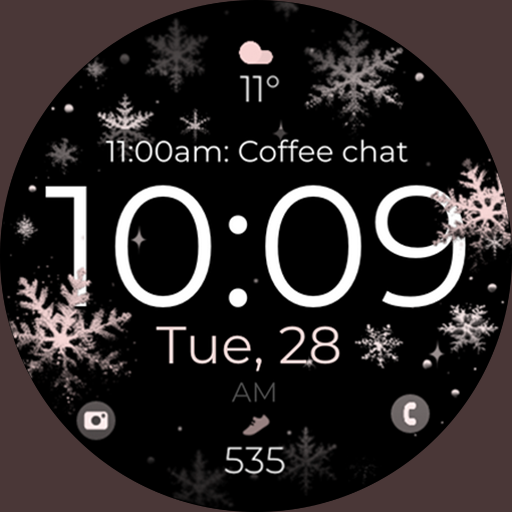
Snowflake Rose Gold Watch Face - Digital, modern, & sleek with GYRO effect.
4.10
Authentic military-tactical design with ZULU time! Realistic and functional!
3.80
Your local weather forecast, storm tracker, radar maps & live weather news
3.40


User Reveiws