
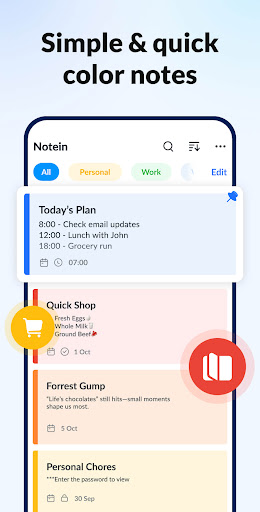

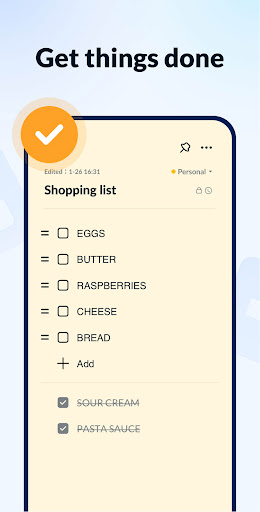

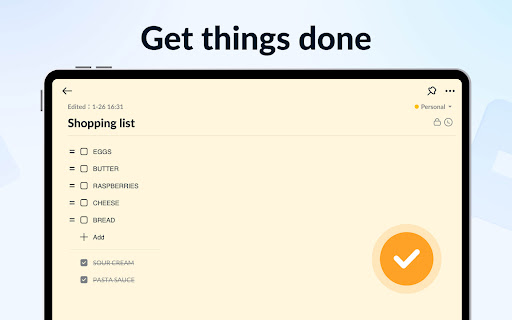
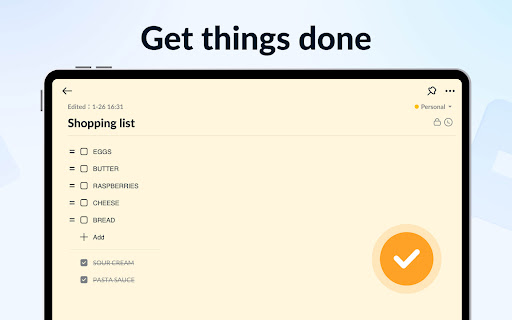
Notein - Notepad, Notes, Lists is a versatile productivity app designed to streamline note-taking and task management. This free notepad app offers multiple note-taking modes including text and checklist formats, automatic saving, and an intuitive interface that mimics traditional pen-and-paper writing. Users can create quick notes, meeting notes, memos, to-do lists, and shopping lists with ease.
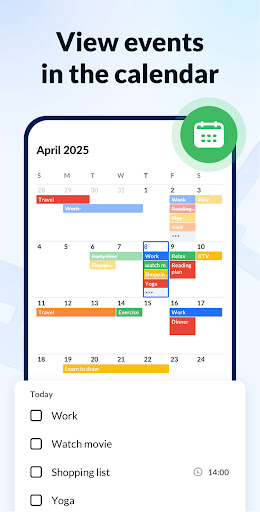
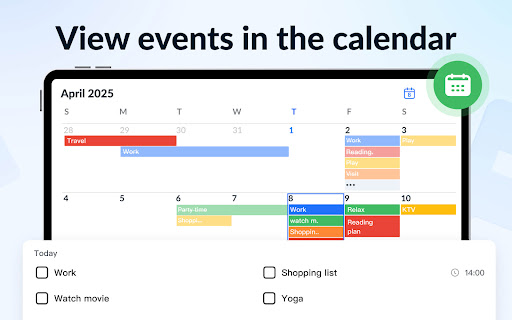
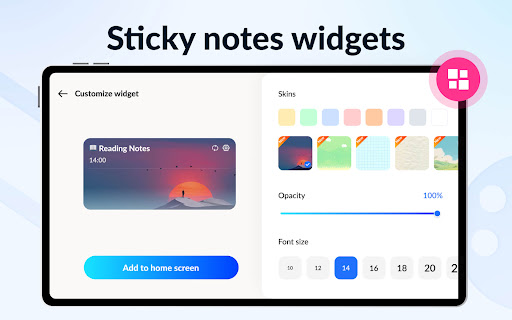
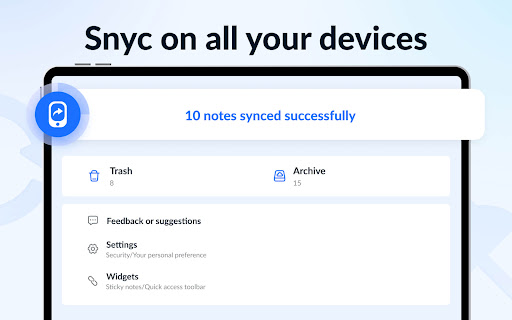
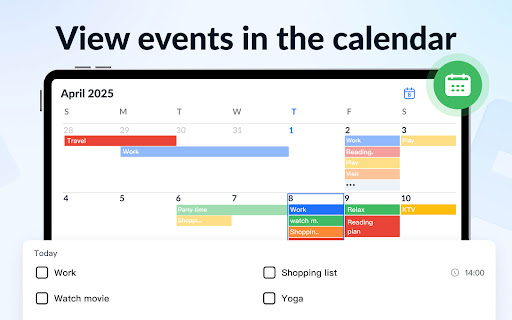
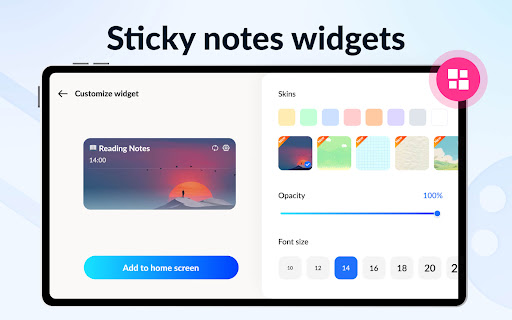
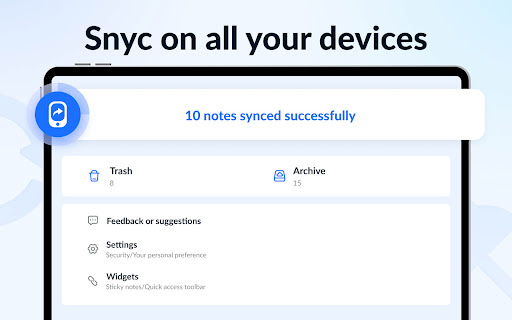
The app stands out with its sticky notes widget feature, allowing users to organize tasks directly on their device's home screen. It also includes calendar integration for scheduling notes and reminders, ensuring important tasks are never missed. With color-coded organization, password protection, and cloud backup capabilities, Notein provides a comprehensive solution for managing personal and professional information efficiently.
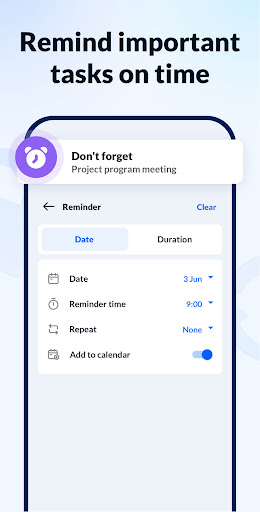
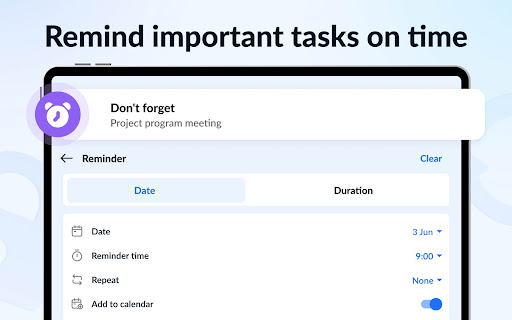
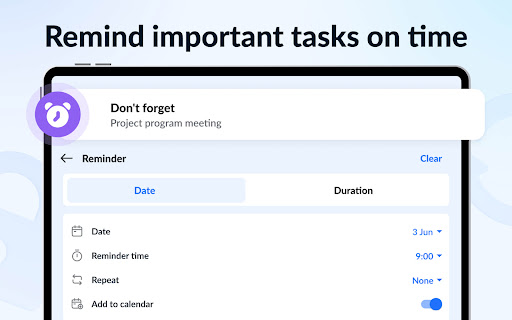
Notein offers an impressive array of features that enhance productivity and organization. The app's sticky notes widget functionality enables users to pin important notes directly to their Android device's home screen, providing instant access to critical information. Its calendar integration allows users to schedule notes and set reminders, helping them stay on top of deadlines and appointments.
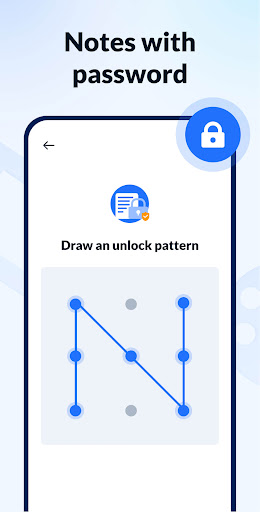
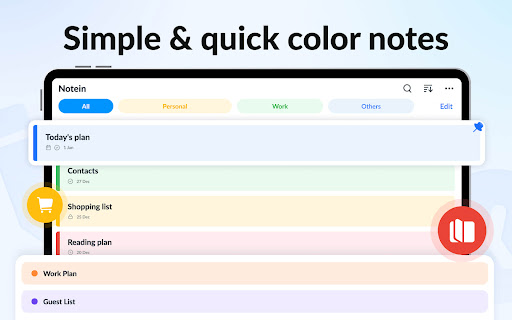
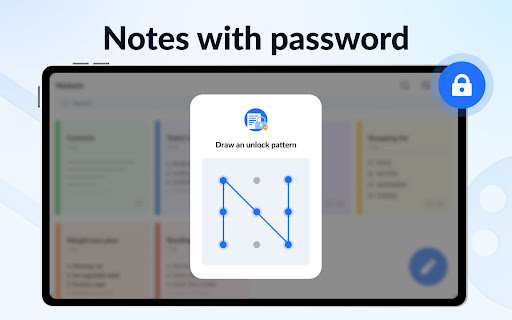
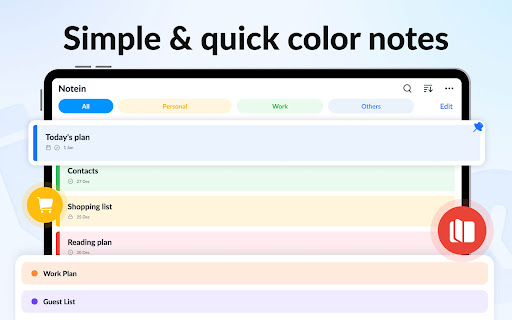
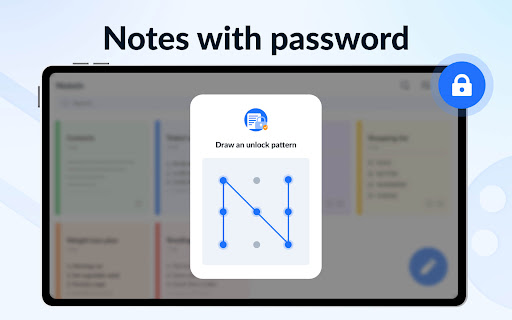
Security and customization are prioritized through various features. Users can protect sensitive notes with passwords and organize their content using color-coded categories. The app supports multiple viewing modes including list, grid, and detailed displays, while offering sorting options by time and color. Additional capabilities include GTD (Getting Things Done) methodology support, notification bar reminders, and the ability to share notes across various platforms like Twitter, SMS, and email.
User-friendly interface
Automatic note saving
Colorful organization options
Secure password protection
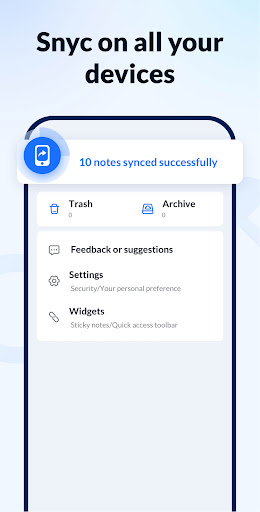
Cloud backup functionality
Limited cross-platform support
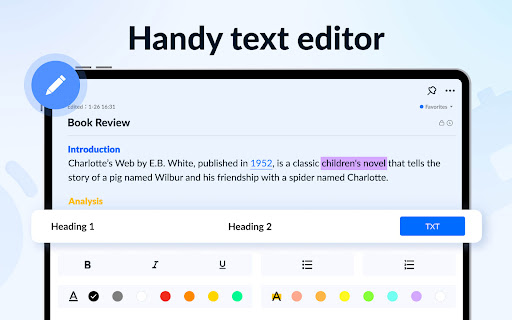
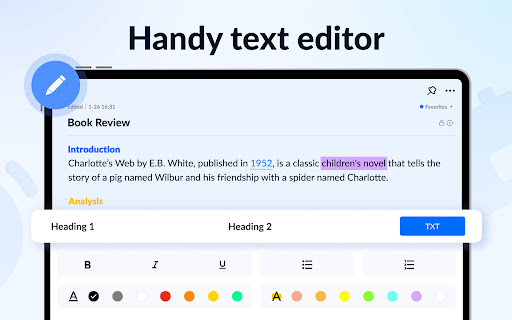
No advanced formatting tools
Occasional sync issues
Basic collaboration features
Widget customization limitations

A customizable calendar for your Wear OS watch
 4.20
4.20
Smart PDF reader & editor to view, organize and manage PDF documents easily.
3.70
The upgraded version of Name Wheel with AI and the power to add your own wheels.
4.2
A lightweight JSON & XML files creator, editor and viewer (Premium Version)
4.40
Protect and view your important info on your phone and tablet with eWallet®
4.80
Stay on top of your to-dos with Google Tasks, part of Google Workspace.
4.60
Simple and reliable communication between inmates, friends and family
3.20
Functional QR scanner and barcode reader that requires little storage space.
4.60
Secure, open-source, SPICE and SSH Remote Desktop for QEMU KVM virtual machines
4.00
Mind Map and brainstorm, note taking and idea collection
4.80
App lock - lock apps with fingerprint, password, pin or pattern, protect privacy
4.70
Tally and goal counter for Wear OS & mobile
4.50
When you Focus, so will your Bean in this cozy focus timer
4.30
Enjoy classic gameplay with customizable features and retro-style graphics.
4.30
All in One PDF Reader: Manage, Read and Edit your Documents
4.20
Cloud storage, automatic phone backup, and more.
4.10
Make your handwriting beautiful, even more than pen on paper.
3.60
Auto-shutoff Alarm with Sunrise, Sunset & Fixed Options.
3.50
A simple, portable logger for POTA, SOTA, Field Day, and more
4.4


User Reveiws