
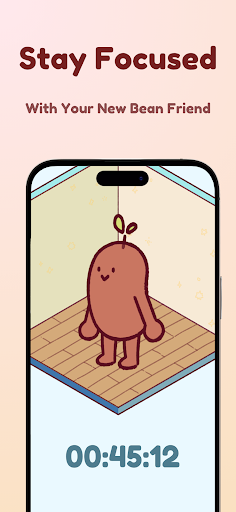
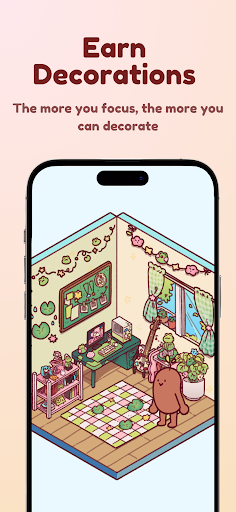
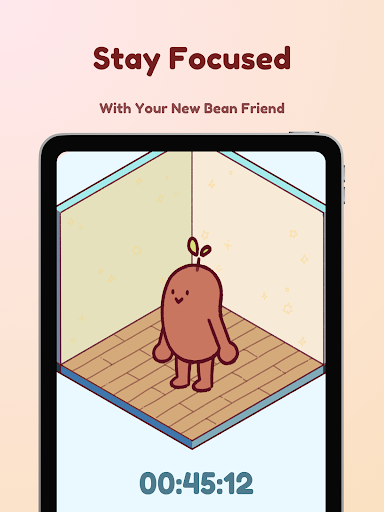
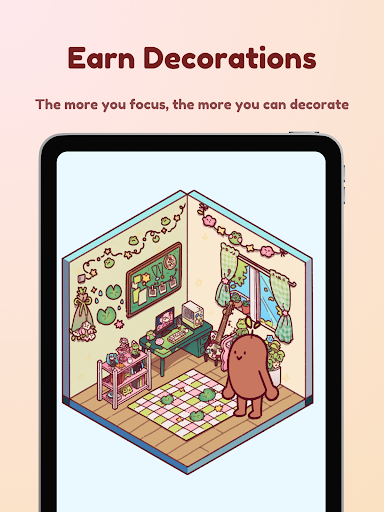
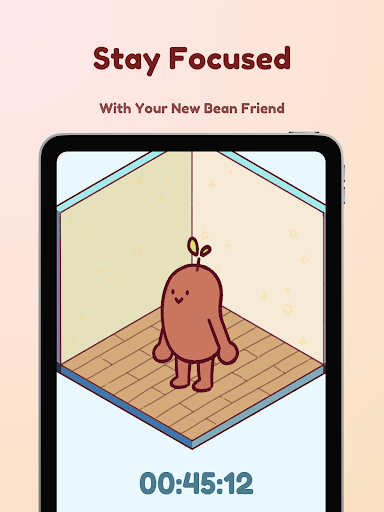
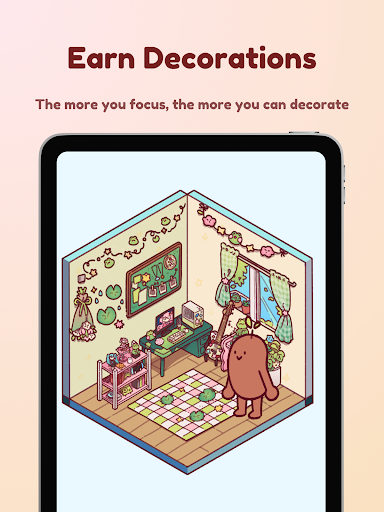
Focus Friend is a productivity app designed to help users maintain focus during work or study sessions through gamification. Developed by Hank Green, this app features a unique timer system where users are motivated to complete tasks alongside a virtual Bean Friend. If the user stays focused, the Bean remains happy and rewards them with prizes for decorating its room. The app includes features like Live Activity, which allows users to track their progress even when the phone is locked, and Deep Focus Mode that blocks distracting apps during sessions.
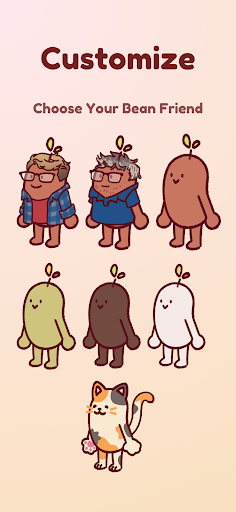
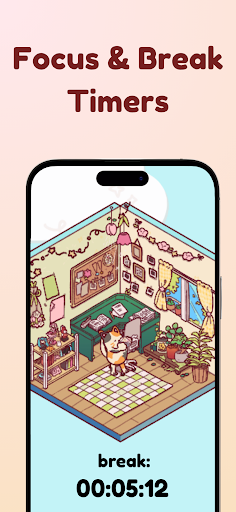
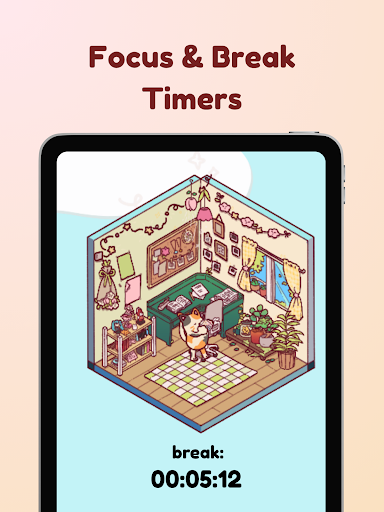
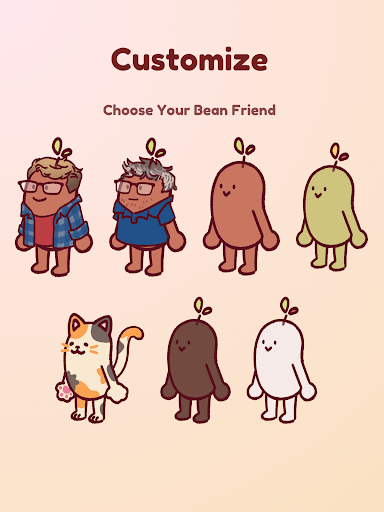
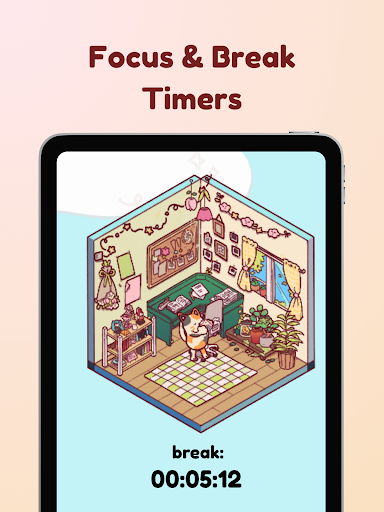
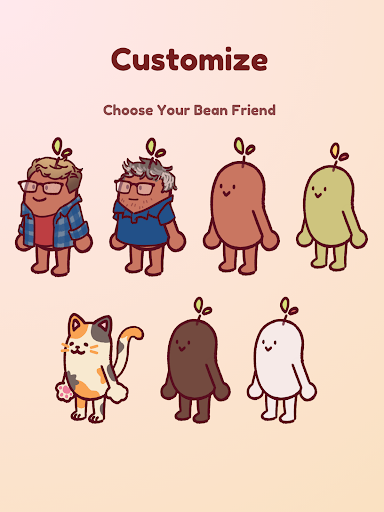
The app also incorporates the Pomodoro technique, encouraging users to take regular breaks while still engaging with the Bean's environment by decorating its space. With hundreds of customization options including various themes and Bean skins such as Coffee Bean or Edamame Bean, Focus Friend creates an enjoyable experience for anyone struggling with concentration. Whether you're a student tackling assignments or someone managing daily chores, this app provides both structure and entertainment to keep you on task.
Focus Friend offers several distinctive features that set it apart in the productivity category. One key aspect is its gamified approach using a virtual companion—the Bean Friend—which reacts based on user behavior during focus sessions. This interactive element not only makes focusing more engaging but also emotionally rewarding as users earn prizes upon successful completion of tasks. Additionally, the inclusion of Live Activity ensures users can monitor their session progress without needing to unlock their device constantly.
Another standout feature is Deep Focus Mode, which helps minimize distractions by locking access to other apps during designated focus times. For those who benefit from structured breaks, the app supports break timers aligned with the Pomodoro method, allowing users to decorate the Bean’s room during these intervals. Furthermore, there are numerous customization options available, including different Bean skins and room decorations, providing personalization opportunities that enhance user engagement over time.
User-friendly interface
Engaging gamification elements
Effective distraction management
Variety of customization options
Supports Pomodoro technique
Limited advanced settings
Premium features may require payment
Occasional app stability issues
Notifications can be intrusive
Learning curve for new users

Secure, fast, open-source, VNC and SSH Remote Desktop for Windows, Linux and Mac
 4.70
4.70
Create study competitions, track your hours, and stay consistent with friends
4.3
Absolutely the best CNC machinist speed and feed calculator around. fswizard.com
4.60
App lock - lock apps with fingerprint, password, pin or pattern, protect privacy
4.70
Font maker keyboard with your own handwriting
4.10
ID.me Authenticator is a simple and free Two Factor Authentication solution
3.50
The AI assistant that thinks with you - write, code, and solve complex tasks
4.60
All document reader, all in one file viewer read PDF, DOCX, XLS, PPT, TXT files.
4.60
Simple notepad & memo. Take notes, to-do list, shopping list with reminders.
4.80
Native client for Forgejo and Gitea
5.00
Multilingual translator for text, voice, and image translation!
4.90
Best Tool for the professionals Electrician, Electrical contractors, etc.
4.90
Scientific calculator for Android - looks and operates like the real thing!
4.90
Understand anything with a personalized AI research assistant
4.80
Functional QR scanner and barcode reader that requires little storage space.
4.60
CalenGoo is a very flexible and feature-rich calendar app
4.40
A customizable calendar for your Wear OS watch
4.20
Take control of your clipboard with Clipper!
3.90
Ultimate Virtual AI Character for immersive Roleplay Chat. Perfect Companion
3.90


User Reveiws