SimpleMind Pro

4.80

Information

Category:

Productivity

Price:

$ 11.99

Rank:

49

Rating:

4.80

Overview

SimpleMind Pro is a premier mind mapping application designed to help users organize thoughts, retain information, and spark new ideas. The app stands out with its intuitive interface that allows for effortless creation of mind maps on the go. Whether you're in a business meeting, classroom, or brainstorming session, SimpleMind Pro adapts seamlessly to your environment.

The application supports cross-platform synchronization through cloud services, ensuring your mind maps are accessible wherever you are. With features like free-form layout options, media integration, and styling tools, it caters to a wide audience from professionals to educators. Its reliability is backed by over a decade of consistent updates, making it an essential tool for enhancing productivity and creativity.

Features

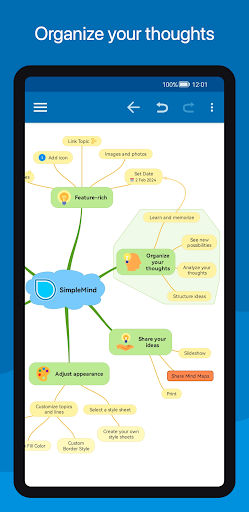
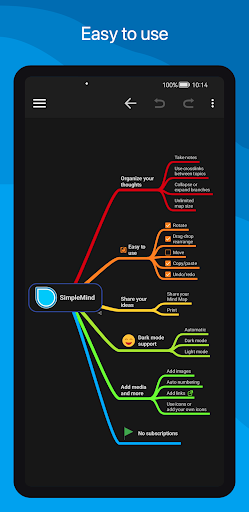
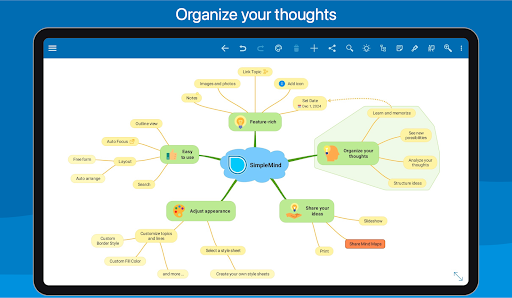
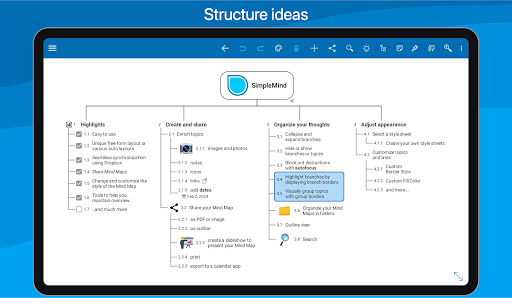
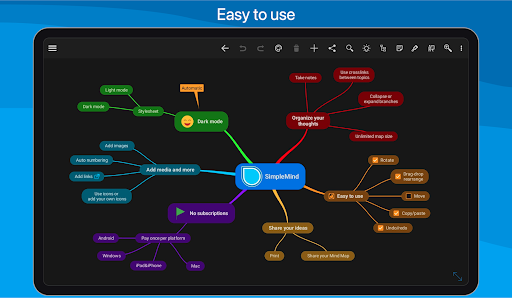
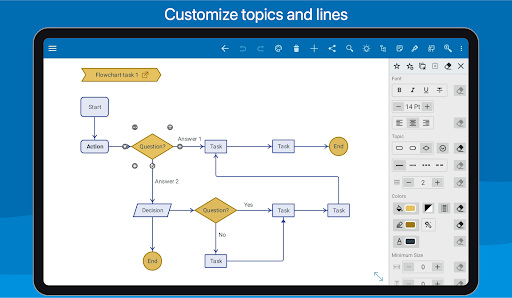
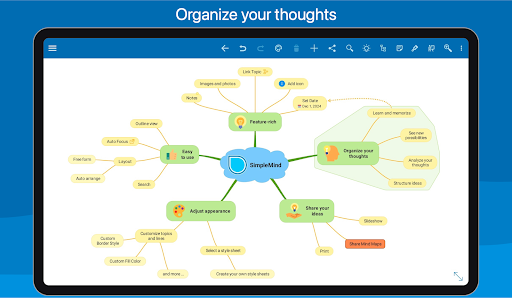
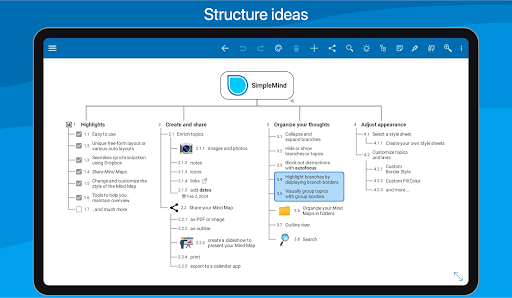
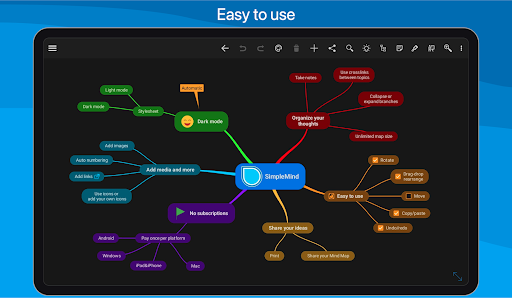
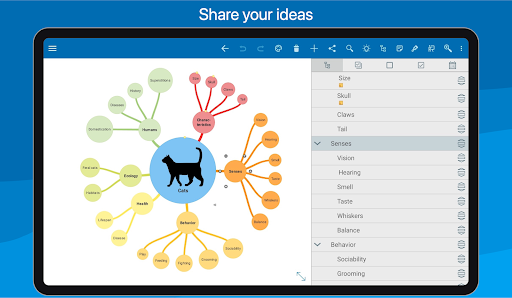
SimpleMind Pro boasts an array of robust features tailored to optimize the mind mapping experience. One of its key strengths is the flexible layout options, allowing users to place topics freely or utilize auto-layout for structured brainstorming sessions. The drag-and-rearrange functionality, coupled with tools like checkboxes and progress bars, ensures dynamic reorganization of thoughts.

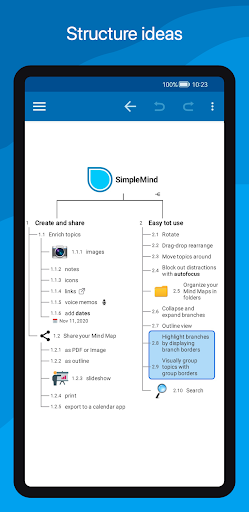
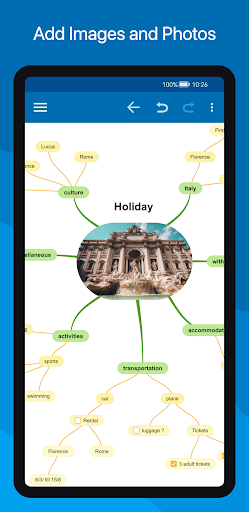
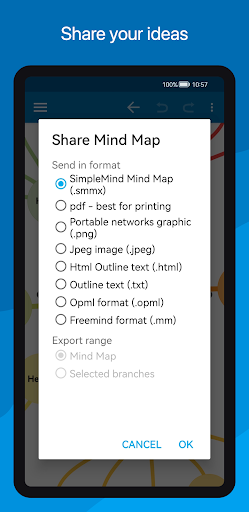
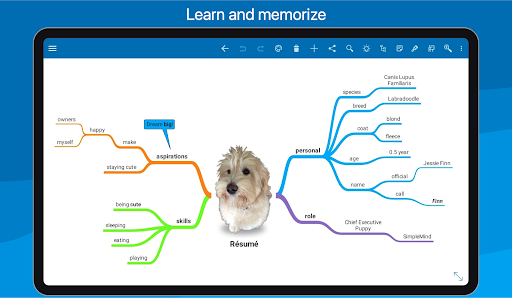
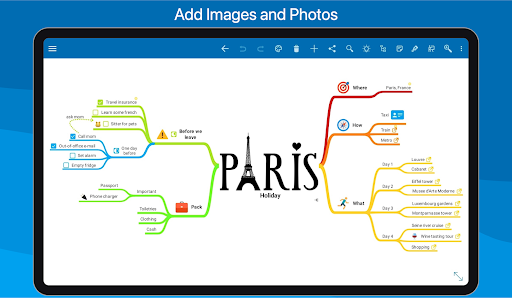
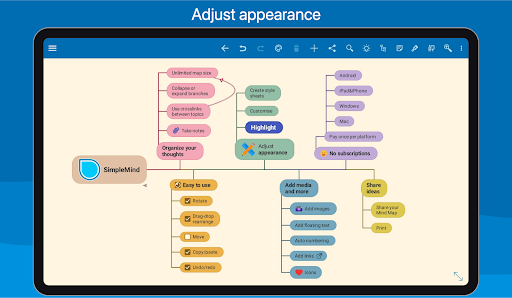
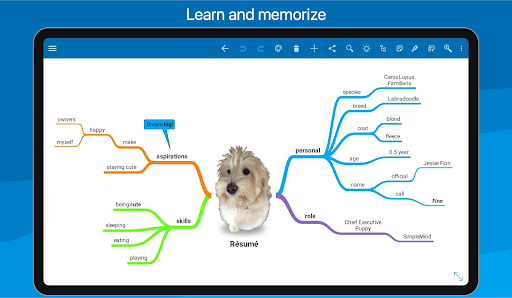
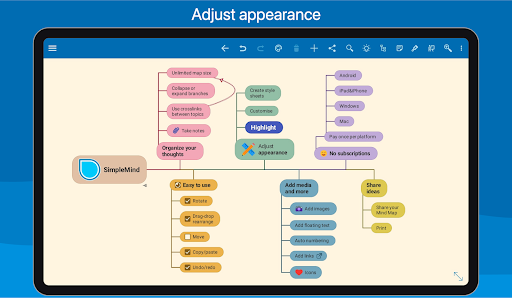
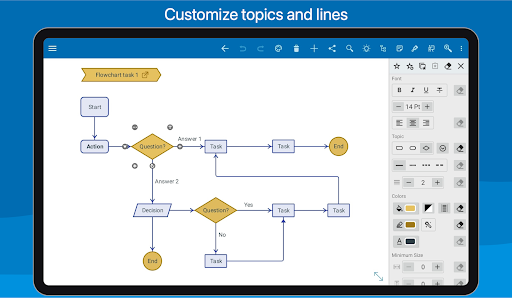
Media integration is another highlight, enabling users to enrich their mind maps with images, notes, icons, and even voice memos. Sharing capabilities extend the utility of your maps, allowing export to PDF, image formats, or outlines. Additionally, style customization options provide 15+ style sheets and precise control over every visual detail, empowering users to craft mind maps that suit their exact preferences.

Core task management

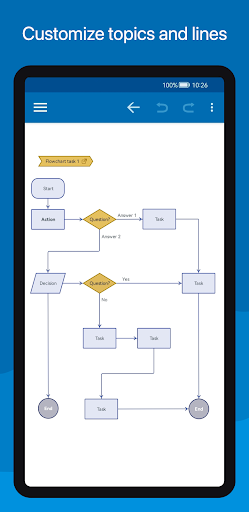
Task management in productivity applications refers to the ability to create, organize, prioritize, and track tasks efficiently. In SimpleMind Pro, this concept is uniquely adapted to mind mapping which allows users to visually structure their thoughts and ideas as tasks. This feature is crucial for individuals who need to manage complex projects or brainstorm new concepts effectively. The app provides an intuitive interface where users can place topics anywhere they want using the free-form layout or utilize auto-layout options that are excellent for brainstorming sessions. Users can reorganize and restructure their mind maps by dragging, rotating, rearranging, or reconnecting topics. Additionally, features like checkboxes, progress bars, and auto-numbering help maintain clarity on task statuses. Crosslinks between any two topics allow users to establish relationships and dependencies among different tasks. The virtually unlimited page size and support for multiple mind maps on one page ensure scalability for large projects. By integrating these comprehensive tools, SimpleMind Pro enables users to break down complex tasks into manageable components, enhancing both individual productivity and collaborative efforts. The ability to add media such as images, notes, icons, links, voice memos, and videos enriches each task with relevant information, making it easier to understand context and requirements. Overall, this robust approach to task management not only helps in organizing thoughts but also boosts creativity and innovation by providing a clear visual representation of tasks and their interconnections.

Cross-device synchronization reliability

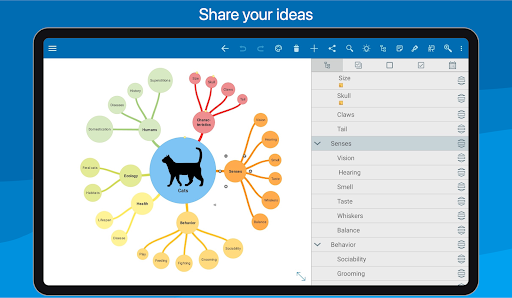
Cross-device synchronization is a pivotal feature in modern productivity applications, ensuring that data remains consistent and up-to-date across all user devices. For SimpleMind Pro, this means users can seamlessly synchronize their mind maps across various platforms, including Android, Windows, and Mac. This functionality is essential for professionals and students who rely on multiple devices throughout their day and require reliable access to their mind maps at any time. SimpleMind Pro achieves this through seamless synchronization using cloud services like Dropbox. Users can sync mind maps with their Android devices effortlessly, maintaining continuity in their workflow regardless of the device they are using. Furthermore, the ability to sync across different platformsu2014for example, with Windows or Macu2014ensures that users have a uniform experience and access to their data wherever they go. This cross-platform compatibility enhances collaboration possibilities, allowing teams to work together on mind maps without worrying about device limitations. The reliability of this synchronization process is backed by over ten years of updates and improvements, establishing trustworthiness and dependability. Users can be confident that their data will remain secure and intact during transfers. Additionally, sharing capabilities extend beyond mere synchronization; users can export their mind maps as PDFs, images, outlines, slideshows (on tablets), or even print them directly. These versatile sharing options further enhance the utility of cross-device synchronization by enabling easy distribution and presentation of ideas. In summary, SimpleMind Pro's robust cross-device synchronization ensures that users can reliably access, update, and share their mind maps across various platforms, significantly boosting productivity and facilitating efficient collaboration.

Props

User-friendly interface

Cross-platform sync

Versatile layout options

Extensive styling tools

Reliable long-term support

Cons

Premium price point

Feature overload for beginners

Limited free version

Occasional sync issues

Steep learning curve

Features and Functions

What is this app and what can I use it for?

A mind mapping tool for organizing thoughts and generating ideas

How do I download and install this app on my device?

Visit Google Play Store, search SimpleMind Pro, and tap install

How do I get started after opening the app for the first time?

Start by creating a new mind map and exploring layout options

What are the main features and capabilities of this app?

Flexible layouts, media integration, styling, and sharing features

How can I customize my experience and adjust preferences?

Adjust styles, layouts, and preferences in settings menu

How do I save or bookmark my favorite content for later access?

Use the bookmark feature to save favorite mind maps

How can I share content with friends or on social media?

Export as PDF or image and share via social platforms

How do I access detailed information and explore more content?

Access detailed info through style sheets and outline view

What permissions does this app need and how do I manage them?

Needs storage and media permissions managed in settings

How do I check for updates and keep the app running smoothly?

Enable auto-updates in Google Play Store for latest version
Show more

User Reveiws

{{ comment.reviewer_name }}
{{ comment.review_date_formatted}}
{{ comment.review_content }}
{{ tab.name }}
{{ comment.reviewer_name }}
{{ comment.review_date_formatted}}
{{ comment.review_content }}
No reviews with this rating