Calendar Pro for Wear OS

4.20

Information

Category:

Productivity

Price:

$ 2.99

Rank:

32

Rating:

4.20

Overview

Calendar Pro for Wear OS is a comprehensive calendar solution designed specifically for wearable devices. This productivity app allows users to seamlessly sync all their calendars from phone to watch, providing complete on-the-go access. With support for Google Calendar, Outlook, Samsung Calendar, and other popular calendar services, it creates a unified scheduling experience across devices.

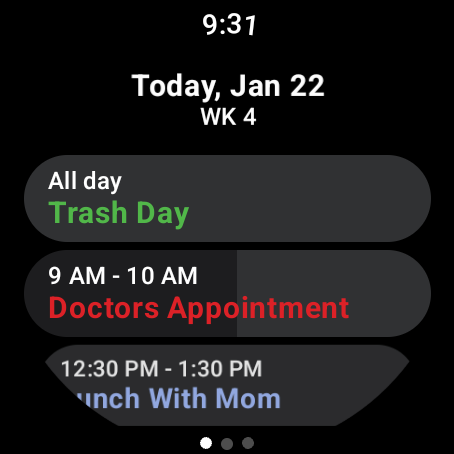
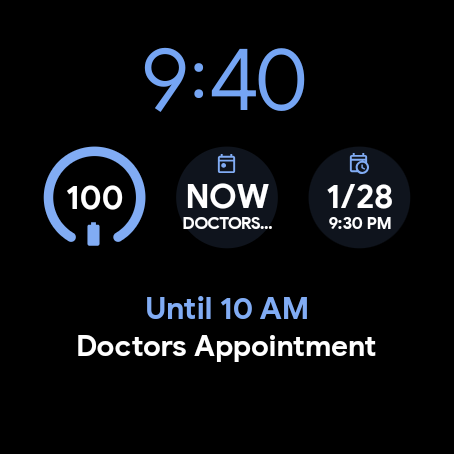
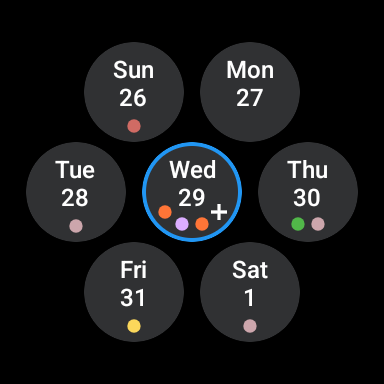
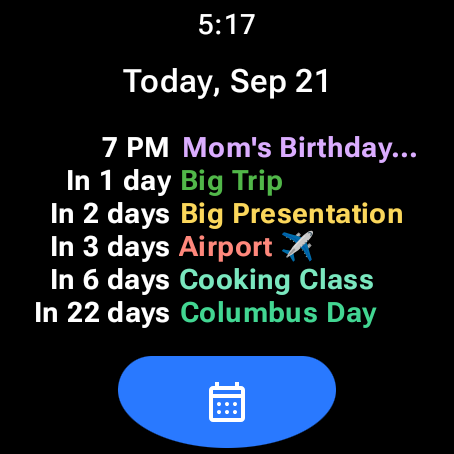
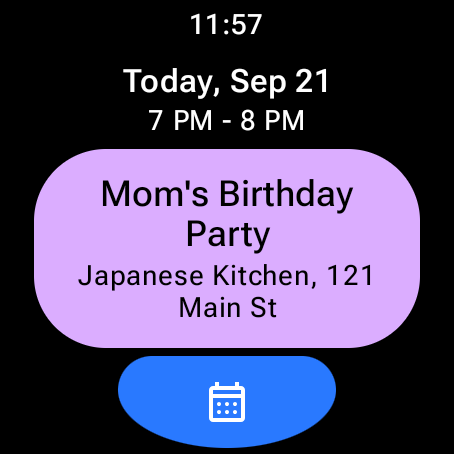
The app's core functionality lies in its robust event management system that lets users add, edit, and delete events directly from their Wear OS device. Its customizable interface includes multiple viewing options such as month calendar with event indicators, agenda view, and various watch tiles that keep users informed about their upcoming commitments. The inclusion of next event complications and multiple tile options makes it particularly useful for professionals who need constant schedule awareness throughout their busy days.

Features

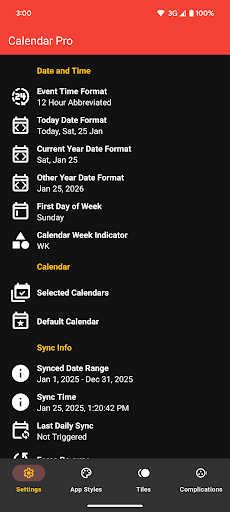
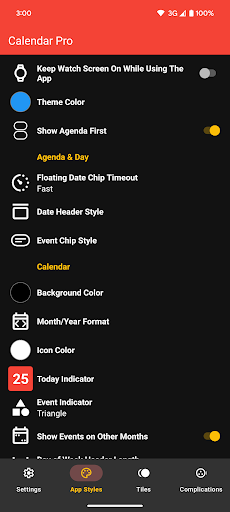
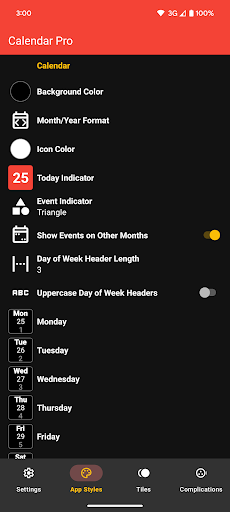
Calendar Pro distinguishes itself through extensive customization options and feature-rich implementation. The app offers unprecedented control over visual elements, allowing users to personalize everything from background colors to event indicator shapes. Its month calendar provides detailed customization capabilities including date formatting, color schemes, and scaling options that cater to individual preferences.

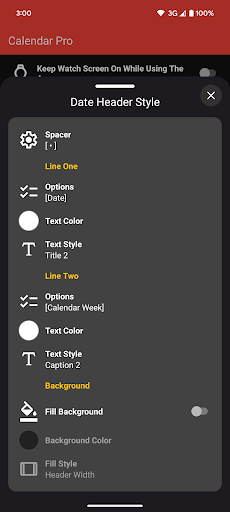
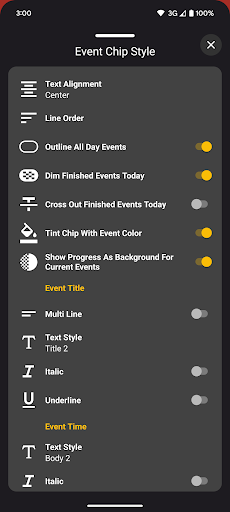
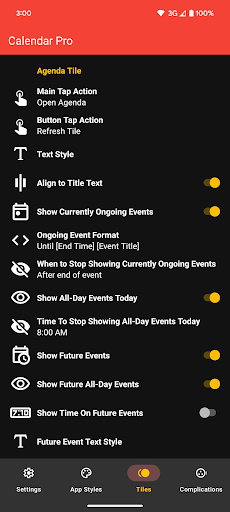
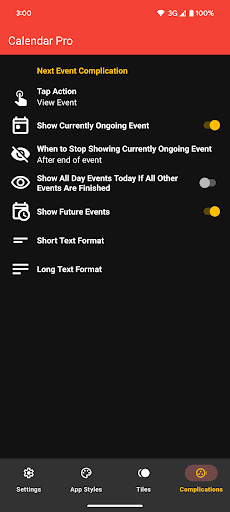
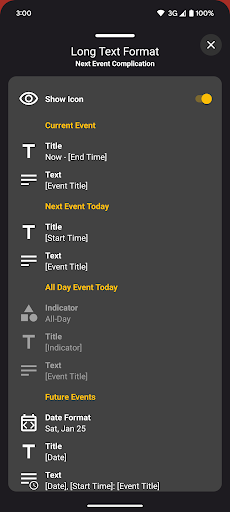
The agenda view features multiple date header styles, text formatting options for event chips, and visual indicators for ongoing and completed tasks. Advanced functionality includes dimming finished events, showing progress for current activities, and outlining all-day events. The app's next event complication stands out with its flexible configuration options, letting users choose what information to display and which calendars to monitor. These features collectively create a powerful productivity tool that adapts to various workflow requirements while maintaining optimal performance on Wear OS devices.

Core task management

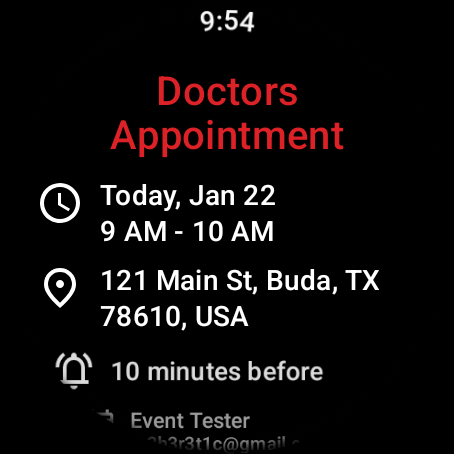
Task management in Calendar Pro for Wear OS represents a comprehensive approach to organizing and overseeing various tasks and events directly from your wearable device The app allows users not only to view their schedules but also actively manage them by adding editing and deleting events This level of interaction ensures that users can maintain an up-to-date calendar reflecting their current commitments and plans The ability to perform these actions on the go enhances productivity as it eliminates the need to access a phone or computer for schedule adjustments Furthermore the app syncs all calendars from the user's phone to the Wear OS watch providing seamless integration across devices Users can customize their calendar views with event indicators and choose from multiple theme colors to suit their preferences The availability of different calendar views such as month agenda week and next event tiles offers flexibility in how users visualize their tasks Each view is designed to provide clear and concise information enabling users to quickly grasp their upcoming commitments The synchronization extends to cover the next twelve months of events ensuring long-term planning capabilities In addition to viewing details about events users can take advantage of customizable features like background colors month-year format today indicator styling per day of week styling and more These options allow for personalization which can improve usability and make the interface more intuitive By supporting various calendar services including Google Calendar Outlook Calendar Samsung Calendar DAVx5 and ICSx5 Calendar Pro ensures compatibility with a wide range of scheduling systems This inclusivity means that regardless of the calendar service a user prefers they can integrate it into their wearable experience Overall Calendar Pro transforms the Wear OS device into a powerful tool for managing daily tasks and long-term plans Its robust feature set makes it an indispensable companion for those seeking to optimize their time management strategies

Cross-device synchronization reliability

Cross-device synchronization reliability is a cornerstone feature of Calendar Pro for Wear OS ensuring that users have consistent and accurate access to their calendar data across all their devices This functionality is critical for maintaining productivity and staying organized in todays fast-paced world The app achieves this by syncing all the calendars from the users phone to their Wear OS watch creating a unified ecosystem where changes made on one device are immediately reflected on the other For instance when a user adds edits or deletes an event on their watch these modifications are automatically updated on their phone calendar and vice versa This real-time synchronization guarantees that users always have the most current version of their schedule at their fingertips regardless of the device they are using One of the key benefits of this reliable synchronization is the convenience it offers Users no longer need to manually update their calendars on multiple devices saving time and reducing the risk of errors or missed appointments Additionally the app supports a wide array of calendar services such as Google Calendar Outlook Calendar Samsung Calendar DAVx5 and ICSx5 This extensive compatibility ensures that no matter which calendar platform a user relies on they can seamlessly integrate it with Calendar Pro The synchronization process covers not just upcoming events but extends up to twelve months into the future This long-range coverage allows for effective long-term planning without worrying about data discrepancies between devices Another aspect that enhances the reliability of cross-device synchronization is the apps requirement for both the watch app and phone app to be installed This dual installation approach ensures that the connection between devices remains strong and stable Furthermore the app provides customizable features like event indicators and multiple theme colors which are consistently applied across devices This uniformity improves user experience by creating a cohesive look and feel regardless of whether they are checking their schedule on their phone or watch Moreover the inclusion of various calendar views such as month agenda week and next event tiles along with complications and tiles for quick access further enriches the synchronized experience Users can personalize these views to display information in a way that best suits their needs knowing that these customizations will be mirrored across their devices In summary Calendar Pro for Wear OS delivers exceptional cross-device synchronization reliability transforming the way users manage their schedules By providing a seamless and consistent calendar experience across phones and Wear OS watches the app empowers users to stay organized and productive in any situation

Props

Comprehensive calendar sync

Extensive customization options

Multiple viewing modes

Offline functionality

No subscription fees

Cons

Requires phone app installation

Complex setup process

Limited Samsung support

Watch battery intensive

Premium price point

Features and Functions

What is this app and what can I use it for?

A customizable calendar app for Wear OS syncing phone calendars to smartwatch

How do I download and install this app on my device?

Search Calendar Pro in Play Store, tap Install, and follow prompts

How do I get started after opening the app for the first time?

Grant permissions, select calendars, and customize views

What are the main features and capabilities of this app?

Syncs calendars, manages events, offers multiple views and tiles

How can I customize my experience and adjust preferences?

Adjust calendar views, themes, and notification settings

How do I save or bookmark my favorite content for later access?

Use Favorites feature to save important events for later

How can I share content with friends or on social media?

Share events via watch's messaging or social apps

How do I access detailed information and explore more content?

Tap event details for more information and related content

What permissions does this app need and how do I manage them?

Needs calendar access, manage in watch settings

How do I check for updates and keep the app running smoothly?

Enable auto-updates in Play Store or manually check for versions
Show more

User Reveiws

{{ comment.reviewer_name }}
{{ comment.review_date_formatted}}
{{ comment.review_content }}
{{ tab.name }}
{{ comment.reviewer_name }}
{{ comment.review_date_formatted}}
{{ comment.review_content }}
No reviews with this rating














