

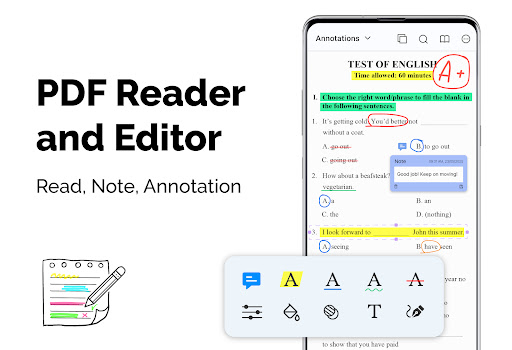

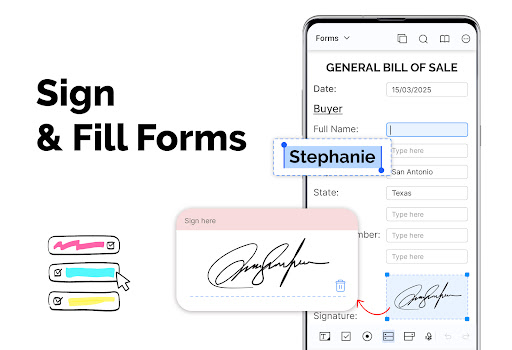
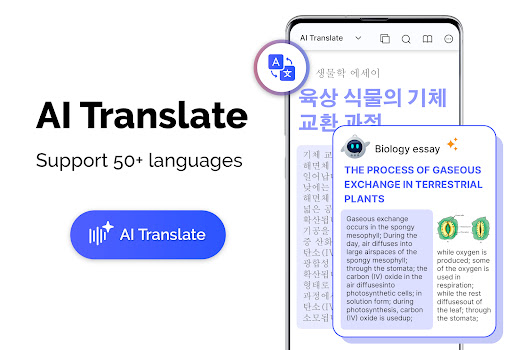
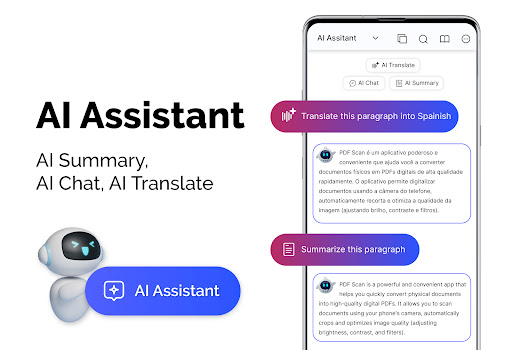
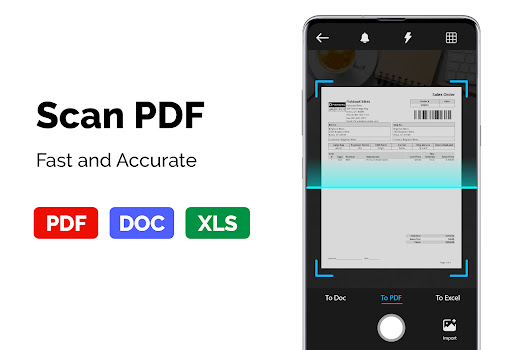
PDF Reader - PDF Viewer is a versatile productivity app designed for seamless document management. This application allows users to read, manage, and convert PDF files with exceptional speed and efficiency. Its core functionality lies in its ability to handle large PDF documents, even those exceeding 300MB, without compromising performance.
The app's standout features include multiple display modes, customizable themes, and advanced bookmarking capabilities. Whether you need to view documents in single-page or book mode, switch between vertical and horizontal orientations, or create bookmarks for easy navigation, this app caters to diverse reading preferences. Additionally, it supports password-protected PDFs, making it suitable for both personal and professional use.
A practical use case would be a business professional who needs to review large financial reports while traveling. With its quick loading technology and intuitive interface, the app ensures that users can access crucial documents anytime, anywhere, significantly enhancing mobile productivity.
PDF Reader - PDF Viewer distinguishes itself through its comprehensive feature set tailored for document management. The app employs cutting-edge technology to ensure rapid loading of PDF files, regardless of their size. This technological advantage manifests in its quick display capability, which utilizes advanced rendering techniques to process large documents efficiently.
One of the app's most valuable features is its flexible viewing options. Users can choose from various display modes including single page, two-page spread, and full-screen views. The application also offers both vertical and horizontal orientation settings, providing optimal reading comfort. The integrated page navigation system enables precise movement through documents, while the bookmarking function allows for efficient organization of frequently accessed sections.
What sets this app apart from competitors is its robust PDF conversion capabilities. It can transform images into PDF format and vice versa, supporting multiple image formats like PNG, JPG, and TIFF. The inclusion of both light and dark themes demonstrates attention to user comfort during extended reading sessions, while password protection support ensures document security.
User-friendly interface
Fast PDF loading
Multiple display modes
Advanced bookmarking
Theme customization
Limited editing tools
No cloud integration
Premium feature costs
Occasional bugs
Ads in free version

Create study competitions, track your hours, and stay consistent with friends
 4.2
4.2
The Pro Version of Android's tiniest Notepad app. Just 0.3MB but feature-packed!
4.60
Secure, fast, open-source, Remote Desktop Client for Windows and Linux with SSH
4.60
App Lock with fingerprint, password: Lock apps & hide photos with lock screens
4.60
Functional QR scanner and barcode reader that requires little storage space.
4.60
Translate text/voice/photos in 150+ languages. Offline & fast translator app.
4.50
To do list widget with a notebook organizer, checklist, simple shopping list
4.60
Experience and share your SolidWorks designs on your Android® phone and tablet.
2.50
Note taking, handwriting, record audio, PDF annotation, planner & journal
4.20
Multilingual translator for text, voice, and image translation!
4.90
Android Wallet Password Manager
4.80
Mind Map and brainstorm, note taking and idea collection
4.80
Use powerful, industry-leading AI tools to generate visual charts from any data
4.80
A simple Whisper AI keyboard for reliable speech transcription and rewording
4.60 4.20
4.20
Pwnagotchi companion app
4.20
Smart PDF reader & editor to view, organize and manage PDF documents easily.
3.70
ID.me Authenticator is a simple and free Two Factor Authentication solution
3.50
IP Camera Viewer - Android TV : RTSP Surveillance camera viewer for Android TV
4.4


User Reveiws