
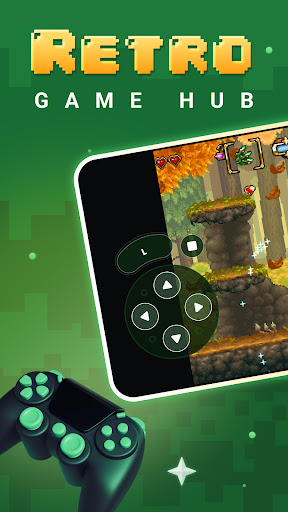

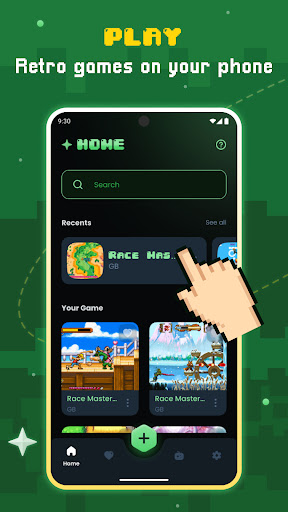
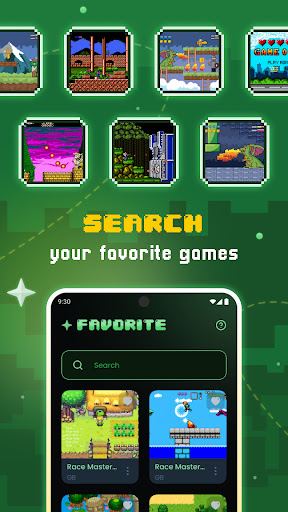
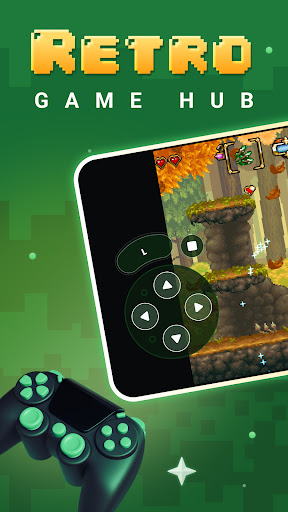
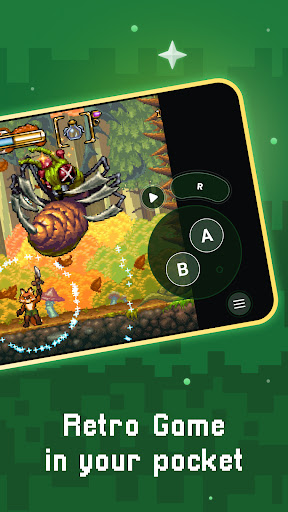
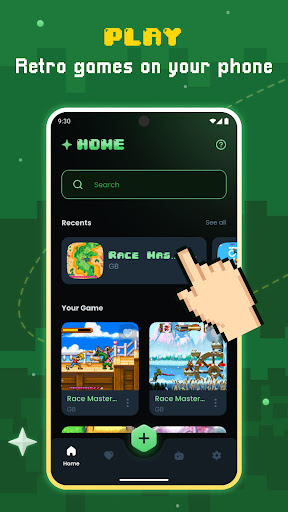
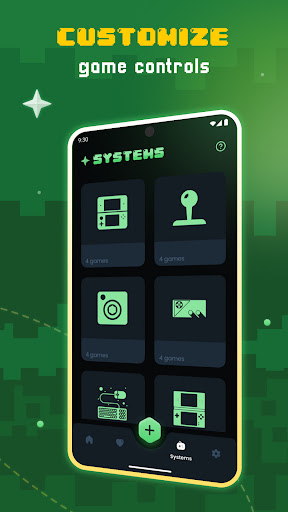
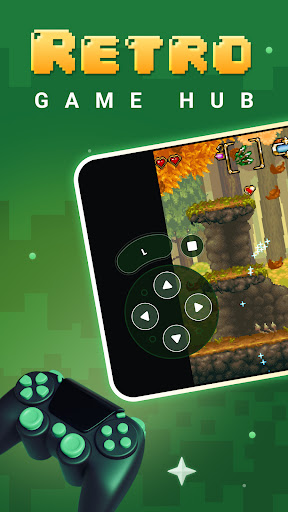
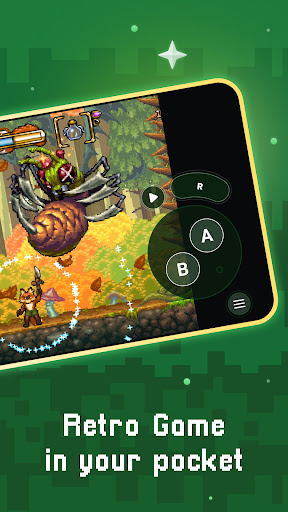

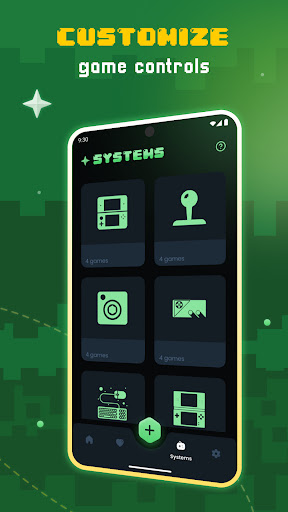
Gamu is a versatile retro gaming platform that allows users to relive classic video game experiences on modern devices. The app supports multiple operating systems including PC, Mac, Linux, Android, and iOS, making it accessible to a wide range of users. Gamu leverages the Libretro framework to deliver advanced multimedia capabilities such as OpenGL rendering and camera integration.
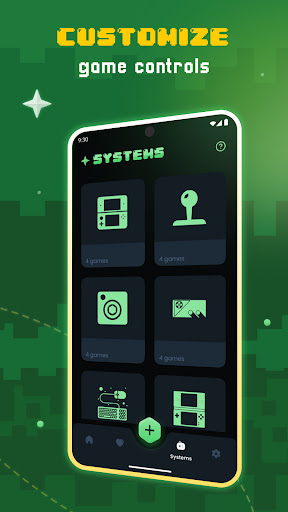
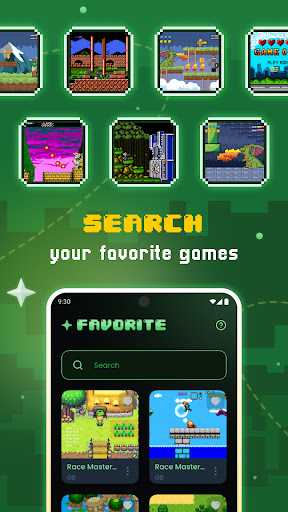
One of Gamu's standout features is its comprehensive game library organization system, which includes auto-save functionality, quick save/load slots, and support for compressed game files. The platform also offers customizable controls, visual filters for an authentic retro experience, and cloud sync for game saves. These features make Gamu an ideal choice for gamers who want to enjoy their legally acquired classic games with enhanced convenience and performance.
The application caters to both casual players and dedicated retro gaming enthusiasts by providing a seamless experience across various devices. Whether you're using a smartphone, tablet, or desktop computer, Gamu ensures smooth gameplay with options like fast-forward mode and motion controls. Its open-source nature and regular updates further enhance its value proposition, making it a reliable solution for enjoying nostalgic gaming moments.
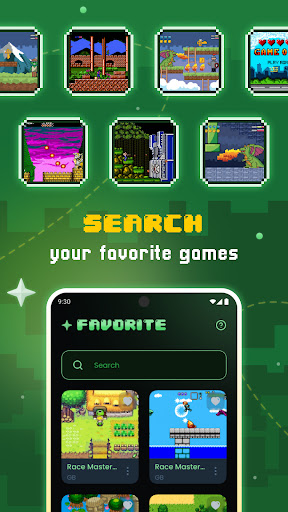
Gamu distinguishes itself through its extensive feature set tailored specifically for retro gaming enthusiasts. The platform supports a wide array of classic game formats and systems, ensuring compatibility with most users' existing game libraries. One of its key innovations is the automatic scanning and cataloging of game files, which helps maintain an organized digital collection.
The app provides several performance-enhancing features such as optimized virtual controls, customizable on-screen buttons, and support for external controllers. These elements contribute to a more authentic and comfortable gaming experience. Additionally, Gamu incorporates advanced display options including visual filters that simulate LCD and CRT styles, allowing users to customize their visual experience according to personal preference.
Another significant advantage of Gamu is its cross-platform synchronization capabilities. Through cloud save functionality, users can seamlessly transition between devices without losing progress. The inclusion of local multiplayer support with multiple controllers makes it perfect for social gaming sessions. These comprehensive features, combined with its open-source development model and commitment to regular updates, establish Gamu as a premier choice in the retro gaming emulation market.
User-friendly interface
Wide system compatibility
Regular feature updates
Cloud save functionality
Customizable controls
No included games
Hardware requirements vary
Complex setup process
Limited customer support
Requires technical knowledge

Wake up & get tasks done! Add alarms & reminders on the Clock Launcher.
 4.00
4.00
Planet Free VPN - The best Fast Unlimited and Secure VPN Without Logs
4.50
Android Wallet Password Manager
4.80
The Pro Version of Android's tiniest Notepad app. Just 0.3MB but feature-packed!
4.60
Easiest event planning, volunteer signups & parent teacher conference scheduling
2.20
Multilingual translator for text, voice, and image translation!
4.90
Functional QR scanner and barcode reader that requires little storage space.
4.60
Use powerful, industry-leading AI tools to generate visual charts from any data
4.80
Lightweight PDF, Word, Excel reader.
4.60
Scientific calculator for Android - looks and operates like the real thing!
4.90
QuickBooks Workforce lets teams view pay info and track time in one place.
4.70
Absolutely the best CNC machinist speed and feed calculator around. fswizard.com
4.60
Access, manage and transfer files on Android, PC, Mac, NAS and cloud storages.
4.30
Device's storage information in a simple and clear graphical form (infographics)
4.10
Cloud storage, automatic phone backup, and more.
4.10
Experience real multitasking on your Android!
4.00
All in one sketching tool. Technical and General drawing. Online Maps support.
3.70
ID.me Authenticator is a simple and free Two Factor Authentication solution
3.50
Create study competitions, track your hours, and stay consistent with friends
4.0


User Reveiws