
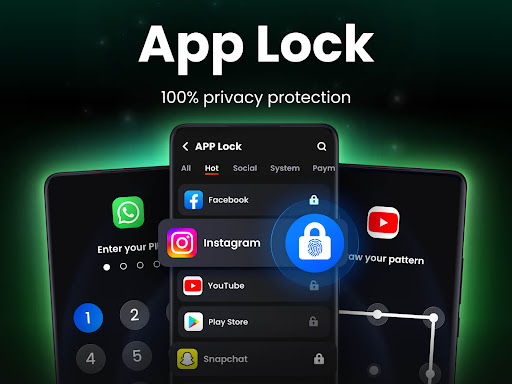
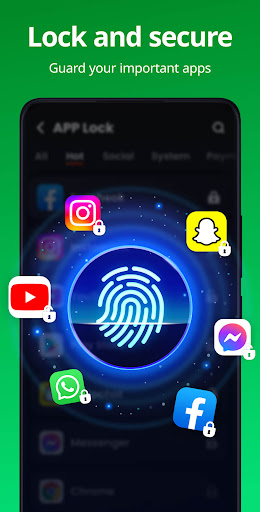

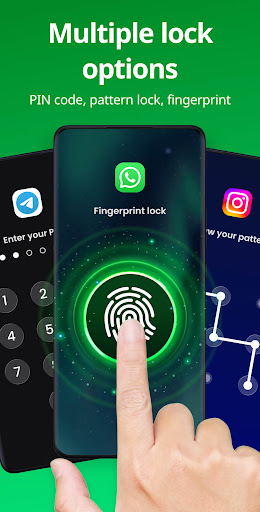
App Lock is a powerful productivity application designed to protect your private data with advanced security features. The app allows users to lock specific applications using PIN, pattern, or fingerprint authentication, ensuring that sensitive information remains secure. With its user-friendly interface, App Lock makes it easy to safeguard personal content such as photos, videos, and messages from unauthorized access.
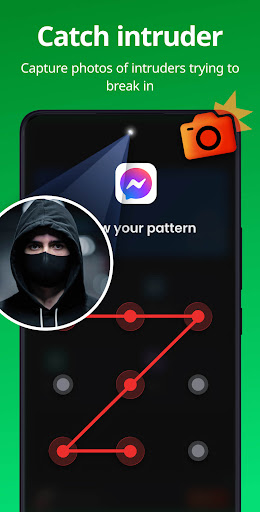
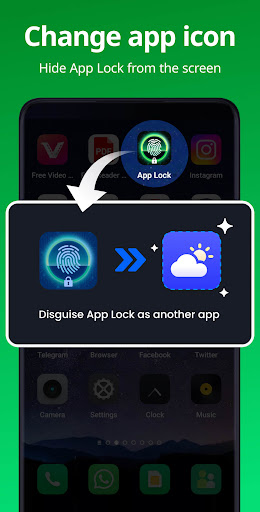
Beyond basic app locking, the software offers additional privacy tools like Safe Vault for hiding private media files, Intruder Selfie to capture unauthorized access attempts, and Disguise App functionality to mask the app's presence on your device. These features make it an ideal solution for individuals who prioritize digital privacy and want to prevent accidental data exposure or purchases.
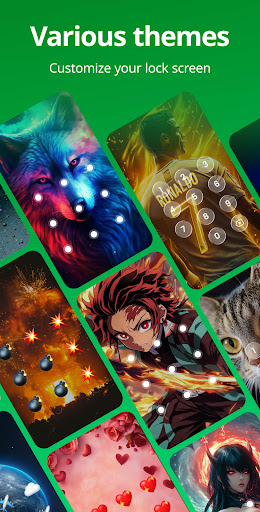
The app also includes practical utilities such as customizable lock screen themes, random keyboard layouts to prevent password guessing, and relock settings that automatically secure apps after use. Whether you're looking to protect financial apps, social media accounts, or personal media, App Lock provides a comprehensive suite of tools to keep your digital life private and secure.
App Lock stands out with its diverse range of security features tailored for privacy-conscious users. One of its core functionalities is the ability to lock apps using multiple authentication methods including PIN, pattern, and fingerprint recognition. This flexibility ensures that users can choose the most convenient and secure method for their needs while maintaining robust protection against unauthorized access.
In addition to app locking, the software offers innovative features like Safe Vault, which allows users to hide private photos and videos behind a secure password. The Intruder Selfie function adds an extra layer of security by capturing images of anyone attempting to break into locked apps. Furthermore, the Disguise App feature enables users to conceal the app's icon, making it appear as a different application to deter potential snoopers.
Other notable features include customizable themes for personalized lock screens, random keyboard layouts to prevent password theft, and automatic relock settings that secure apps after a specified period of inactivity. With these comprehensive tools, App Lock empowers users to maintain complete control over their digital privacy while offering practical solutions for everyday security challenges.
Advanced security features
User-friendly interface
Multiple authentication methods
Comprehensive privacy protection
Customizable lock options
Requires multiple permissions
May impact device performance
Limited free features
Occasional false positives
Subscription fees apply

 4.20
4.20
8 custom complications. Custom Time Fonts. Beautiful color schemes. A++ Design.
5.00
Send files, sync SMS, notifications & clipboard across devices via local network
4.40
Remotely view listen control and record cameras.
3.70
Pwnagotchi companion app
4.20
PDF scanner & converter for files, photos, lottery, QR codes. One swipe away!
4.50
Functional QR scanner and barcode reader that requires little storage space.
4.60
A comprehensive suite of tools designed specifically for Lactation Consultants
4.5
QuickEdit is a fast, stable and full featured text and code editor.
4.20
Use powerful, industry-leading AI tools to generate visual charts from any data
4.80
Direct Chat without saving contacts & Dual WA Account on Single Device
4.70
Client for Nextcloud Deck
4.60
When you Focus, so will your Bean in this cozy focus timer
4.30
Activate Two Factor Authentication (2FA or Multi OTP), Password manager and more
4.10
A Revolutionary All-in-One Artificial Intelligence Tools
3.80
Mega cloud explorer plugin for Solid Explorer
3.80
Make your handwriting beautiful, even more than pen on paper.
3.60
Ads Free App! Editor, Hide File, Copy, Move, Delete and Rename.. all facility av
1.70
AI Video AI Image Private LLM AI Browser Llama Gemma Ollama Connect LLM Studio
4.0


User Reveiws