QR & Barcode Scanner

4.60

Information

Category:

Productivity

Price:

Free

Rank:

48

Rating:

4.60

Overview

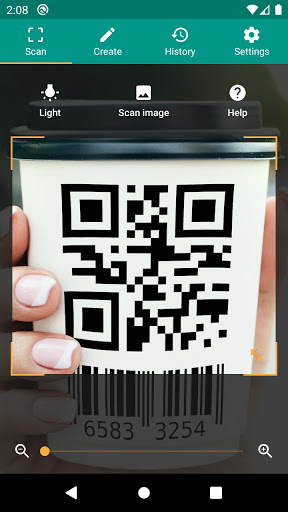
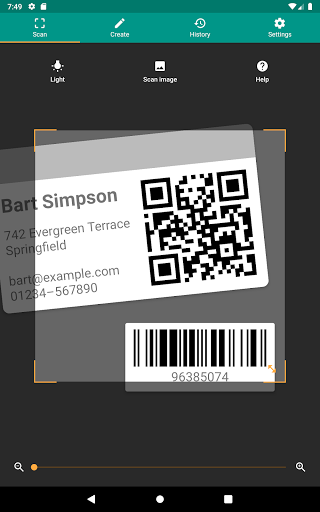
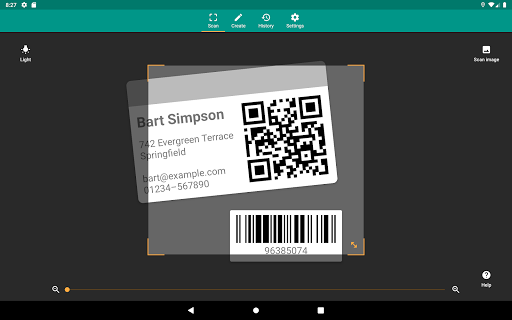
QR & Barcode Scanner is a versatile productivity tool designed to streamline your daily tasks through advanced scanning technology. This application allows users to effortlessly scan QR codes and barcodes, extracting valuable information from various sources. Whether you're looking to access product details, connect to WiFi networks, or manage inventory, this app provides a comprehensive solution.

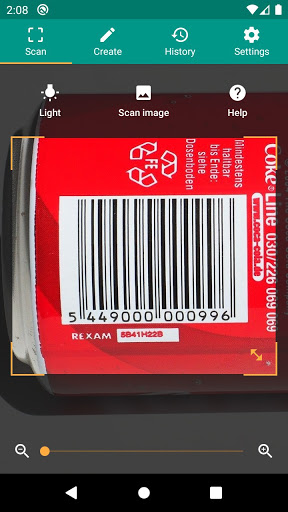
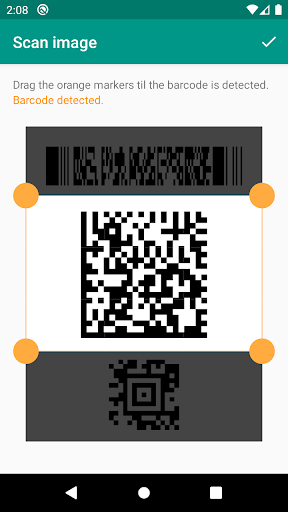
The scanner supports all common barcode formats including QR, Data Matrix, Aztec, UPC, EAN, and Code 39, making it suitable for both personal and professional use. With its built-in security features powered by Google Safe Browsing, users can safely interact with scanned links. The minimal permission requirement ensures privacy protection while offering functionalities like flashlight, zoom, and the ability to scan from images.

Features

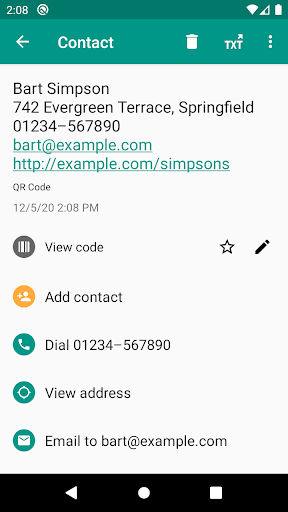
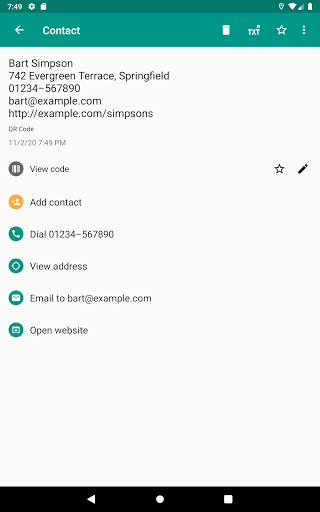
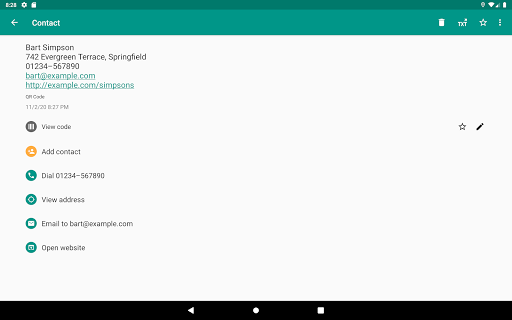
One of the standout features of QR & Barcode Scanner is its ability to perform relevant actions based on the scanned code. Users can open URLs, add calendar events, read VCards, and find product information across popular platforms like Amazon and eBay. The app's integrated Chrome Custom Tabs provide enhanced security against malicious links while ensuring faster loading times.

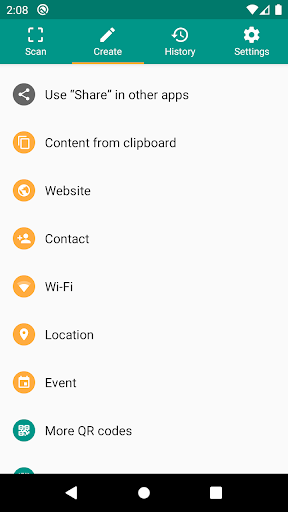
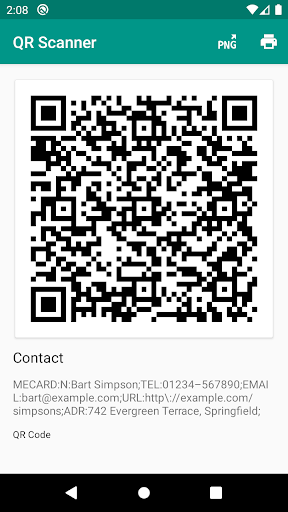
Additional functionalities include a built-in QR code generator that lets users share data such as website links by displaying them as scannable QR codes. The CSV export feature enables efficient data management, allowing users to annotate scans and export history files for use in Excel or cloud storage services like Google Drive. These capabilities make it an ideal tool for small business owners needing inventory management or quality assurance solutions.

Core task management

Task management in a productivity application like QR & Barcode Scanner refers to the app's ability to efficiently handle various tasks related to scanning and processing barcodes and QR codes. This functionality is crucial as it ensures that users can perform their desired actions quickly and accurately. The QR & Barcode Scanner app excels in this area by offering a comprehensive suite of features designed to manage different types of codes and provide relevant information seamlessly. The app supports all common barcode formats including QR, Data Matrix, Aztec, UPC, EAN, Code 39, and many others. This extensive format support allows users to scan virtually any code they encounter, making the app versatile and widely applicable across different scenarios. Once a code is scanned, the app performs relevant actions such as opening URLs, connecting to WiFi hotspots, adding calendar events, reading VCards, and fetching product and price information from popular online services like Amazon, eBay, and Google. These capabilities ensure that users can complete their intended tasks without needing multiple specialized apps. Furthermore, QR & Barcode Scanner offers additional functionalities that enhance task management. For instance, the app includes a built-in QR code generator, allowing users to create and share data such as website links by displaying them as QR codes on their screens. This feature is particularly useful for sharing information between devices effortlessly. The app also provides custom search options where users can add their favorite websites into the barcode search, enabling specific information retrieval tailored to individual preferences. Security and performance are other critical aspects of task management addressed by the app. By integrating Chrome Custom Tabs with Google Safe Browsing technology, QR & Barcode Scanner protects users from malicious links while ensuring shorter loading times. Additionally, the app requires minimal permissions, which means users can scan images without granting access to their device storage or address book. This approach not only enhances security but also boosts user confidence in using the app for various tasks. Overall, the core task management features of QR & Barcode Scanner significantly enhance user productivity by providing a robust, secure, and versatile platform for handling barcodes and QR codes. Whether for personal use or small business applications, the app's comprehensive task management capabilities make it an indispensable tool for anyone needing to interact with coded information efficiently.

Cross-device synchronization reliability

Cross-device synchronization reliability is a vital feature in productivity applications, ensuring that data and settings are consistently updated and accessible across multiple devices. In the context of QR & Barcode Scanner, this functionality plays a crucial role in maintaining a seamless user experience, especially for individuals who rely on the app for both personal and professional purposes. The app addresses this need by implementing several mechanisms that guarantee reliable synchronization, thus enhancing its utility and convenience. One of the standout features of QR & Barcode Scanner is its ability to manage unlimited history and export it as a CSV file. This capability allows users to keep a detailed record of all scanned codes, which can be imported into Excel or saved to cloud storage services like Google Drive. By maintaining a comprehensive history, users can easily retrieve past scans and annotations, regardless of the device they are currently using. This feature is particularly beneficial for small business owners who need to manage product inventory or implement quality assurance processes. The app's synchronization reliability is further bolstered by its minimal permission requirements. Unlike many other scanning applications, QR & Barcode Scanner does not demand access to device storage or the address book. This design choice not only enhances security but also simplifies the synchronization process, as there are fewer data points to manage and protect. Users can confidently switch between devices without worrying about unauthorized access or data breaches, knowing that their information remains safe and synchronized. Another aspect that contributes to the app's synchronization reliability is its support for scanning images directly from picture files. This feature ensures that users can access and process codes even when they are not connected to the internet or do not have immediate camera access. By detecting codes within stored images, the app provides a flexible solution for managing scans across different devices and situations. Moreover, QR & Barcode Scanner includes a built-in QR code generator, enabling users to create and share arbitrary data such as website links. This functionality facilitates effortless information sharing between devices, as users can display generated QR codes on their screens and scan them with another device. The ability to generate and share codes enhances cross-device interaction, making it easier for users to transfer data securely and efficiently. The app also incorporates advanced features like flashlight activation and pinch-to-zoom, which improve scanning reliability in various environments. Whether in low-light conditions or attempting to read barcodes from a distance, these tools ensure that users can capture codes accurately, regardless of the device they are using. Such consistency in performance reinforces the app's reputation for reliable cross-device synchronization. In summary, QR & Barcode Scanner delivers exceptional cross-device synchronization reliability through its robust history management, minimal permission requirements, flexible image scanning, and advanced code generation capabilities. These features collectively ensure that users can depend on the app to maintain accurate and up-to-date information across all their devices, thereby maximizing productivity and convenience. Whether for personal organization or business operations, the app's synchronization reliability makes it a valuable asset for anyone seeking efficient and secure barcode and QR code management.

Props

User-friendly interface

Comprehensive format support

Advanced security features

Minimal permissions required

Versatile scanning options

Cons

Limited design customization

No offline database lookup

Occasional scanning inaccuracies

Requires Android 6.0+

Ads in free version

Features and Functions

What is this app and what can I use it for?

A free QR code and barcode reader supporting multiple formats and actions.

How do I download and install this app on my device?

Visit Google Play Store, search for QR & Barcode Scanner, and tap Install.

How do I get started after opening the app for the first time?

Grant necessary permissions, then use the camera to scan any code.

What are the main features and capabilities of this app?

Supports various formats, performs actions like opening URLs, and offers CSV export.

How can I customize my experience and adjust preferences?

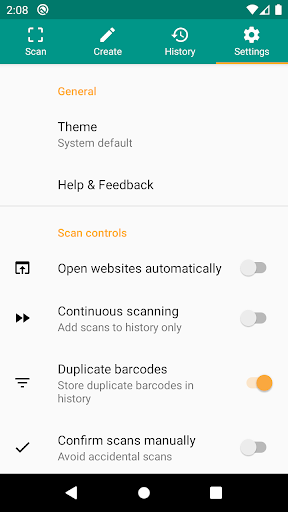
Adjust settings for search options, history management, and scan preferences.

How do I save or bookmark my favorite content for later access?

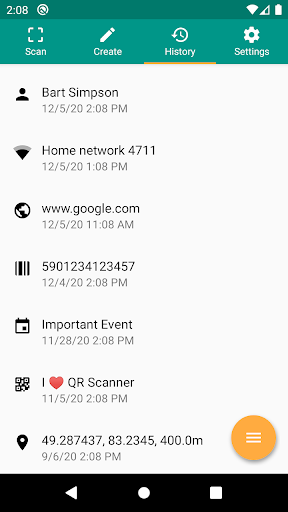
Scan codes and save results in history for future reference.

How can I share content with friends or on social media?

Use the Share button to send scanned content via social media or messaging apps.

How do I access detailed information and explore more content?

Tap on detailed information sections within the app to explore more content.

What permissions does this app need and how do I manage them?

Needs camera and storage permissions; manage in app settings.

How do I check for updates and keep the app running smoothly?

Enable automatic updates in Google Play Store settings for seamless maintenance.
Show more

User Reveiws

{{ comment.reviewer_name }}
{{ comment.review_date_formatted}}
{{ comment.review_content }}
{{ tab.name }}
{{ comment.reviewer_name }}
{{ comment.review_date_formatted}}
{{ comment.review_content }}
No reviews with this rating