
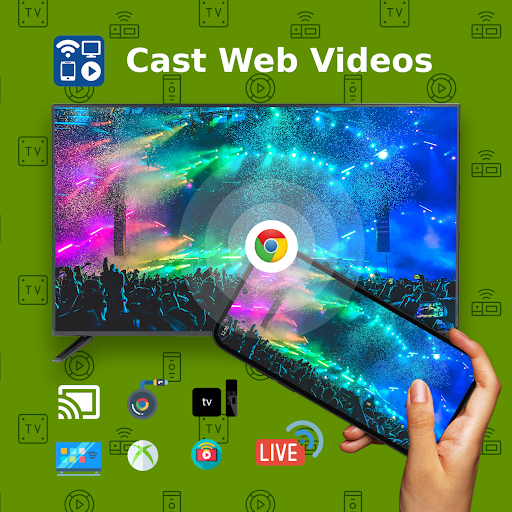
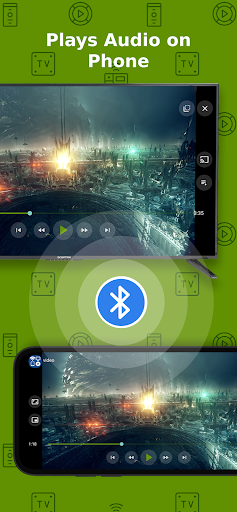
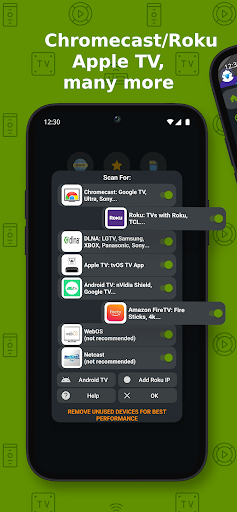

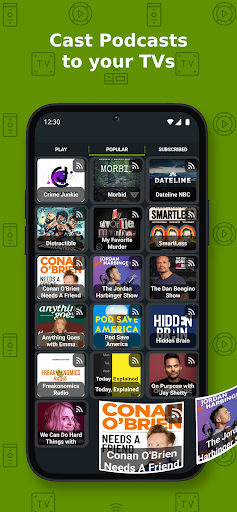
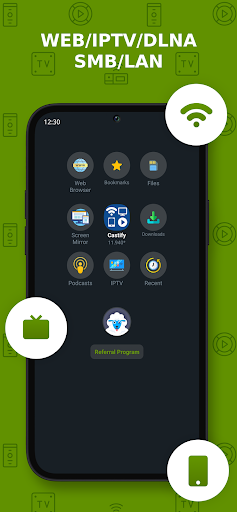
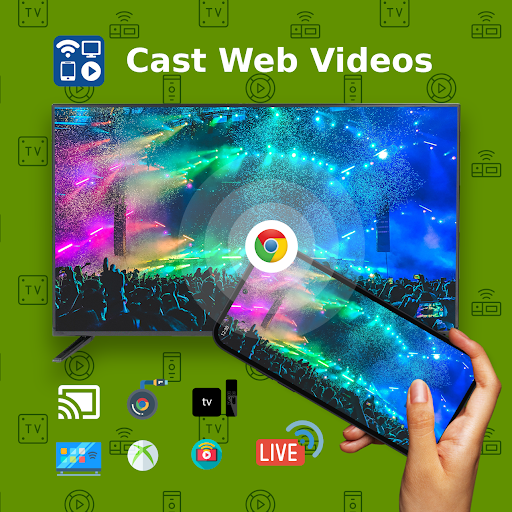
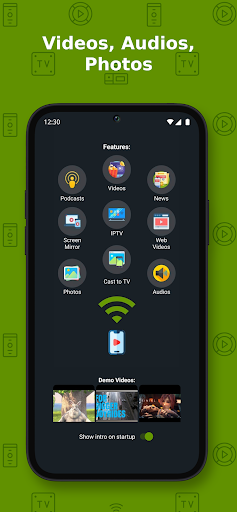
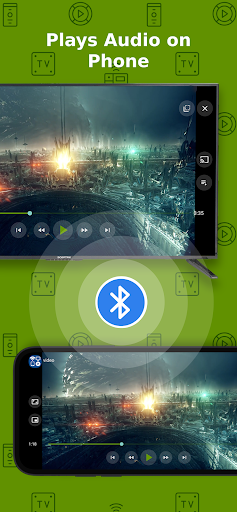
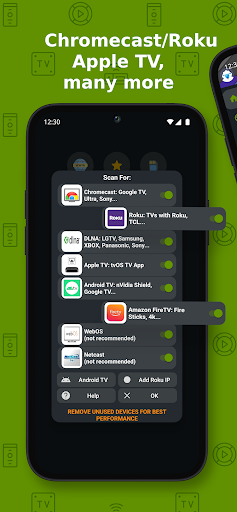
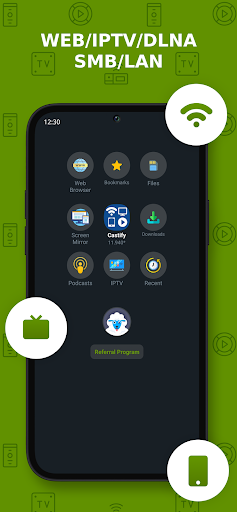
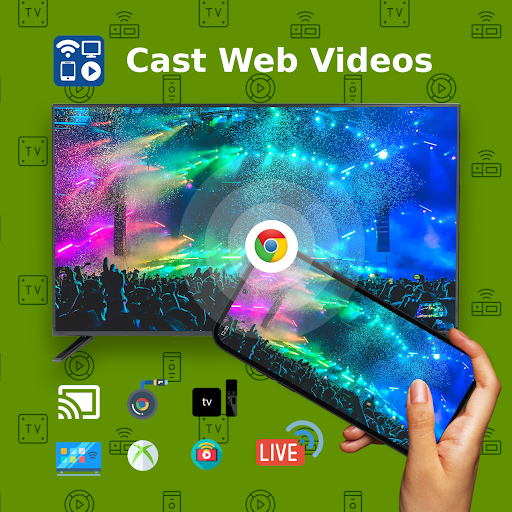
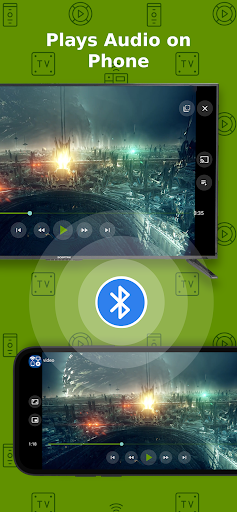
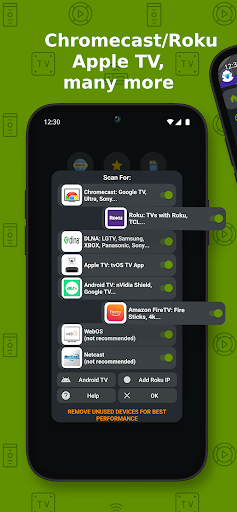
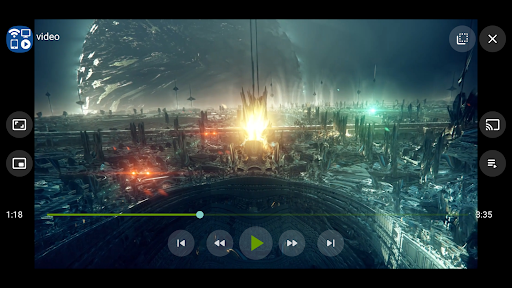
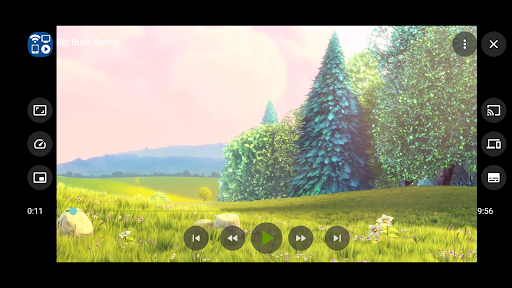
Cast to TV+ Chromecast Roku TV is a versatile streaming application that allows users to cast videos, music, photos, and more from their mobile devices to various streaming devices. The app supports a wide range of devices including Chromecast, Roku, Fire TV, DLNA receivers, Xbox consoles, and smart TVs from brands like LG, TCL, Phillips, Sony Bravia, Samsung, Sharp, and Panasonic.
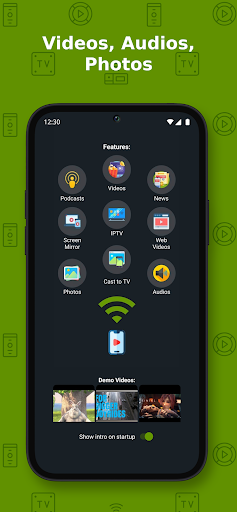
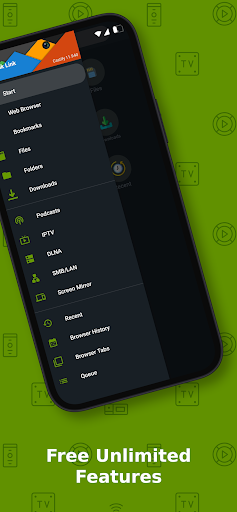
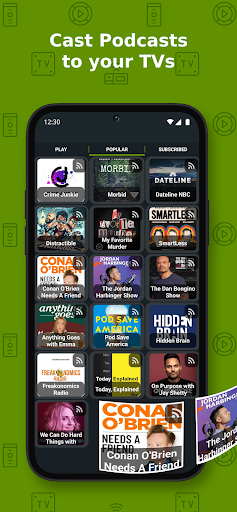
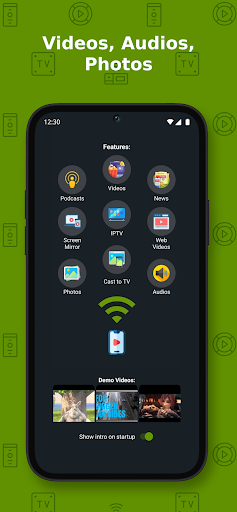
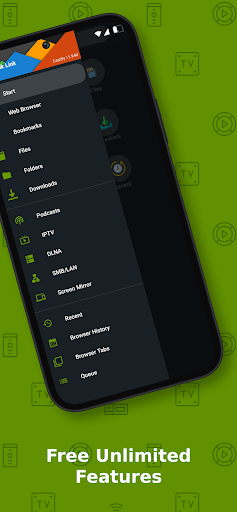
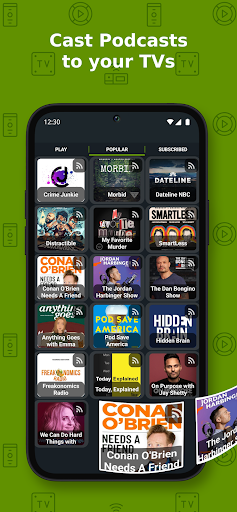
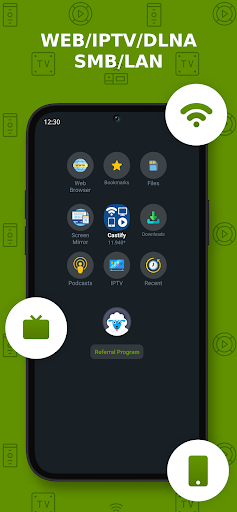
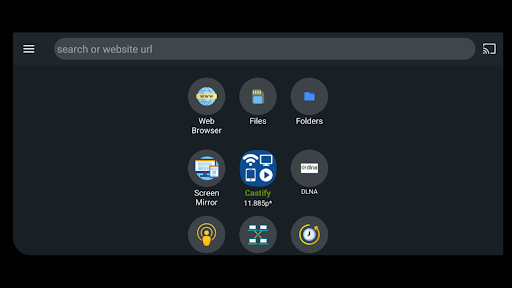
The core functionality includes the ability to stream content from phone files, browser websites, IPTV, podcasts, and DLNA servers. It also features AI Subtitle Generation and Translation, Universal Remote Controls for multiple devices, Screen Mirroring, and Picture in Picture (PiP). This app is particularly useful for users who want to enjoy their media on a larger screen without complicated setups.
This application provides significant value by bridging the gap between mobile content and big-screen entertainment, making it an essential tool for home entertainment systems.
Cast to TV+ Chromecast Roku TV offers a comprehensive set of features designed to enhance the streaming experience. One notable feature is the AI Subtitle Generation and Translation, which allows users to create and translate subtitles for any video, improving accessibility and comprehension across different languages.
Another standout feature is the Universal Remote Controls, providing integrated control for Roku, Android TV, Samsung, LGTV, and FireTV devices. This eliminates the need for multiple remote controls and simplifies the user experience. Additionally, the app supports casting from various sources such as phone files, browser websites, IPTV, podcasts, and DLNA servers, ensuring compatibility with diverse media formats.
The Screen Mirroring and Picture in Picture (PiP) functionalities further enhance usability by allowing users to mirror their device screens or watch videos in a small window while multitasking. These features collectively ensure a seamless and enriched streaming experience.
User-friendly interface
Wide device compatibility
AI-powered subtitles
Universal remote control
Comprehensive format support
Limited AirPlay support
Some format restrictions
Dependent on network stability
No proprietary video casting
Possible connectivity issues

Online Videos Player
 3.90
3.90
Support 1000+ Video Format, Subtitle Download, mp3 & Background Play, Cast On TV
4.60
KMPlayer Plus (Divx Codec) officially support Divx codec.
4.30
Stream Web Videos to Chromecast, Samsung, LG, Sony, Roku, Fire TV, DLNA + more
4.00
Turn your phone into a wireless camera!
4.20
Download videos easily & play them all in one smart, powerful video manager.
3.40
All in one multi protocols stream receiver for AirPlay, Cast and DLNA.
3.60
Screen recorder with audio to take live videos & Screenshot in high quality!
4.70
Photo editor & video maker with music and slideshows.
4.10
Tik & Story Saver-Download ALL social media videos, photos & reels no watermark.
4.80
Play ALL formats in 4K & HD. Video downloader, MP3 player, Chromecast & more.
4.80
High-Quality USB Camera Viewer & HDMI Display
4.70
IPTV Loader, loads your own Playlist. DOES NOT CONTAIN ANY LIST OR CHANNELS
4.60
Add date and time watermark to photos and videos
4.50
Fast video downloader & private browser. Save HD clips to watch offline.
4.40
Browser for Samsung TV to stream webvideos, online movies and livestreams in HD
4.10
Explore the largest library of free GIFs, Stickers & Memes - or create your own!
3.90
Save photos and videos from social apps in one tap.
3.60
The essential companion to your Blue Iris PC software
2.50


User Reveiws