
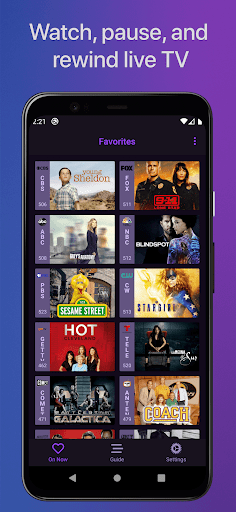
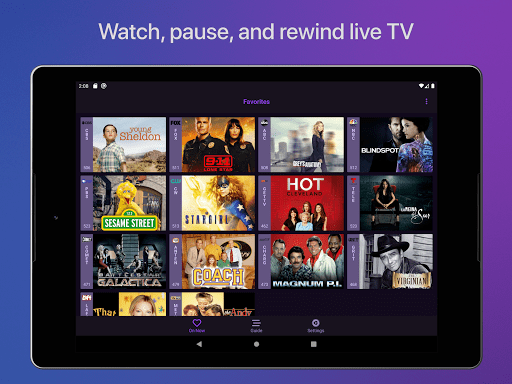
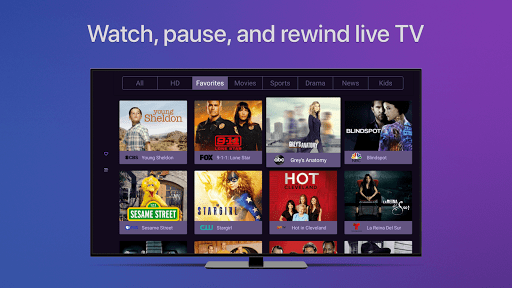
Channels for HDHomeRun is a revolutionary application that brings live TV viewing to Android devices. Designed specifically for users with an HDHomeRun networked TV tuner, this app allows you to stream live or cable TV directly on your device. The core functionality includes the ability to play, pause, and rewind live TV, making it incredibly flexible and user-friendly. Additionally, Channels offers advanced features such as full HD streaming, 5.1 surround sound, and closed captioning, ensuring a premium viewing experience.
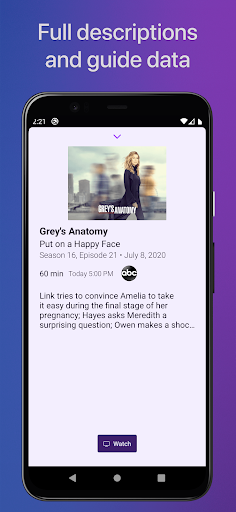
Beyond basic TV watching, Channels provides a comprehensive electronic program guide and supports channel favoriting, which helps users organize their preferred channels efficiently. It also enables users to manage their HDHomeRun devices directly from the app, adding a layer of convenience. Whether you're interested in catching up on local news, watching sports events, or enjoying primetime shows, Channels seamlessly integrates these options into your digital lifestyle.
The app's real value shines through its ability to unify various entertainment sources. By allowing one antenna to serve multiple TVs within a household, Channels not only simplifies the setup but also reduces costs by eliminating the need for multiple cable boxes. This makes it an ideal solution for those looking to enjoy high-quality live TV across different screens without additional hardware investments.
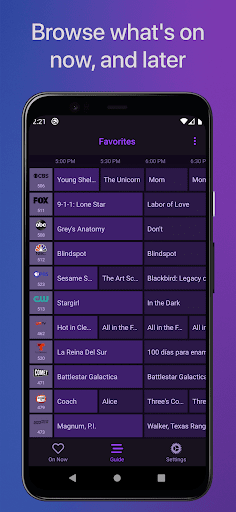
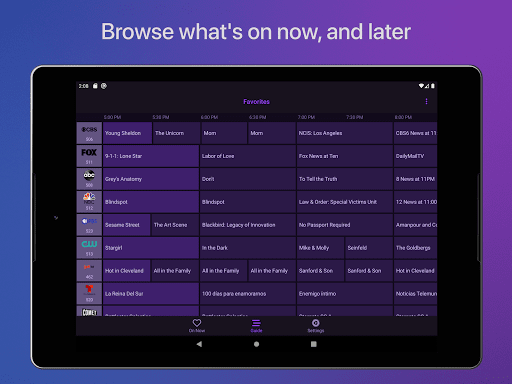
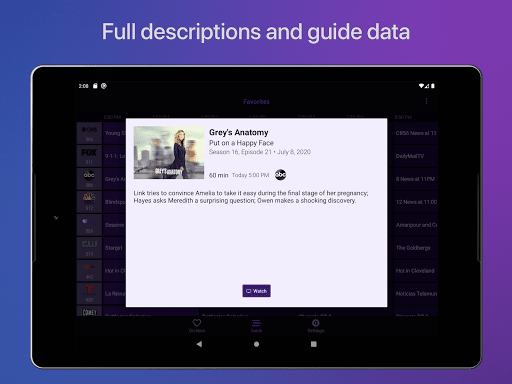
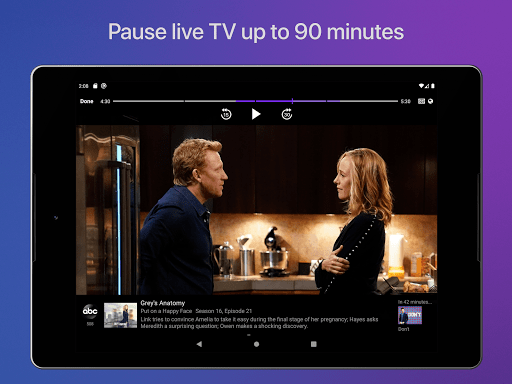
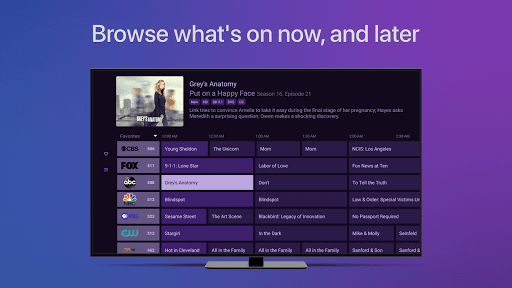
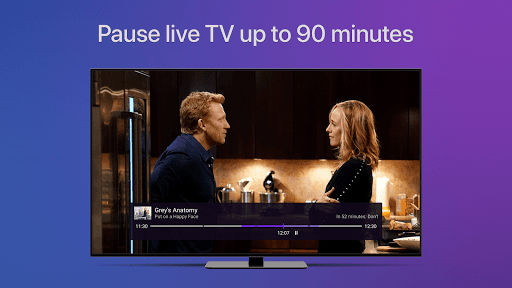
One of the standout features of Channels for HDHomeRun is its robust live TV control capabilities. Users can effortlessly pause, rewind, and fast forward through live broadcasts, thanks to an intuitive interface and reliable performance. The app also boasts a full grid guide, offering detailed information about current and upcoming programs, thus enhancing the planning and viewing experience.
In addition to its primary functions, Channels supports advanced audio and visual settings. With options for 5.1 surround sound and closed captioning, the app caters to diverse audience needs, ensuring accessibility and immersive entertainment. Furthermore, the inclusion of VoiceOver support highlights the app's commitment to inclusivity, providing an enhanced experience for visually impaired users.
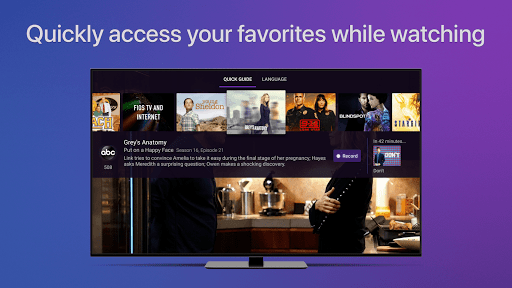
Another remarkable aspect is the Auto Discovery feature, which simplifies the initial setup process by automatically detecting HDHomeRun devices on the network. This seamless integration extends to managing and browsing content across different channels while watching TV, allowing users to stay informed about alternative programming options without interrupting their current view. Overall, Channels for HDHomeRun combines powerful functionality with user-centric design, setting a new standard in mobile TV applications.
User-friendly interface
High-definition streaming
Comprehensive channel guide
Advanced audio settings
Convenient device management
Requires HDHomeRun tuner
No DRM stream support
Network dependency
Limited remote access
Subscription needed for DVR

A Quick and Pro Video Editor
 4.70
4.70
?100% FREE! Download & save videos? safely in this app. All formats supported.
4.60
Video Browser & Downloader X to play the sexy videos from any website.
4.40
Fast & easy HD video downloader for all formats, support 4K playback & download.
4.60
Make your own Animations, Video and Photo Edits, Visual Effects, and more!
4.00
Flud is a simple and beautiful BitTorrent client for Android.
4.80
LumaFusion: The Ultimate Storytelling Experience for Video Editing
4.10
convenient, safe and fast at Video Downloader & Player
4.60
Make videos you’re proud to share with Edits, a video editor for creators.
4.70
Tik & Story Saver-Download ALL social media videos, photos & reels no watermark.
4.80
Screen recorder with audio to take live videos & Screenshot in high quality!
4.70
IPTV Loader, loads your own Playlist. DOES NOT CONTAIN ANY LIST OR CHANNELS
4.60
Cast to Chromecast, Xbox, Fire Stick, Roku, DLNA, Smart TV & No Feature Limited!
4.50
Turn your phone into a wireless camera!
4.20
Browser for Samsung TV to stream webvideos, online movies and livestreams in HD
4.10
AI Video Editor:AI Music, Text to Video,Text to Speech,Auto Caption,Video Effect
4.00
Manage your IPTV live channels and VOD playlists (no playlist included)
3.80
Mix with Virtual DJ directly from your phone or tablet !
3.10
Client application for NextPVR software
3.00


User Reveiws