



Proton VPN

4.70

Information

Category:

Tools

Price:

Free

Rank:

14

Rating:

4.70

Overview

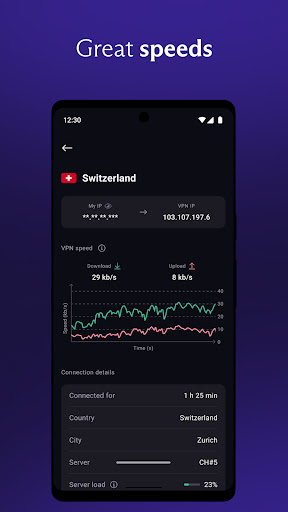
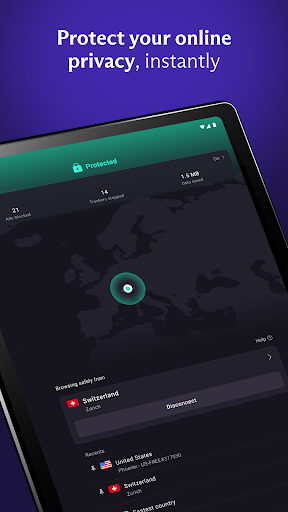
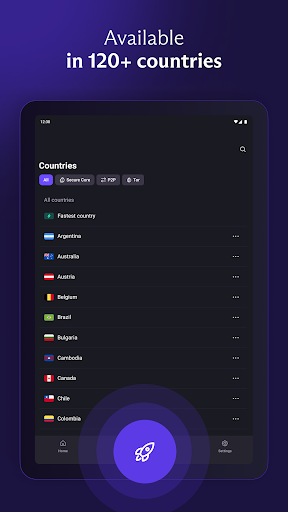
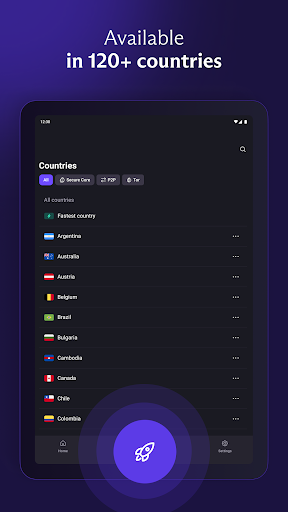
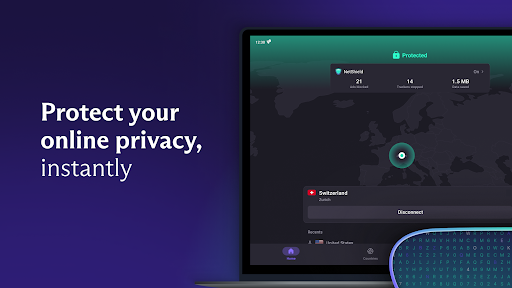
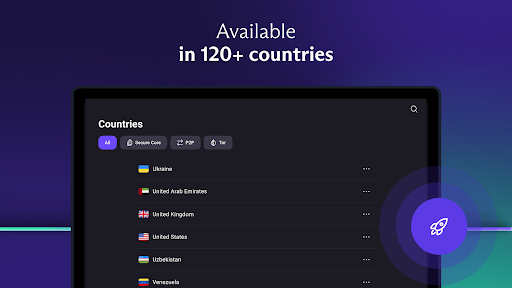
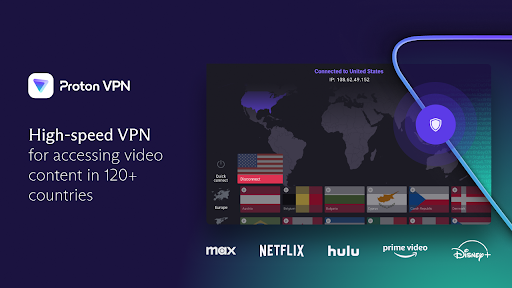
Proton VPN is a premier privacy-focused virtual private network application developed by the creators of Proton Mail. This tool provides users with secure, encrypted internet access while ensuring advanced privacy protection. With over 15,000 servers across 126 countries, it offers unlimited bandwidth and high-speed connections, making it ideal for both casual browsing and intensive tasks like streaming or file-sharing.

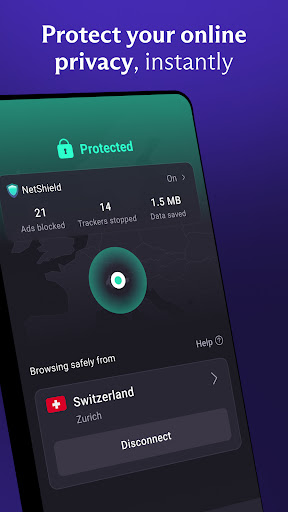
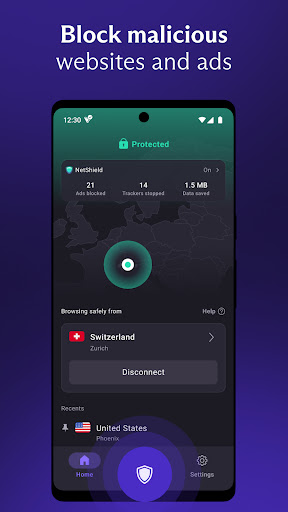
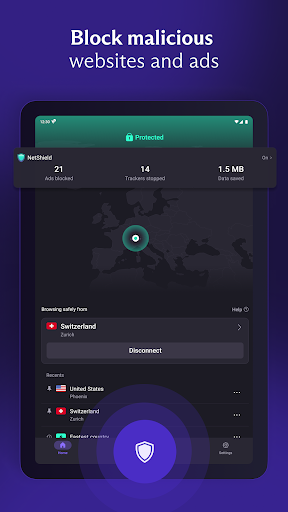
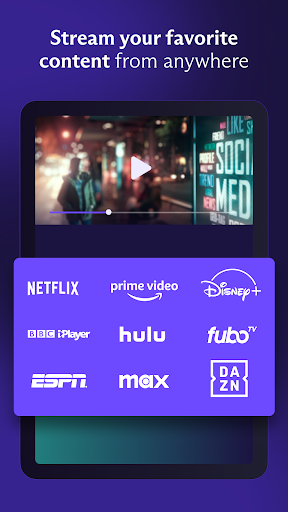
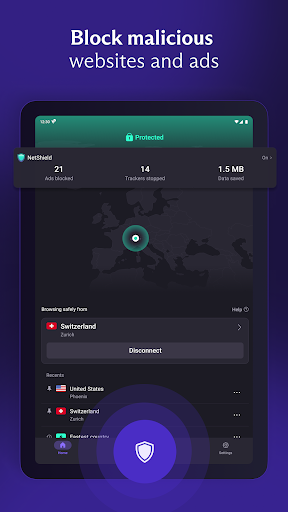
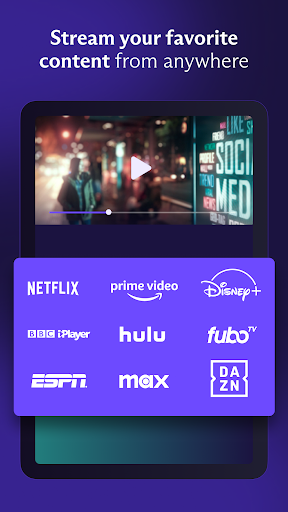
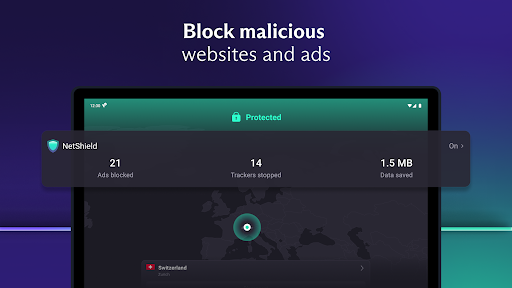
The app stands out through its unique features such as NetShield, which blocks ads and malware, and Secure Core architecture that defends against network-based attacks. Whether you're looking to bypass geo-restrictions, protect your data on public Wi-Fi, or stream content from platforms like Netflix, Proton VPN delivers a comprehensive solution for safeguarding your online presence.

Features

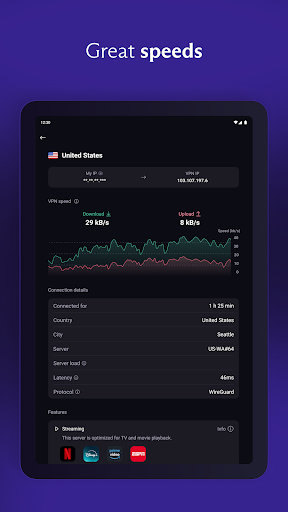
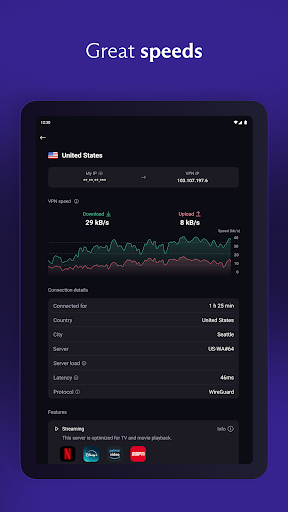
Proton VPN distinguishes itself with a robust set of features designed to maximize both security and usability. The app supports multiple protocols including OpenVPN and WireGuard, ensuring optimal performance and encryption strength. Its no-logs policy guarantees that user activity remains private, while advanced options like Perfect Forward Secrecy and DNS leak protection further enhance security.

For power users, Proton VPN offers specialized tools such as Split Tunneling, which allows selective routing of traffic through the VPN, and Tor integration for accessing the dark web securely. The inclusion of features like an automatic kill switch and multi-hop connections via Secure Core servers ensures that even in the event of connection drops, user data remains uncompromised.

Core function accuracy & effectiveness

A virtual private network or VPN is designed to provide users with secure and private internet access by encrypting their connection and masking their IP address. For Proton VPN this core functionality is not only about creating a secure tunnel for data transmission but also ensuring that this process is both fast and reliable. The application achieves this through several advanced features and technologies. First it uses the highest strength encryption standards such as AES-256 and 4096 RSA encryption which ensures that all data passing through the VPN is completely secure from third-party interception. Additionally Proton VPN supports proven secure protocols like OpenVPN and WireGuard which are known for their speed and security benefits. The app also includes Perfect Forward Secrecy which means that even if encryption keys are somehow compromised in the future past communications remain protected. Another important aspect of its core functionality is the no-logs policy meaning that Proton VPN does not track or store any user activity data thus respecting user privacy at the highest level. This combination of strong encryption secure protocols and privacy-first policies makes Proton VPN highly effective in delivering on its promise of providing safe and unrestricted internet access. Users benefit from this robust implementation by enjoying a browsing experience that is both secure and unrestricted allowing them to bypass geo-restrictions access blocked content and protect their personal information from being exposed to unauthorized entities while maintaining high-speed connectivity.

Interface simplicity & intuitiveness

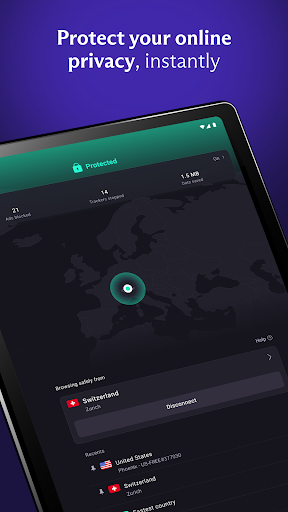
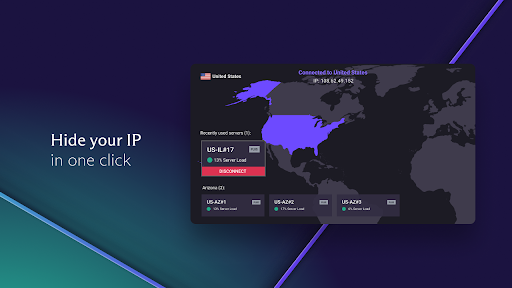
The interface of a tool-based application like Proton VPN plays a crucial role in determining how easily users can interact with its features and functionalities. Proton VPN excels in offering an intuitive and user-friendly interface that simplifies the process of securing one's internet connection without requiring extensive technical knowledge. Upon launching the app users are greeted with a clean and straightforward layout where the main controls are prominently displayed. The Quick Connect button exemplifies this approach by allowing users to establish a secure connection with just a single tap making it incredibly easy to protect oneself especially when using public Wi-Fi hotspots. Furthermore the app provides smart protocol selection which automatically chooses the best available protocol based on network conditions ensuring optimal performance without any manual configuration needed from the user. Additional features such as the always-on VPN and kill switch are integrated seamlessly into the settings enabling users to enhance their security posture without complicating their interaction with the app. Even more advanced options like split tunneling which allows users to select specific apps to route through the VPN are presented in a clear manner avoiding unnecessary complexity. This focus on simplicity extends to the signup process as well since Proton VPN does not require any personal data to begin using the service thus removing barriers to entry. Overall the intuitive design and streamlined user experience make Proton VPN accessible to a wide audience regardless of their technical expertise ensuring that everyone can enjoy the benefits of a secure and private internet connection without facing a steep learning curve or encountering confusing controls.

Props

Strong encryption standards

No logging of user activity

Extensive server network

Advanced privacy features

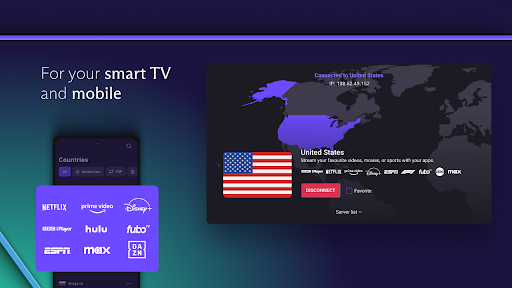
Cross-platform compatibility

Cons

Limited free-tier features

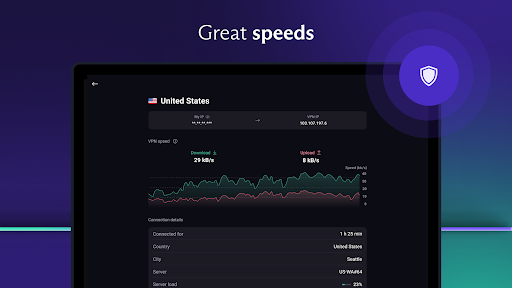
Occasional speed fluctuations

Not all servers optimized for P2P

Premium plan can be costly

Interface may overwhelm beginners

Features and Functions

What is this app and what can I use it for?

A secure VPN service offering encrypted internet access and advanced privacy features

How do I download and install this app on my device?

Download Proton VPN from Google Play Store and follow installation prompts

How do I get started after opening the app for the first time?

Sign up for an account and use Quick Connect for immediate protection

What are the main features and capabilities of this app?

Unlimited bandwidth, strong encryption, and advanced privacy tools are key features

How can I customize my experience and adjust preferences?

Adjust protocol preferences and customize privacy settings in the settings menu

How do I save or bookmark my favorite content for later access?

Use the favorites feature to save preferred server locations for quick access

How can I share content with friends or on social media?

Share your connection details via the app's built-in sharing functionality

How do I access detailed information and explore more content?

Access detailed server info and explore new locations through the server list

What permissions does this app need and how do I manage them?

The app requires basic device permissions managed through system settings

How do I check for updates and keep the app running smoothly?

Check for updates in the app's settings and enable auto-update for smooth operation
Show more

User Reveiws

{{ comment.reviewer_name }}
{{ comment.review_date_formatted}}
{{ comment.review_content }}
{{ tab.name }}
{{ comment.reviewer_name }}
{{ comment.review_date_formatted}}
{{ comment.review_content }}
No reviews with this rating















