

Smart Home Manager is a comprehensive productivity tool designed to simplify the management of your AT&T home network. The app provides an intuitive interface that allows users to easily set up and manage their Internet service without needing technical assistance.
Key features include Wi-Fi network customization, parental controls, device management, and network health monitoring. Whether you need to update your Wi-Fi credentials, monitor connected devices, or troubleshoot network issues, this app offers a complete solution for maintaining an efficient home network environment.
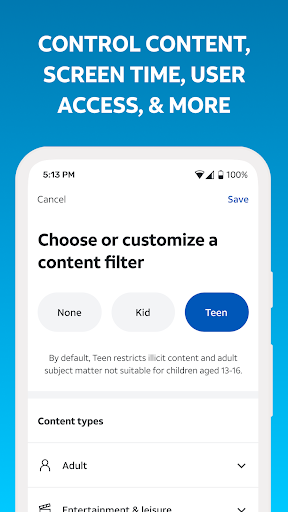
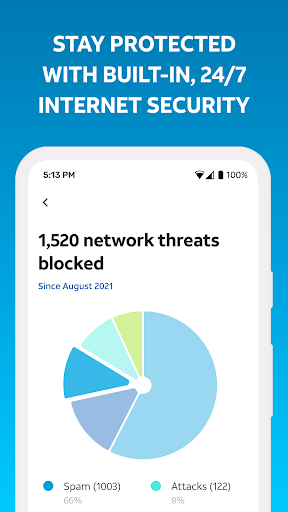
This app is particularly useful for families who want to control screen time and ensure a safe Internet experience for their children. With its robust feature set, Smart Home Manager helps users maintain optimal network performance while providing peace of mind through real-time issue notifications and resolution tools.
Smart Home Manager stands out with its extensive feature set tailored for home network management. The app enables users to perform technician-free troubleshooting, giving them the power to resolve common network issues independently.
One of the standout capabilities is the comprehensive device management system. Users can view all connected devices, personalize device names, and even pause Wi-Fi access for specific devices. The app also allows for detailed network customization including Wi-Fi name/password changes and creation of personalized user profiles with specific parental controls and downtime schedules.
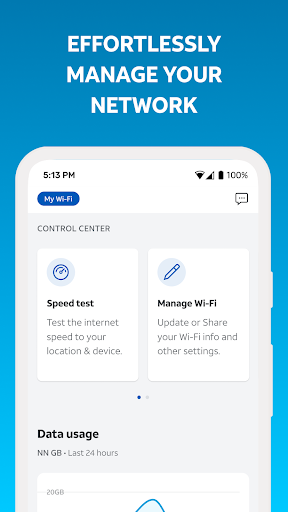
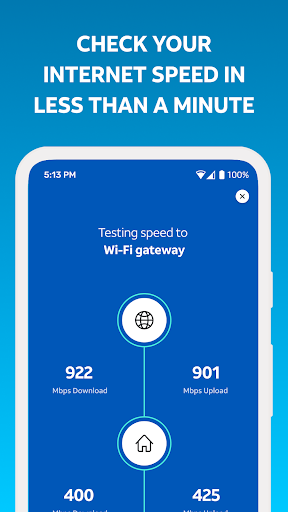
Additional features include network health monitoring, speed testing, and signal strength mapping. These tools help users optimize their network performance while receiving proactive alerts about potential issues or service outages. The combination of these features makes network management both accessible and efficient for all users.
User-friendly interface
Comprehensive network tools
Effective parental controls
Real-time issue alerts
Customizable device management
AT&T customer exclusive
Gateway model limitations
Home Wi-Fi only
Internet required
Feature restrictions apply

Native client for Forgejo and Gitea
 5.00
5.00
Automates browsing any website and notifies you of important changes or events
4.30
Find and delete junk files & block unwanted notifications & manage files
3.70
ID.me Authenticator is a simple and free Two Factor Authentication solution
3.50
Quickly and easily keep track of your work shifts
4.70
Secure your apps with lock screens, use custom themes and different features.
4.40
Intelligent AI Assistant
4.10
Understand anything with a personalized AI research assistant
4.80
Scan paperwork into PDF/JPG, generate your own e-signature and send fax or email
4.70
Secure, fast, open-source, Remote Desktop Client for Windows and Linux with SSH
4.60
Absolutely the best CNC machinist speed and feed calculator around. fswizard.com
4.60
Planet Free VPN - The best Fast Unlimited and Secure VPN Without Logs
4.50
Pwnagotchi companion app
4.20
Secure, open-source, SPICE and SSH Remote Desktop for QEMU KVM virtual machines
4.00
* block pre-roll ads, pop-up and forced redirect ads * Samsung certification app
4.00
All in one sketching tool. Technical and General drawing. Online Maps support.
3.70
Remotely view listen control and record cameras.
3.70
Make your handwriting beautiful, even more than pen on paper.
3.60
The upgraded version of Name Wheel with AI and the power to add your own wheels.
4.1


User Reveiws