

Unicorn Blocker

4.00

Information

Category:

Productivity

Price:

$ 1.99

Rank:

28

Rating:

4.00

Overview

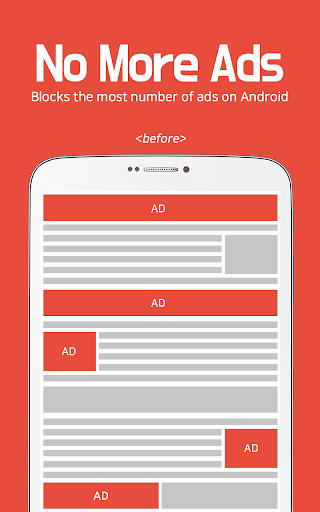
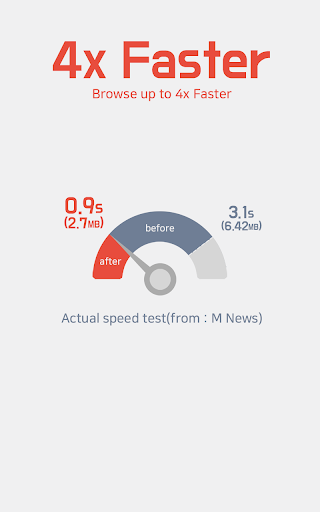
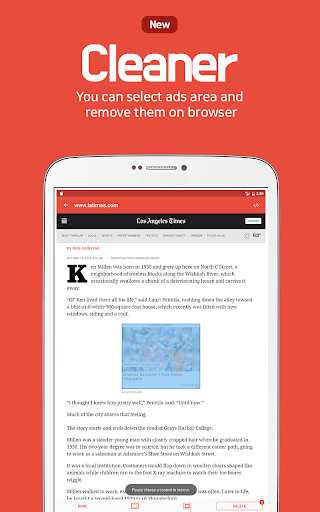
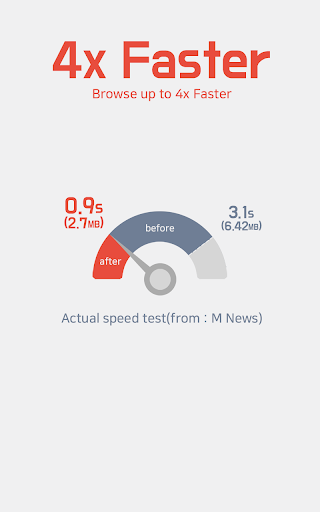
Unicorn Blocker is a powerful ad-blocking application designed to enhance your web browsing experience. The app focuses on saving data expenses by blocking various types of ads, making your internet usage up to three times faster while extending battery life by up to 21%. It supports Samsung Internet and Yandex Browser, ensuring compatibility with Android 4.4 (KitKat) or higher.

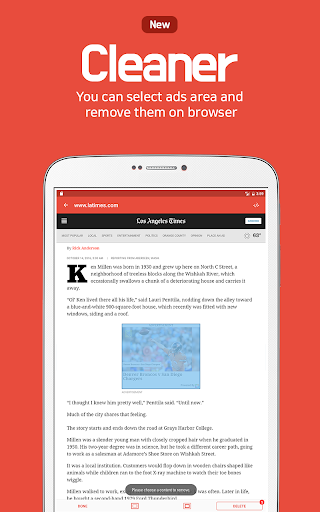
The app blocks annoying pre-roll video ads, pop-up ads, forced redirects, and more, providing a seamless browsing experience. Unicorn Blocker also targets specific websites including top mobile and PC sites, community platforms, press outlets, portals, blogs, and advertising agencies. With its robust features, this productivity tool ensures a smoother and more efficient browsing experience.

Features

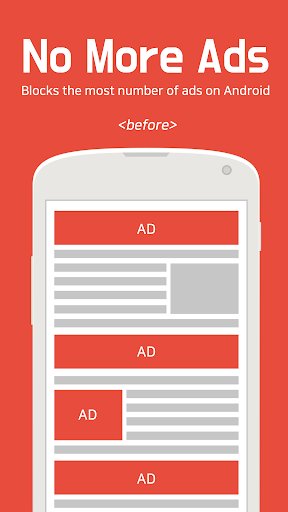
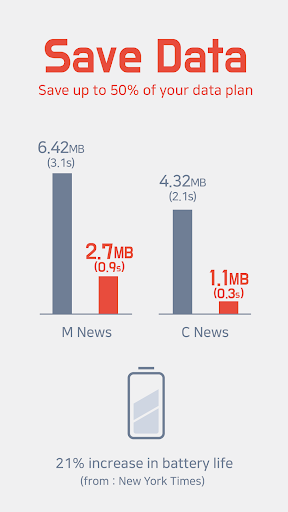
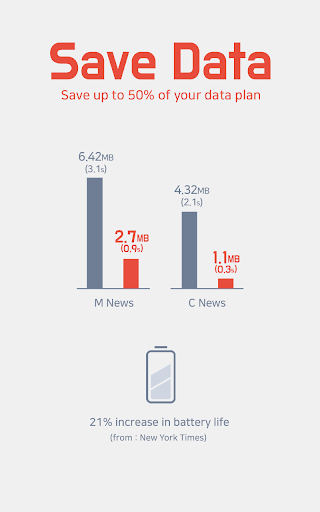
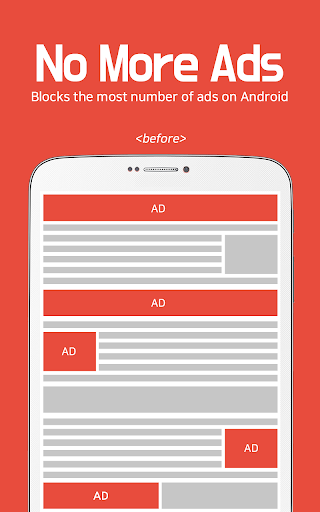
Unicorn Blocker offers an extensive range of features tailored to improve your browsing efficiency. One of the standout capabilities is its ability to block multiple types of ads such as pre-roll video ads, pop-up ads, and forced redirect ads. This not only enhances user experience but also saves up to 50% of your data plan.

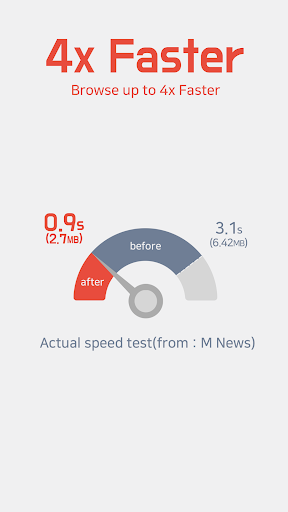
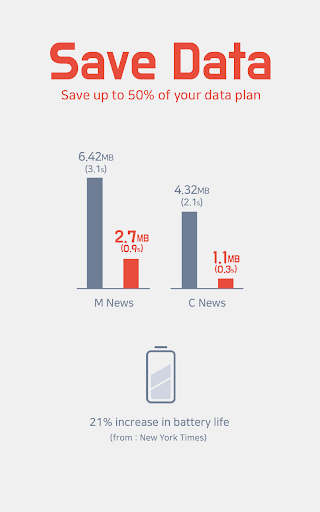
In addition to ad-blocking, Unicorn Blocker increases browsing speed by up to three times and extends battery life by up to 21%, according to the New York Times. The app supports both Samsung Internet 4.0 or higher and Yandex Browser, ensuring broad compatibility. These features collectively contribute to a faster, more reliable, and less intrusive browsing experience.

Core task management

In the realm of productivity applications like Unicorn Blocker the concept of core task management revolves around the app's ability to efficiently handle its primary functions which in this case is ad blocking to enhance web browsing experiences Core task management ensures that all essential features are not only present but also optimized for performance Unicorn Blocker demonstrates excellent core task management by offering a comprehensive suite of ad blocking capabilities The application effectively blocks various types of intrusive ads including pre roll video ads pop up ads and those that hide and then appear disrupting the user experience It also tackles ads that lead to forced redirects and sexual content ensuring a safer browsing environment Furthermore it prevents tracking which enhances user privacy By meticulously managing these core tasks Unicorn Blocker delivers tangible benefits to its users The app saves up to fifty percent of data usage which would otherwise be wasted on ads This not only reduces data expenses but also contributes to faster browsing speeds making web surfing up to three times quicker Additionally by lightening the browsing load the app extends battery life by up to twenty one percent These enhancements collectively result in a smoother more efficient and less intrusive browsing experience allowing users to focus on the content that matters most without unnecessary distractions or delays Through its robust core task management Unicorn Blocker establishes itself as an invaluable tool for anyone looking to optimize their online activities while minimizing data costs and maximizing speed and efficiency

Cross-device synchronization reliability

Cross device synchronization reliability is a critical feature for productivity applications especially for tools like Unicorn Blocker which aim to provide a seamless browsing experience across different platforms In the context of Unicorn Blocker cross device synchronization refers to the app's ability to maintain consistent ad blocking functionality and user preferences across supported browsers such as Samsung Internet and Yandex Browser Although Unicorn Blocker operates specifically within these environments its reliability in synchronizing settings and blocked ad lists ensures that users receive a uniform experience regardless of the browser they choose to use The synchronization process involves updating and maintaining an extensive database of blocked ads from top websites including community sites press portals blogs and advertising agencies This guarantees that whether a user switches between Samsung Internet and Yandex Browser they will encounter the same level of protection against unwanted ads The reliability of this synchronization is vital because it directly impacts the user's browsing quality A dependable synchronization mechanism means users won't have to manually adjust settings or worry about inconsistent ad blocking performance when switching devices or browsers Unicorn Blocker achieves this reliability through regular updates and compatibility checks with Android versions starting from KitKat and above While Unicorn Blocker does not explicitly detail its synchronization technology its commitment to supporting multiple browsers and providing tips for optimal use such as syncing bookmarks from Google Chrome to Samsung Browser indicates a dedication to reliable cross platform performance This reliability translates into significant user value as individuals can enjoy uninterrupted ad free browsing sessions with consistent performance metrics such as saved data plans increased browsing speeds and extended battery life across all their devices In essence Unicorn Blocker's emphasis on synchronization reliability underscores its mission to deliver a dependable and cohesive browsing experience irrespective of the specific browser or device being used

Props

Blocks various ad types

Saves up to 50% data

Increases browsing speed

Extends battery life

Broad browser support

Cons

Limited browser support

Requires specific OS

No iOS version

Ads reappear sometimes

Needs manual setup

Features and Functions

What is this app and what can I use it for?

Unicorn Blocker is an ad-blocking app enhancing browsing speed and saving data

How do I download and install this app on my device?

Download Unicorn Blocker from Google Play Store and install it on your device

How do I get started after opening the app for the first time?

Open the app and follow on-screen instructions to set preferences

What are the main features and capabilities of this app?

Main features include blocking various ads and saving data expenses

How can I customize my experience and adjust preferences?

Customize settings in the app's preference menu to adjust your experience

How do I save or bookmark my favorite content for later access?

Bookmark content directly within supported browsers for later access

How can I share content with friends or on social media?

Share content via social media using browser's share functionality

How do I access detailed information and explore more content?

Access detailed info through the appu2019s comprehensive help section

What permissions does this app need and how do I manage them?

App needs basic permissions; manage them in device settings

How do I check for updates and keep the app running smoothly?

Check for updates in Google Play Store to keep the app running smoothly
Show more

User Reveiws

{{ comment.reviewer_name }}
{{ comment.review_date_formatted}}
{{ comment.review_content }}
{{ tab.name }}
{{ comment.reviewer_name }}
{{ comment.review_date_formatted}}
{{ comment.review_content }}
No reviews with this rating












