GitNex for Forgejo / Gitea

5.00

Information

Category:

Productivity

Price:

$ 5.49

Rank:

58

Rating:

5.00

Overview

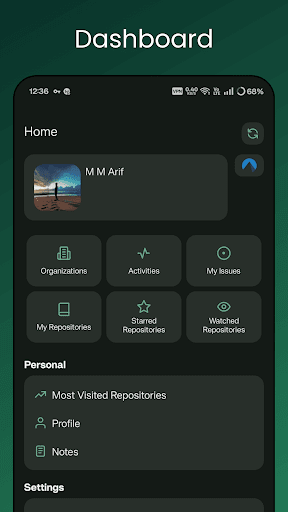
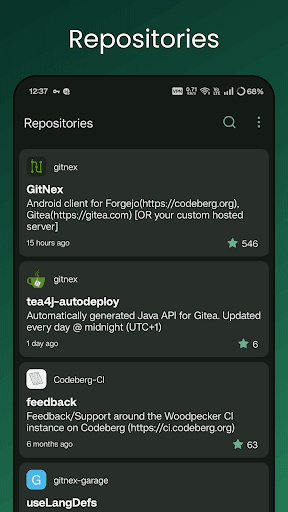
GitNex is a powerful open-source Android client designed for managing Git repositories on Forgejo and Gitea. This productivity tool allows developers to efficiently handle multiple accounts, browse files and directories, and view detailed repository information directly from their mobile devices.

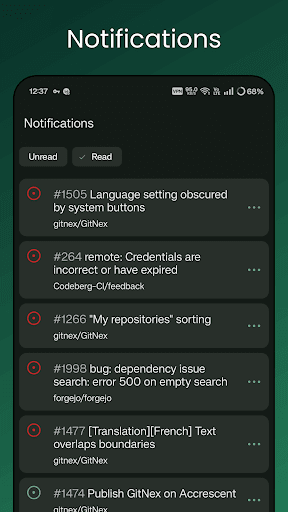
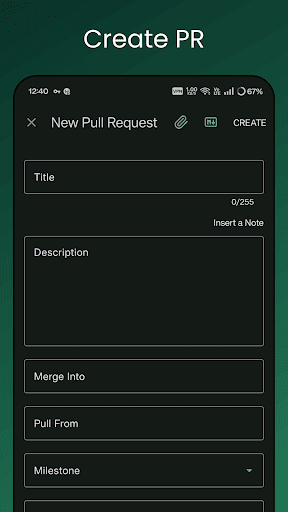
The app supports essential features like creating files, issues, pull requests, wikis, milestones, releases, and labels. With its extensive functionality, including notifications, commit tracking, and markdown support, GitNex ensures that users can maintain full control over their projects while on the go. Its self-signed certificate support and customizable themes make it a versatile choice for both individual developers and teams.

Features

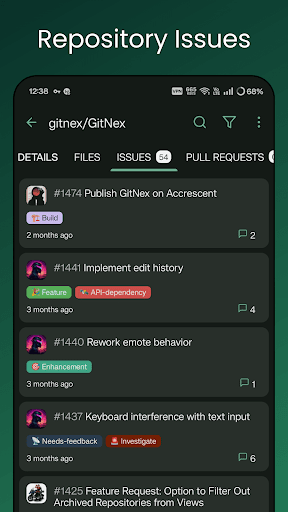
GitNex offers an impressive range of features tailored for productivity-focused Git management. The app provides comprehensive tools such as file and directory browsers, issue trackers, and pull request managers. Users can easily navigate through repositories, organizations, and explore various elements like issues and wiki pages.

One standout feature is its ability to handle multiple accounts seamlessly, allowing users to switch between different profiles without hassle. The inclusion of markdown and emoji support enhances communication, while the extensive settings menu lets users customize their experience. With additional capabilities like self-signed certificate support and theme customization, GitNex delivers a robust solution for managing Git repositories efficiently.

Core task management

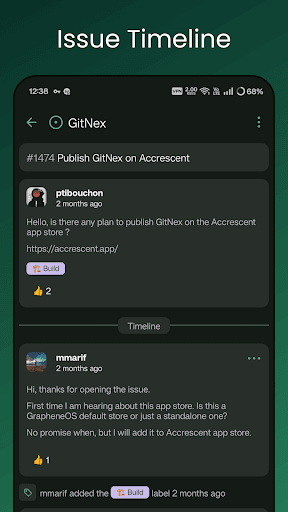
Task management in GitNex for Forgejo and Gitea is a comprehensive feature that allows users to efficiently handle various aspects of their Git repositories. This functionality encompasses the ability to create and manage issues pull requests milestones labels and releases directly from the mobile application. The importance of this feature lies in its capacity to streamline project management by providing an intuitive interface for organizing tasks tracking progress and collaborating with team members. GitNex achieves this through a well-structured workflow where users can easily navigate between different repository components such as issues lists pull request queues and milestone trackers. Each task type comes with detailed creation forms allowing users to specify relevant parameters assign responsibilities set deadlines and attach necessary documentation. The application's implementation ensures that all task-related actions are synchronized in real-time with the corresponding Forgejo or Gitea server maintaining consistency across devices. Users benefit significantly from this feature as it enables them to stay productive while away from their desktops. They can quickly respond to urgent issues review pending pull requests and adjust project timelines without being tied to a computer. Furthermore the mobile platform offers push notifications ensuring that users never miss important updates or deadlines. This level of accessibility and responsiveness enhances overall project efficiency and team collaboration making GitNex an invaluable tool for developers and project managers who need to maintain oversight of their repositories on the go.

Cross-device synchronization reliability

Cross-device synchronization reliability is a crucial aspect of GitNex for Forgejo and Gitea ensuring that all repository data and user actions remain consistent across multiple devices. This feature is particularly important for developers who work in dynamic environments where they might switch between their desktop computers tablets and smartphones throughout the day. The synchronization mechanism in GitNex is designed to provide real-time updates of repository changes including commits issue updates pull request modifications and configuration adjustments. When a user performs an action on one device such as creating a new issue or updating a wiki page the change is immediately reflected on all other devices connected to the same account. GitNex achieves this seamless synchronization through a combination of efficient API calls and intelligent caching strategies. The application maintains a local cache of repository data which is regularly updated with the server's state while also pushing local changes to the server. This approach ensures that even in situations with intermittent network connectivity users can continue working with their local copy and have their changes synchronized once the connection is restored. The benefits of this reliable synchronization extend beyond mere convenience. It enables teams to collaborate more effectively as all members have access to the most current repository state regardless of which device they are using. Project managers can monitor progress and make decisions based on up-to-date information while developers can seamlessly transition between devices without losing context or productivity. Additionally the synchronization process includes conflict resolution mechanisms that help prevent data loss or inconsistencies when multiple users modify the same repository elements simultaneously. This robust cross-device synchronization capability makes GitNex an essential tool for modern development workflows where flexibility and reliability are paramount.

Props

User-friendly interface

Multiple account support

Comprehensive feature set

Open-source flexibility

Active community support

Cons

Steep learning curve

Limited iOS availability

Occasional bugs

No offline mode

Complex setup

Features and Functions

What is this app and what can I use it for?

GitNex is an Android app for managing Git repositories on Forgejo and Gitea platforms

How do I download and install this app on my device?

Search GitNex on Google Play Store and tap Install to download and set up the app

How do I get started after opening the app for the first time?

Sign in with your Forgejo or Gitea account and follow the on-screen instructions to get started

What are the main features and capabilities of this app?

Key features include multiple account support file browsing issue tracking and pull request management

How can I customize my experience and adjust preferences?

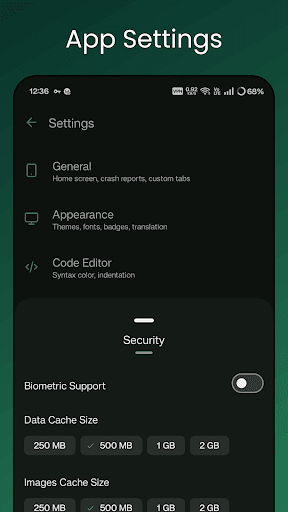
Access Settings to adjust preferences like themes notifications and default account settings

How do I save or bookmark my favorite content for later access?

Use the Star or Bookmark option to save repositories or issues for quick access later

How can I share content with friends or on social media?

Tap the Share button to send content links via email social media or messaging apps

How do I access detailed information and explore more content?

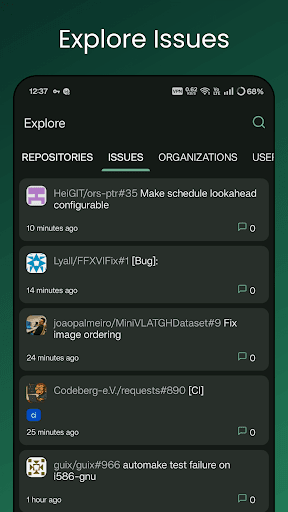
Browse Explore sections to find detailed information about repositories users and organizations

What permissions does this app need and how do I manage them?

The app requires storage and network permissions managed through device settings

How do I check for updates and keep the app running smoothly?

Enable automatic updates in Google Play Store settings to keep GitNex running smoothly
Show more

User Reveiws

{{ comment.reviewer_name }}
{{ comment.review_date_formatted}}
{{ comment.review_content }}
{{ tab.name }}
{{ comment.reviewer_name }}
{{ comment.review_date_formatted}}
{{ comment.review_content }}
No reviews with this rating