
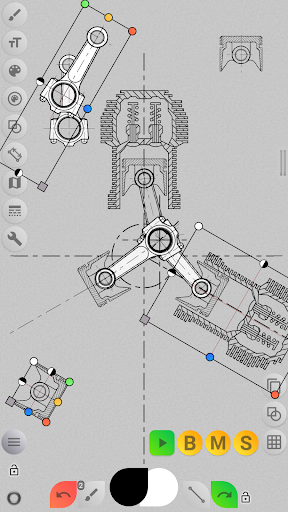
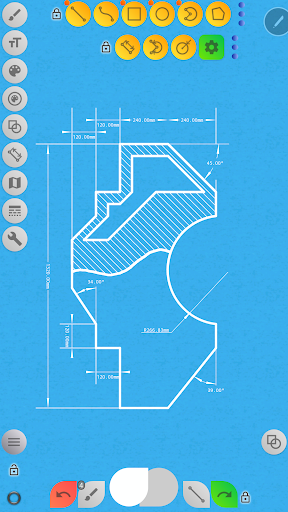
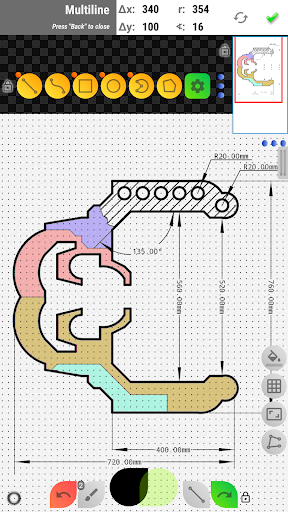

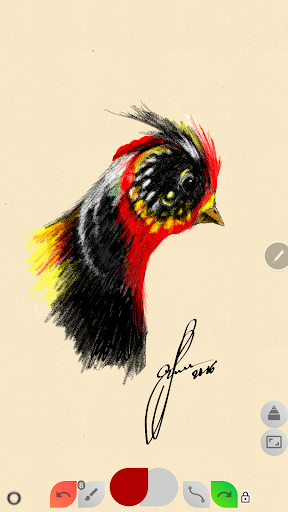
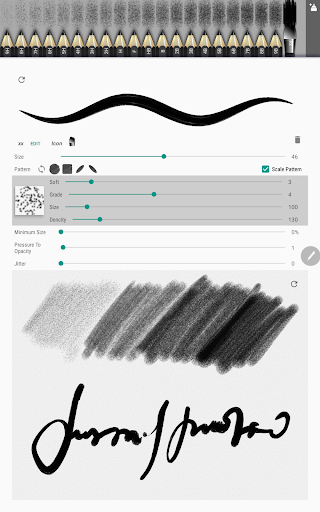

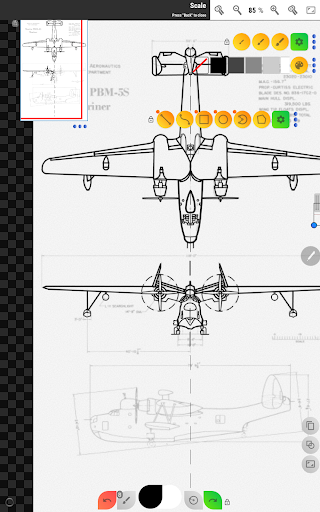
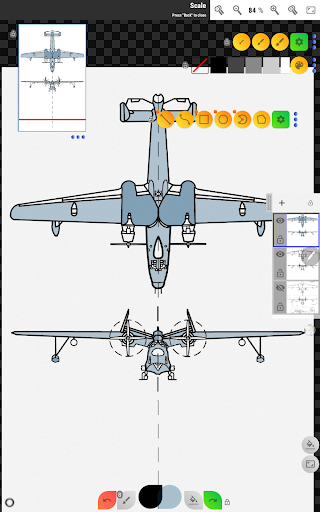
Sketch Box Pro is a versatile sketching and drawing application designed to meet various requirements, from technical drawings to general sketching. It serves as an alternative to vector CAD systems while maintaining the simplicity of traditional drawing tools. The app uniquely combines the functionality of CAD systems with the ease of general drawing applications, making it suitable for both creative and technical users.
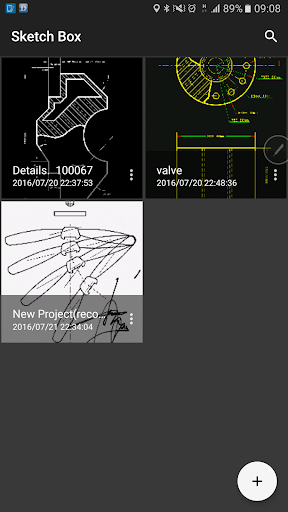
The application supports project-based workflows, allowing users to create projects from scratch, online map snapshots, or images from the device gallery. With features like layers support (up to 6 layers in the Pro version), dimension tools, grid tools, and online map integration, Sketch Box Pro provides a comprehensive solution for creating detailed sketches and technical drawings on mobile devices.
Whether you're an engineer needing to quickly capture ideas or an artist working on detailed illustrations, Sketch Box Pro offers the tools necessary to produce professional-quality work on the go. Its intuitive interface and powerful features make it an invaluable tool for anyone involved in design, engineering, or creative arts.
Sketch Box Pro boasts an impressive array of features that cater to both technical and artistic drawing needs. One of its standout features is the Pencils Set, which allows users to customize each pencil's characteristics through a powerful editor. This flexibility enables artists to replicate real-world drawing tools digitally.
The app also includes advanced drawing tools such as multiline functionality with manual point positioning, free and radial selection tools, and optimized drawing engine performance. These features ensure precise control over technical drawings while maintaining smooth performance even with complex projects.
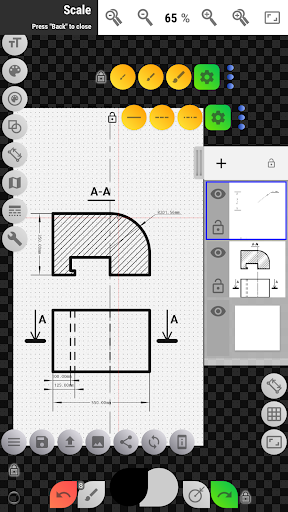
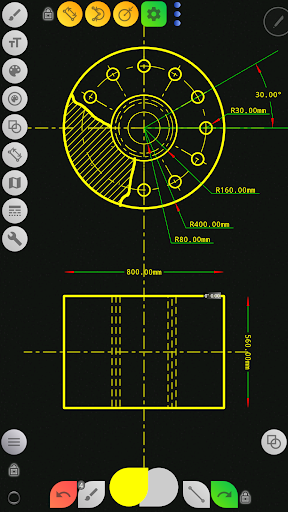
Additional notable features include layer management capabilities (locking, opacity control, duplication), a wide range of basic shapes, dimension tools, scale ratio settings, flood filling, hatching, text tools, and color control panels with history support. The inclusion of online map support with interactive compass tools and measurement capabilities makes it particularly valuable for fieldwork and location-based projects.
User-friendly interface
Powerful customization options
Comprehensive drawing tools
Excellent technical drawing capabilities
Offline functionality
Steep learning curve
Pro features require purchase
Occasional performance issues
Limited collaboration tools
Complex UI for beginners

Direct Chat without saving contacts & Dual WA Account on Single Device
 4.70
4.70
Protect and view your important info on your phone and tablet with eWallet®
4.80
Font maker keyboard with your own handwriting
4.10
Quickly and easily keep track of your work shifts
4.70
Experience and share your SolidWorks designs on your Android® phone and tablet.
2.50
Understand anything with a personalized AI research assistant
4.80
Scan paperwork into PDF/JPG, generate your own e-signature and send fax or email
4.70
AT&T Internet customers can use this app to personalize their Wi-Fi network.
4.40
Seamlessly read, manage, and organize all your PDF files solution in one place
4.40
Calendar 2023 widget for Android. Appointment scheduler, planner, and reminder
4.60
Translate text/voice/photos in 150+ languages. Offline & fast translator app.
4.50
Experience Reading - Night Mode for Documents
4.40
A Pixel Art watchface inspired by other iconic 90s designs for Wear OS devices!
4.40
Easily read and manage all your PDF files
4.10
Cloud storage, automatic phone backup, and more.
4.10
Wake up & get tasks done! Add alarms & reminders on the Clock Launcher.
4.00
Customizable calendar widget for seamless event sync, planning & scheduling.
4.00
Smart PDF reader & editor to view, organize and manage PDF documents easily.
3.70
Ads Free App! Editor, Hide File, Copy, Move, Delete and Rename.. all facility av
1.70


User Reveiws