
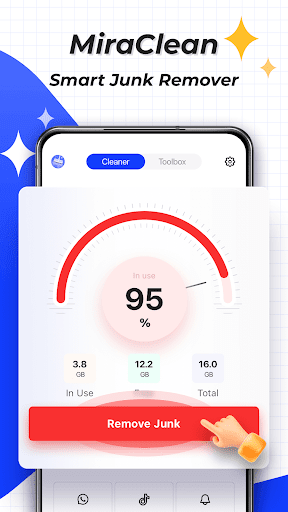
MiraClean is a productivity-focused app designed to help Android users manage their device storage and optimize performance. The app provides essential tools for file management, including junk file scanning and deletion, which clears temporary files, app caches, and residual data that can clutter your device.
In addition to storage optimization, MiraClean offers features like notification clearing, file organization by type and size, and network data usage tracking. It also includes a network speed test feature to measure your internet connection's download and upload speeds. Lightweight and privacy-conscious, MiraClean is an ideal solution for users seeking a simple yet effective way to maintain their phone's performance.
MiraClean stands out with its comprehensive set of productivity-enhancing features tailored for Android users. One of its key capabilities is the ability to scan and delete unnecessary junk files, such as temporary files and app caches, freeing up valuable storage space. This ensures your device remains clutter-free and performs optimally.
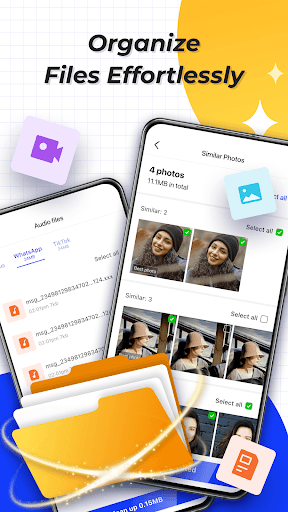
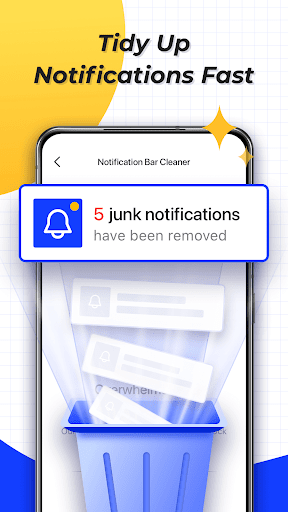
Beyond storage management, the app allows you to clear unwanted notifications from your notification bar, helping you maintain a cleaner interface. Its file management system lets you sort files by type and size, making it easier to organize and clean up your device. Additionally, MiraClean provides network data usage statistics and a network speed test, giving you insights into your mobile and Wi-Fi data consumption while measuring your internet speed accurately.
Lightweight design
Privacy-focused
Easy-to-use interface
Comprehensive file management
Network speed testing
Limited to Android
No cloud backup
Basic UI design
Few advanced features
Notification management only

Secure, fast, open-source, VNC and SSH Remote Desktop for Windows, Linux and Mac
 4.70
4.70
Experience real multitasking on your Android!
4.00
Wake up & get tasks done! Add alarms & reminders on the Clock Launcher.
4.00
Pwnagotchi companion app
4.20
PDF scanner & converter for files, photos, lottery, QR codes. One swipe away!
4.50
Simple and reliable communication between inmates, friends and family
3.20
A beautiful digital clock with autostart and many other functions
4.70
To do list widget with a notebook organizer, checklist, simple shopping list
4.60
Note taking, handwriting, record audio, PDF annotation, planner & journal
4.20
Multilingual translator for text, voice, and image translation!
4.90
Protect and view your important info on your phone and tablet with eWallet®
4.80
Direct Chat without saving contacts & Dual WA Account on Single Device
4.70
Scan paperwork into PDF/JPG, generate your own e-signature and send fax or email
4.70
Absolutely the best CNC machinist speed and feed calculator around. fswizard.com
4.60
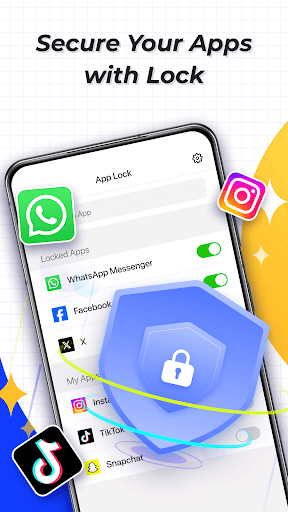
App Lock with fingerprint, password: Lock apps & hide photos with lock screens
4.60
Functional QR scanner and barcode reader that requires little storage space.
4.60
All document reader, all in one file viewer read PDF, DOCX, XLS, PPT, TXT files.
4.60
Activate Two Factor Authentication (2FA or Multi OTP), Password manager and more
4.10
⏰ Finally a timer app which can run multiple timers simultaneously on your watch
3.90


User Reveiws