
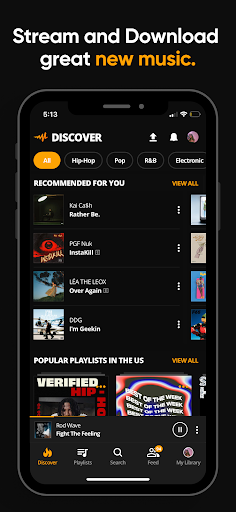

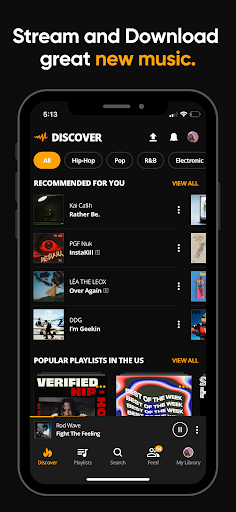

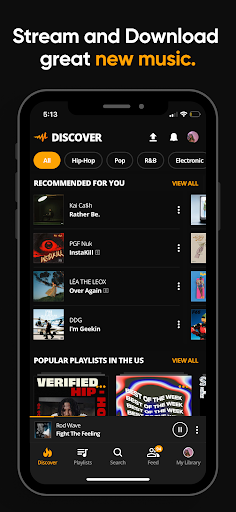
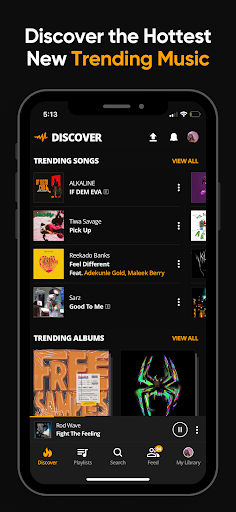



Audiomack is a premier music streaming and downloading app that offers unlimited access to trending tracks across various genres. Users can explore top categories such as Hip-Hop, Rap, R&B, EDM, Afropop, and Reggae, discovering new artists and enjoying high-quality audio experiences.
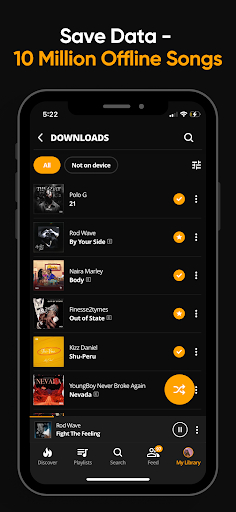
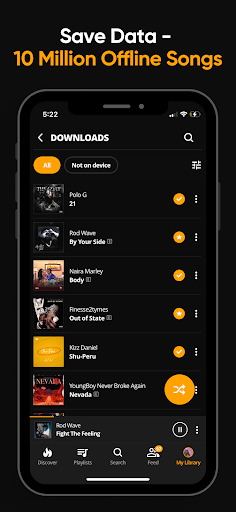
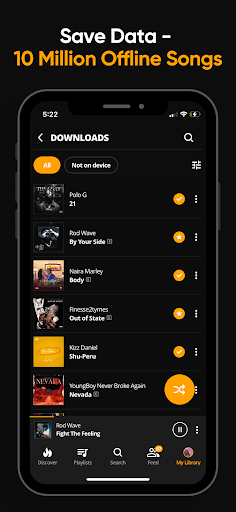
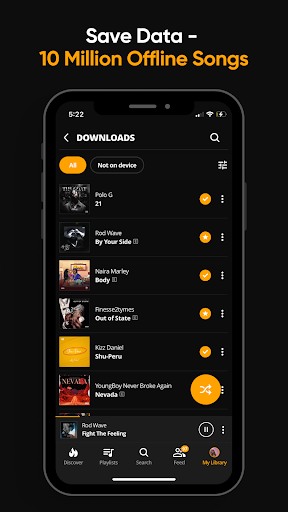
One of the standout features of Audiomack is its offline functionality, allowing users to download songs and albums for data-free listening. Whether commuting or traveling, you can enjoy your favorite music without an internet connection. Additionally, the app supports local file playback, enabling users to listen to their personal MP3 collections seamlessly.
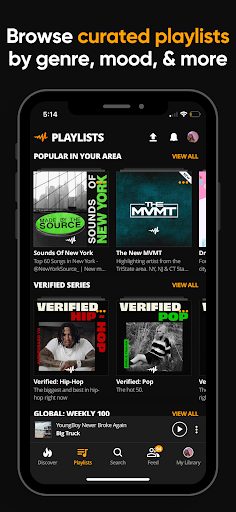
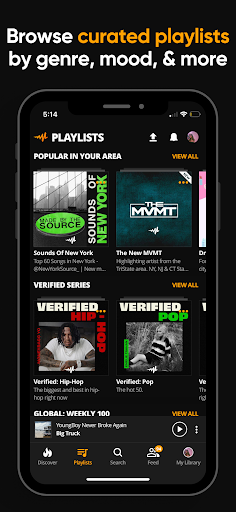
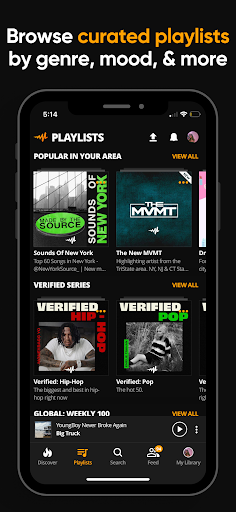
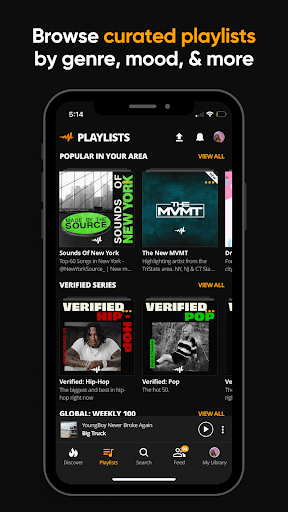
Beyond just streaming, Audiomack provides curated playlists by mood and genre, helping users find the perfect soundtrack for any occasion. With integration across platforms like Wear OS and Android Auto, Audiomack ensures a versatile and immersive listening experience tailored to modern lifestyles.
Audiomack stands out with its comprehensive set of features designed to enhance user engagement and convenience. The app allows users to stream unlimited full tracks and mixtapes from both emerging and established artists. This positions Audiomack as a go-to platform for discovering what's next in the music scene.
For those who prefer offline listening, Audiomack offers a robust download feature. Users can save entire albums and listen without consuming mobile data, making it ideal for areas with limited connectivity. Furthermore, the app supports background play, enabling multitasking while enjoying music.
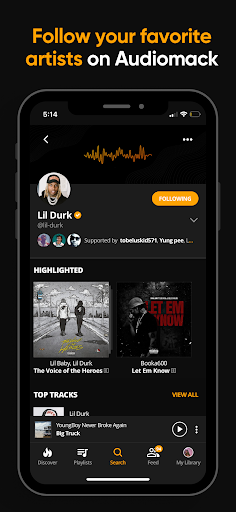
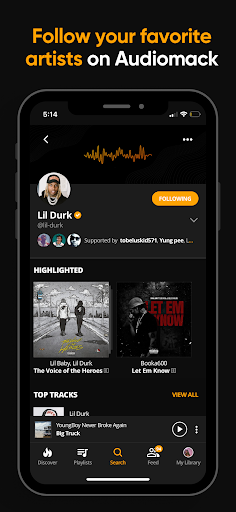
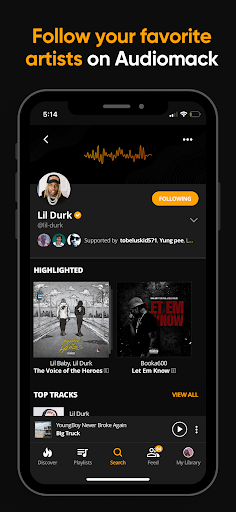
Additional functionalities include creating unlimited playlists, favoriting tracks, and following favorite artists like 21 Savage and Young Thug. Audiomack also integrates with external devices through Android Auto and Wear OS, providing a seamless experience across different platforms. These features collectively ensure that Audiomack remains at the forefront of music streaming innovation.
User-friendly interface
Offline listening mode
Wide music selection
Curated playlists
Cross-platform support
Limited free version
Occasional ads
Regional restrictions
Premium subscription cost
High storage usage

A Wintery Snow Globe on Your Wrist; now celebrating Christmas!
 4.5
4.5
Artistic Digital Watchface
4.4
Watch face designed for Thanksgiving Day. 7 Background Styles included.
3.20
Connect to your Bluelink equipped Hyundai vehicle from your smartphone.
4.50
Gym & home workout plans with strength training, exercise tracking, HIIT & more.
4.60
A digital watch face that celebrates Christmas.
4.00
A white realistic classic analog watch face with many customization options.
4.40
Your music, your playlists, and more—offline and unlimited.
4.20
Connect, create, and collaborate with Gmail, part of Google Workspace.
4.10
Christmas Theme Watch Face for Wear Os
5.00
Period, ovulation & pregnancy tracker. Fertility insights & menstrual calendar.
4.90
Hybrid watch face for Wear OS with customizable complications by Matteo Dini MD
4.70
Beautiful artistic animated digital watch face, with a customizable layout!
4.40
The ultimate destination for kids ages 3-8 to explore the Marvel Universe!
4.30
A customizable Christmas watch face for Wear OS with a countdown.
4.20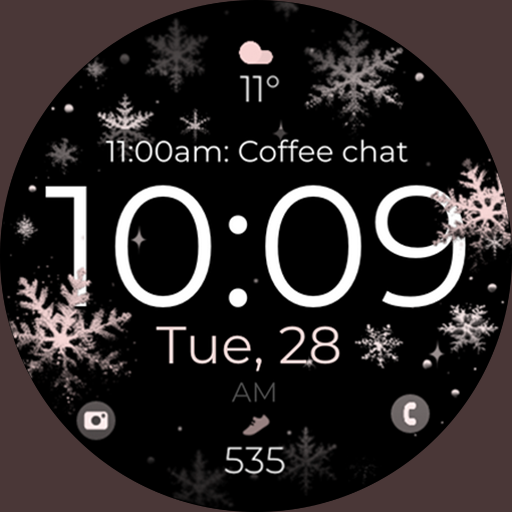
Snowflake Rose Gold Watch Face - Digital, modern, & sleek with GYRO effect.
4.10
Professional weather radar and more
3.90
Christmas is near, let's count together the days left until Santa comes
4.3
Sleek, highly customizable watch face inspired by Galaxy Watch Circle Dashboard.
4.4


User Reveiws