
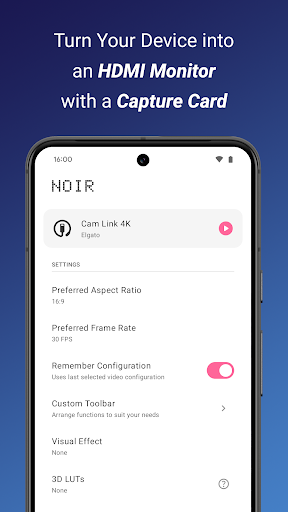

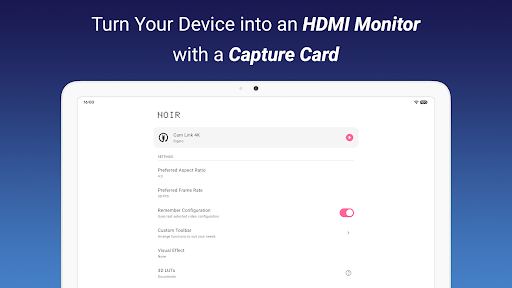
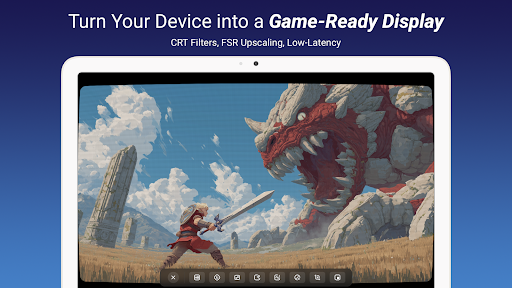
Noir Pro is a professional-grade video player and editor designed for users who require advanced features and high performance. This application transforms your device into a versatile monitor, compatible with gaming consoles, laptops, cameras, and other HDMI-output devices when paired with a USB-C capture card. It supports UVC video streaming and UAC audio streaming, offering both OpenGL ES and Vulkan graphics backend options.
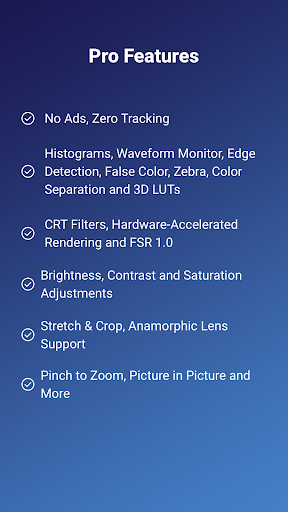
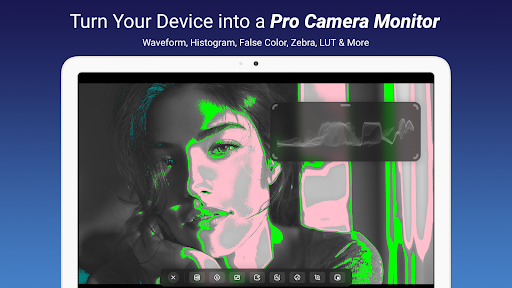
The app includes professional tools such as 3D LUTs, Waveform Monitor, Histogram, Edge Detection, False Color, Zebra, and more. These features cater to videographers and content creators who need precise control over their video output. With support for brightness, contrast, and saturation adjustments, alongside app-specific volume control and Picture in Picture mode, Noir Pro ensures an optimal viewing experience across various use cases.
Whether you're using it as a camera monitor, primary display for gaming consoles, or secondary monitor for laptops, Noir Pro delivers exceptional functionality. Its compatibility with devices that have HDMI output or USB streaming capabilities makes it an invaluable tool for professionals in the field.
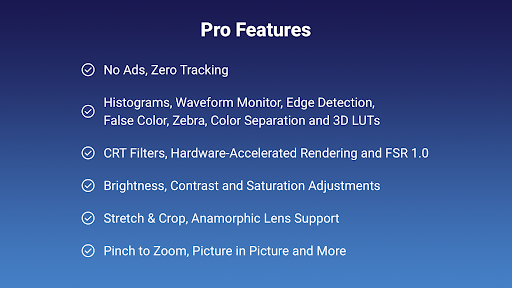
Noir Pro stands out with its comprehensive suite of professional features tailored for videography and content creation. The inclusion of 3D LUTs allows for advanced color grading, while the Waveform Monitor and Histogram provide detailed insights into video exposure and color distribution. These tools are essential for achieving accurate color representation and dynamic range.
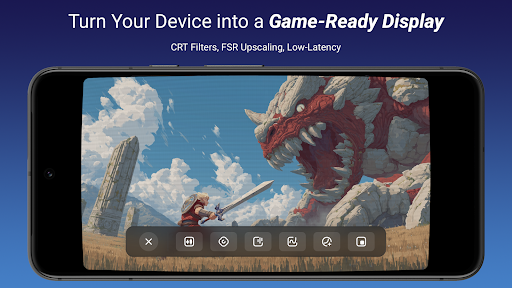
Additional features like Edge Detection, False Color, and Zebra assist users in focusing and exposure adjustments, ensuring every shot is perfectly composed. The app also supports CRT filters and FSR 1.0, catering to retro gaming enthusiasts and those requiring enhanced upscaling. Pinch to Zoom, Stretch and Crop, and Anamorphic Lens Support offer flexible viewing options, accommodating different aspect ratios and lens types.
Brightness, Contrast, and Saturation Adjustments give users granular control over image quality, while App-specific Volume Control and Picture in Picture Mode enhance multitasking capabilities. In-app Screenshot functionality allows for easy capture of critical frames, making Noir Pro an indispensable tool for professionals seeking precision and versatility in their video workflows.
Advanced color grading
Comprehensive monitoring tools
Versatile device compatibility
High-performance graphics
Professional workflow enhancements
Requires specific hardware
Complex for beginners
Premium pricing
Limited free features
Occasional connection issues

The smartest M3U IPTV Player your playlists have ever seen.
 4.0
4.0
A full editing room to accompany your Insta360 cameras and handheld gimbals.
3.30
Client application for NextPVR software
3.00
HD Video player all format, HD Videos, Cast & Subtitle. No annoying ads.
4.60
Create photo video with music & template. AI video maker for stunning slideshow.
4.60
This app was created to edit the metadata of music files.
4.20
Video player with powerful streaming playback and various convenient features.
2.10
An easy-to-use and all-round screen recorder with audio
4.80
Video player with 4K & 1080P support, popup play, background play and subtitle.
4.20
#1 Torrent App on Android ** No Ads Ever + Battery Saver **
4.80
AI Video Editor with Music, Filter, Slideshow, Effect, Merge & Trim Video.
4.80
A Quick and Pro Video Editor
4.70
Support 1000+ Video Format, Subtitle Download, mp3 & Background Play, Cast On TV
4.60
Download website videos fast&privacy
4.40
KMPlayer Plus (Divx Codec) officially support Divx codec.
4.30
Powerful video player with advanced hardware acceleration and subtitle supports
4.20
Watch full episodes of your favorite Cartoon Network and Cartoonito shows!
3.50
Download videos easily & play them all in one smart, powerful video manager.
3.40
The essential companion to your Blue Iris PC software
2.50


User Reveiws