
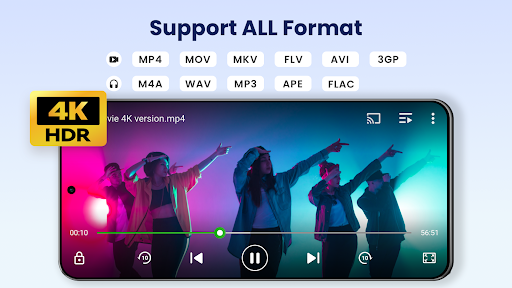


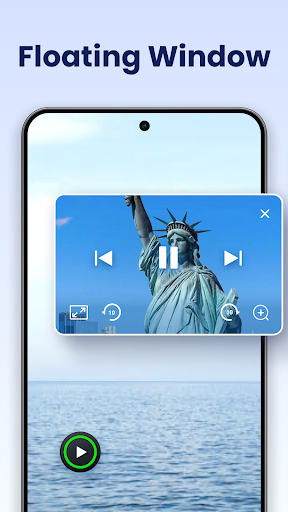
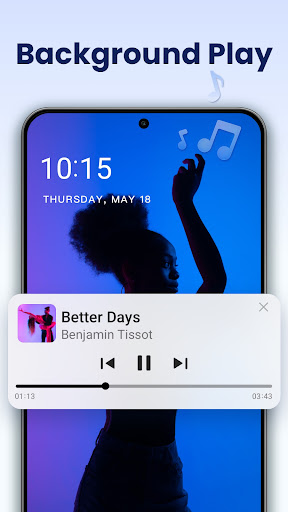
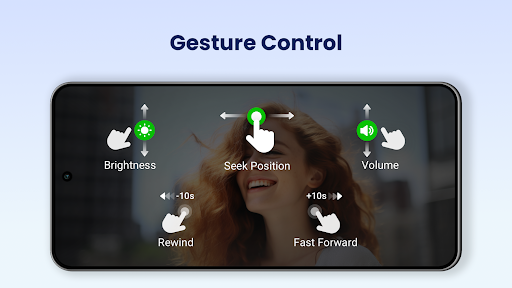
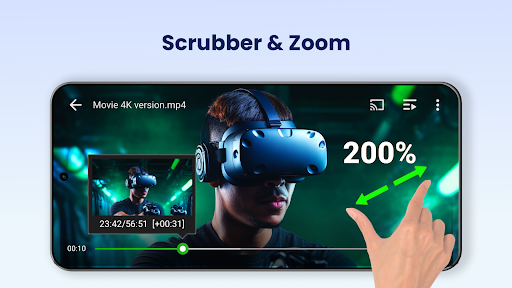
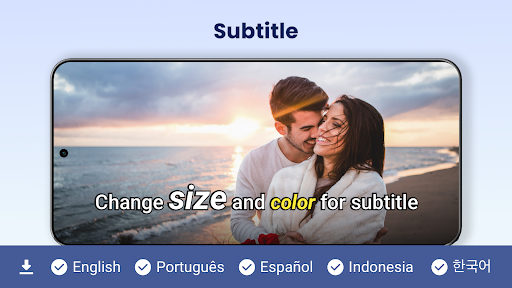
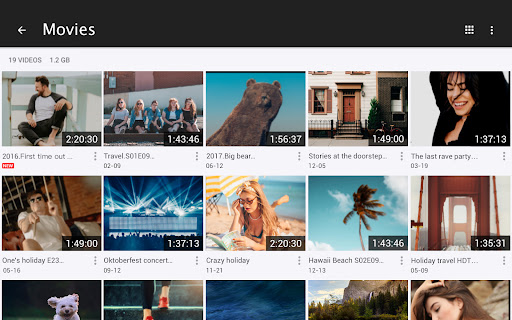
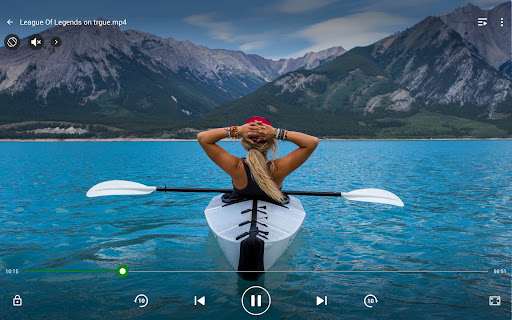
Video Player All Format is a versatile video playback tool designed for Android devices. It supports all video formats including MKV, MP4, AVI, and more, with specialized features like 4K Ultra HD playback and hardware acceleration. The app ensures privacy with a secure private folder feature that password-protects personal videos. Suitable for both smartphones and tablets, it offers advanced functionalities such as Chromecast support, pop-up video, background play, and subtitle downloader.
The application's user-friendly interface allows easy management of video files on your device and SD card. With additional features like night mode, quick mute, and adjustable playback speed, users can customize their viewing experience. Video Player All Format stands out by providing smooth HD playback with speed control options, making it an ideal choice for media enthusiasts who require both functionality and performance in a video player.
Video Player All Format boasts an array of sophisticated features tailored to enhance the video playback experience. One of its standout capabilities is the comprehensive format support, accommodating everything from common MP4 files to more specialized codecs like RMVB and TS. This ensures that no matter the source of your video, the app will play it seamlessly with high-definition quality.
In addition to its broad format compatibility, the app incorporates advanced playback options. Users can cast videos to their TV using Chromecast, enjoy multitasking with the floating video player, and even run videos in the background like an audio file. The inclusion of a subtitle downloader, automatic file identification, and easy sharing options further enriches the user experience. These features collectively make Video Player All Format a powerful tool for managing and enjoying multimedia content on Android devices.
Supports all video formats
Private folder for security
4K Ultra HD support
Chromecast integration
User-friendly interface
No iOS version available
Occasional ads in free version
Limited advanced editing tools
Subscription required for premium
Interface may feel cluttered

Cast to Chromecast, Xbox, Fire Stick, Roku, DLNA, Smart TV & No Feature Limited!
 4.50
4.50
Fast video downloader & private browser. Save HD clips to watch offline.
4.40
Live TV, anywhere in your home
3.80
Download website videos fast&privacy
4.40
GENRAL PRO - General Pro is the best video player that fully supports all formats.
4.70
Movie maker & video editing app with AI effects and green screen
4.30
Fast & Private Video Downloader App. Save all videos easily from the Internet.
4.40
Download videos and play them offline
4.70
LumaFusion: The Ultimate Storytelling Experience for Video Editing
4.10
High-Quality USB Camera Viewer & HDMI Display
4.70
Video Player - Unlimited features, 30 days money back guarantee.
4.60
Browser for Fire TV to stream webvideos, online movies, livestreams in HD
4.40
Powerful video player with advanced hardware acceleration and subtitle supports
4.20
Cast to Smart TV, Fire TV. Cast video, photo - Fast & Stable!
3.90
Connect EasyCap or UVC devices for recording and broadcast video/audio stream
3.60
Browser for Sony TV to stream web videos, online movies and live tv
3.20
You can play SWF format file!
2.50
Video player with powerful streaming playback and various convenient features.
2.10
Play and download HD videos from all sources — fast, simple, and all-in-one.
4.3


User Reveiws