Video Player Pro Version

4.60

Information

Category:

Video Players & Editors

Price:

$ 0.49

Rank:

31

Rating:

4.60

Overview

Zea Player Pro is a premium video player designed for Android devices, offering an ad-free experience with support for all major video and audio formats. It handles high-resolution files up to 8K, includes advanced features like subtitle downloads, dual audio tracks, and background playback, making it ideal for movie enthusiasts and streamers.

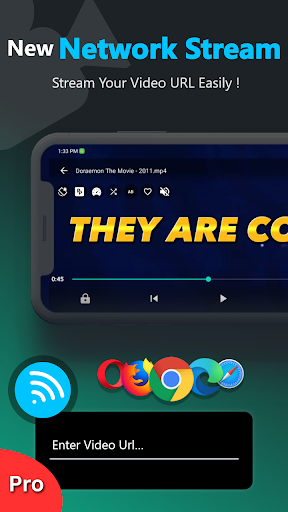
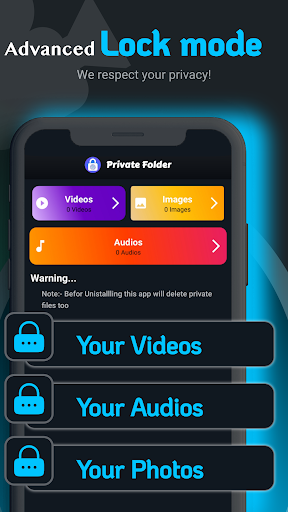
With additional functionalities such as private folder protection, URL streaming, and volume boosting, Zea Player Pro ensures both privacy and convenience. Whether you're managing personal media collections or streaming online content, this app provides smooth, high-quality playback tailored to enhance your viewing experience.

Features

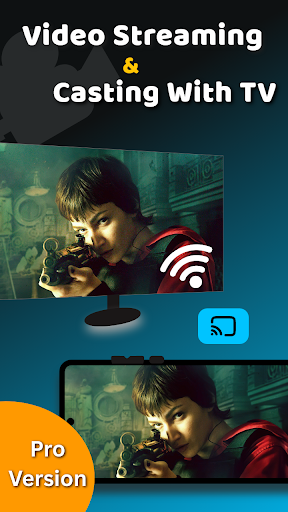
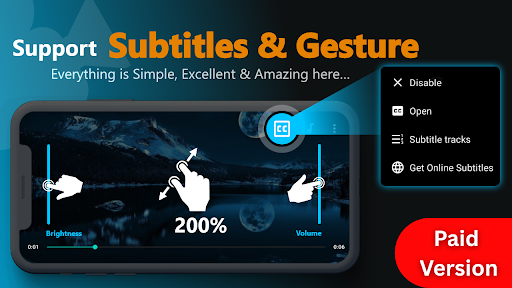
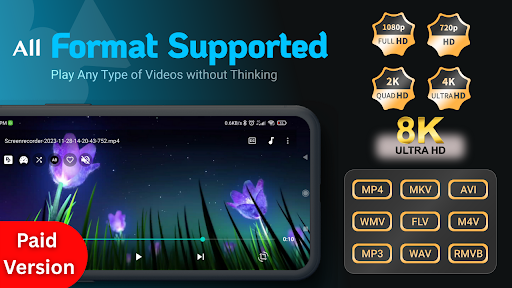
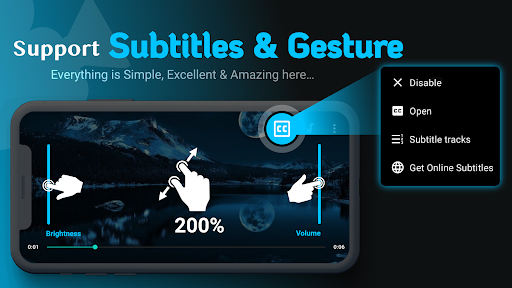
Zea Player Pro stands out with its comprehensive feature set tailored for media enthusiasts. The app supports all popular video formats including MKV, MP4, AVI, and FLV, while also enabling seamless 4K and 8K playback. Its intuitive zoom functionality allows users to adjust video size effortlessly using pinch gestures.

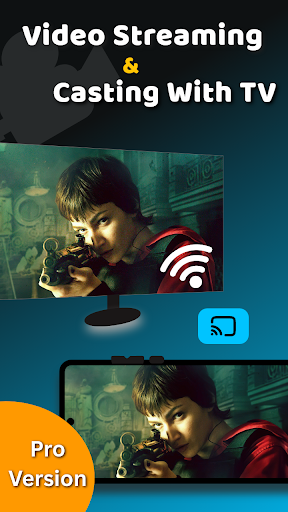
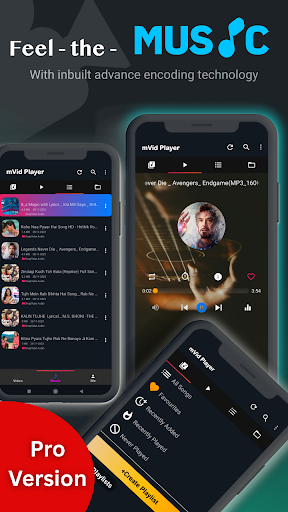
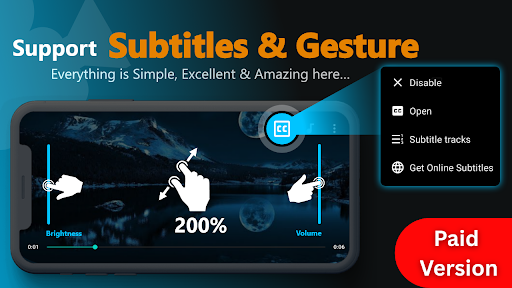
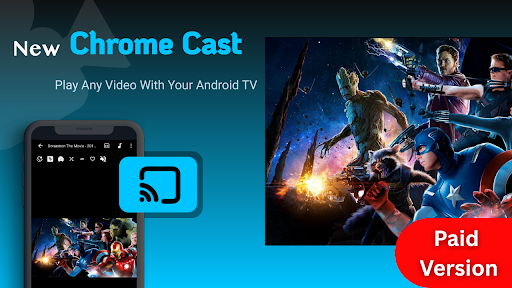
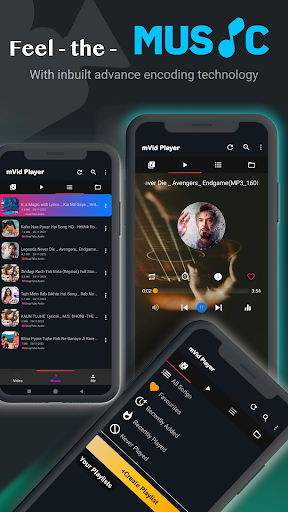
Advanced capabilities include dual audio track support, online subtitle downloads, and background music/video playback. Users can lock private media in password-protected folders, ensuring complete privacy. With volume booster, brightness control, and casting support for Android TV, Zea Player Pro delivers a professional-grade media experience without interruptions.

Video format compatibility

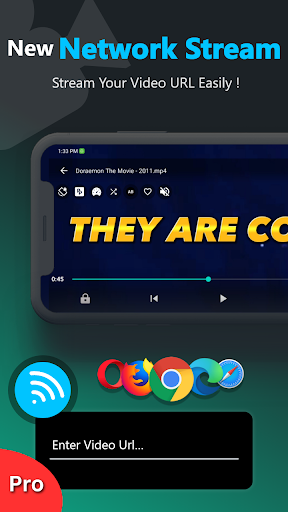
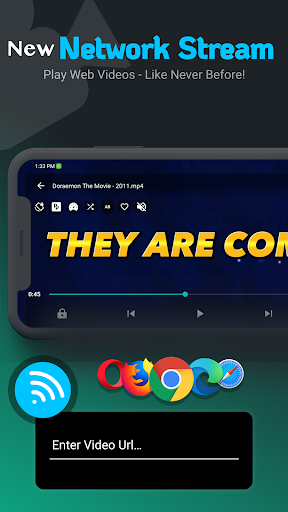
Video format compatibility is a crucial feature for any video player application as it determines the range of video files that can be played within the app. For Video Player Pro Version, this feature is particularly robust and comprehensive. The app supports an extensive array of video formats including MKV, FLV, M4V, MP4, AVI, MOV, 3GP, WMV, RMVB, TS, and ultra HD resolutions up to 4K and 8K. This wide-ranging support ensures that users are not limited by specific file types or quality levels when choosing content to watch. By incorporating such broad compatibility, Video Player Pro Version caters to diverse user needs from casual viewers to professional editors who require high-resolution playback without conversion hassles. Additionally, the inclusion of subtitle support further enhances accessibility for international audiences or those with hearing impairments. Users benefit significantly from this level of versatility because they no longer need multiple players for different formats; instead, they have one centralized solution capable of handling virtually any media file thrown its way. Moreover, features like URL streaming allow direct playback from web links which adds another layer of convenience especially useful for online content creators or anyone looking to stream live events directly through their device. Overall, Video Player Pro Version's commitment to supporting all major video and audio formats positions it as an indispensable tool in todayu2019s multimedia landscape where variety and quality reign supreme.

AI-powered editing features

AI-powered editing features represent a significant advancement in how users interact with and modify their video content. In the case of Video Player Pro Version, these intelligent tools elevate basic playback functionality to a more sophisticated level of media manipulation. One standout feature is the automatic enhancement of visual and auditory elements using AI algorithms. This means that even if a video was recorded under less than ideal conditions, the app can apply corrections to improve brightness, contrast, color balance, and sound clarity automatically. Furthermore, advanced controls enabled by artificial intelligence allow users to make precise adjustments to volume, brightness, zoom levels, and playback speed effortlessly. These capabilities ensure that every viewing experience is optimized according to personal preferences while maintaining the integrity of the original footage. Another innovative aspect involves facial recognition technology which aids in organizing media libraries efficiently by tagging individuals present in videosu2014a boon for managing large collections of family memories or professional projects alike. Additionally, smart cropping powered by AI helps maintain focus on key subjects during playback regardless of screen orientation changes. Such thoughtful integrations demonstrate Video Player Pro Version's dedication to providing cutting-edge solutions tailored specifically towards enhancing user engagement and satisfaction. By leveraging state-of-the-art machine learning techniques, the app not only simplifies complex tasks but also empowers creators to produce polished results without needing extensive technical expertise. Ultimately, these AI-driven enhancements transform what could otherwise be a mundane viewing session into an interactive journey filled with possibilities limited only by imagination.

Props

Ad-free playback

Supports 8K videos

Private folder feature

Subtitle downloads

Background playback

Cons

Paid application

No free version

High system requirements

Limited device support

Subscription cost

Features and Functions

What is this app and what can I use it for?

A premium video player for Android supporting all formats.

How do I download and install this app on my device?

Search 'Zea Player Pro' on Google Play Store and install.

How do I get started after opening the app for the first time?

Open the app, grant permissions, and start playing media.

What are the main features and capabilities of this app?

Supports all formats, subtitles, 4K/8K, private folders.

How can I customize my experience and adjust preferences?

Adjust settings via the Preferences menu in-app.

How do I save or bookmark my favorite content for later access?

Bookmark videos by saving them in the Favorites section.

How can I share content with friends or on social media?

Share videos directly through the Share option in-app.

How do I access detailed information and explore more content?

Access detailed info by tapping video details in-app.

What permissions does this app need and how do I manage them?

Needs storage access; manage in phone settings.

How do I check for updates and keep the app running smoothly?

Enable auto-updates in Google Play Store settings.
Show more

User Reveiws

{{ comment.reviewer_name }}
{{ comment.review_date_formatted}}
{{ comment.review_content }}
{{ tab.name }}
{{ comment.reviewer_name }}
{{ comment.review_date_formatted}}
{{ comment.review_content }}
No reviews with this rating