
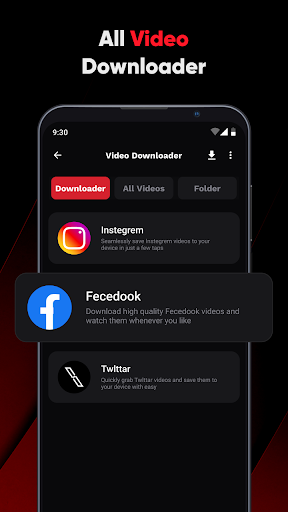
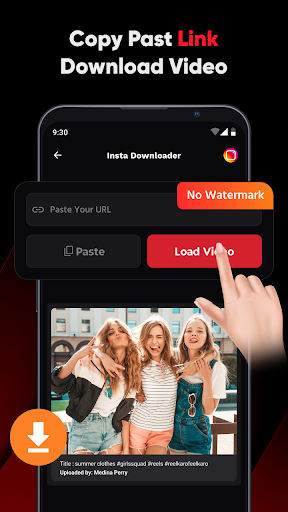
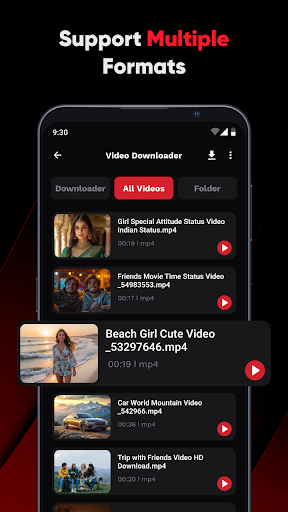
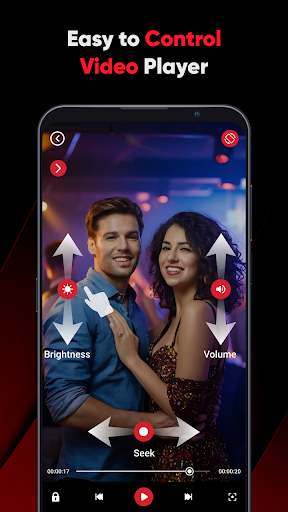
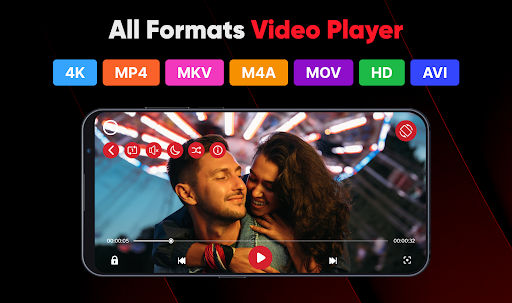
ViPlayer is a versatile video player and downloader designed for users who want to enjoy HD videos seamlessly. It supports all major video formats including MP4, MKV, AVI, and MOV, allowing you to play saved videos directly from your device with advanced gesture controls. The app also enables downloading videos from social media platforms like Facebook and Instagram by simply pasting the URL, previewing the content, and hitting download.
Beyond its core functionality as a video player, ViPlayer offers a clean and lightweight user interface that ensures fast and intuitive navigation. Its one-click downloader makes saving videos effortless, while swipe controls allow easy adjustments of volume, brightness, and playback. Whether you're watching personal content or streaming videos, ViPlayer provides a smooth experience tailored for speed, simplicity, and style.
The app's offline capabilities make it ideal for users who need access to their favorite videos without an internet connection. With no login required, ViPlayer ensures privacy and security while delivering a powerful all-in-one solution for both playing and downloading videos.
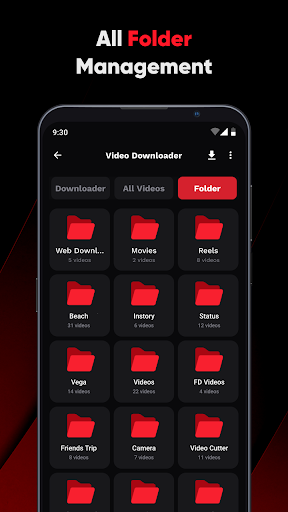
ViPlayer stands out with its comprehensive feature set tailored for video enthusiasts. One of its key strengths is the support for all major video formats such as MP4, MKV, AVI, and MOV, ensuring compatibility across different types of video files. This versatility allows users to organize videos by folder from both internal and external storage, making file management straightforward and efficient.
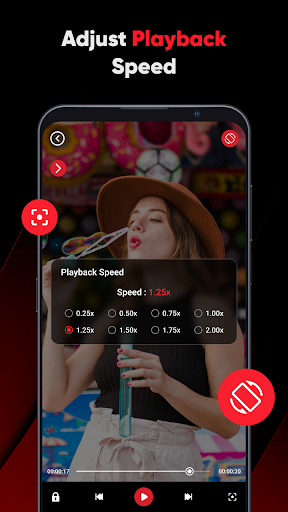
A standout feature is the advanced gesture controls, which let users adjust volume, brightness, and playback with simple swipe motions. Additionally, the app includes a built-in downloader that supports links from popular social media platforms like Facebook and Instagram. By pasting the URL, users can preview and download HD videos in seconds, storing them directly to their gallery for offline viewing.
ViPlayer also emphasizes user experience with its clean, lightweight UI that prioritizes speed and ease of use. The app requires no login, ensuring privacy and security while maintaining a seamless video-watching experience. These features collectively provide a robust solution for anyone looking to enhance their video playback and downloading capabilities.
User-friendly interface
Supports multiple formats
Advanced gesture controls
Fast video downloads
No login required
Limited format conversion
No cloud integration
Basic editing tools
Ads in free version
Occasional bugs

The smartest M3U IPTV Player your playlists have ever seen.
 4.2
4.2
HD video maker with no watermark, no ads & vlog maker with music, PIP, text
4.50
All format media Player, no need video converter any more!
4.00
AirMirror Receiver - Screen mirroring/cast web videos to Android TV by AirPlay.
4.40
Fast & Private Video Downloader App. Save all videos easily from the Internet.
4.40
Add date and time watermark to photos and videos
4.50
Connect EasyCap or UVC devices for recording and broadcast video/audio stream
3.60
#1 Torrent App on Android ** No Ads Ever + Battery Saver **
4.80
Powerful video player with advanced hardware acceleration and subtitle supports
4.20
Download Hub, easy and private way to download and enjoy your videos offline
4.80
A Simple app to download Video & Music from the Internet.
4.70
Screen recorder with audio to take live videos & Screenshot in high quality!
4.70
Video Player - Unlimited features, 30 days money back guarantee.
4.60
Snaptubè Video Downloader app allows to download videos and music in Snaptube. .
4.60
Download website videos fast&privacy
4.40
Turn your phone into a wireless camera!
4.20
Web Browser for LG TV to stream webvideos, online movies and livestreams in HD
4.20
Watch full episodes of your favorite Cartoon Network and Cartoonito shows!
3.50
You can play SWF format file!
2.50


User Reveiws