
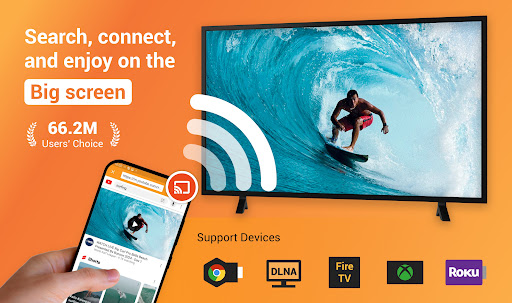
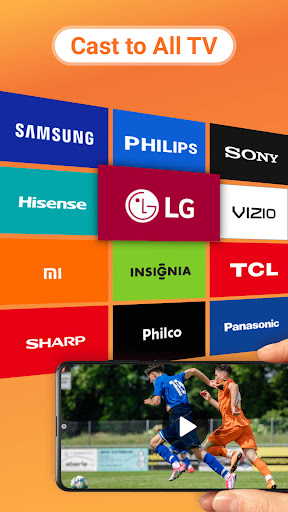
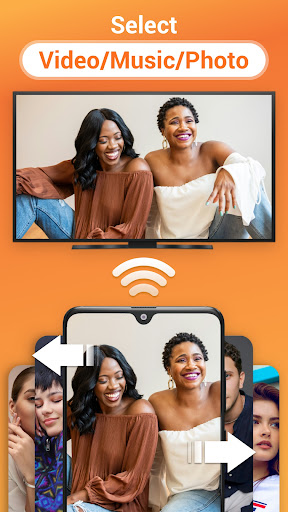
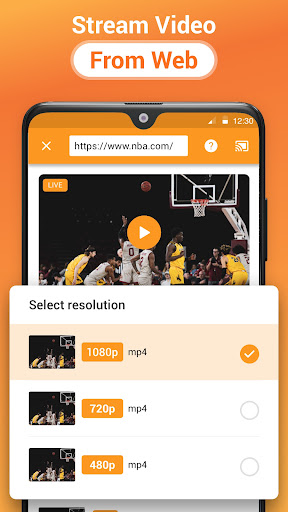
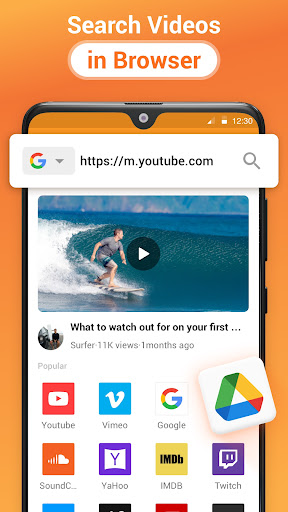
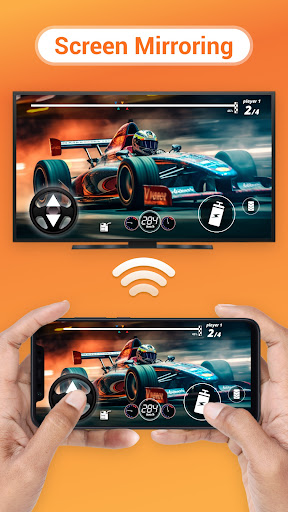
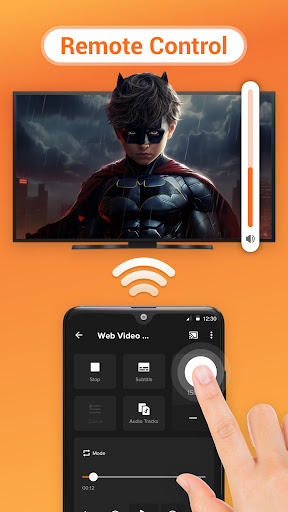
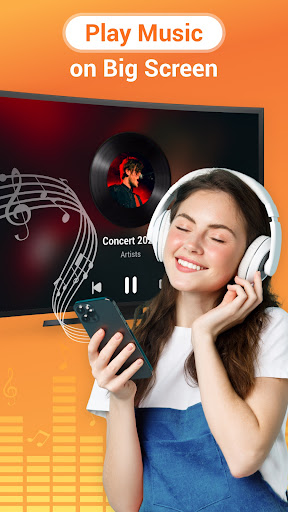
Cast to TV is a versatile media streaming application that allows users to cast online videos, live streams, and local multimedia content including videos, music, and images to various devices such as TVs, Chromecast, Roku, Amazon Fire Stick, Xbox, Apple TV, and other DLNA-enabled devices. The app offers an intuitive interface for controlling playback on the TV directly from your phone, enabling actions like pause, volume adjustment, forward/rewind, and track navigation.
Beyond basic casting capabilities, Cast to TV features a built-in browser for web video casting, supports local playback with advanced options like shuffle, loop, and repeat modes, and automatically identifies media files on your device and SD Card. It also provides a Play Queue function for organizing local audio and video files. Whether you're looking to stream personal media collections or online content, this app serves as an all-in-one solution for seamless media sharing across multiple platforms.
The app's compatibility spans numerous smart TV brands and streaming devices, making it a valuable tool for enhancing home entertainment systems. By bridging mobile devices with larger screens, Cast to TV delivers an enriched viewing experience that brings convenience and flexibility to modern digital lifestyles.
Cast to TV distinguishes itself through its comprehensive feature set tailored for diverse media casting needs. One of its standout characteristics is the ability to control TV playback directly from a smartphone, offering functions such as play/pause, volume management, and track navigation. This level of control transforms the user's phone into a powerful remote control for managing multimedia content on larger screens.
The app's built-in browser facilitates effortless web video casting, while its robust support for local file playback includes advanced options like shuffle, loop, and repeat modes. Additionally, Cast to TV automatically detects available casting devices and compatible media files on both internal storage and SD Cards. Users can organize their favorite content using the Play Queue feature, which supports streamlined management of local audio and video files.
Another key advantage is its broad compatibility with various devices, including Chromecast, Roku, Amazon Fire TV, Apple TV, Xbox consoles, and DLNA receivers. This versatility ensures that regardless of the user's existing hardware ecosystem, Cast to TV can integrate seamlessly, providing consistent performance across different platforms and maximizing the value of their home entertainment setup.
User-friendly interface
Wide device compatibility
Advanced playback controls
Efficient media management
Seamless streaming experience
Wi-Fi dependent performance
Occasional connectivity issues
Limited format support
Device-specific limitations
Potential buffering delays

Fast video downloader & private browser. Save HD clips to watch offline.
 4.40
4.40
Stream Web Videos to Chromecast, Samsung, LG, Sony, Roku, Fire TV, DLNA + more
4.00
Turn your phone into a wireless camera!
4.20
Pro video editor app for Instagram, edit video with song, AI, effect & slowmo.
4.80
The essential companion to your Blue Iris PC software
2.50
#1 Torrent App on Android ** No Ads Ever + Battery Saver **
4.80
Browser + Remote for Roku to stream webvideos, online movies and livestreams
4.60
AI Video Editor with Music, Filter, Slideshow, Effect, Merge & Trim Video.
4.80
Enjoy your favorite videos and channels with the official YouTube app.
3.90
Flud is a simple and beautiful BitTorrent client for Android.
4.80
A Quick and Pro Video Editor
4.70
Cast Videos from Web Browser, IPTV to Roku, Chromecast, DLNA, Smart TV +more
4.60
Photo and Music Video Creator into Stunning Videos—Effortlessly
4.40
Create & edit videos with AI
4.30
Powerful video player with advanced hardware acceleration and subtitle supports
4.20
1)AirPlay/DLNA Mirroring/Streaming, up to 4 connections; 2)Samba/NAS/DMS Player.
4.00
Mix with Virtual DJ directly from your phone or tablet !
3.10
You can play SWF format file!
2.50
Powerful HD video player with support for all formats & subtitles.
4.5


User Reveiws