

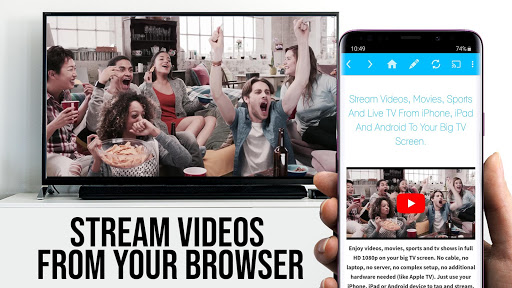
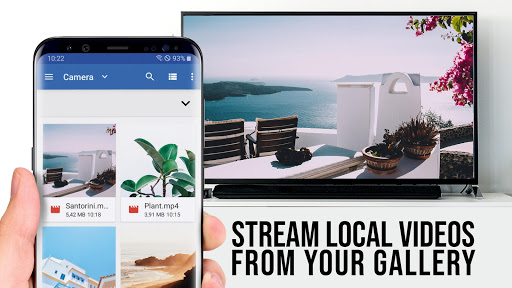

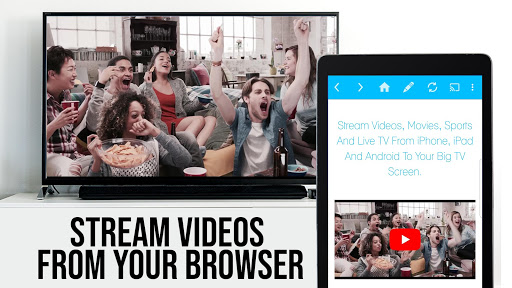
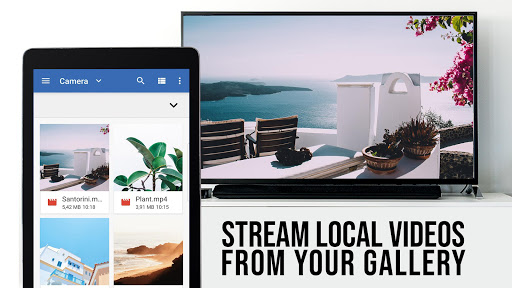

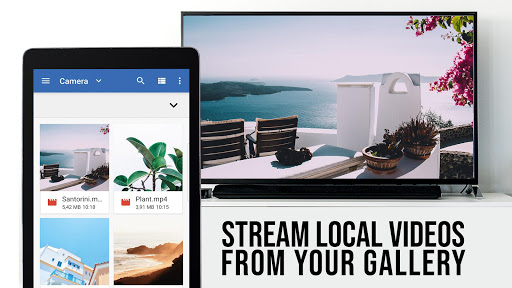
TV Cast Pro for Sony TV is a premier application designed to enhance your streaming experience by enabling you to watch web videos, online movies, livestreams, and live-TV shows directly on your Sony TV. This app stands out as it requires no additional streaming box, supporting formats like mp4, m3u8, hls livestreams, video over https, and Full HD content. It's tailored for Sony TVs equipped with the built-in Video & TV Cast app, making it an ideal solution for users looking to expand their viewing options without extra hardware.
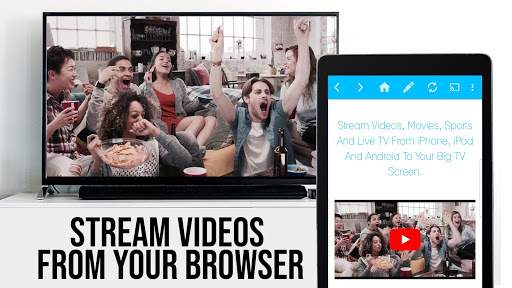
The app allows seamless browsing and casting of videos from the web to your TV. By simply navigating to your preferred website and tapping on the embedded video, you can cast it instantly to your Sony TV. The PRO edition offers unlocked premium features including an Ad-Blocker, remote Playbar for advanced video control, bookmarks management, desktop mode, and customizable homepage settings, providing a comprehensive and user-friendly interface for an optimal streaming experience.
TV Cast Pro for Sony TV boasts a range of sophisticated features that cater to diverse streaming needs. One of its standout capabilities is the Remote Playbar, which provides users with advanced video control functionalities such as video scrubbing, forward, rewind, play, pause, and stop while browsing. This feature significantly enhances user interaction and control over their viewing experience.
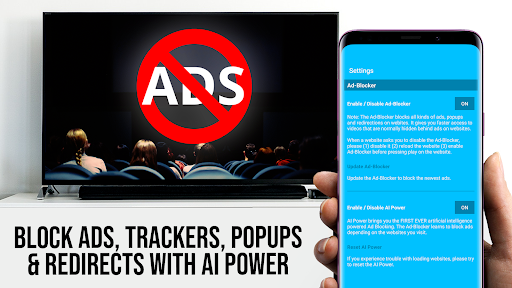
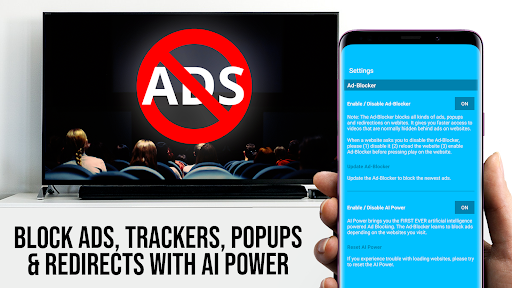
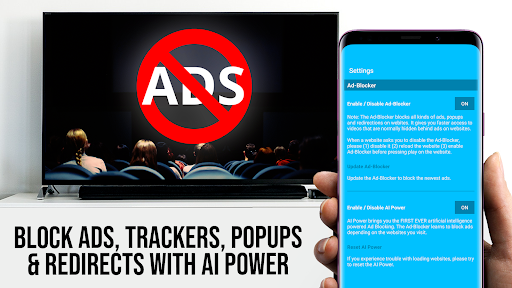
In addition to the Remote Playbar, the app includes an effective Ad-Blocker that eliminates ads and popups on most websites, ensuring an uninterrupted viewing session. Users also benefit from the ability to manage bookmarks directly within the browser, access content in desktop mode for a fuller website experience, and customize their homepage for personalized access. These features collectively offer a streamlined, high-quality streaming service that prioritizes user convenience and satisfaction.
User-friendly interface
No additional hardware needed
Supports multiple video formats
Advanced video control options
Effective ad-blocking feature
Limited to Sony TVs with specific apps
Doesn't support DRM protected videos
Some features require testing in free version
Occasional connectivity issues
Desktop mode limitations with Flash

Video player, file manager for all formats, 4K/HD media player supports subtitle
 4.30
4.30
A full editing room to accompany your Insta360 cameras and handheld gimbals.
3.30
Search & download videos from net with all video downloader, auto-detect & safe.
4.60
This app was created to edit the metadata of music files.
4.20
All in one HD video downloader & player for multiple formats with full privacy
4.70
Download videos and play them offline
4.70
IPTV Loader, loads your own Playlist. DOES NOT CONTAIN ANY LIST OR CHANNELS
4.60
Connect EasyCap or UVC devices for recording and broadcast video/audio stream
3.60
LumaFusion: The Ultimate Storytelling Experience for Video Editing
4.10
Tik & Story Saver-Download ALL social media videos, photos & reels no watermark.
4.80
Find, download, and play torrents with the official BitTorrent® Pro app
4.70
Support 1000+ Video Format, Subtitle Download, mp3 & Background Play, Cast On TV
4.60
KineMaster, Your Ultimate Video Editor!
4.40
Powerful video player with advanced hardware acceleration and subtitle supports
4.20
Your media, on your terms.
4.10
All format media Player, no need video converter any more!
4.00
Online Videos Player
3.90
Explore the largest library of free GIFs, Stickers & Memes - or create your own!
3.90
Live TV, anywhere in your home
3.80


User Reveiws