






AirMirror: TV Cast via AirPlay

4.40

Information

Category:

Video Players & Editors

Price:

Free

Rank:

42

Rating:

4.40

Overview

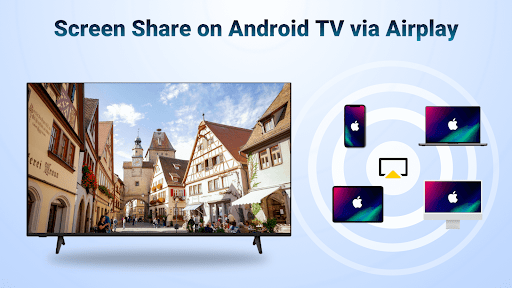
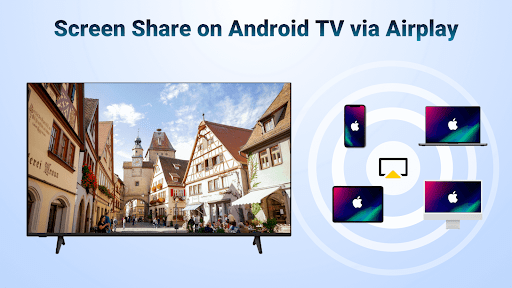
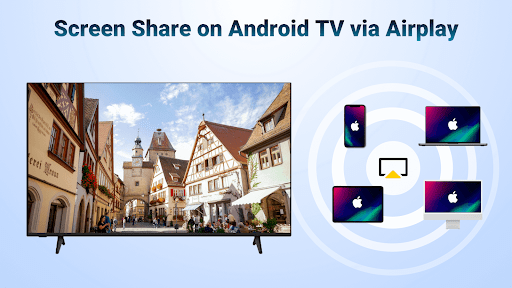
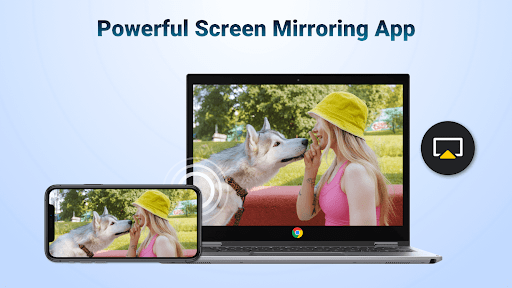
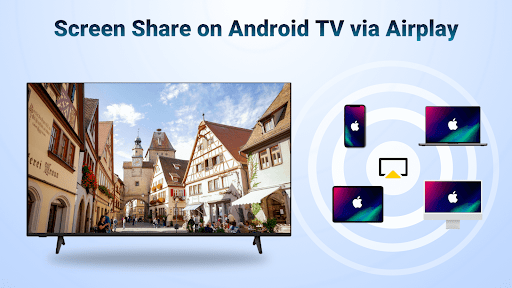
AirMirror is a wireless streaming receiver app that allows users to mirror and cast content from iOS devices to Android TV over WiFi. This innovative solution eliminates the need for switching between Apple and Android ecosystems or investing in additional converters.

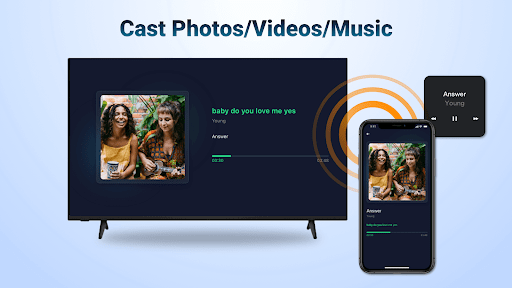
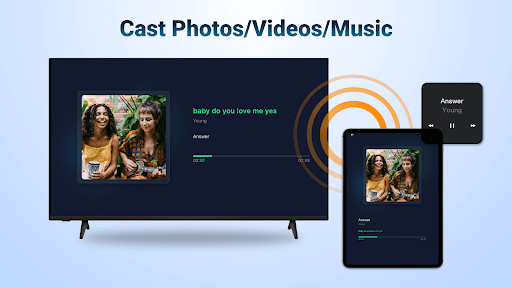
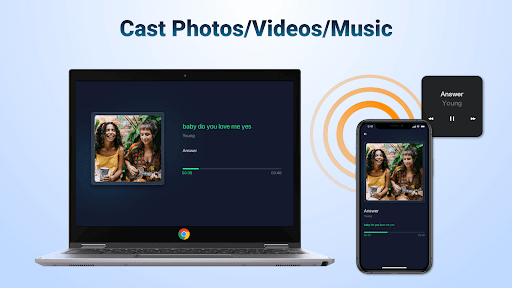
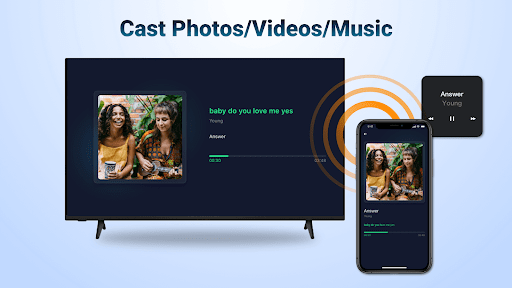
The application supports screen mirroring of photos, web videos, and audio, making it ideal for various scenarios such as business presentations, gaming sessions, photo sharing, fitness video streaming, and movie nights. Its seamless connectivity ensures stable mirroring and casting experiences.

With AirMirror, users can enjoy high-quality media streaming directly on their Android TV, enhancing both personal entertainment and professional settings. The app's intuitive interface and reliable performance make it a valuable tool for anyone looking to bridge the gap between iOS and Android platforms.

Features

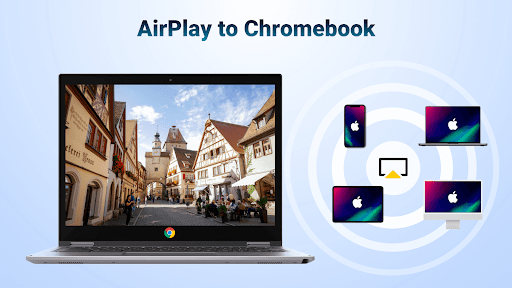
AirMirror offers an array of features designed to enhance the user experience when streaming content from iOS devices to Android TV. One of its standout capabilities is supporting AirPlay-enabled devices, allowing users to stream audio, video, and photos effortlessly.

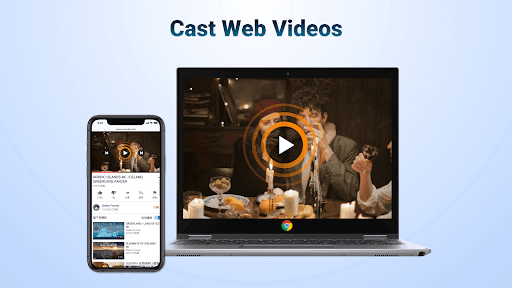
The app provides smooth and fast web video casting, with playback controls available directly on the receiving end. Users can switch between landscape and portrait orientations at will, ensuring optimal viewing angles. Its simple connectivity process guarantees stable mirroring and casting sessions.

Additional features include the ability to mirror screens for presentations, share multiplayer gaming experiences, display travel photos, stream fitness videos, and enjoy music with superior sound quality. These functionalities collectively create a versatile and user-friendly mirroring solution.

Video format compatibility

Video format compatibility refers to an application's ability to recognize, process, and play various video file types ensuring that users can enjoy a wide range of content without worrying about format restrictions. For AirMirror which serves as a wireless streaming receiver enabling users to mirror and cast from Apple devices to Android TV over WiFi this feature is crucial. The app supports streaming audio video and photos from devices enabled with AirPlay including iTunes and iOS devices. It also allows screen casting of videos and music from streaming media where DRM allows. This broad compatibility ensures that whether you're sharing educational content during a class presenting in a business meeting or enjoying multimedia entertainment at home your content will display correctly on the big screen. Users benefit from not needing to convert files or worry about unsupported formats making the sharing experience seamless and efficient. With AirMirror's extensive video format support individuals can effortlessly stream web videos via AirPlay experiencing smooth and super-fast transmission. The app even permits control functions such as Play Pause and Stop directly on the receiving end enhancing user convenience. Moreover its ability to switch between landscape and portrait orientations adds flexibility catering to different types of content and personal preferences. Overall AirMirror's robust video format compatibility empowers users to share diverse content types easily fostering richer interactive experiences across devices.

AI-powered editing features

AI-powered editing features represent advanced functionalities within applications that leverage artificial intelligence to enhance and streamline the video editing process. While AirMirror primarily focuses on screen mirroring and casting capabilities it incorporates intelligent elements that contribute to a more efficient and enjoyable user experience. Although not a traditional video editor AirMirror utilizes AI to ensure simple connectivity and stable mirroring and screen casting. This technological advantage allows users to seamlessly mirror their iOS device screens or air cast photos web videos and audios to Android TV without frequent switching between devices or additional converters. The app's smart recognition system identifies the type of content being shared whether it's a multiplayer game presentation or fitness video and optimizes the display for the best viewing experience. Additionally AirMirror enables users to control playback options like Play Pause and Stop directly on the receiving end demonstrating an intuitive understanding of user needs. Its adaptive orientation feature which lets users switch between landscape and portrait modes showcases another layer of AI-driven customization. These intelligent enhancements collectively create a more engaging and personalized interaction between the user and the displayed content. By integrating these sophisticated yet user-friendly AI-powered features AirMirror elevates the standard casting experience offering users a versatile tool for both professional and leisure activities. Whether sharing memorable travel photos conducting business presentations or enjoying music with enhanced sound quality AirMirror's AI-enhanced functionalities provide a reliable and high-quality streaming solution.

Props

User-friendly interface

Stable connectivity

High-quality streaming

Versatile usage scenarios

Seamless AirPlay integration

Cons

No DRM content support

Occasional connectivity issues

Limited to same WiFi network

Requires device restarts

Dependent on WiFi stability

Features and Functions

What is this app and what can I use it for?

AirMirror mirrors iOS content to Android TV via WiFi for presentations, gaming, and media sharing.

How do I download and install this app on my device?

Download AirMirror from Google Play Store and install it on your Android TV device.

How do I get started after opening the app for the first time?

Connect iOS device and Android TV to same WiFi, launch AirMirror, and select TV name for streaming.

What are the main features and capabilities of this app?

Key features include AirPlay support, orientation switching, stable mirroring, and web video casting.

How can I customize my experience and adjust preferences?

Customize experience by adjusting WiFi settings and using AirPlay controls for playback management.

How do I save or bookmark my favorite content for later access?

Save favorite content by bookmarking it on your iOS device before mirroring to Android TV.

How can I share content with friends or on social media?

Share content by selecting Android TV name in iOS Screen Mirroring options during casting sessions.

How do I access detailed information and explore more content?

Access detailed info by exploring AirMirror's settings and help sections within the app interface.

What permissions does this app need and how do I manage them?

App needs WiFi access permissions; manage them through Android TV's system settings menu.

How do I check for updates and keep the app running smoothly?

Check for updates via Google Play Store to ensure smooth operation and access new features.
Show more

User Reveiws

{{ comment.reviewer_name }}
{{ comment.review_date_formatted}}
{{ comment.review_content }}
{{ tab.name }}
{{ comment.reviewer_name }}
{{ comment.review_date_formatted}}
{{ comment.review_content }}
No reviews with this rating