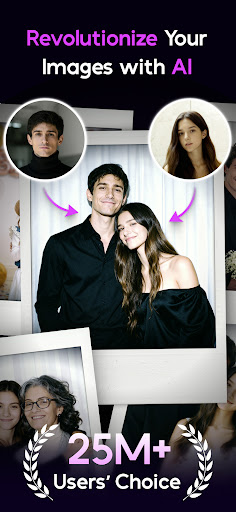
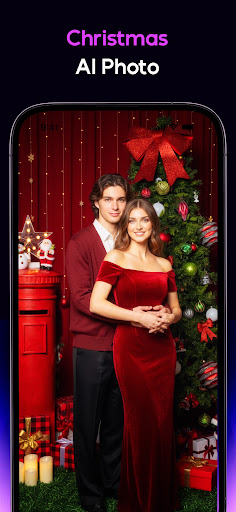
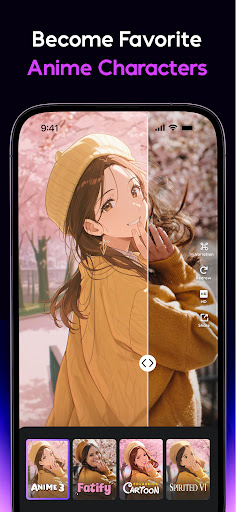
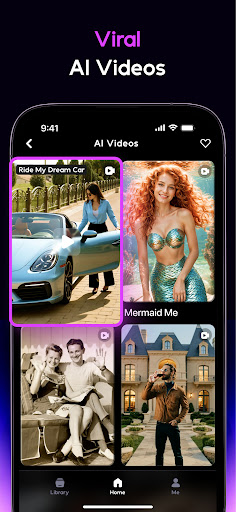
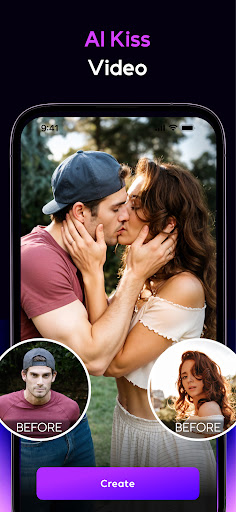
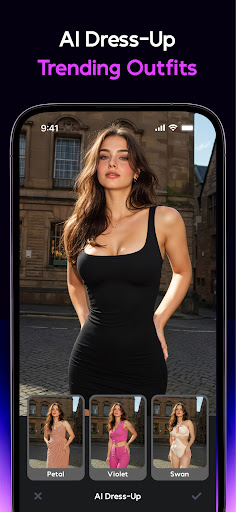
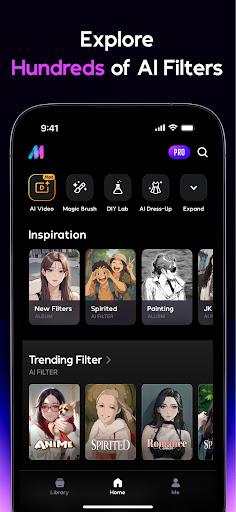
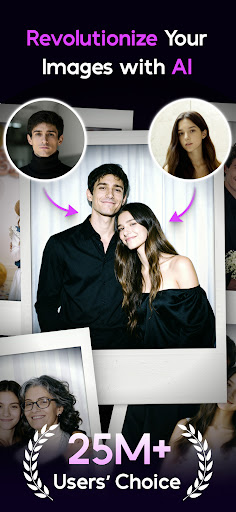
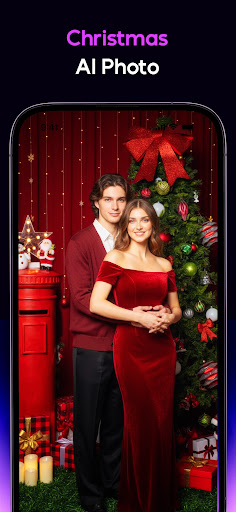
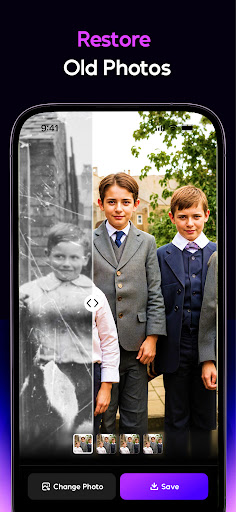
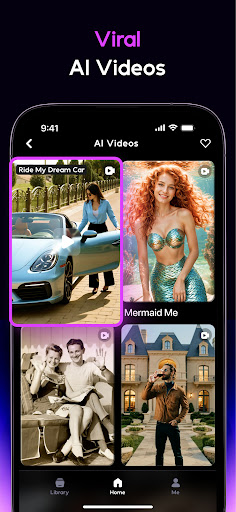
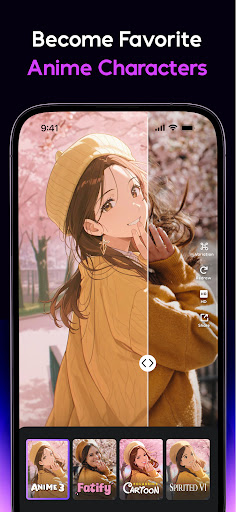
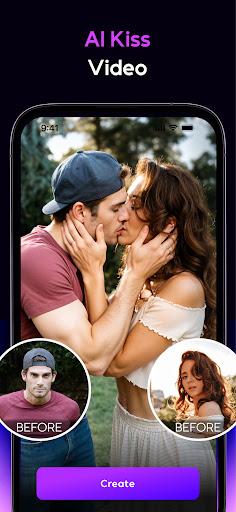
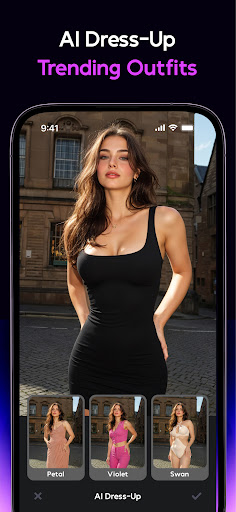


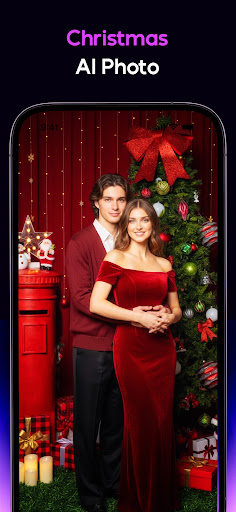
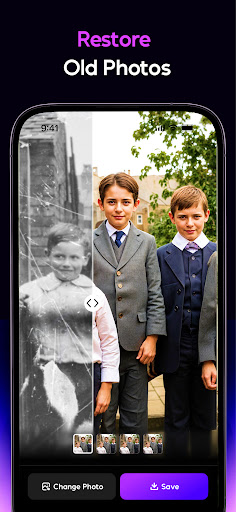
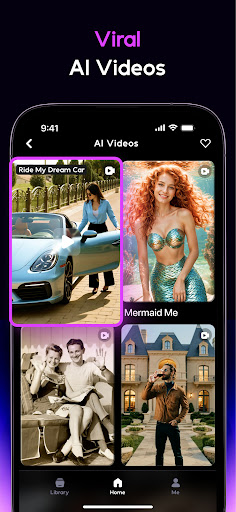
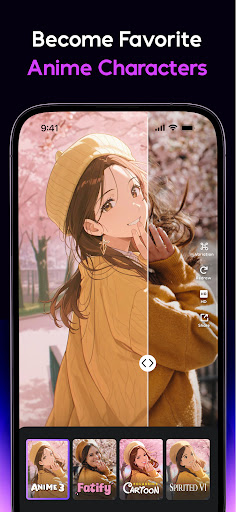
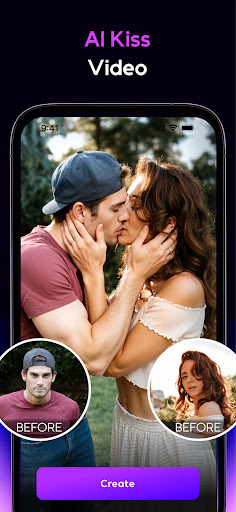
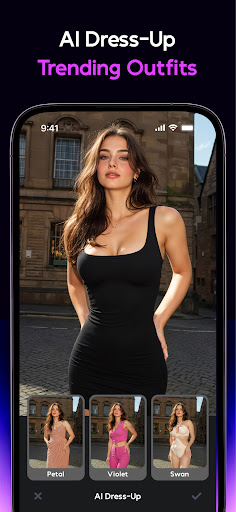
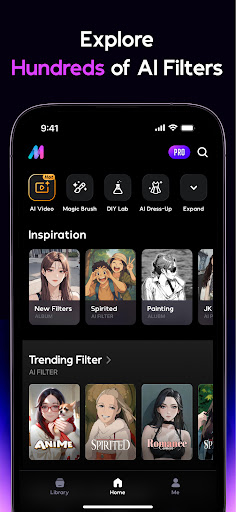
AI Mirror is a cutting-edge photography app that leverages artificial intelligence to revolutionize photo and video editing. With its powerful suite of AI-driven tools, users can effortlessly transform their images and videos into stunning works of art. The app offers an extensive range of features including anime transformations, cartoon filters, and personalized avatars, alongside practical utilities like old photo restoration and AI-powered hugging effects.
This versatile application caters to both casual users looking to enhance social media content and professionals seeking studio-quality results. Whether you're creating viral TikTok clips or preserving cherished family memories, AI Mirror provides the tools necessary to elevate your creative projects. Its innovative Image-to-Video feature and weekly updates ensure users stay ahead of trends while enjoying consistently fresh and exciting content.
AI Mirror distinguishes itself through its comprehensive collection of AI-powered editing tools. The app's Anime Generator and Cartoon Filters allow users to explore various artistic styles, transforming ordinary photos into extraordinary digital creations. Its Figure Maker and Cosplay Creator features enable users to step into iconic roles or create personalized collectible figures with ease.
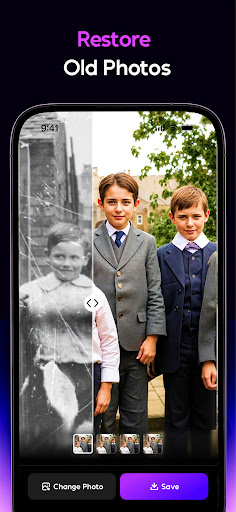
Beyond its creative capabilities, AI Mirror excels in practical applications. The Old Photo Restoration tool employs top-tier technology to repair damaged images, while the AI Magic Brush and Chat Edit features provide unparalleled control over image manipulation. The app's AI Video effects, including Magic Live Photo and Stylized Video, bring static images to life and transform ordinary footage into visually captivating masterpieces.
What sets AI Mirror apart is its commitment to innovation and user experience. Regular updates introduce new filters and templates, keeping users at the forefront of social media trends. The inclusion of professional-grade tools like AI Photo Enhancer and AI Background replacement ensures that both amateur enthusiasts and seasoned professionals can achieve exceptional results with minimal effort.
User-friendly interface
Extensive AI filter library
Professional-grade editing tools
Regular feature updates
Versatile creative options
Premium features require subscription
Some effects may take time to process
Advanced tools have learning curve
Occasional performance issues
Limited free content available

Effortlessly organize, view and share your photos & videos with Gallery app!
 4.40
4.40
Add Watermark - Sign your pictures with a text or logo. Effective, quick, easy!
4.50
[3DSteroid Pro] is a stereoscopic application for Android.
4.30
An interval timer to automate photo taking process for timelapse
2.90
Over 800 film simulation recipes for Fujifilm. Black Friday Offer!
4.2
Movie camera, supports pro recording settings for filming. Try it and be amazed!
4.50
AI Photo Editor with 100+ Filters, Effects! Remove BG, Retouch & Photo Enhancer.
4.80
Easily create custom gifts, cards, photo books & more on the Shutterfly app!
4.60
Solocator stamps photos you take with GPS location, Compass Direction, Date/Time
3.80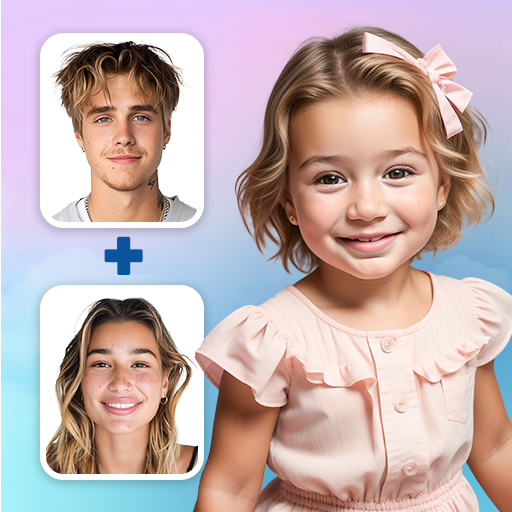
See your baby AI baby face generator AI baby maker Face generator babymaker fun!
4.70
Amazing Photo Effects - The most fun you can have with your photos!
4.70
AI photo editor with hair editor, retouch tools, hair color changer & filters!
4.50
Create Business Headshots, Polaroid Filter, Retake Photos,Profile Pics,AI Photos
4.50
Fit multiple photos on one post. Create carousels & scroll layouts for Instagram
4.50
AI portrait generator and polaroid AI selfie, fun AI generated AI photo creator!
4.30
Virtual makeup, hair filters & body tuner—edit from face to full body!
4.20
The #1 app for B&W film developing featuring an advanced darkroom timer.
4.10
Gallery Slideshow is slideshow maker app for slideshow from your gallery photos.
3.90
Photo Album Watch Face shows your favorite pictures as a Watchface.
1.90


User Reveiws