



Amazon Music

3.70

Information

Category:

Android Wear

Price:

Free

Rank:

6

Rating:

3.70

Overview

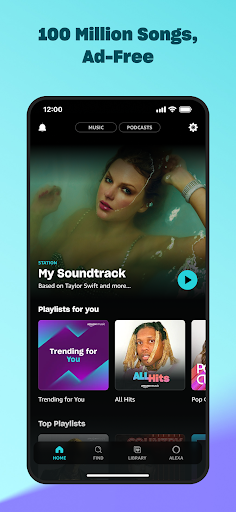
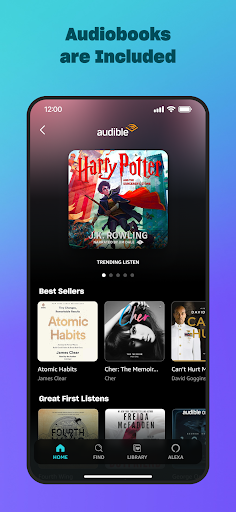
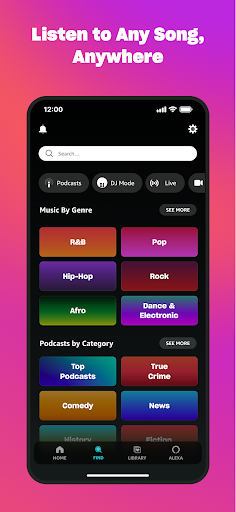
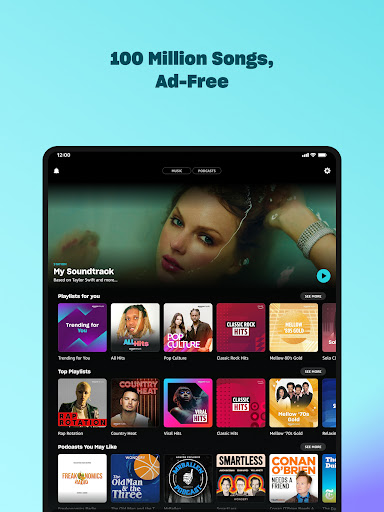
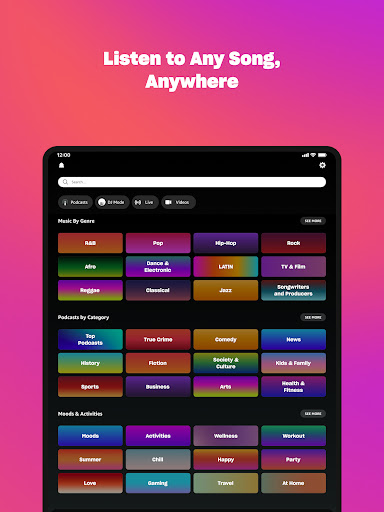
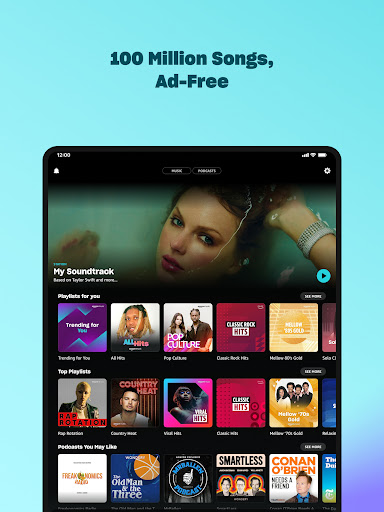
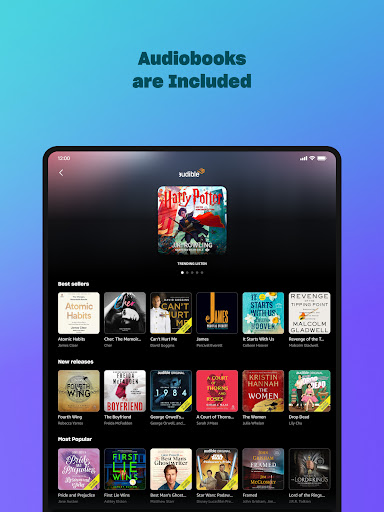
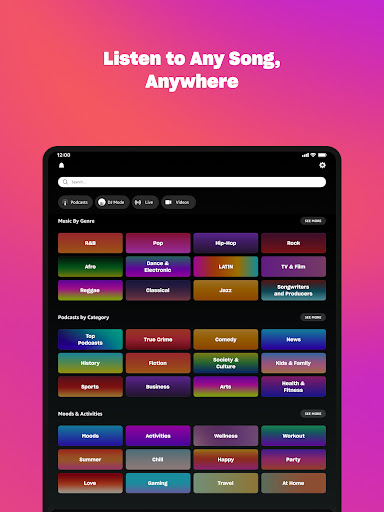
Amazon Music is a comprehensive music streaming service that redefines how users discover and enjoy their favorite tunes. The app offers free access to millions of songs and podcasts with occasional ads, while Prime members can enjoy an ad-free experience. For those seeking premium benefits, Amazon Music Unlimited provides unlimited on-demand access to 100 million songs, top podcasts, audiobooks, and spatial audio content.

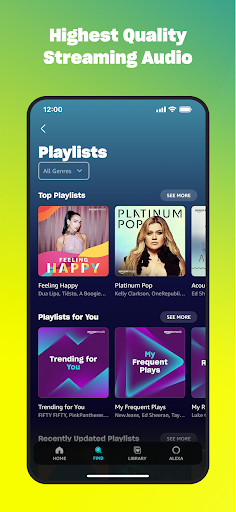
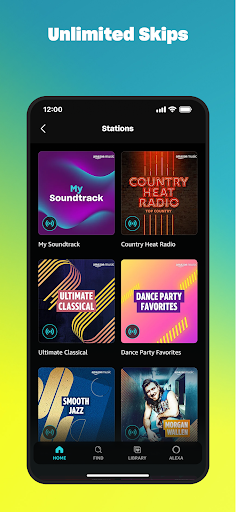
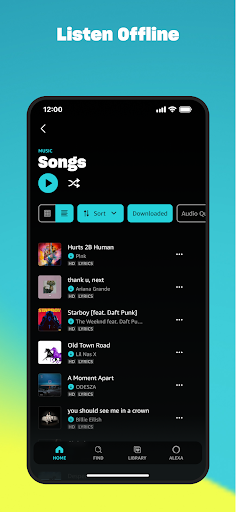
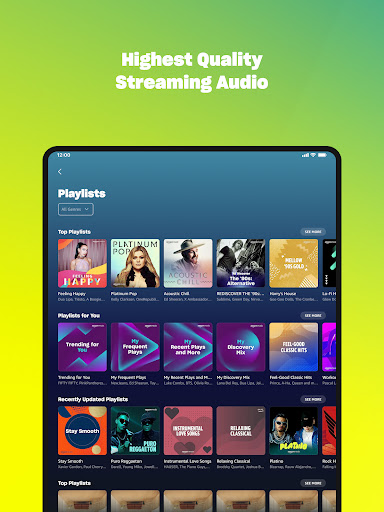
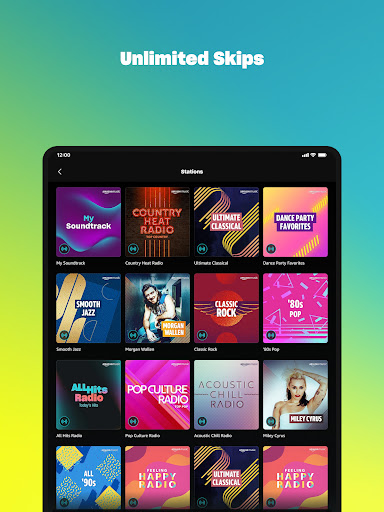
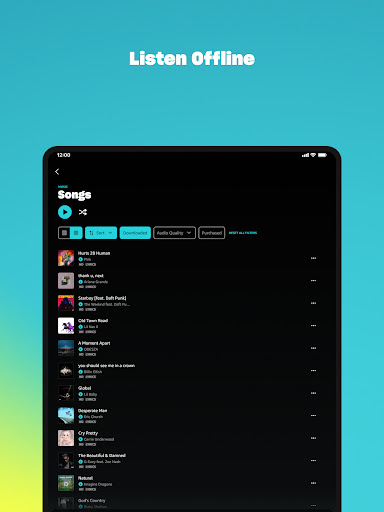
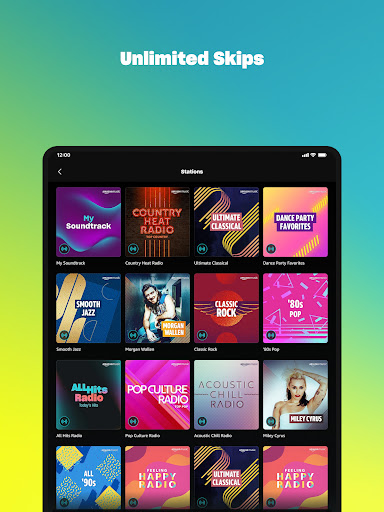
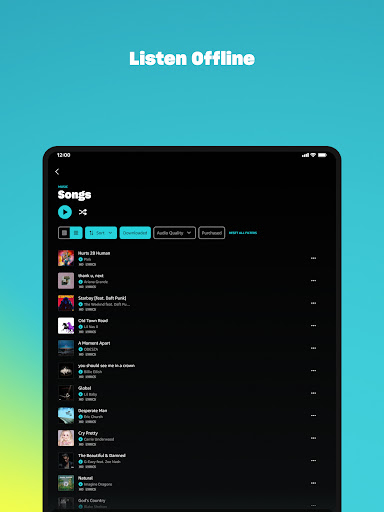
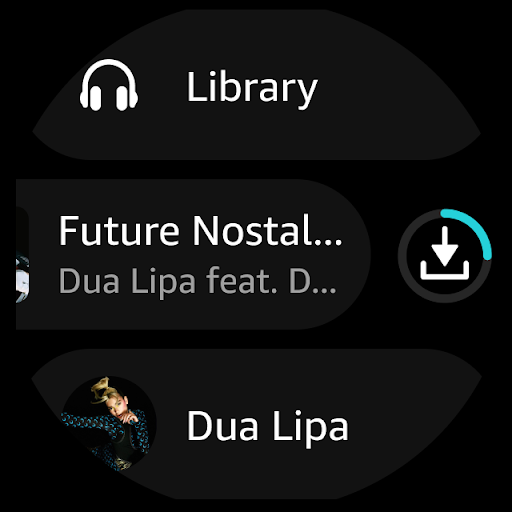
The application supports offline listening, unlimited skips, and personalized recommendations based on user preferences. It also allows playlist imports from other platforms and includes access to purchased Amazon music content. With additional features for Wear OS, users can control playback directly from their smartwatch, making it a versatile solution for music enthusiasts.

Features

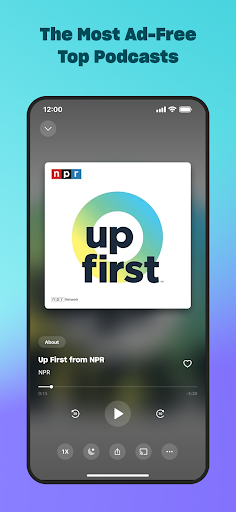
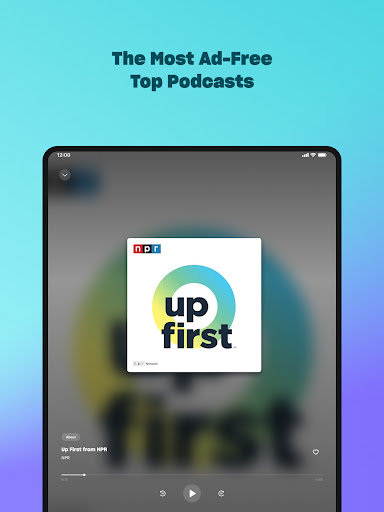
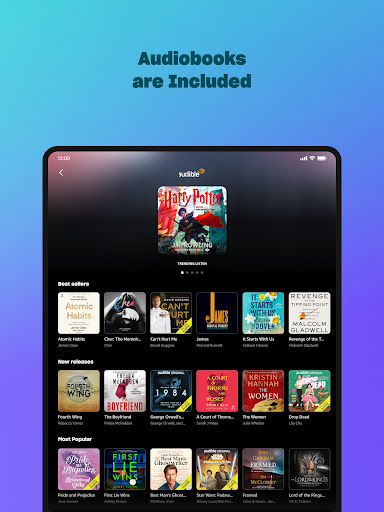
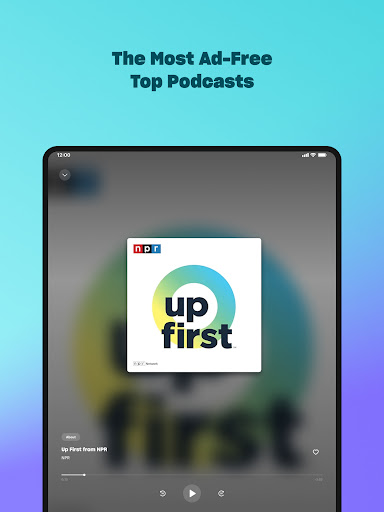
Amazon Music stands out with its tiered service offerings. The free version provides thousands of stations and playlists, while Prime members enjoy ad-free music and the largest selection of top podcasts. The Amazon Music Unlimited subscription takes it further with 100 million songs available on-demand, exclusive spatial audio tracks, and a growing library of audiobooks.

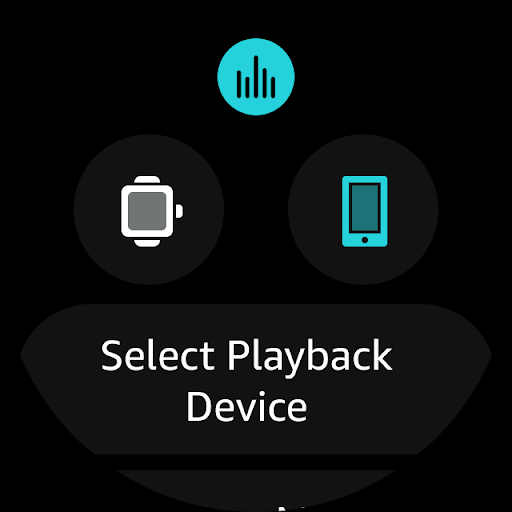
Unique features include seamless playlist imports from other platforms, cloud storage for purchased music, and advanced Wear OS integration. Users can cast music to compatible devices from their watch, download content for offline listening, and access personalized recommendations. These capabilities ensure a tailored listening experience across all devices.

The app's recommendation engine helps users discover new music and podcasts based on their listening habits. Its integration with Amazon's ecosystem allows easy access to previously purchased MP3s or AutoRip CDs/Vinyl, creating a unified music library that's accessible anytime, anywhere.

Companion app integration

The integration between the Amazon Music application and its companion apps represents a seamless ecosystem designed to enhance user experience across multiple devices. This functionality allows users to synchronize their music libraries, playlists, and preferences effortlessly between their smartphones, tablets, and Wear OS devices. When using Amazon Music on an Android Wear device, users can access their favorite tracks, receive personalized recommendations, and control playback directly from their smartwatch interface. The synchronization process ensures that any changes made on one device are immediately reflected across all linked platforms, providing a cohesive listening experience. This level of integration is particularly beneficial for users who frequently switch between devices throughout their day, as it eliminates the need to manually update or transfer data. Furthermore, the ability to cast music from a Wear OS device to compatible Android devices adds another layer of convenience, allowing users to manage their audio environment without needing to physically interact with the primary playback device. Overall, this comprehensive companion app integration significantly enhances the accessibility and usability of Amazon Music, making it easier than ever for users to enjoy their preferred content regardless of the device they are using.

Wear OS/device compatibility

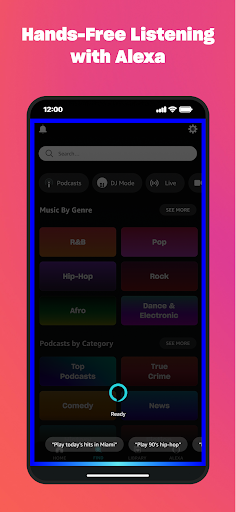
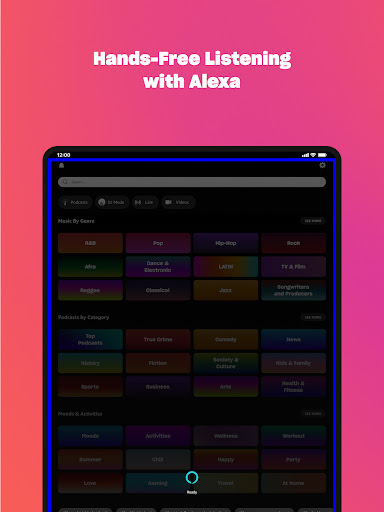
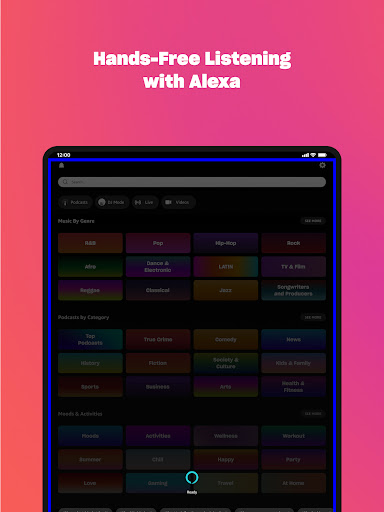
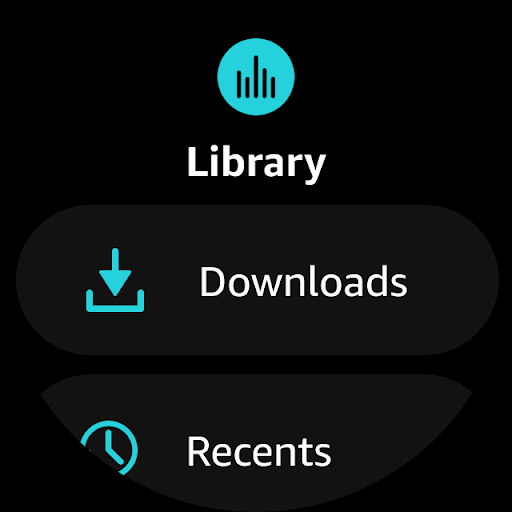
Amazon Music demonstrates exceptional compatibility with Wear OS devices, ensuring that users can enjoy a high-quality music streaming experience directly from their smartwatches. This compatibility extends beyond mere functionality, encompassing optimized performance and intuitive user interface design tailored specifically for wearable technology. Users can access their entire music library, including purchased tracks, playlists, and recommendations, directly from their wrist without compromising on sound quality or feature availability. The application supports offline playback, enabling users to download albums and playlists onto their Wear OS device for uninterrupted listening when internet connectivity is limited or unavailable. Additionally, the app's interface has been carefully designed to accommodate the smaller screen size and touch-based navigation typical of smartwatches, ensuring that all features remain easily accessible and responsive. Compatibility with voice commands further enhances the user experience by allowing hands-free operation, which is particularly useful during activities such as exercising or driving. Moreover, Amazon Music's commitment to maintaining up-to-date support for the latest Wear OS versions guarantees that users will continue to benefit from improved performance and new features as they become available. This dedication to comprehensive device compatibility underscores Amazon Music's position as a leading choice for consumers seeking a versatile and reliable music streaming solution that seamlessly integrates with their existing wearable technology ecosystem.

Props

Extensive music library

Ad-free listening options

Offline playback support

Personalized recommendations

Seamless device integration

Cons

Limited free features

Subscription costs

Ads in free version

Regional restrictions

Complex pricing tiers

Features and Functions

What is this app and what can I use it for?

Amazon Music streams songs and podcasts with free and premium tiers.

How do I download and install this app on my device?

Download Amazon Music from Google Play Store on Android devices.

How do I get started after opening the app for the first time?

Sign in with Amazon account and follow setup prompts for initial use.

What are the main features and capabilities of this app?

Key features include offline mode, unlimited skips, and spatial audio.

How can I customize my experience and adjust preferences?

Adjust audio quality and notification settings in app preferences.

How do I save or bookmark my favorite content for later access?

Save favorite tracks by adding them to custom playlists or libraries.

How can I share content with friends or on social media?

Share music via direct links or social media integration options.

How do I access detailed information and explore more content?

Explore detailed artist info and related tracks through the app.

What permissions does this app need and how do I manage them?

The app needs storage and media permissions for full functionality.

How do I check for updates and keep the app running smoothly?

Check Google Play Store for updates and enable auto-update in settings.
Show more

User Reveiws

{{ comment.reviewer_name }}
{{ comment.review_date_formatted}}
{{ comment.review_content }}
{{ tab.name }}
{{ comment.reviewer_name }}
{{ comment.review_date_formatted}}
{{ comment.review_content }}
No reviews with this rating














