
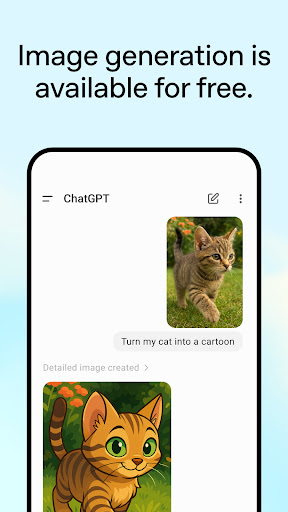
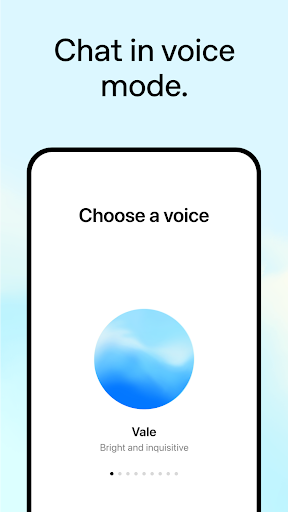
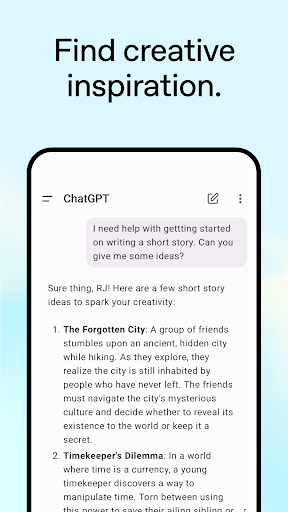
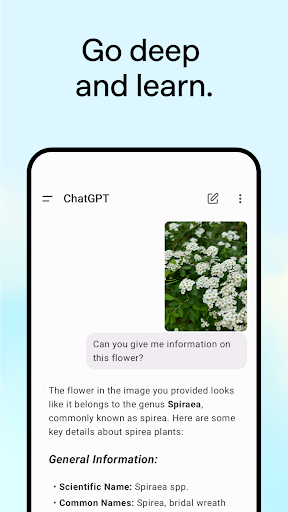

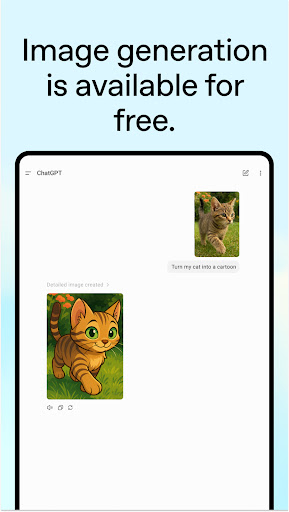
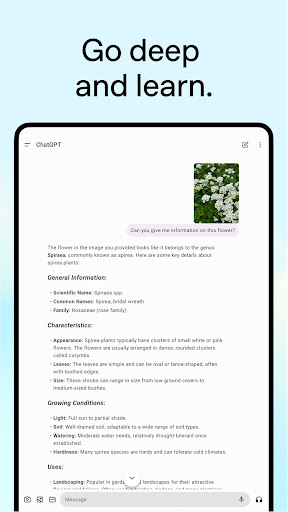

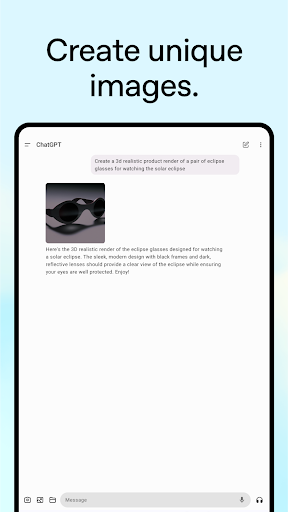
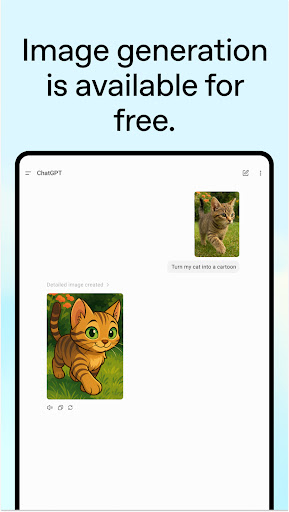
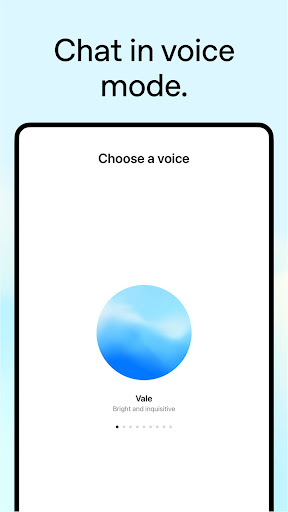
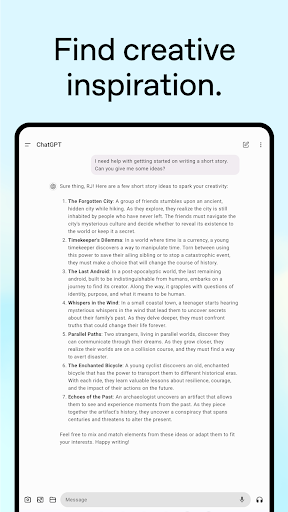


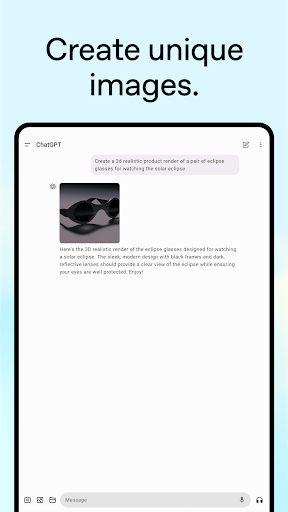
ChatGPT is a powerful productivity app that brings OpenAI's cutting-edge language model to your Android device. This official application allows users to generate original content, obtain tailored advice, and access instant answers across various topics. With advanced features like image generation, voice mode, and photo upload capabilities, it serves as an all-in-one tool for creative inspiration, personalized learning, and professional input.
The app syncs history across devices, ensuring seamless accessibility whether you're at home or on the go. Whether you need help crafting detailed travel itineraries, generating unique gift ideas, or even explaining complex concepts in simple terms, ChatGPT delivers accurate and engaging responses. Its versatility makes it suitable for both personal and professional use, enhancing productivity through innovative AI technology.
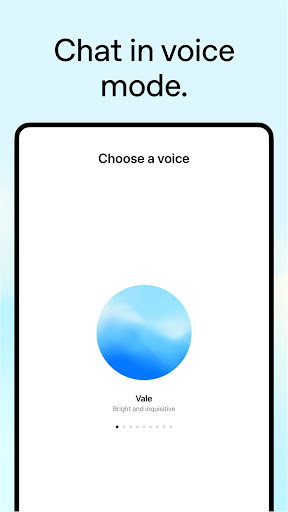
ChatGPT stands out with its diverse feature set designed to boost productivity. The app includes advanced Voice Mode, allowing real-time conversations to settle debates or practice new languages. Users can also upload photos to transcribe handwritten notes or identify landmarks, making information retrieval effortless.
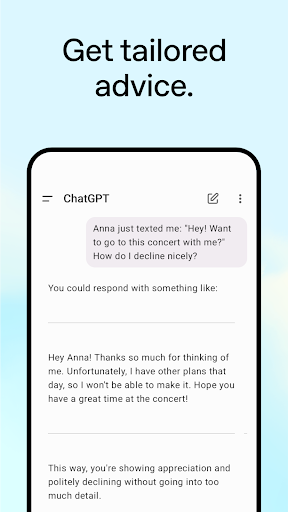
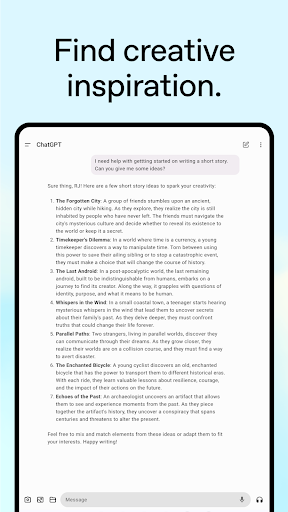
Creative professionals will appreciate the ability to generate original images from text descriptions and receive assistance in brainstorming marketing copy or business plans. For personalized learning, the app explains complex topics in relatable terms, such as electricity to a dinosaur-loving child. Additionally, features like tailored advice and instant answers provide practical solutions for everyday challenges, from recipe suggestions to crafting perfect email responses.
All these functionalities are powered by OpenAI's latest advancements, ensuring high-quality interactions and reliable performance. The synchronization of user history across devices further enhances the experience, providing consistent access to valuable insights and generated content.
User-friendly interface
Advanced AI capabilities
Versatile functionality
Seamless cross-device sync
Real-time conversational support
Limited offline functionality
Requires stable internet
Premium features may cost extra
Occasional response latency
Privacy concerns with data sync

A customizable calendar for your Wear OS watch
 4.20
4.20
Protect and view your important info on your phone and tablet with eWallet®
4.80
Device's storage information in a simple and clear graphical form (infographics)
4.10
Make apps & sites with natural language prompts
4.10
Stay on top of your to-dos with Google Tasks, part of Google Workspace.
4.60
Cloud storage, automatic phone backup, and more.
4.10
Subscribe to Webcal & .ics calendars and keep them up-to-date!
4.50
* block pre-roll ads, pop-up and forced redirect ads * Samsung certification app
4.00
Secure your apps with lock screens, use custom themes and different features.
4.40
Secure, fast, open-source, Remote Desktop Client for Windows and Linux with SSH
4.60
The AI assistant that thinks with you - write, code, and solve complex tasks
4.60
Tally and goal counter for Wear OS & mobile
4.50
This small app MUST BE INSTALLED after purchase, else license won't work
4.40
Access, manage and transfer files on Android, PC, Mac, NAS and cloud storages.
4.30
Total remote control for your Android device, PC and cloud services (IFTTT)!
4.20
Professional calendar app for Google Calendar, MS Outlook & Exchange
4.20
Secure, open-source, SPICE and SSH Remote Desktop for QEMU KVM virtual machines
4.00
The ultimate file manager for rooted devices. The original and still the best.
4.00
Access your phone's notifications, calls, apps, photos & texts on your PC
3.90


User Reveiws