
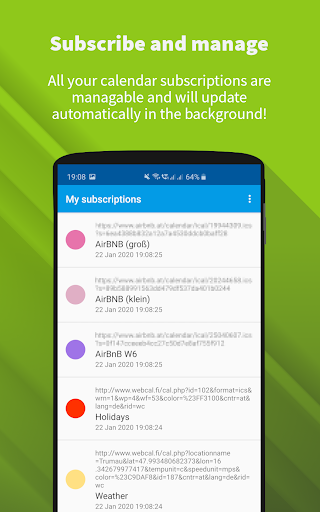
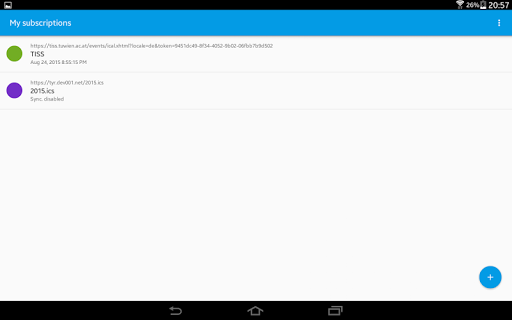

ICSx⁵ is a powerful productivity tool designed to help you manage external calendar files on your Android device. With its one-way sync capability, the app allows you to subscribe to Webcal feeds and import events from iCalendar/.ics files seamlessly. Whether you need to add holidays, sports events, or academic schedules, ICSx⁵ ensures that all events are perfectly delivered to your device's calendar app.
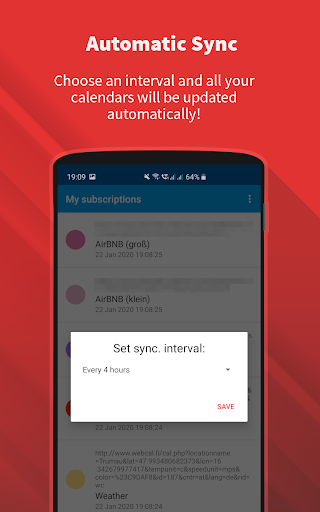
The app stands out with its state-of-the-art synchronization technology, which guarantees that you always have the most up-to-date version of any added calendar file. It also supports authentication, HTTPS, and intelligent update checking to save bandwidth. Developed by open-source enthusiasts, ICSx⁵ prioritizes your privacy and security, ensuring no data is transferred except to the chosen server.
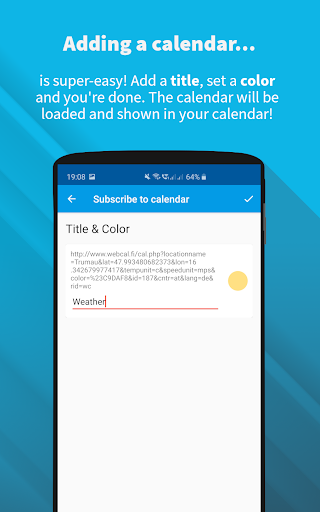
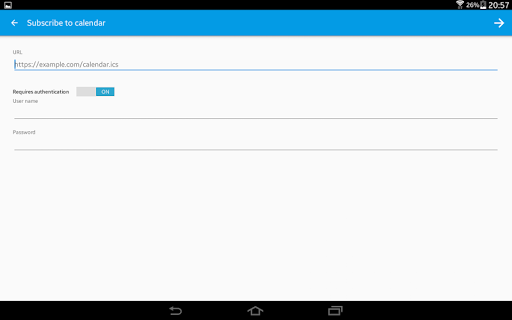
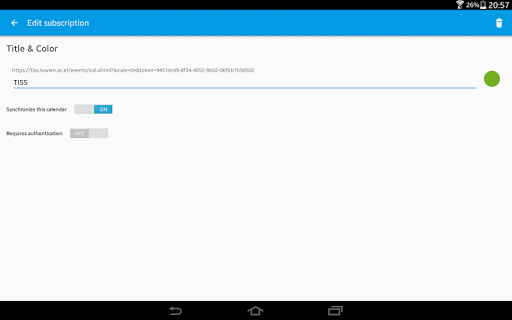
ICSx⁵ offers a rich set of features tailored for efficient calendar management. One of its key capabilities is subscribing to Webcal feeds, allowing synchronization at regular intervals, such as shared calendars from icloud.com. Additionally, users can pick .ics files from their local device and add these events to their calendar, providing flexibility in managing different types of calendar data.
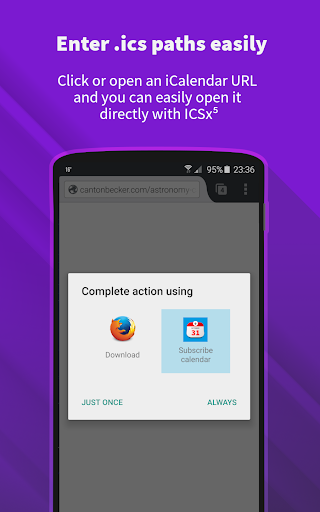
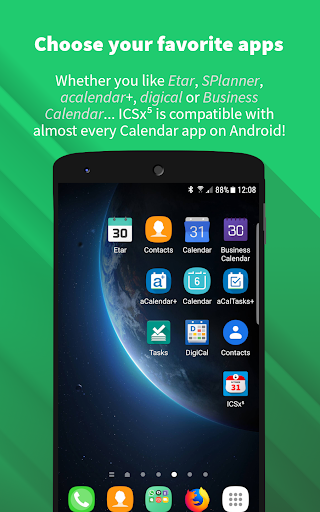
The app also allows opening webcal:// and webcals:// URLs directly from an Android web browser, enhancing its integration capabilities. With options to set a sync schedule and intelligent update checking, ICSx⁵ optimizes bandwidth usage while ensuring timely updates. Its seamless integration with other calendar apps makes it a versatile tool for both personal and professional use.
User-friendly interface
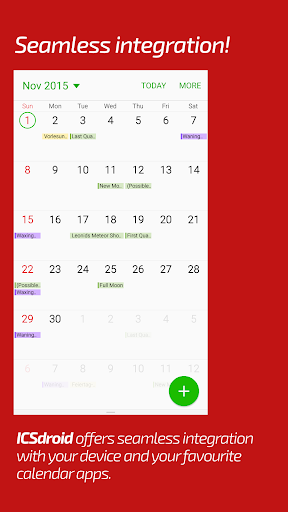
Seamless calendar integration
Regular sync intervals
Bandwidth optimization
Strong privacy protection
Limited to Android
No iOS support
One-way sync only
Requires manual setup
Advanced features may overwhelm new users

Seamlessly integrate data and reports to build your presentation to impress
 4.80
4.80
Wake up & get tasks done! Add alarms & reminders on the Clock Launcher.
4.00
Planet Free VPN - The best Fast Unlimited and Secure VPN Without Logs
4.50
Absolutely the best CNC machinist speed and feed calculator around. fswizard.com
4.60
Create and edit presentations with Google Slides, part of Google Workspace.
4.00
The ultimate file manager for rooted devices. The original and still the best.
4.00
Access your phone's notifications, calls, apps, photos & texts on your PC
3.90
Simple notepad & memo. Take notes, to-do list, shopping list with reminders.
4.80
Note taking, handwriting, record audio, PDF annotation, planner & journal
4.20
Scientific calculator for Android - looks and operates like the real thing!
4.90
We're working to become the best machining app on the market! www.cncdirt.com
4.80
QuickBooks Workforce lets teams view pay info and track time in one place.
4.70
Lightweight PDF, Word, Excel reader.
4.60
Fill, sign & send docs, forms, agreements & contracts via electronic signature.
4.50
PDF scanner & converter for files, photos, lottery, QR codes. One swipe away!
4.50
Easily read and manage all your PDF files
4.10
Secure, open-source, SPICE and SSH Remote Desktop for QEMU KVM virtual machines
4.00
Take control of your clipboard with Clipper!
3.90
The upgraded version of Name Wheel with AI and the power to add your own wheels.
4.4


User Reveiws