

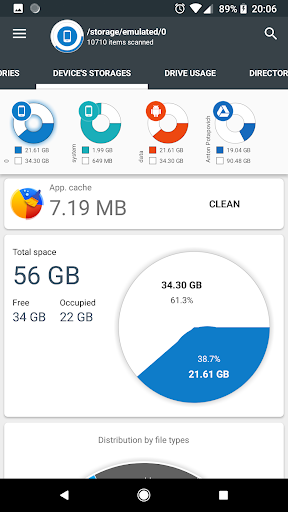
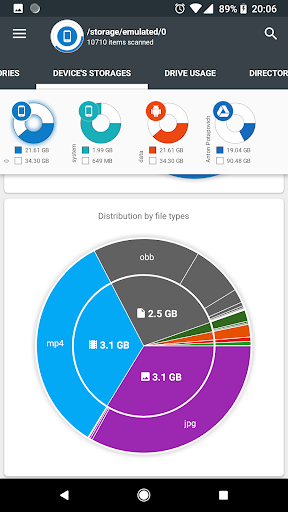
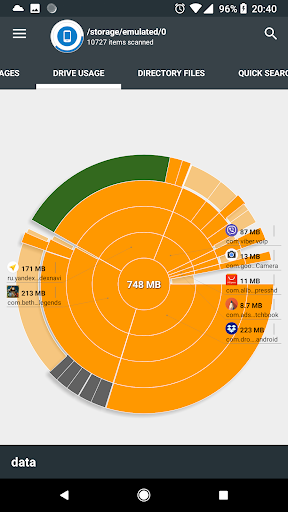
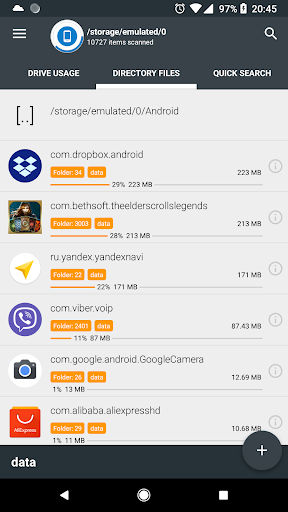
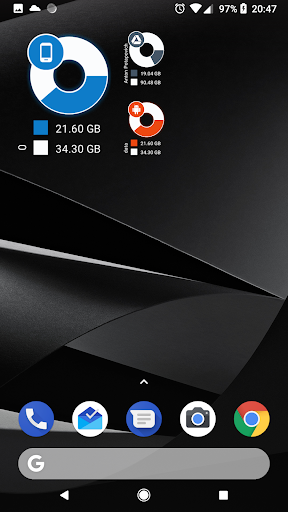
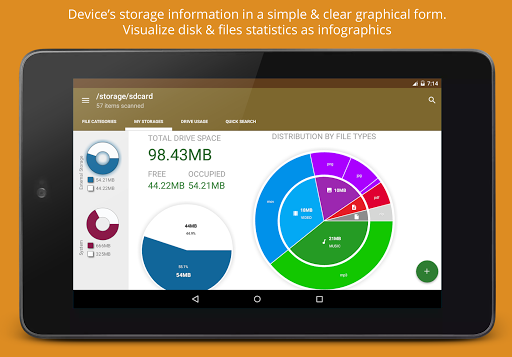
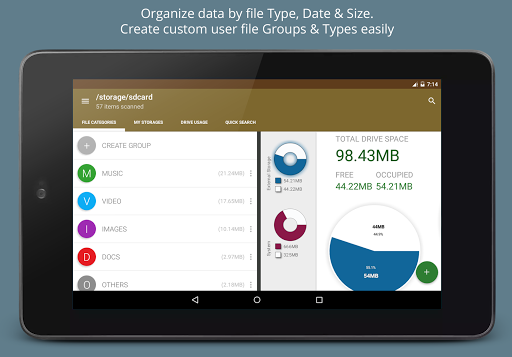

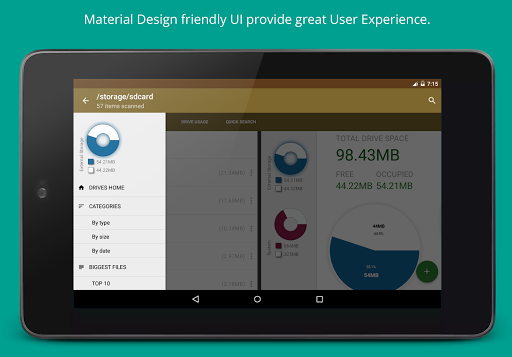
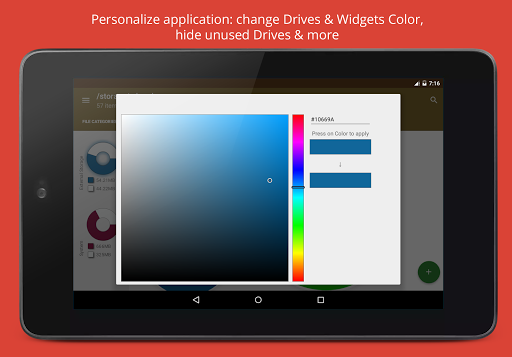
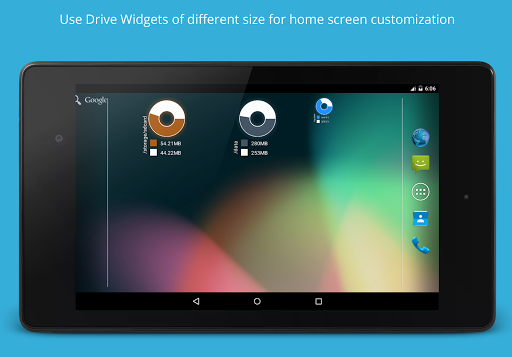
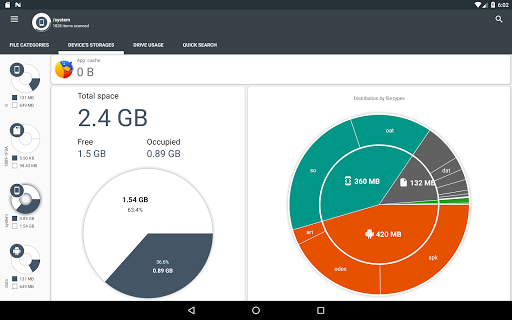
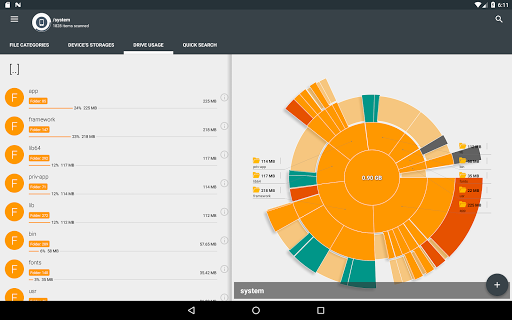
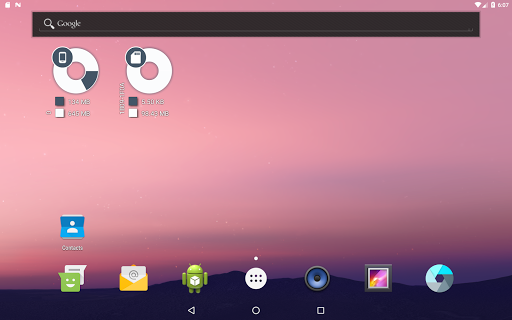
Disk & Storage Analyzer [PRO] is a comprehensive productivity tool designed to help users manage their device's storage efficiently. This application provides detailed insights into internal and external storage, USB devices, and cloud drives through intuitive infographics such as pie charts and sunburst diagrams.
One of the standout features of this app is its ability to display file-specific data including size, last modified date, and even previews. It also allows users to connect to popular cloud services like Google Drive and Dropbox, offering a unified view of both local and cloud storage usage. Additionally, it helps in managing installed applications by sorting them based on size and cache, and even offers cache cleaning and app deletion functionalities.
Whether you're looking to free up space on your device or gain a better understanding of your storage consumption patterns, Disk & Storage Analyzer [PRO] serves as an essential tool for optimizing your digital workspace.
The app boasts a rich set of features tailored for effective storage management. Firstly, it provides a graphical representation of storage usage through sunburst charts, allowing users to visualize folder and file sizes clearly. Users can navigate through these visualizations by clicking on sectors to delve deeper into subfolders.
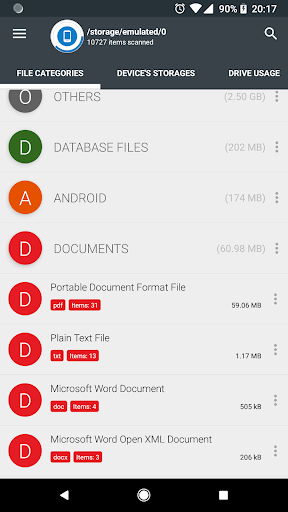
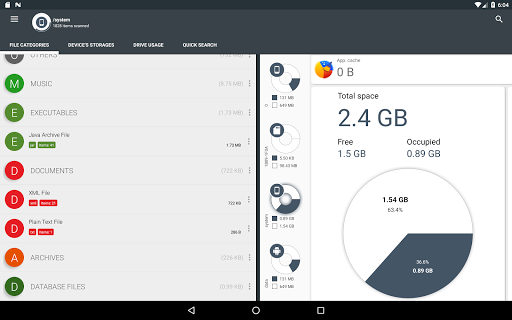
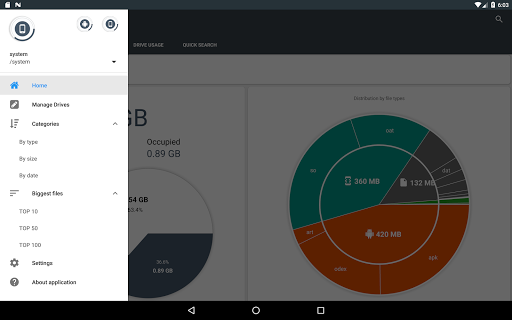
Another notable feature is the global search functionality, which indexes files at startup and displays quick search results. This makes finding specific files across device and cloud storage effortless. The app also categorizes files by type, size, and date, presenting them in a structured format that simplifies organization.
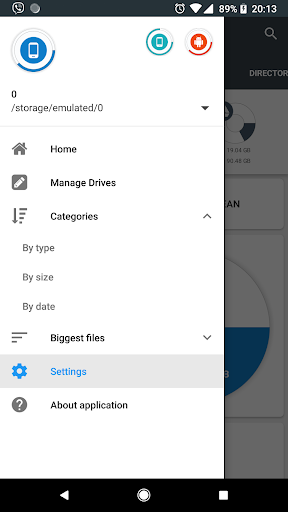
Furthermore, Disk & Storage Analyzer [PRO] includes robust permission management, enabling operations like clearing app caches, deleting apps, and collecting usage statistics. These capabilities ensure that users have complete control over their device’s storage without unnecessary clutter or performance issues.
User-friendly interface
Comprehensive storage analysis
Cloud integration
Cache cleaning
File categorization
No real-time updates
Limited customization
Occasional force closes
Premium pricing
Complex permissions

Direct Chat without saving contacts & Dual WA Account on Single Device
 4.70
4.70
Easily read and manage all your PDF files
4.10
The Pro Version of Android's tiniest Notepad app. Just 0.3MB but feature-packed!
4.60
IP Camera Viewer - Android TV : RTSP Surveillance camera viewer for Android TV
4.3
Find and delete junk files & block unwanted notifications & manage files
3.70
Subscribe to Webcal & .ics calendars and keep them up-to-date!
4.50
* block pre-roll ads, pop-up and forced redirect ads * Samsung certification app
4.00
Scan paperwork into PDF/JPG, generate your own e-signature and send fax or email
4.70
Daily processing of PDF documents.
4.40
Stay on top of your to-dos with Google Tasks, part of Google Workspace.
4.60
App Lock with fingerprint, password: Lock apps & hide photos with lock screens
4.60
To do list widget with a notebook organizer, checklist, simple shopping list
4.60
Professional calendar app for Google Calendar, MS Outlook & Exchange
4.20 4.20
4.20
Unlock AutoNotification
4.00
A Revolutionary All-in-One Artificial Intelligence Tools
3.80
Mega cloud explorer plugin for Solid Explorer
3.80
Auto-shutoff Alarm with Sunrise, Sunset & Fixed Options.
3.50
Ads Free App! Editor, Hide File, Copy, Move, Delete and Rename.. all facility av
1.70


User Reveiws