
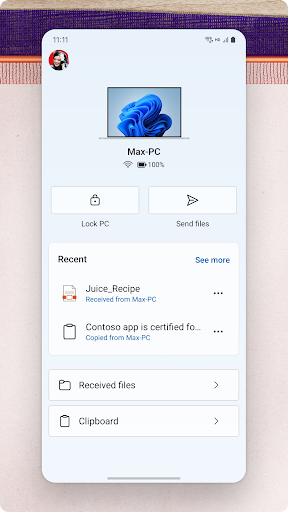
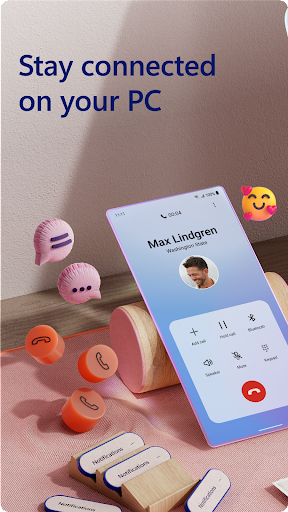
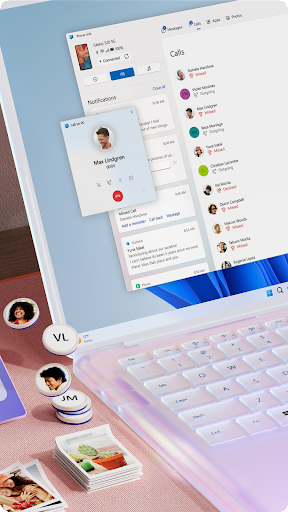
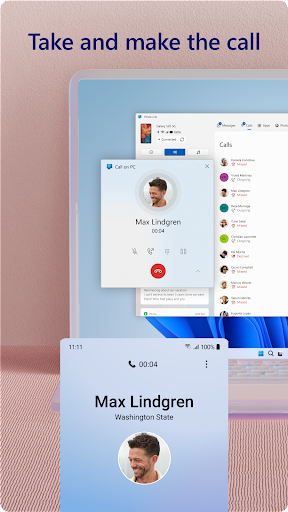
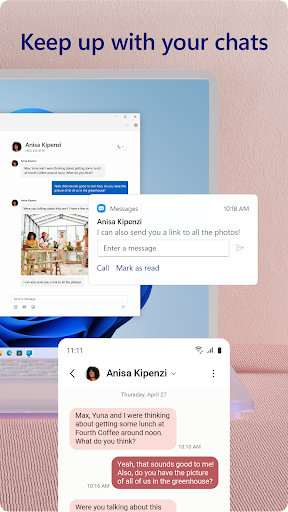
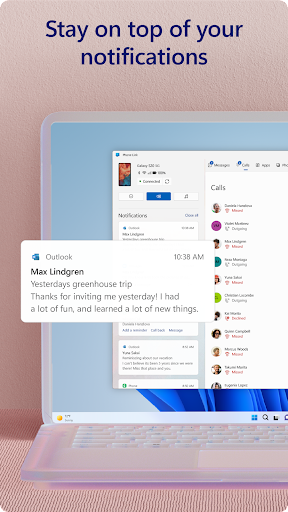
Link to Windows is a productivity-focused application that bridges the gap between your Android phone and Windows PC. This app allows users to seamlessly interact with their mobile devices directly from their computers. Key functionalities include making and receiving calls, managing notifications, accessing mobile apps, and replying to text messages from the PC interface.
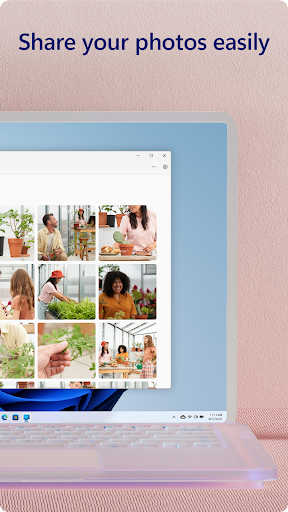
The app also supports advanced features like drag-and-drop file sharing, cross-device copy-paste, and instant photo access. These capabilities are further enhanced when used with select Microsoft Duo, Samsung, and HONOR phones, offering an integrated experience without needing additional downloads. Link to Windows optimizes productivity by leveraging the PC's larger screen, keyboard, mouse, and touchscreen for a unified device management solution.
Link to Windows offers a comprehensive suite of features designed to boost productivity and streamline device management. Users can make and receive calls directly from their PCs, provided the PC has Bluetooth capability. The app enables full notification management, allowing users to handle alerts from their phones without interrupting their workflow on the computer.
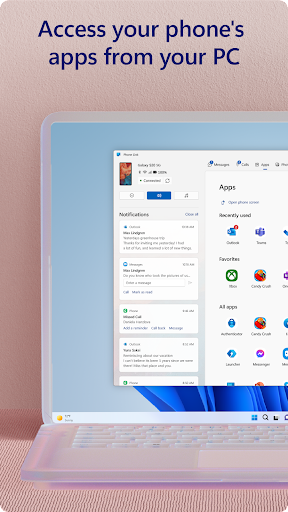
Another standout feature is the ability to run favorite mobile apps on the PC, providing a seamless transition between different tasks. Drag-and-drop functionality and cross-device copy-paste further enhance usability, especially for those transferring files or images between devices. For supported devices, such as certain Microsoft Duo, Samsung, and HONOR models, users gain access to exclusive features like Phone screen mirroring and multi-app experiences, which require specific hardware and software configurations.
Seamless cross-device integration
Enhanced productivity tools
User-friendly interface
Advanced file sharing options
Integrated accessibility service
Limited to specific devices
Requires Windows 10 or later
Some features need Android 11
Bluetooth-dependent functionalities
Third-party app compatibility issues

QuickBooks Workforce lets teams view pay info and track time in one place.
 4.70
4.70
Pwnagotchi companion app
4.20
Easiest event planning, volunteer signups & parent teacher conference scheduling
2.20
App Lock with fingerprint, password: Lock apps & hide photos with lock screens
4.60
Fill, sign & send docs, forms, agreements & contracts via electronic signature.
4.50
Activate Two Factor Authentication (2FA or Multi OTP), Password manager and more
4.10
Multilingual translator for text, voice, and image translation!
4.90
Best Tool for the professionals Electrician, Electrical contractors, etc.
4.90
Scan paperwork into PDF/JPG, generate your own e-signature and send fax or email
4.70
The Pro Version of Android's tiniest Notepad app. Just 0.3MB but feature-packed!
4.60
The AI assistant that thinks with you - write, code, and solve complex tasks
4.60
A simple Whisper AI keyboard for reliable speech transcription and rewording
4.60
Subscribe to Webcal & .ics calendars and keep them up-to-date!
4.50
Access, manage and transfer files on Android, PC, Mac, NAS and cloud storages.
4.30
Cloud storage, automatic phone backup, and more.
4.10
Customizable calendar widget for seamless event sync, planning & scheduling.
4.00
Secure, open-source, SPICE and SSH Remote Desktop for QEMU KVM virtual machines
4.00
Ultimate Virtual AI Character for immersive Roleplay Chat. Perfect Companion
3.90
Ads Free App! Editor, Hide File, Copy, Move, Delete and Rename.. all facility av
1.70


User Reveiws