
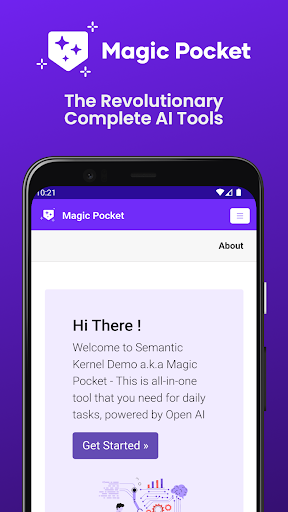
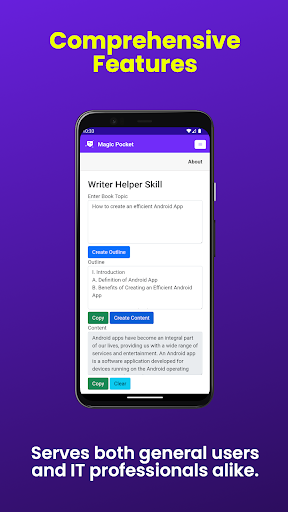

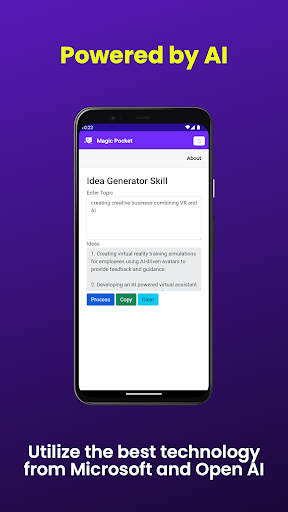
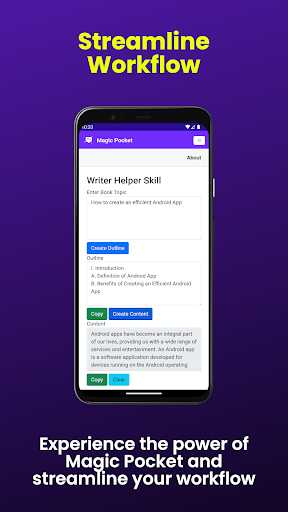
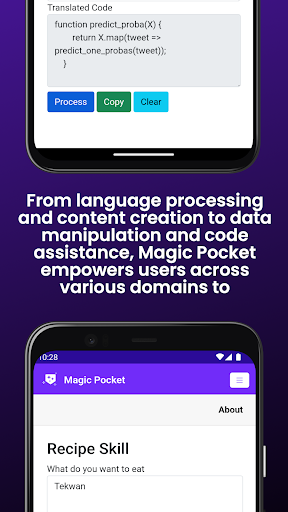
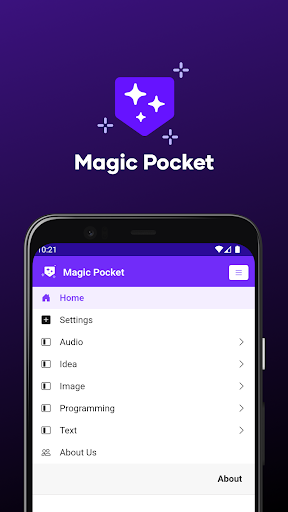
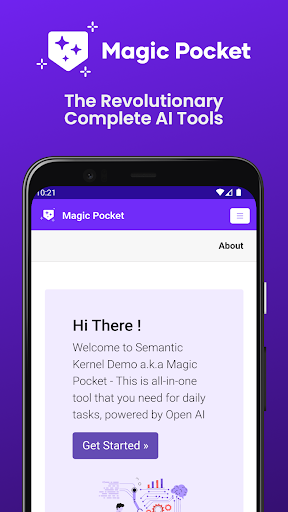

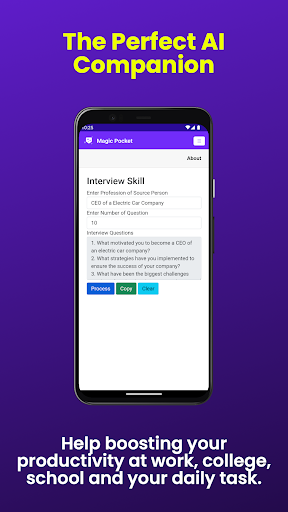
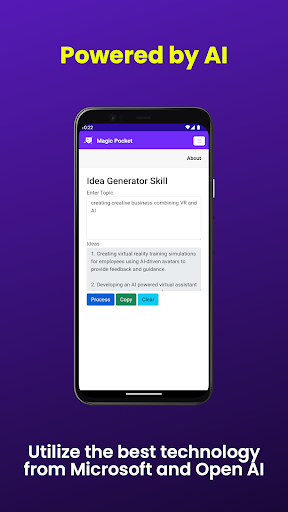
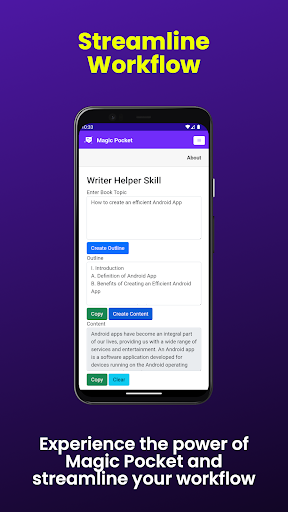
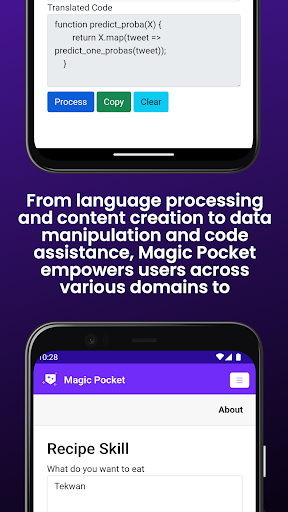
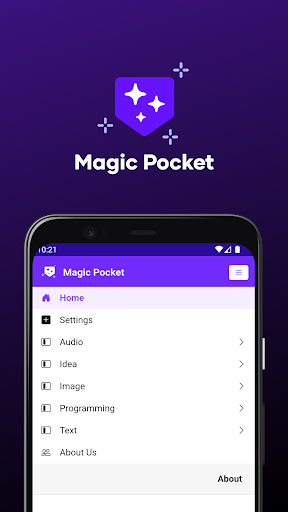
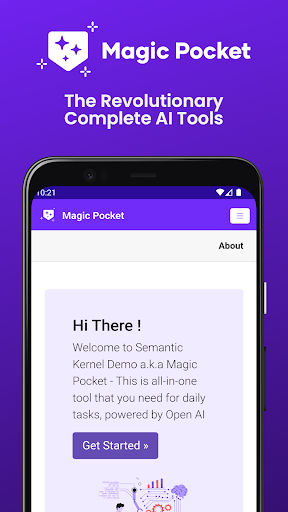
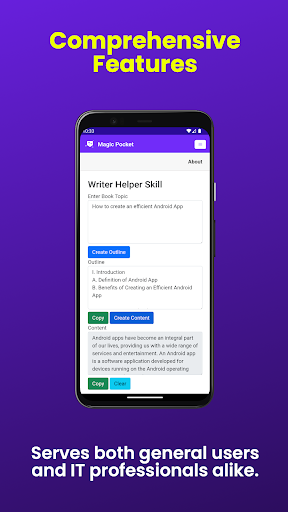
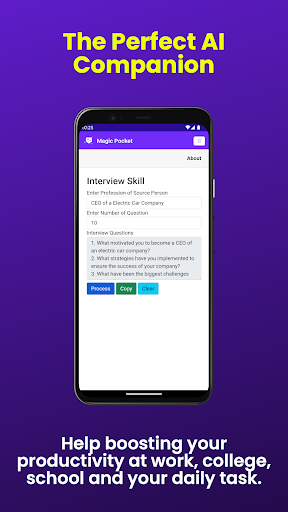
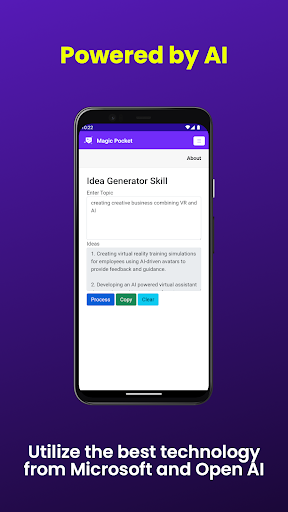
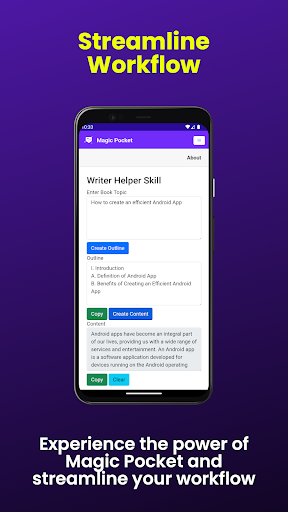
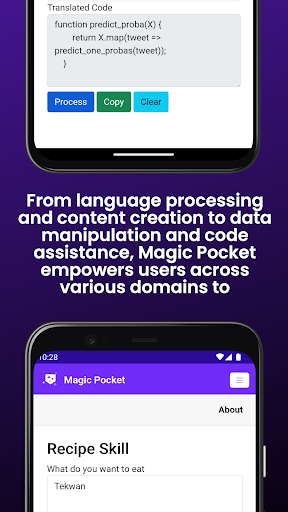
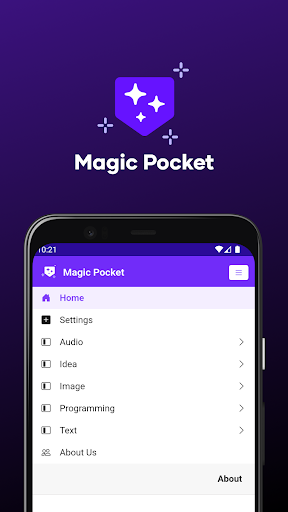
Magic Pocket is a productivity powerhouse, offering users an extensive suite of 100 cutting-edge features designed to enhance creativity and efficiency. Available on Android and Windows platforms, this app provides innovative tools for media management, creative projects, and text transformation.
At its core, Magic Pocket enables seamless video conversations, smooth speech-to-speech translation, and effortless image data extraction. The application stands out with its ability to generate high-quality content through various AI-powered features such as Luma Video Generator, Sana Image Generator, and Photon Image Generator. These capabilities make it an indispensable tool for professionals and creatives alike.
The app's true value lies in its comprehensive approach to productivity enhancement. Whether you're creating stunning headshot images, converting HTML to Markdown, or transforming images into emojis, Magic Pocket streamlines complex tasks while maintaining professional-grade output quality.
Magic Pocket distinguishes itself through its diverse range of innovative features. The app's video processing capabilities include Talk with Video, Add Video Caption, and Change Video Background, allowing users to create professional-looking multimedia content with ease.
Image manipulation tools are particularly robust, featuring Image to Emoji conversion, Image Inversion (Resolution) enhancement, and Vector Image Generator. These functions enable users to transform and optimize visual content for various applications. Additionally, the app's AI-driven generators like Handwriting Generator and Recraft Image Generator provide unique creative possibilities.
What sets Magic Pocket apart is its integration of advanced technologies across different media types. From Trellis 3D Asset creation to Video Foreground Extractor, each feature is designed to maximize productivity while maintaining exceptional output quality. The inclusion of both Speech to Speech translation and Html to Markdown conversion demonstrates the app's versatility in handling diverse content formats.
Extensive feature set
Cross-platform support
AI-powered tools
Professional-grade output
Innovative solutions
Steep learning curve
Resource-intensive
Complex interface
Premium pricing
Occasional bugs

Take control of your clipboard with Clipper!
 3.90
3.90
Ads Free App! Editor, Hide File, Copy, Move, Delete and Rename.. all facility av
1.70
Mega cloud explorer plugin for Solid Explorer
3.80
Send files, sync SMS, notifications & clipboard across devices via local network
4.40
We're working to become the best machining app on the market! www.cncdirt.com
4.80
Easiest event planning, volunteer signups & parent teacher conference scheduling
2.20
All in One PDF Reader: Manage, Read and Edit your Documents
4.20
The AI assistant that thinks with you - write, code, and solve complex tasks
4.60
Okta MFA
4.70
Native client for Forgejo and Gitea
5.00
8 custom complications. Custom Time Fonts. Beautiful color schemes. A++ Design.
5.00
Great calculator for Android named one of USA TODAY's "25 Essential Apps".
4.90
QuickBooks Workforce lets teams view pay info and track time in one place.
4.70
Quickly and easily keep track of your work shifts
4.70
The Pro Version of Android's tiniest Notepad app. Just 0.3MB but feature-packed!
4.60
Secure, fast, open-source, Remote Desktop Client for Windows and Linux with SSH
4.60
Functional QR scanner and barcode reader that requires little storage space.
4.60
Enjoy classic gameplay with customizable features and retro-style graphics.
4.30
Unlock AutoNotification
4.00


User Reveiws