




Docusign

4.50

Information

Category:

Productivity

Price:

Free

Rank:

51

Rating:

4.50

Overview

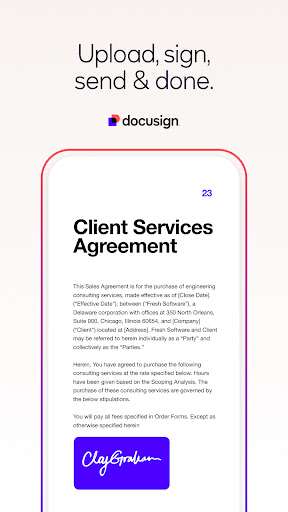
Docusign is a leading Intelligent Agreement Management solution that revolutionizes how businesses and individuals handle agreements. As the world's number one eSignature platform, it enables secure signing from virtually anywhere, at any time, using almost any device. The app offers unlimited free signing for all parties and is trusted by millions worldwide.

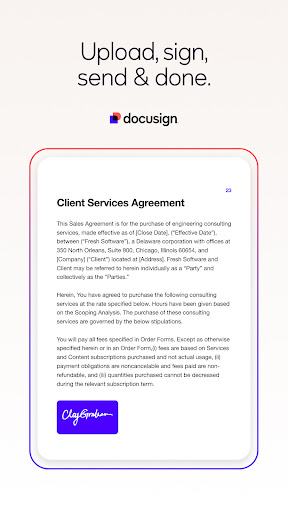
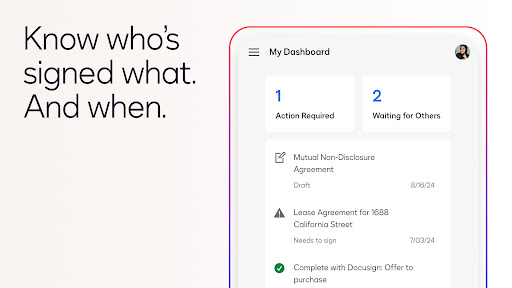
The application streamlines agreement processes by allowing users to create digital signatures, upload documents via multiple sources, and manage agreements directly from their devices. With features like 'Sign Here' tags, real-time push notifications, and responsive signing functionality, Docusign ensures a simplified yet powerful user experience.

Features

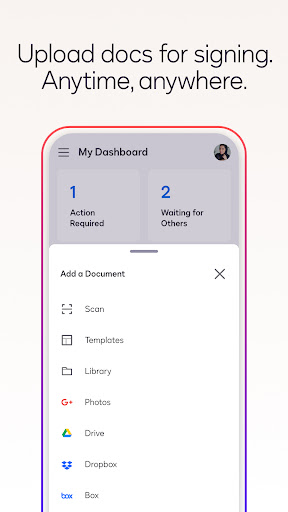
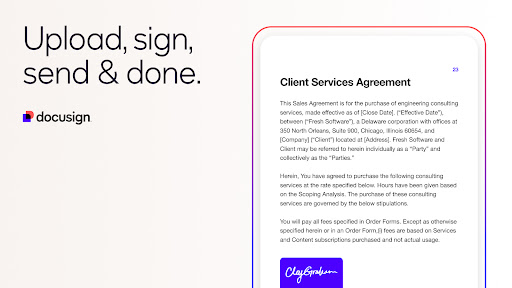
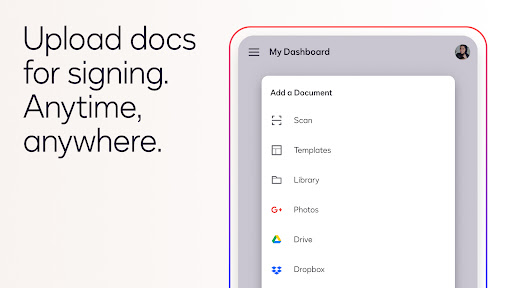
Docusign stands out with its comprehensive feature set tailored for efficient agreement management. Users can create customized digital signatures directly on their devices and upload documents through various platforms such as email, Google Drive, Dropbox, and more. This flexibility ensures seamless document handling.

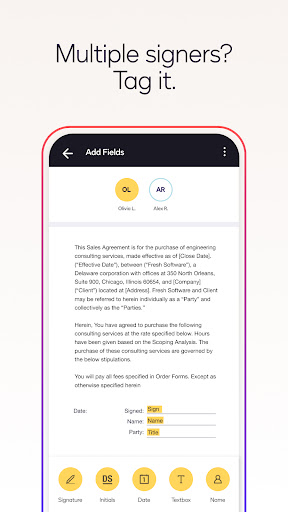
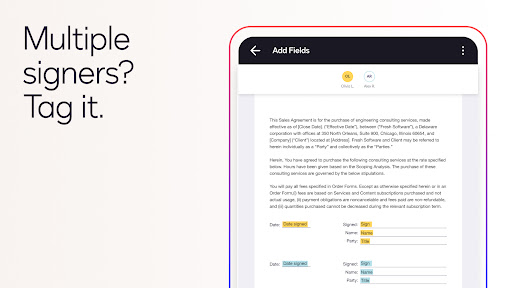
The app provides advanced functionalities including setting signing orders, workflows for multiple signers, and support for both in-person and remote signing. Additionally, Docusign complies with the eSign Act, ensuring legal validity and security of agreements. Documents are encrypted, offering enhanced protection compared to traditional paper-based methods.

Core task management

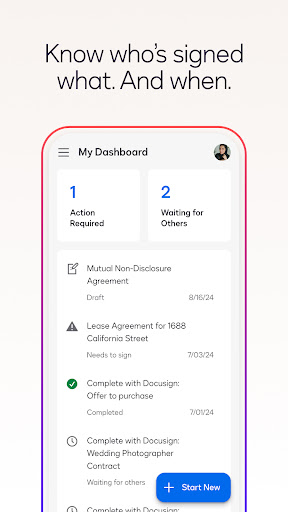
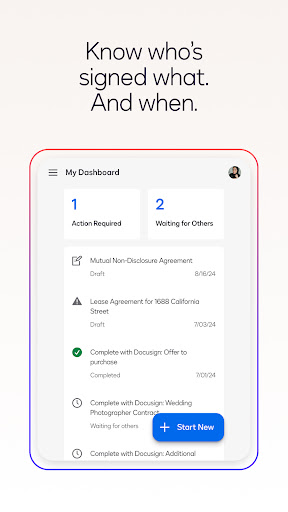
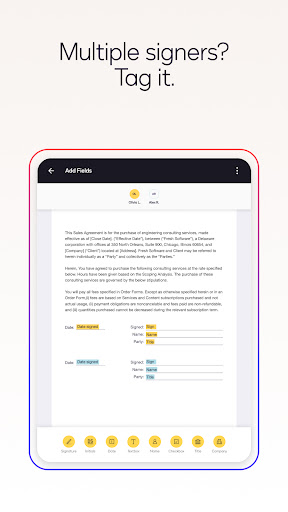
Task management in productivity applications refers to the ability to create organize and track tasks ensuring that users can efficiently handle their workload and responsibilities Docusign demonstrates exceptional core task management by providing a streamlined process for preparing sending and monitoring agreements The app allows users to import files directly from various sources such as email Google Drive or DropBox and prepare them for signature with intuitive Sign Here tags These tags guide signers on precisely where to sign initial or add additional information Moreover Docusign supports both in person and remote signing which adds flexibility to the workflow Users can set the signing order for multiple signers and receive real time push notifications when documents are signed This ensures that all parties involved are promptly informed of the agreement status Additionally the app enables users to remind signers to sign with a single tap or void a document if necessary This comprehensive task management system not only simplifies the agreement process but also enhances productivity by reducing the time and effort required to manage documents The ability to handle tasks on the go further empowers users to stay productive regardless of their location making Docusign an invaluable tool for businesses and individuals seeking efficient agreement management

Cross-device synchronization reliability

Cross device synchronization is crucial for productivity applications as it ensures that data and tasks are consistently updated across all user devices Docusign excels in this aspect by offering reliable synchronization that keeps all user activities aligned whether they are using a smartphone tablet or computer When a user uploads a document or sends it out for signature the changes are immediately reflected across all linked devices This seamless synchronization allows users to start a task on one device and continue on another without any loss of information or functionality For instance a user can upload a document via their computer and later review or send it for signature using their mobile device while traveling The responsive signing functionality automatically adapts documents to fit the screen size and orientation of the signer s device ensuring an optimal viewing and signing experience regardless of the device used Furthermore Docusign s encryption protocols ensure that all synchronized data remains secure during transmission protecting sensitive information from unauthorized access This reliable cross device synchronization not only enhances user convenience but also reinforces data security making Docusign a dependable choice for managing agreements across multiple devices

Props

User-friendly interface

Legally binding agreements

Secure encryption protocols

Responsive signing technology

Wide format compatibility

Cons

Limited free sending in Personal Plan

Subscription auto-renews

No cancellation during active period

Premium features require payment

Advanced fields need subscription

Features and Functions

What is this app and what can I use it for?

Docusign is an eSignature app for securely signing agreements from anywhere, anytime.

How do I download and install this app on my device?

Download Docusign from Google Play Store and install it on your Android device.

How do I get started after opening the app for the first time?

Create a digital signature and explore basic features like document uploads.

What are the main features and capabilities of this app?

Key features include e-signing, document management, and real-time notifications.

How can I customize my experience and adjust preferences?

Customize settings for notifications, signature styles, and document preferences.

How do I save or bookmark my favorite content for later access?

Save favorite documents locally or use cloud storage options within the app.

How can I share content with friends or on social media?

Share signed documents via email or social media directly from the app.

How do I access detailed information and explore more content?

Access detailed information through document history and audit trails.

What permissions does this app need and how do I manage them?

The app needs permissions for storage and camera access; manage these in settings.

How do I check for updates and keep the app running smoothly?

Check for updates in the app store to ensure smooth performance.
Show more

User Reveiws

{{ comment.reviewer_name }}
{{ comment.review_date_formatted}}
{{ comment.review_content }}
{{ tab.name }}
{{ comment.reviewer_name }}
{{ comment.review_date_formatted}}
{{ comment.review_content }}
No reviews with this rating