
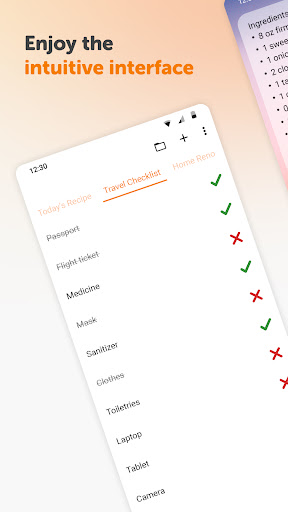
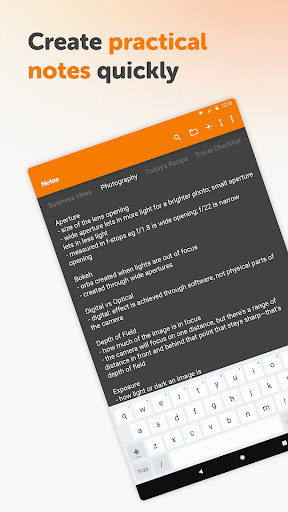
Simple Notes Pro is a productivity-focused note-taking application designed to help users quickly capture ideas, create shopping lists, and manage daily tasks. The app offers an intuitive interface that allows for effortless organization of notes and to-do lists without any complicated setup steps.
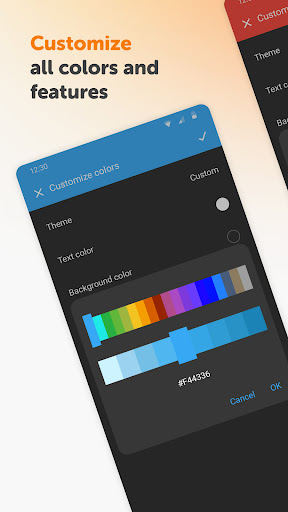
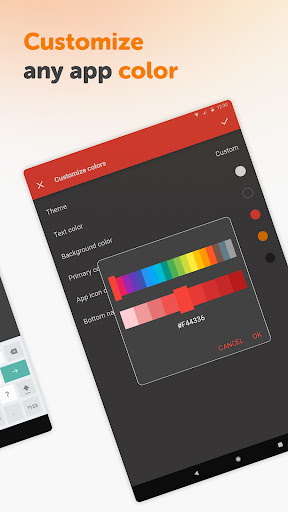
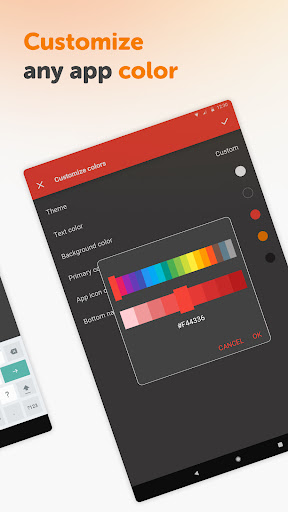
With its autosave feature, customizable colors, and resizable widget, Simple Notes Pro ensures that users never lose their important information while enjoying a personalized experience. The app's material design and dark theme provide a visually appealing and comfortable user experience, making it ideal for both personal and professional use.
This application is particularly useful for individuals who value privacy and security, as it operates without requiring internet access. Whether you need to jot down a quick reminder or plan your day with detailed checklists, Simple Notes Pro serves as an invaluable tool for staying organized and productive.
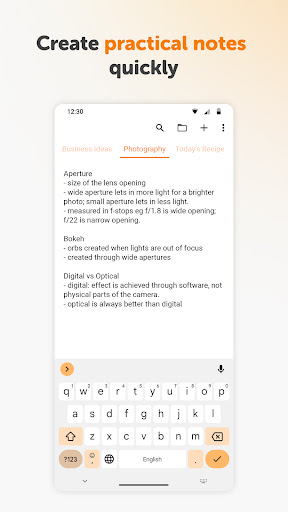
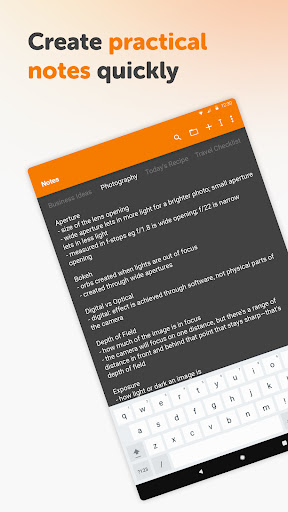
Simple Notes Pro stands out with its array of practical features tailored for efficient note-taking and task management. One of its key capabilities is the ability to create multiple independent plain text notes and lists rapidly, ensuring that users can organize their thoughts and duties with ease.
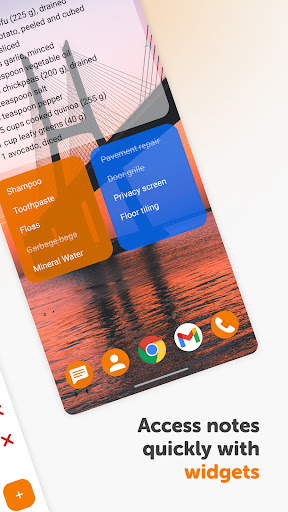
The app includes a customizable and resizable widget that provides quick access to your notes directly from the home screen. This feature, combined with the autosave functionality, ensures that users can seamlessly manage their information without worrying about losing progress or spending time navigating through menus.
Additionally, Simple Notes Pro embraces a user-friendly approach by being fully open-source and free of ads or unnecessary permissions. This commitment to simplicity and privacy makes it an excellent choice for those seeking a reliable and distraction-free note-taking solution.
User-friendly interface
Autosave functionality
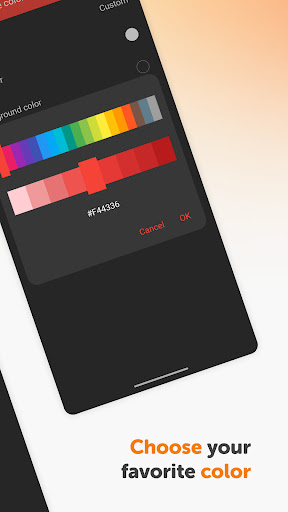
Customizable colors
No ads or unnecessary permissions
Offline functionality for privacy
Limited advanced formatting options
No cloud sync feature
Basic collaboration tools
Restricted to Android platform
May lack integration with other apps

Seamlessly integrate data and reports to build your presentation to impress
 4.80
4.80
Wake up & get tasks done! Add alarms & reminders on the Clock Launcher.
4.00
Android Wallet Password Manager
4.80
A simple, portable logger for POTA, SOTA, Field Day, and more
4.0
Protect and view your important info on your phone and tablet with eWallet®
4.80
App Lock with fingerprint, password: Lock apps & hide photos with lock screens
4.60
ID.me Authenticator is a simple and free Two Factor Authentication solution
3.50
* block pre-roll ads, pop-up and forced redirect ads * Samsung certification app
4.00
Best Tool for the professionals Electrician, Electrical contractors, etc.
4.90
aCalendar+ makes your day, week and month
4.70
App lock - lock apps with fingerprint, password, pin or pattern, protect privacy
4.70
A beautiful digital clock with autostart and many other functions
4.70
A Pixel Art watchface inspired by other iconic 90s designs for Wear OS devices!
4.40
This small app MUST BE INSTALLED after purchase, else license won't work
4.40
Secure your apps with lock screens, use custom themes and different features.
4.40
A customizable calendar for your Wear OS watch
4.20
Ultimate Virtual AI Character for immersive Roleplay Chat. Perfect Companion
3.90
All in one sketching tool. Technical and General drawing. Online Maps support.
3.70
Find and delete junk files & block unwanted notifications & manage files
3.70


User Reveiws