
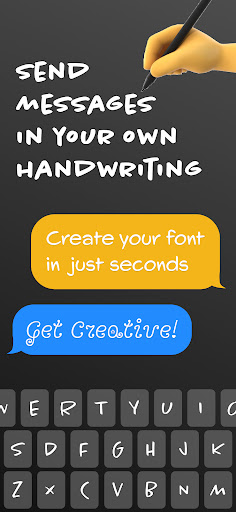
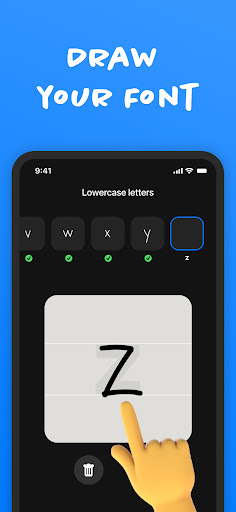
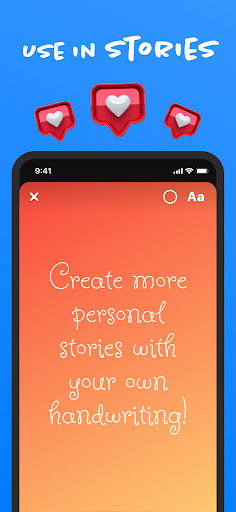

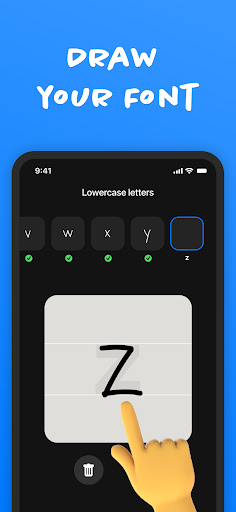
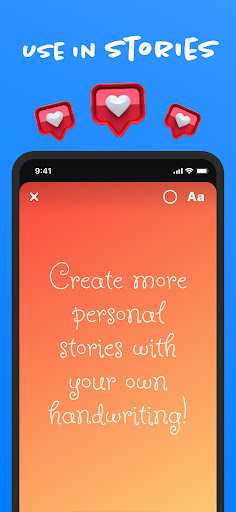
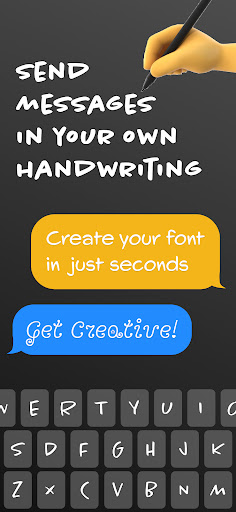

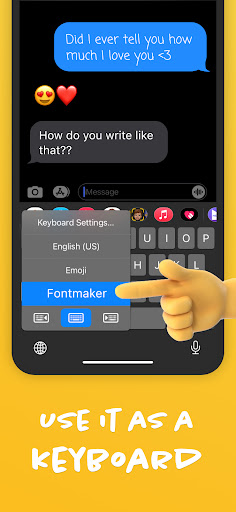
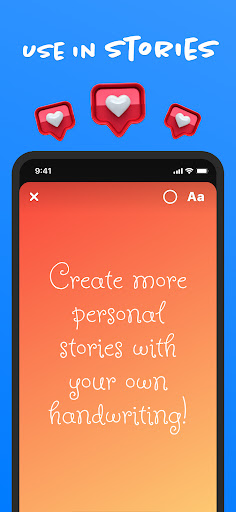
Fontmaker - Font Keyboard App is a productivity tool designed to help users create unique cursive and handwritten fonts for customizing their messaging experience. With this app, you can design personalized fonts that reflect your individual style by using your own handwriting. This innovative keyboard app allows you to enhance your online presence across various social media platforms such as Messenger, Instagram, Snapchat, TikTok, and Facebook.
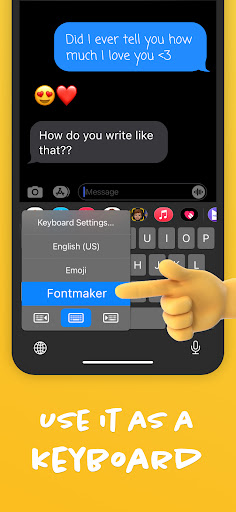
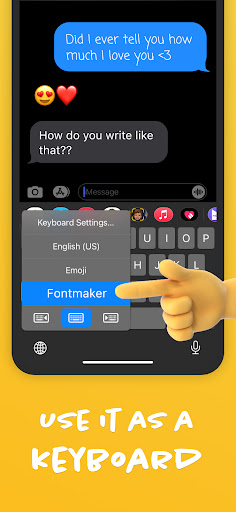
The app's core function is its font creator feature, which enables users to generate custom handwriting fonts. Additionally, the font keyboard functionality allows these unique fonts to be used seamlessly as a keyboard for both social media posts and messaging. By offering the ability to express creativity through text customization, Fontmaker empowers users to add a personal touch to their digital communications, making their content stand out and truly unique.
Fontmaker offers an impressive array of features that cater to those looking to personalize their digital expression. The standout feature is the font creator, which allows users to craft custom handwriting fonts. This feature not only supports creativity but also ensures that each user's communication style remains distinct and personal.
In addition to the font creator, Fontmaker includes a functional font keyboard that integrates with social media and messaging apps. This means you can use your custom fonts in real-time conversations, enhancing your interaction on platforms like Messenger, Instagram, Snapchat, TikTok, and Facebook. The app also emphasizes ease of use, ensuring that users can quickly adapt to using their own handwriting or created fonts in everyday messaging without hassle.
By combining practical tools with creative freedom, Fontmaker revolutionizes how users engage with text online. Whether it's for professional correspondence or casual chats with friends, the ability to customize every aspect of your textual presentation adds significant value to your digital interactions.
User-friendly interface
Highly customizable fonts
Seamless social media integration
Unique personalization options
Real-time font usage
Limited free features
Premium version costs
Occasional bugs
Learning curve for new users
Device compatibility issues

A customizable calendar for your Wear OS watch
 4.20
4.20
Easily read and manage all your PDF files
4.10
8 custom complications. Custom Time Fonts. Beautiful color schemes. A++ Design.
5.00
The Pro Version of Android's tiniest Notepad app. Just 0.3MB but feature-packed!
4.60
Create and edit presentations with Google Slides, part of Google Workspace.
4.00
Secure, open-source, SPICE and SSH Remote Desktop for QEMU KVM virtual machines
4.00
Scientific calculator for Android - looks and operates like the real thing!
4.90
Access your phone's notifications, calls, apps, photos & texts on your PC
3.90
Lightweight PDF, Word, Excel reader.
4.60
Great calculator for Android named one of USA TODAY's "25 Essential Apps".
4.90
All document reader, all in one file viewer read PDF, DOCX, XLS, PPT, TXT files.
4.60
A simple Whisper AI keyboard for reliable speech transcription and rewording
4.60
Tally and goal counter for Wear OS & mobile
4.50 4.20
4.20
Intelligent AI Assistant
4.10
All in one sketching tool. Technical and General drawing. Online Maps support.
3.70
Simple and reliable communication between inmates, friends and family
3.20
Code on-the-go with VScode for Android. Edit,debug and collaborate from mobile!!
3.10
Easiest event planning, volunteer signups & parent teacher conference scheduling
2.20


User Reveiws