
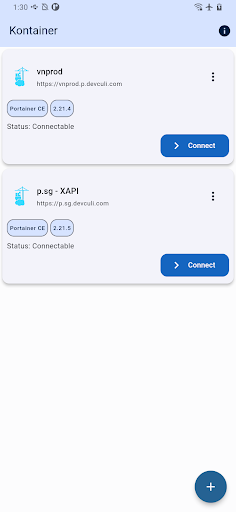
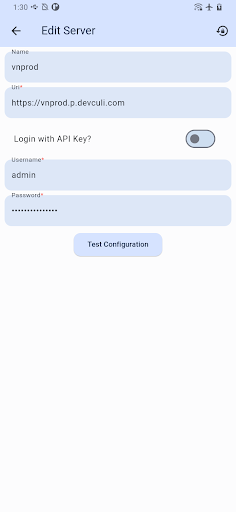
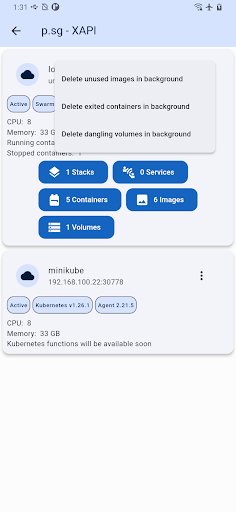
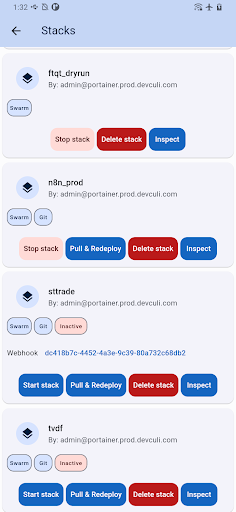
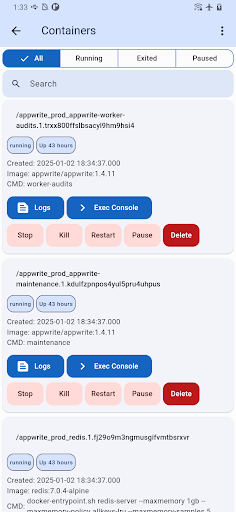
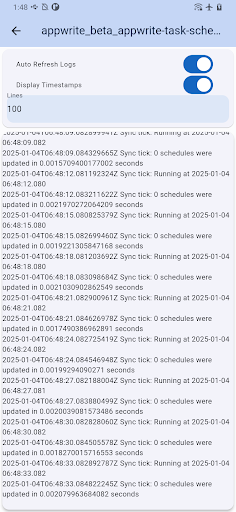
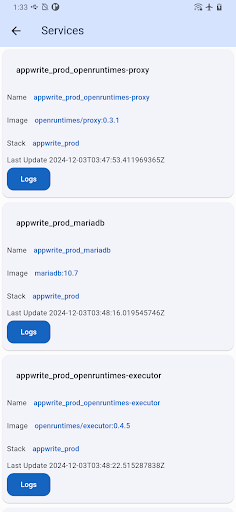
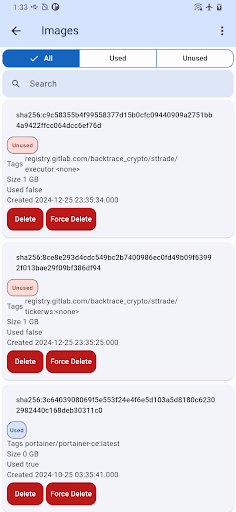
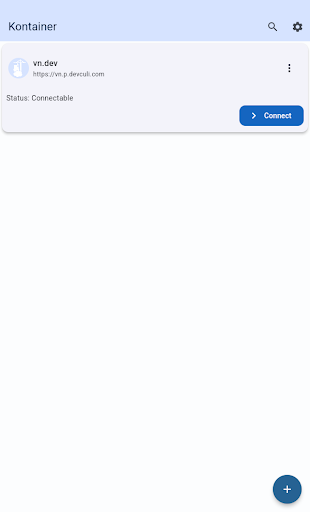
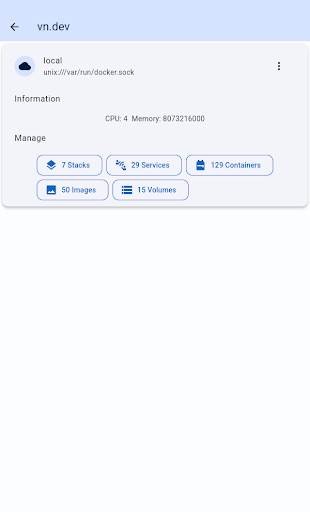
Portainer Mobile is a powerful productivity tool designed to simplify container management for Docker and Kubernetes environments. This mobile application allows users to manage their Portainer deployments from anywhere, providing full control over containerized environments across hybrid and multi-cloud infrastructures.
The app supports multi-cluster and multi-device management, offering a unified interface that consolidates all Docker and Kubernetes endpoints into a single view. With Portainer Mobile, users can monitor, configure, and optimize their container operations directly from their mobile devices, ensuring secure and efficient management of their infrastructure.
Whether you're managing containers on developer laptops, in data centers, or on cloud platforms, Portainer Mobile provides the flexibility and power needed to streamline deployment processes and boost operational efficiency right at your fingertips.
Portainer Mobile offers an array of advanced features tailored for efficient container management. One standout feature is its ability to provide a unified interface for managing both Docker and Kubernetes environments, allowing users to oversee multiple clusters and devices from a single dashboard.
The app's support for multi-cluster management enables seamless handling of complex deployments across various environments, including on-premises data centers and cloud platforms. Its intuitive design ensures that even intricate configurations can be managed with ease, while maintaining enterprise-grade security standards.
Additional features include real-time monitoring capabilities, streamlined deployment processes, and comprehensive configuration options. These functionalities work together to optimize container operations, making Portainer Mobile an essential tool for DevOps professionals seeking to maximize their productivity while maintaining complete control over their containerized applications.
User-friendly interface
Multi-cluster support
Unified dashboard
Secure management
Real-time monitoring
Limited K8S functions
Requires Portainer setup
Premium features locked
Occasional bugs
Learning curve

Experience Reading - Night Mode for Documents
 4.40
4.40
Take control of your clipboard with Clipper!
3.90
All in one sketching tool. Technical and General drawing. Online Maps support.
3.70
Automates browsing any website and notifies you of important changes or events
4.30
App lock - lock apps with fingerprint, password, pin or pattern, protect privacy
4.70
Cloud storage, automatic phone backup, and more.
4.10
Calendar 2023 widget for Android. Appointment scheduler, planner, and reminder
4.60
Best Tool for the professionals Electrician, Electrical contractors, etc.
4.90
Okta MFA
4.70
Android Wallet Password Manager
4.80
The long-awaited modern gallery app for your Nextcloud server
4.70
Quickly and easily keep track of your work shifts
4.70
Fill, sign & send docs, forms, agreements & contracts via electronic signature.
4.50
When you Focus, so will your Bean in this cozy focus timer
4.30
Total remote control for your Android device, PC and cloud services (IFTTT)!
4.20
Easily read and manage all your PDF files
4.10
Code on-the-go with VScode for Android. Edit,debug and collaborate from mobile!!
3.10
Experience and share your SolidWorks designs on your Android® phone and tablet.
2.50
Easiest event planning, volunteer signups & parent teacher conference scheduling
2.20


User Reveiws