
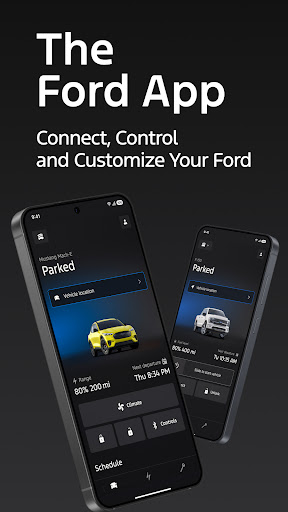
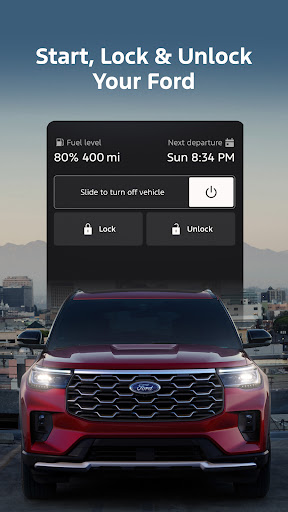
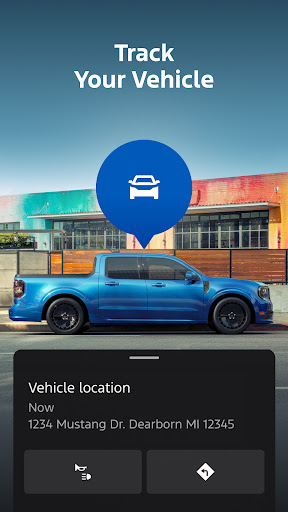
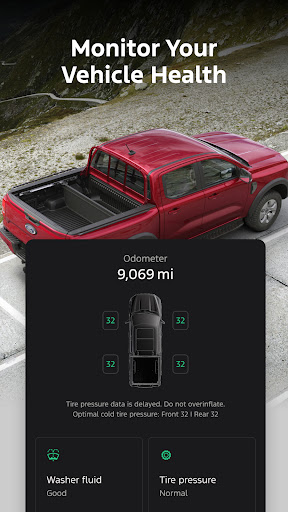


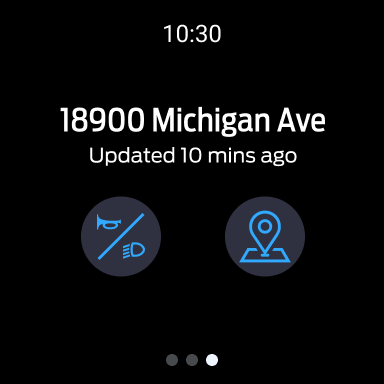
The Ford app is a comprehensive mobile solution designed to enhance the ownership experience for Ford vehicle owners. This application serves as a central hub for managing various aspects of your Ford vehicle, providing remote access and control features that simplify daily vehicle interactions.
Key functionalities include remote start, lock and unlock capabilities, vehicle status monitoring, and GPS tracking - all accessible through your smartphone. The app also supports advanced features for electric vehicles and offers connected services like BlueCruise and security packages. With regular updates and integration with Wear OS smartwatches, the Ford app delivers a seamless and modern vehicle management experience.
This application is particularly valuable for busy professionals who need to manage their vehicle's status and maintenance schedule on-the-go. The ability to remotely monitor fuel levels, schedule service appointments, and track vehicle location provides peace of mind and saves time in daily vehicle management tasks.
The Ford app distinguishes itself through its extensive feature set that covers both basic and advanced vehicle management needs. Remote features are implemented through a secure connection with the vehicle's modem, allowing users to execute commands such as starting the engine or locking doors from any location.
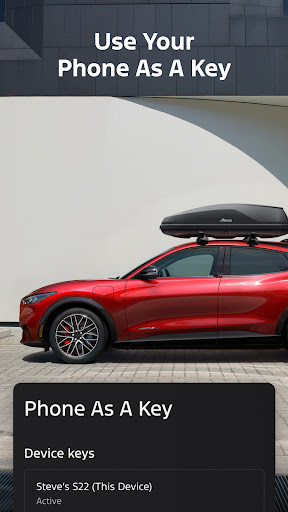
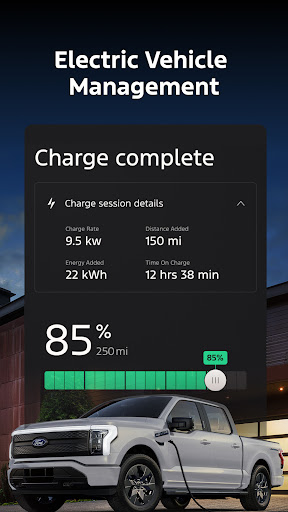
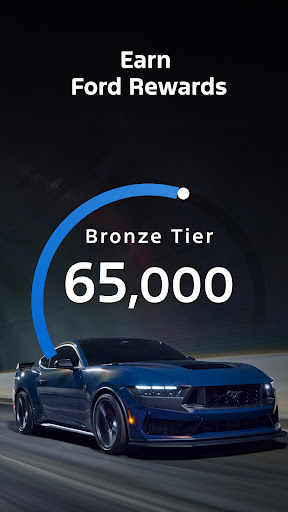
Vehicle management capabilities are enhanced through detailed statistics tracking and the innovative Phone As A Key function. Electric vehicle owners benefit from dedicated features including charge level monitoring and public charging station information. The app's scheduling system streamlines maintenance appointments with authorized dealers, while the Ford Rewards program adds value through its point-based system for services and accessories.
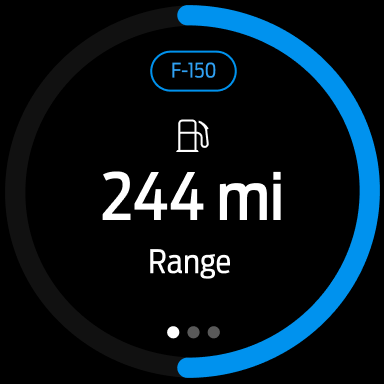
Integration with Wear OS expands the app's usability beyond smartphones, allowing wrist-based vehicle control and status checks. Regular over-the-air updates ensure the app maintains compatibility with evolving vehicle technologies and incorporates new features as they become available.
User-friendly interface
Comprehensive vehicle control
Regular feature updates
Electric vehicle support
Wear OS integration
Requires vehicle modem
Network limitations
Feature variability
Data charges apply
Compatibility issues

Christmas - Festive - Christmas Village - Winter - Christmas lights
 5.00
5.00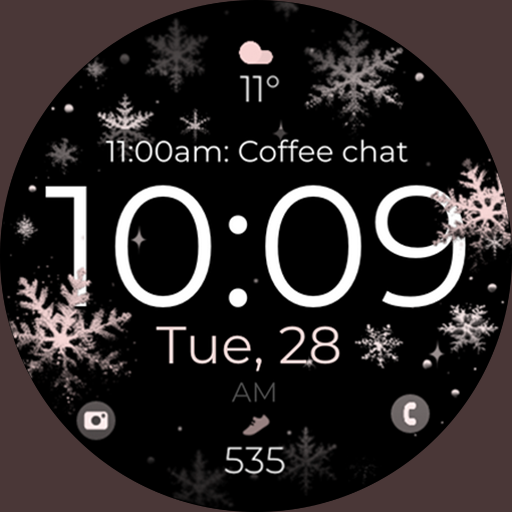
Snowflake Rose Gold Watch Face - Digital, modern, & sleek with GYRO effect.
4.10
A full-featured Amazon Alexa voice assistant that can show you things.
3.70
Simple Analog-Digital Watchface For Wear OS 3.0 and Up Smartwatches
4.4
Bold, Modern Hybrid Watch Face for Wear OS. 10 Colors, Rich Info Display.
4.30
Funny animated watch face for Thanksgiving
4.4
Retro digital watch face with customizable colors and a unique lighting effect
4.60
Daily Weather forecast with 15 weather images for Day & Night plus Big Bold time
4.10
Fitbit is dedicated to helping people lead healthier, more active lives.
4.10
Christmas Theme Watch Face for Wear Os
5.00
Hyperlocal rain alerts by MyRadar using patent-pending technology, radar & more
4.80
Hybrid watch face for Wear OS with customizable complications by Matteo Dini MD
4.70
Real-time results, stats, schedules and player profiles for all leagues
4.60
Reliable phone calls with spam protection, caller ID and more helpful features
4.40
Elegant animated Christmas tree with multiple customization options
4.20
Animated video-game inspired “secret agent” simulation, right on your wrist!
4.20
Hyper-Realistic Airplane Dashboard Watch Face With 10 Skins and Custom AOD
4.00
Professional weather radar and more
3.90
Contemporary digital watch face with five complications
4.4


User Reveiws