Sign Up by SignUp.com

2.20

Information

Category:

Productivity

Price:

$ 1.99

Rank:

29

Rating:

2.20

Overview

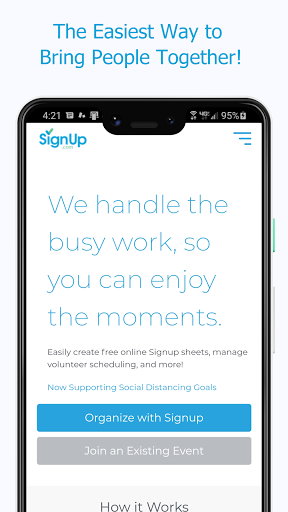
Sign Up by SignUp.com is a powerful productivity app designed to simplify the organization of group events, activities, and conferences. This ad-free platform serves as a companion to SignUp.com, enabling users to effortlessly plan and manage signups. With over 22 million users, including teachers, parents, business leaders, and community members, it's trusted for saving time and achieving remarkable outcomes.

The app allows organizers to schedule and manage various activities such as volunteer calendars, event registrations, and more. Participants can quickly sign up, pay fees, track volunteer hours, and sync with their phone calendars. During the pandemic, it has been instrumental in supporting safe occupancy management and contact tracing.

Features

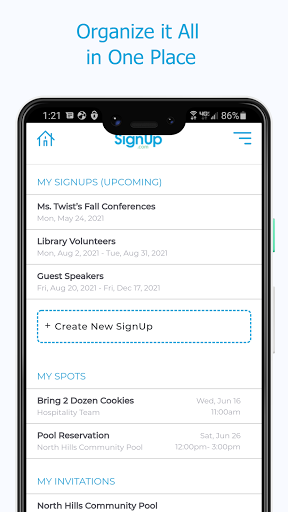
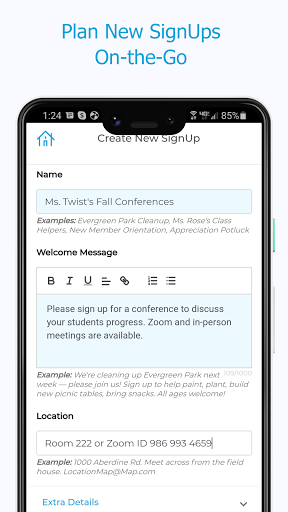
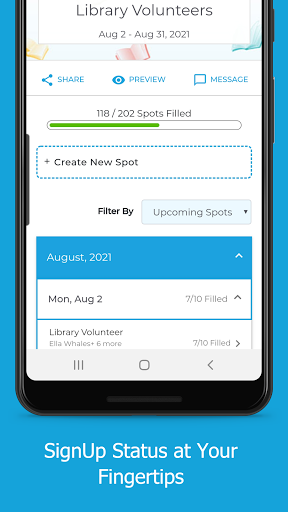
Sign Up by SignUp.com offers a comprehensive set of features tailored for both organizers and participants. Organizers can manage volunteers and events in real-time, set up shifts or appointments, and invite participants via text, email, or social media. They can also view all signups in one place, check statuses, search assignments, make new assignments, message participants, edit details, and run reports.

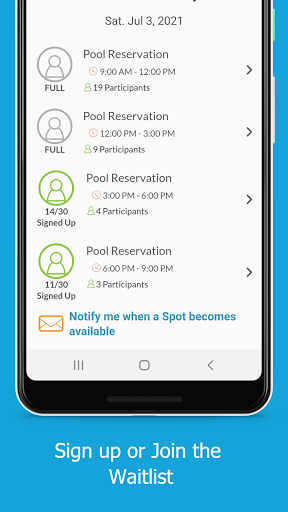
Participants benefit from easy signup processes, viewing all assignments in one place, messaging organizers, checking locations, making payments, receiving automated confirmations and reminders, syncing with calendars, and more. Premium features like participant check-in at events provide added value.

Core task management

Task management in productivity applications refers to the ability to create, assign, track, and complete tasks efficiently. For Sign Up by SignUp.com, this functionality is central to its purpose of organizing group events, activities, and conferences. The app allows organizers to manage volunteers and events in real-time, set up shifts or conference appointments, invite participants via text, email, or social media, and view all their sign-ups in one place. This comprehensive task management system ensures that every aspect of event planning is streamlined and accessible from a single interface. Users can check the status of their events, search for participant assignments, make new assignments, remove participants, edit spot details, update participant contact information, and run reports. These features collectively ensure that users have full control over their scheduling and organizational needs. The value of such robust task management is immense. Organizers can save time by automating routine tasks like sending reminders and syncing with personal calendars. They can also achieve better outcomes by having a clear overview of their events and being able to respond quickly to changes or openings. The ability to check-in participants at events, a premium feature, further enhances the user experience by providing an additional layer of event security and organization. Overall, Sign Up by SignUp.com transforms how users handle group activities by offering a seamless, efficient, and highly functional task management solution.

Cross-device synchronization reliability

Cross-device synchronization reliability is crucial for productivity apps as it ensures that data remains consistent and up-to-date across all devices used by the user. In the case of Sign Up by SignUp.com, reliable synchronization means that whether an organizer is using a smartphone, tablet, or computer, they can access real-time updates about their events, volunteer lists, and participant assignments without any discrepancies. This reliability is achieved through cloud-based storage and real-time data updates, which are integral parts of the app's architecture. When an organizer makes changes such as assigning shifts, editing participant details, or running reports, these updates are immediately reflected across all devices connected to the account. Participants also benefit from this synchronization as they can sign up for events, view their assignments, make payments, and receive automated confirmations and reminders directly to their devices. The appu2019s ability to sync assignments to personal calendars ensures that users never miss an event due to outdated information. Furthermore, the messaging feature that allows participants to communicate with organizers via text, phone, or email is kept current across devices, enhancing communication reliability. The significance of cross-device synchronization becomes even more apparent during situations requiring quick responses, such as managing safe occupancy levels, social distancing, and contact tracing during a pandemic. By ensuring that all users have access to the most recent data regardless of the device they use, Sign Up by SignUp.com provides a dependable tool for both organizers and participants. This reliability not only boosts productivity but also enhances user satisfaction by providing a seamless and integrated experience across multiple platforms.

Props

User-friendly interface

Real-time management

Comprehensive reporting

Automated reminders

Wide user base

Cons

Premium features locked

Requires invitation link

Limited customization

Occasional bugs

No offline mode

Features and Functions

What is this app and what can I use it for?

A tool for organizing events and managing signups easily.

How do I download and install this app on my device?

Visit Google Play Store, search 'Sign Up by SignUp.com', tap Install.

How do I get started after opening the app for the first time?

Open the app, follow on-screen instructions to set up your profile.

What are the main features and capabilities of this app?

Manage events, invite participants, track volunteer hours, sync calendars.

How can I customize my experience and adjust preferences?

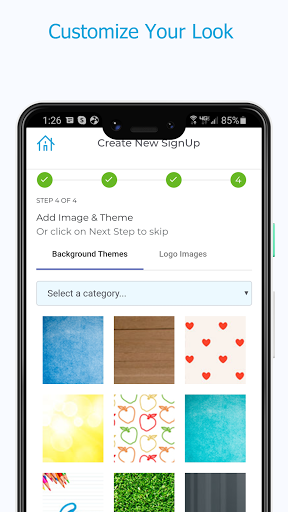
Adjust notification settings, choose preferred communication methods.

How do I save or bookmark my favorite content for later access?

Save favorite content by bookmarking events or assignments.

How can I share content with friends or on social media?

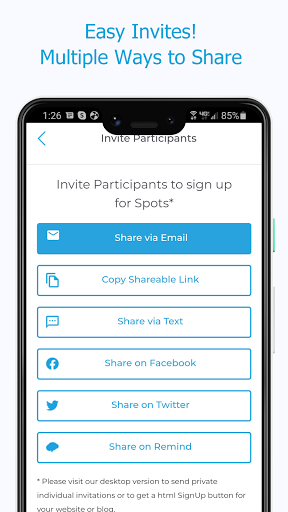
Share content via text, email, or social media platforms.

How do I access detailed information and explore more content?

Access detailed info through reports and participant assignments.

What permissions does this app need and how do I manage them?

Needs calendar access, manage permissions in app settings.

How do I check for updates and keep the app running smoothly?

Check updates in Play Store, keep auto-update enabled.
Show more

User Reveiws

{{ comment.reviewer_name }}
{{ comment.review_date_formatted}}
{{ comment.review_content }}
{{ tab.name }}
{{ comment.reviewer_name }}
{{ comment.review_date_formatted}}
{{ comment.review_content }}
No reviews with this rating


















