

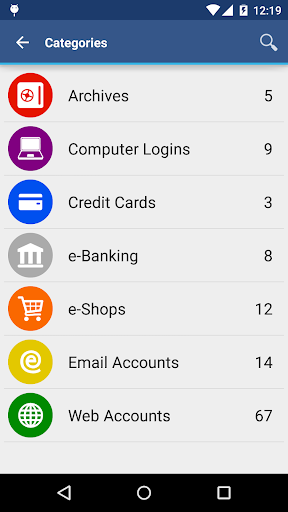
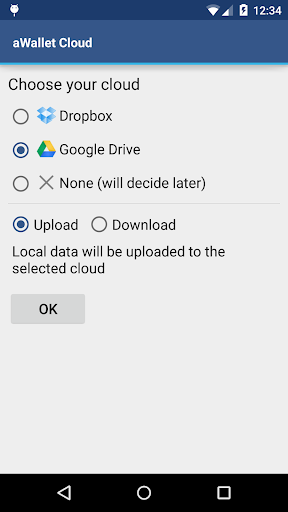
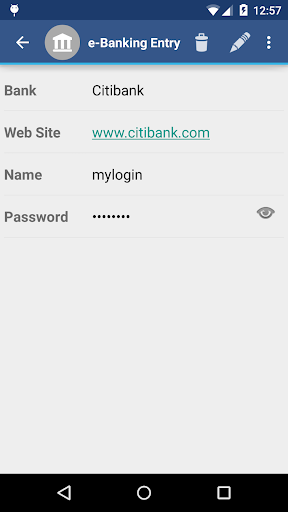
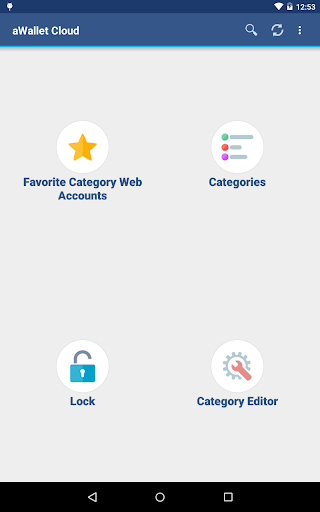
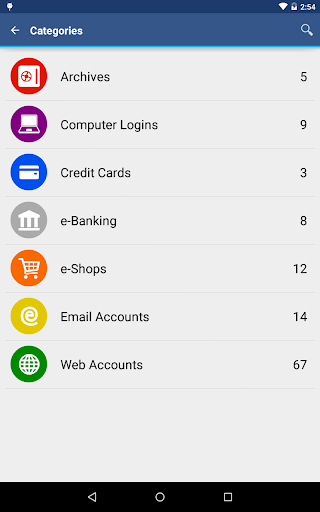
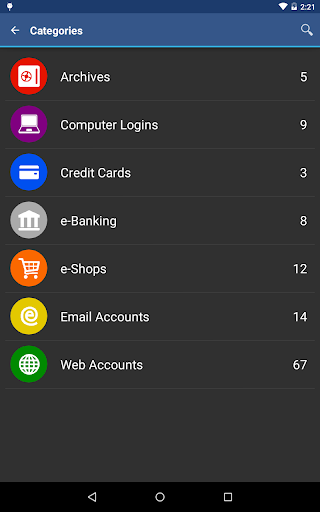
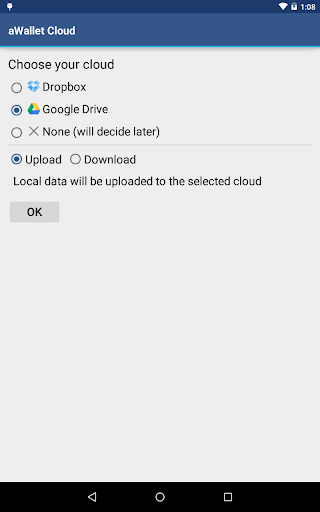
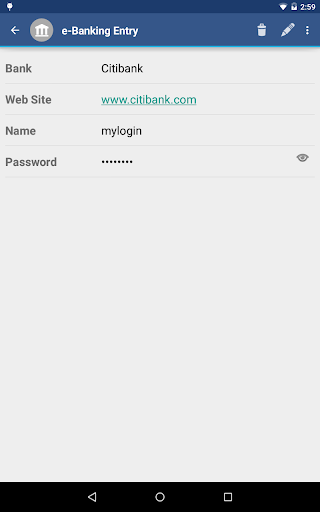
aWallet Cloud Password Manager is a robust productivity application designed to securely store and manage sensitive information such as passwords, credit card details, e-banking credentials, and web accounts. The app synchronizes encrypted data with your personal cloud storage accounts like Dropbox or Google Drive, ensuring that your information is accessible yet secure across all your devices.
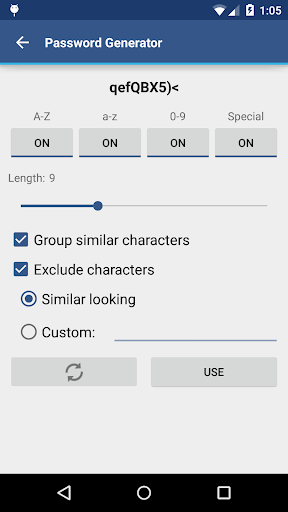
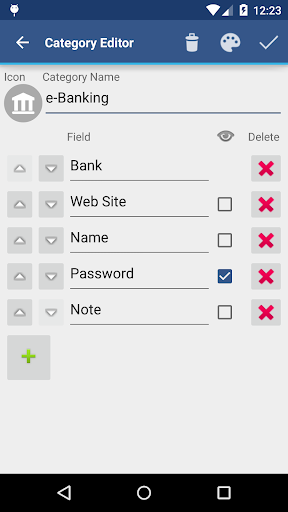
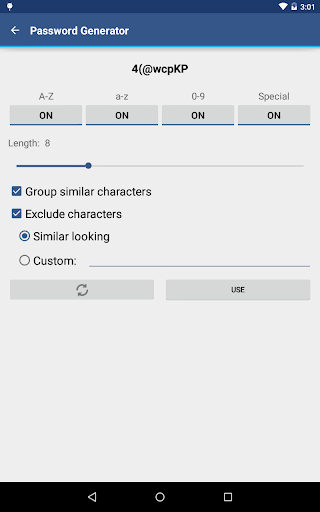
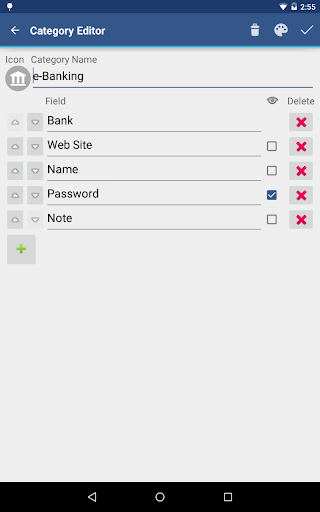
With features like a built-in editor for custom data categories, field search functionality, and an auto-lock feature for enhanced security, aWallet provides both convenience and peace of mind. It supports backup and restore functions to Android USB devices and allows exporting unencrypted data in CSV format. Additionally, the app offers pro features including biometric unlocking options and a password generator, making it a comprehensive tool for managing digital credentials.
This app is ideal for users who require a reliable way to manage their online presence without compromising on security. Whether you're handling multiple accounts for personal use or business, aWallet Cloud Password Manager ensures that your data remains protected while offering seamless access and management capabilities.
aWallet Cloud Password Manager stands out with its advanced security measures and user-friendly features. All stored data, including entry names and category definitions, is encrypted using AES or Blowfish algorithms with key sizes up to 256 bits. This ensures that your sensitive information remains confidential and secure from unauthorized access.
The app employs a sophisticated encryption process that combines your master password with a randomly generated 'salt', which is then hashed multiple times to create a robust key for unlocking your data file. This approach significantly increases the difficulty of brute force attacks. Moreover, aWallet includes an auto-destruction feature that wipes the data file after a set number of failed unlock attempts, providing an additional layer of protection.
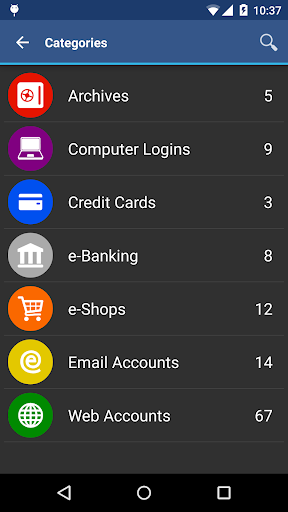
For ease of use, aWallet offers practical features such as synchronization with cloud services, a built-in editor for customizing data categories, and support for fingerprint and facial recognition unlocking on compatible devices. These functionalities not only enhance security but also improve the overall user experience by streamlining access to managed credentials.
Advanced encryption
Cloud synchronization
Biometric login
Customizable categories
Auto-lock feature
No iOS version
Complex setup
Limited free features
Occasional sync issues
Heavy on resources

 4.20
4.20
Unlock AutoNotification
4.00
Direct Chat without saving contacts & Dual WA Account on Single Device
4.70
8 custom complications. Custom Time Fonts. Beautiful color schemes. A++ Design.
5.00
App Lock with fingerprint, password: Lock apps & hide photos with lock screens
4.60
Activate Two Factor Authentication (2FA or Multi OTP), Password manager and more
4.10
Translate text/voice/photos in 150+ languages. Offline & fast translator app.
4.50
Calendar 2023 widget for Android. Appointment scheduler, planner, and reminder
4.60
Quickly and easily keep track of your work shifts
4.70
Seamlessly integrate data and reports to build your presentation to impress
4.80
Stay on top of your to-dos with Google Tasks, part of Google Workspace.
4.60
The AI assistant that thinks with you - write, code, and solve complex tasks
4.60
Lightweight PDF, Word, Excel reader.
4.60
CalenGoo is a very flexible and feature-rich calendar app
4.40
Easily read and manage all your PDF files
4.10
Cloud storage, automatic phone backup, and more.
4.10
Ultimate Virtual AI Character for immersive Roleplay Chat. Perfect Companion
3.90
Simple and reliable communication between inmates, friends and family
3.20
The upgraded version of Name Wheel with AI and the power to add your own wheels.
4.1


User Reveiws