

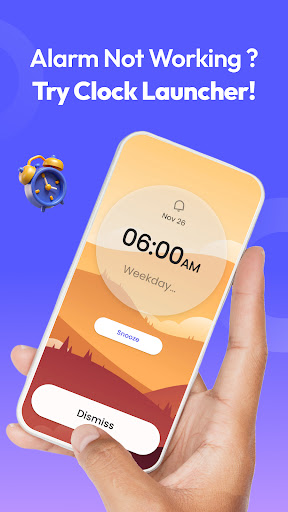
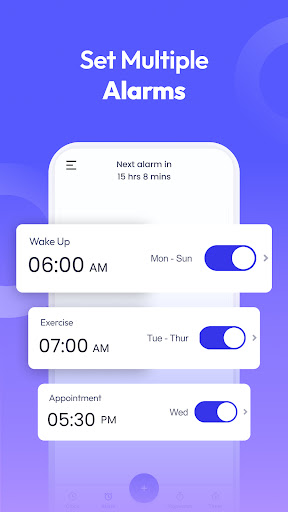
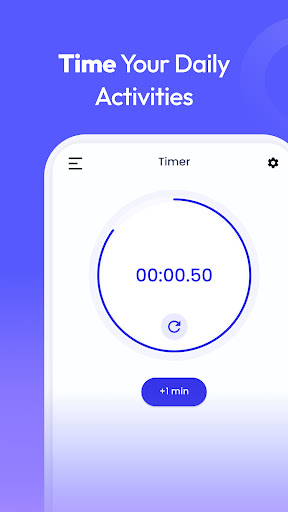
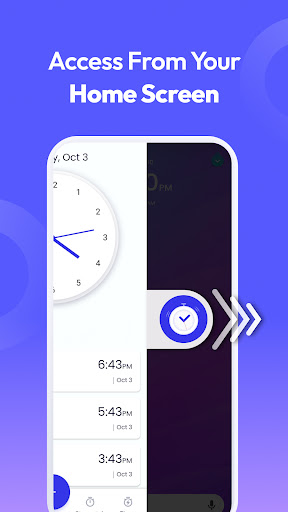
Clock Launcher is a productivity-focused app that combines an alarm clock with a launcher interface, offering instant access to essential time management tools. The app allows users to check the time in any city, set alarms, reminders, and timers, all from their home screen with a single swipe.
One of the standout features is its ability to transform the home screen experience by providing one-swipe access to alarms, timers, and reminders. Additionally, it offers a customizable home screen widget displaying time and weather, personalized wallpapers, and multi-touchpoint search capabilities powered by Yahoo.
This app is particularly useful for busy professionals and frequent travelers who need quick access to time-related functions and international clocks. By streamlining daily routines and keeping users organized, Clock Launcher enhances productivity while maintaining ease of use.
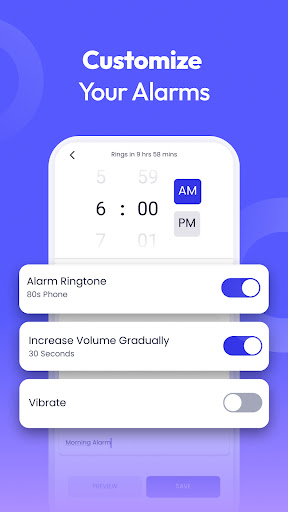
Clock Launcher stands out with its comprehensive suite of time management features. The app includes a personalized alarm clock with options for daily or weekly alarms, multiple tones, and customizable snooze durations. This ensures users can tailor their wake-up experience to fit their lifestyle perfectly.
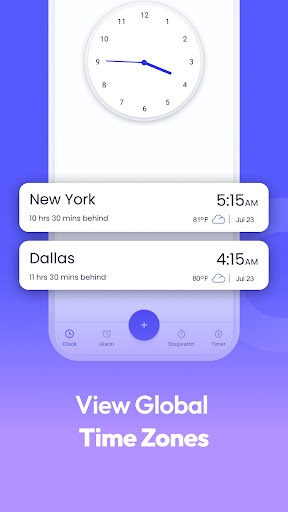
In addition to the alarm clock, the app provides a world clock feature for tracking time across different cities, making it ideal for international travelers and those with global business meetings. Users can save their favorite cities for quick reference. The app also includes robust reminder functionality for appointments, flights, and events, as well as an accurate timer and stopwatch for various tasks like cooking or workouts.
The launcher aspect of the app enhances accessibility with home screen shortcuts, widgets, and multi-touchpoint search. These features collectively ensure that users can manage their schedules efficiently while enjoying a personalized and visually appealing home screen experience.
User-friendly interface
Comprehensive time tools
Customizable home screen
Multi-city time tracking
Efficient task management
Home screen layout changes
Limited widget customization
No 24-hour clock option
Occasional app crashes
Ads in free version

A customizable calendar for your Wear OS watch
 4.20
4.20
Experience real multitasking on your Android!
4.00
8 custom complications. Custom Time Fonts. Beautiful color schemes. A++ Design.
5.00
CalenGoo is a very flexible and feature-rich calendar app
4.40
Secure, open-source, SPICE and SSH Remote Desktop for QEMU KVM virtual machines
4.00
Calendar 2023 widget for Android. Appointment scheduler, planner, and reminder
4.60
A comprehensive suite of tools designed specifically for Lactation Consultants
4.1
To do list widget with a notebook organizer, checklist, simple shopping list
4.60
Intelligent AI Assistant
4.10
Native client for Forgejo and Gitea
5.00
Android Wallet Password Manager
4.80
QuickBooks Workforce lets teams view pay info and track time in one place.
4.70
Client for Nextcloud Deck
4.60
Functional QR scanner and barcode reader that requires little storage space.
4.60
Send files, sync SMS, notifications & clipboard across devices via local network
4.40
A lightweight JSON & XML files creator, editor and viewer (Premium Version)
4.40
Device's storage information in a simple and clear graphical form (infographics)
4.10
Font maker keyboard with your own handwriting
4.10
Mega cloud explorer plugin for Solid Explorer
3.80


User Reveiws