


Notepad Pro

4.60

Information

Category:

Productivity

Price:

$ 4.49

Rank:

65

Rating:

4.60

Overview

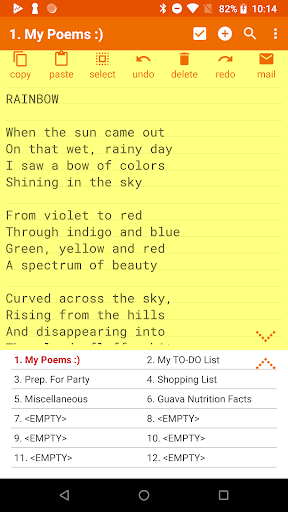
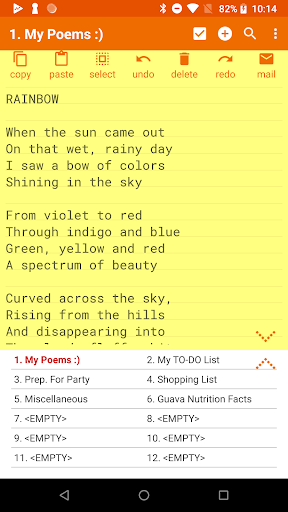
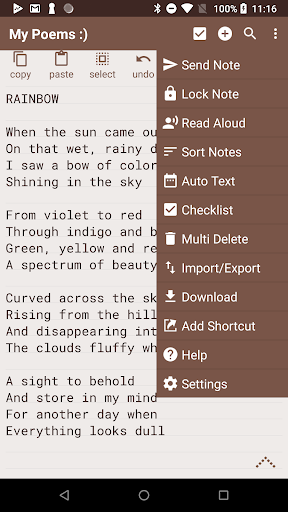
Notepad Pro is a versatile productivity app designed for Android users who need an efficient note-taking solution. This application offers unlimited notepad slots, inline checklist capabilities, and search functionality within and across notes. Its compact size of just 0.3 MB ensures minimal storage usage while providing essential features like desktop widget support and no unnecessary permissions.

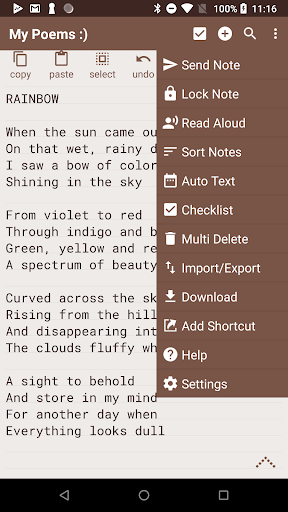
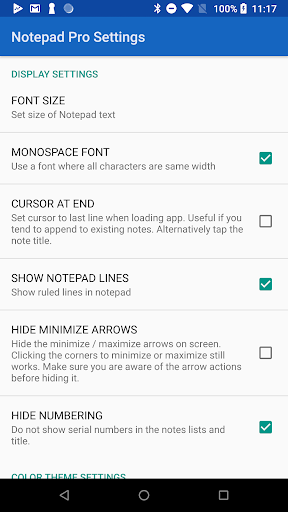
Beyond basic note-taking, Notepad Pro includes advanced display options such as custom sorting, categorization, and theme customization. Users can safeguard their data with backup and restore functionalities, read-only settings, and selective import/export options. The app also enhances accessibility through read-aloud features and desktop shortcuts, making it an all-encompassing tool for managing notes effectively.

Features

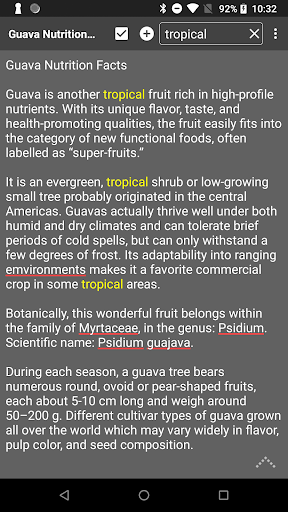
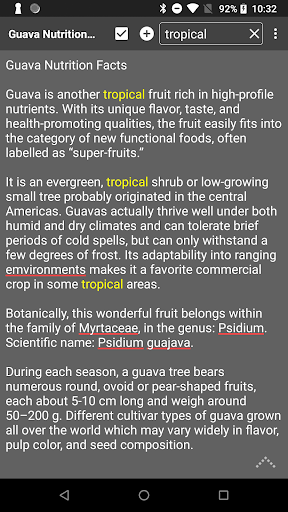
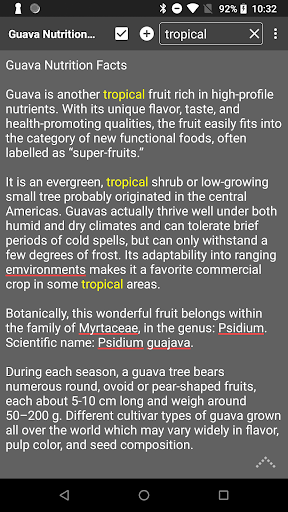
Notepad Pro stands out with its comprehensive feature set tailored to enhance user productivity. The app allows users to create unlimited notes with the ability to add checklists directly within the text. It supports searching both within individual notes and across all saved entries, ensuring quick access to information.

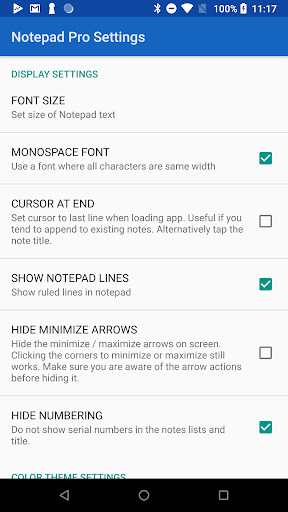
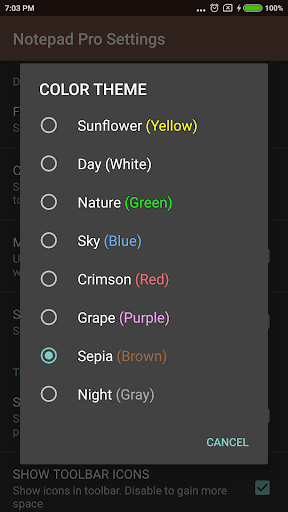
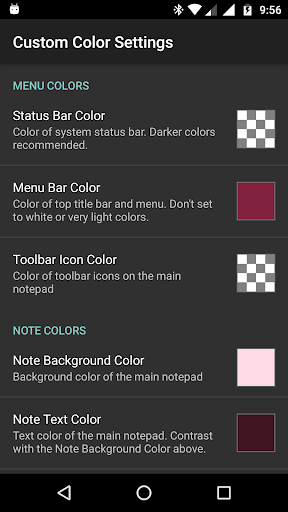
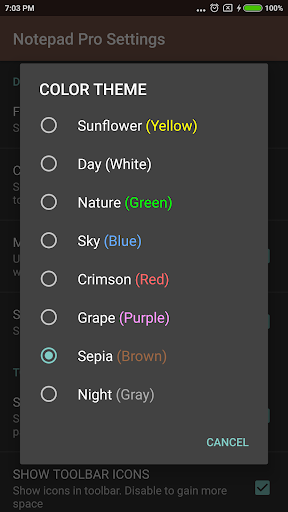
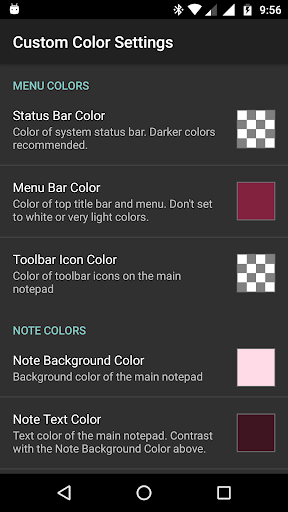
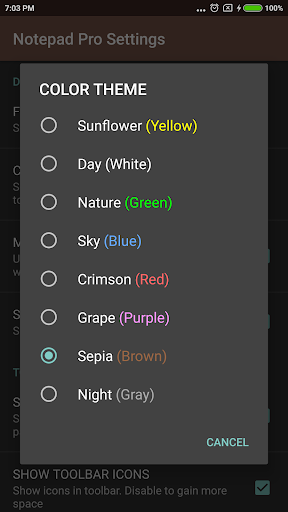
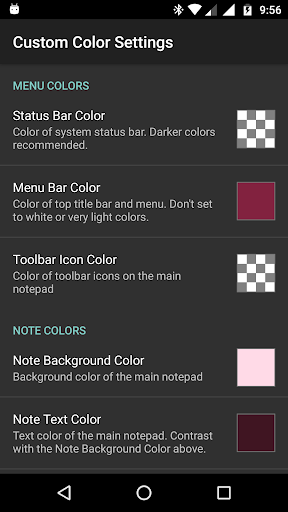
In terms of display, Notepad Pro offers customizable views including full-screen mode and always-visible note titles. Users can rearrange notes, bookmark important entries, and apply custom themes for a personalized experience. Additionally, the app provides robust safeguarding measures such as automatic backups, local downloads of notes, and read-only settings to protect valuable information.

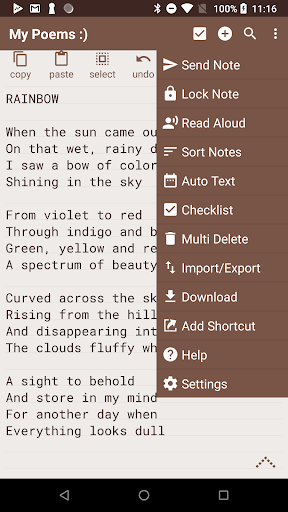
Accessibility is further enhanced by features like read-aloud functionality, which reads notes aloud, and the ability to create desktop shortcuts for quick access. Sharing capabilities are also robust, allowing users to send notes via external apps, attach them as files in emails, and specify preferred email applications for seamless integration into daily workflows.

Core task management

Task management in Notepad Pro represents a comprehensive approach to organizing and handling notes with maximum efficiency and flexibility. The app offers unlimited notepad slots allowing users to create as many notes as needed without any restrictions. This is crucial for personal productivity and ensures that users can segment their thoughts tasks or information into manageable pieces. The in-line checklist capability further enhances task organization by enabling users to create actionable items directly within their notes. Additionally the search functionality within and across notes streamlines the process of retrieving specific information making it faster and more efficient to locate content. The app's desktop widget support provides quick access to notes right from the home screen which significantly boosts productivity by reducing the time needed to open the app and find the required note. Moreover the ability to categorize and bookmark notes adds another layer of organization allowing users to prioritize and easily access frequently used notes. With features like specifying backup frequency and selectively importing or exporting notes Notepad Pro ensures that task management is not only about creating and organizing notes but also about safeguarding them and making them accessible across different platforms or devices. These capabilities collectively contribute to an enhanced user experience where managing tasks becomes intuitive efficient and adaptable to individual needs.

Cross-device synchronization reliability

Cross-device synchronization is a pivotal feature in Notepad Pro designed to ensure that users have seamless access to their notes regardless of the device they are using. Given the app's tiny size of just 0.3 MB it achieves remarkable efficiency in synchronizing data across devices without compromising performance. This reliability is critical for users who switch between multiple devices such as smartphones tablets or computers throughout their day. Notepad Pro allows users to download notes and backups locally which means that even without an active internet connection users can access their notes and continue working. Once online the app synchronizes the latest changes ensuring that all devices reflect the most current version of the notes. Another aspect enhancing synchronization reliability is the ability to make notes read-only. This prevents accidental edits on one device from affecting the integrity of the note on other devices. Furthermore the selective import and export feature supports cross-device workflows by letting users choose which notes to synchronize or back up thus providing greater control over data management. The app's support for desktop shortcuts to any note further extends its cross-device utility by offering quick access points that remain consistent across devices. Overall Notepad Pro delivers reliable cross-device synchronization through a combination of local data availability read-only safeguards and selective synchronization options ensuring that users' notes are always up-to-date secure and easily accessible no matter where they are or what device they are using.

Props

Unlimited notepad slots

Customizable themes

Automatic backup

Read-aloud feature

Compact size

Cons

Paid version only

No cloud sync

Limited design

Basic sharing

No collaboration

Features and Functions

What is this app and what can I use it for?

A versatile note-taking app with advanced features for Android.

How do I download and install this app on my device?

Visit Google Play Store, search for Notepad Pro, and tap Install.

How do I get started after opening the app for the first time?

Launch the app, explore the interface, and start creating your first note.

What are the main features and capabilities of this app?

Unlimited notes, checklists, search, custom themes, and backup options.

How can I customize my experience and adjust preferences?

Adjust settings for themes, sorting, and backup frequency as needed.

How do I save or bookmark my favorite content for later access?

Use the bookmark feature to save important notes for later access.

How can I share content with friends or on social media?

Share notes via email or other apps directly from the sharing menu.

How do I access detailed information and explore more content?

Tap on any note to view details and use search to find specific content.

What permissions does this app need and how do I manage them?

The app needs storage permission; manage it in device settings.

How do I check for updates and keep the app running smoothly?

Check Google Play Store regularly for updates to ensure smooth operation.
Show more

User Reveiws

{{ comment.reviewer_name }}
{{ comment.review_date_formatted}}
{{ comment.review_content }}
{{ tab.name }}
{{ comment.reviewer_name }}
{{ comment.review_date_formatted}}
{{ comment.review_content }}
No reviews with this rating
















