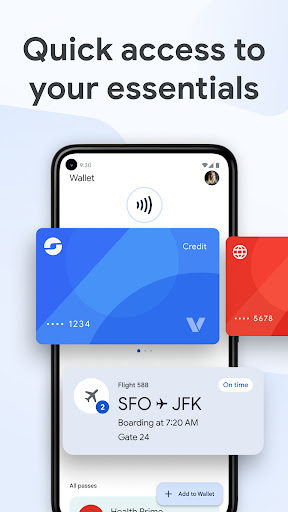
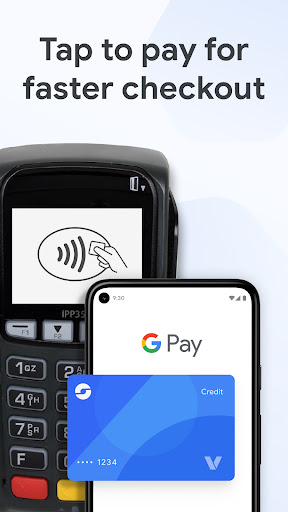
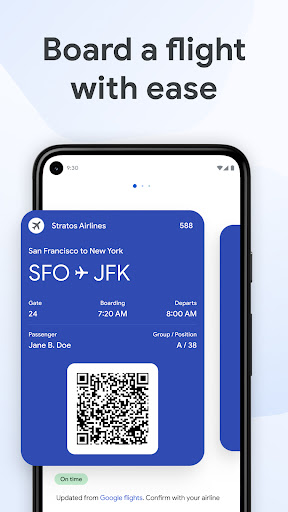

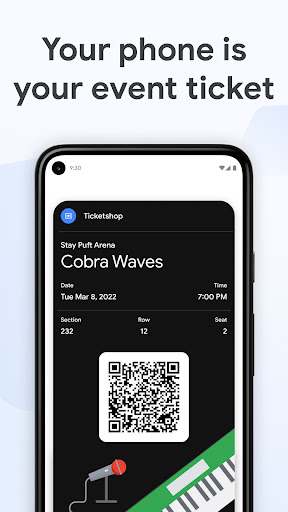
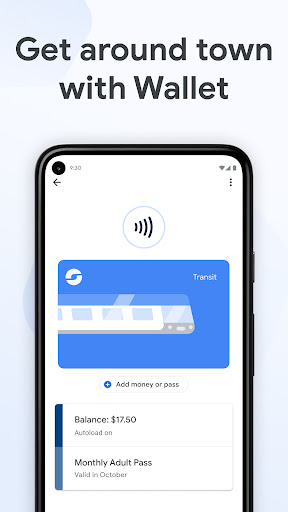
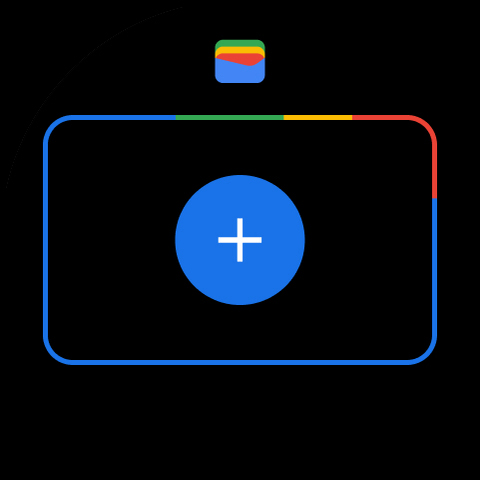
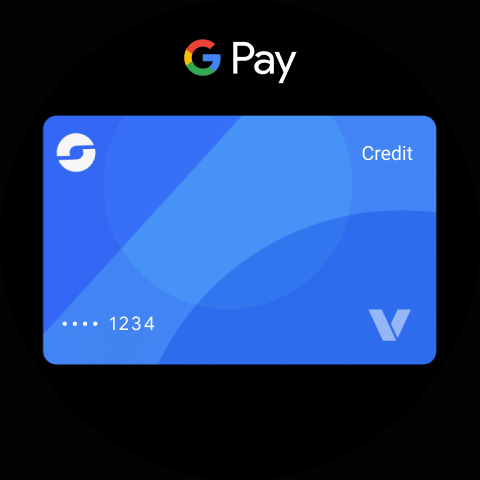
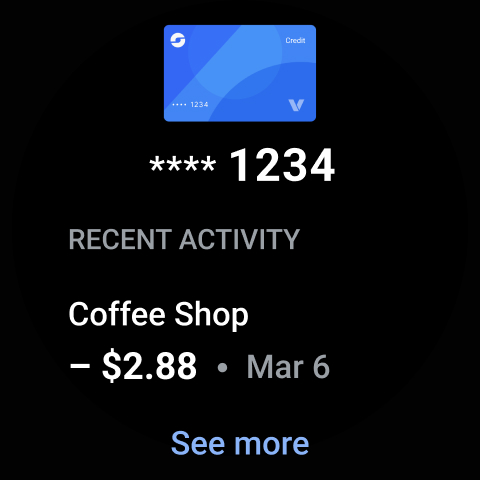
Google Wallet is a versatile digital wallet solution designed specifically for Android and Wear OS devices. It allows users to securely store and access essential items such as credit cards, tickets, boarding passes, and even digital car keys all in one place. The app provides three convenient access methods including quick settings, the Wallet app itself, and Google Assistant integration.
The application goes beyond just payments by offering helpful features like automatic suggestions for needed items based on context, seamless integration with other Google services, and smart receipt tracking with location details from Google Maps. Whether you're catching a train, attending a concert, or shopping at your favorite stores, Google Wallet streamlines the experience while maintaining top-notch security standards.
This digital wallet solution is particularly valuable for Android Wear users who can access their essentials directly from their smartwatch face. With support for Android 5.0+ devices and additional compatibility with Fitbit products, Google Wallet creates a comprehensive ecosystem that keeps your important items always within reach while ensuring they remain protected through advanced Android security features.
Google Wallet stands out with its comprehensive feature set tailored for modern digital lifestyles. The app's key innovation lies in its multi-access approach - users can quickly retrieve their essentials through phone quick settings, the dedicated Wallet app, or hands-free via Google Assistant commands. This flexibility extends to Wear OS devices where complications on the main watch face provide instant access to stored items.
Security is deeply integrated into every aspect of the application. When making payments, Google Wallet employs tokenization technology that prevents merchants from accessing actual credit card numbers. Advanced protection measures include 2-Step Verification, remote data erasure capabilities, and Find My Phone functionality. These features work together to create a secure environment for storing sensitive information.
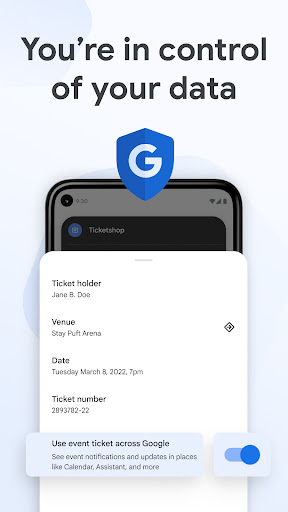
The app's intelligent systems proactively assist users by suggesting relevant items based on context and timing. For instance, boarding passes appear automatically on travel days. Integration with Google ecosystem services like Calendar, Maps, and Search enhances this capability further, providing real-time updates about flight changes or event notifications while maintaining user privacy through opt-in data sharing controls.
Seamless Wear OS integration
Advanced security features
Context-aware suggestions
Comprehensive item storage
Google ecosystem synergy
Limited iOS compatibility
Feature restrictions on older devices
Occasional sync issues reported
Not all banks supported
Regional limitations exist

Calming & relaxing sounds for sleeping and stress relief. Stay focused all day!
 4.20
4.20
Watch face designed for Thanksgiving Day. 7 Background Styles included.
3.20
Bold, Modern Hybrid Watch Face for Wear OS. 10 Colors, Rich Info Display.
4.30
Digital watch face with big numbers and many customization for Wear OS devices
4.40
Hyperlocal rain alerts by MyRadar using patent-pending technology, radar & more
4.80
Nutrition, Macro tracker: Food, fitness & healthy diet tracking for weight loss
4.60
Real-time results, stats, schedules and player profiles for all leagues
4.60
Hybrid watch face for Wear OS with customizable complications by Matteo Dini MD
4.70
Connect, create, and collaborate with Gmail, part of Google Workspace.
4.10
Retro digital watch face with customizable colors and a unique lighting effect
4.60
Walking app for weight loss: walk & step tracker, pedometer, indoor treadmill
4.60
MyNISSAN® lets you remotely control your car from your phone.*
4.50
Premium hybrid watch face with many customizations for Wear OS devices.
4.40
Watch face for Wear OS.
4.20
sleep, alarm, snoring, stress, healing, focus, sound therapy, circadian rhythm
4.10
Professional weather radar and more
3.90
Stay in touch with your friends and family using LINE!
3.40
Precision analog watch face with 7 complications and style options
4.0
A watch face that fuses motorsport precision with contemporary smartwatch design
4.4


User Reveiws