
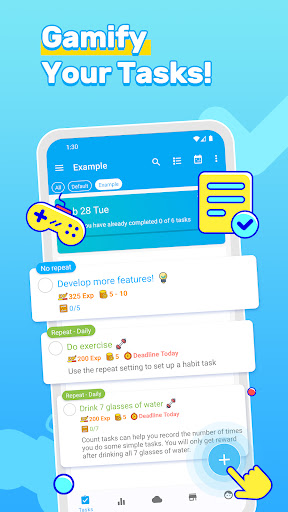

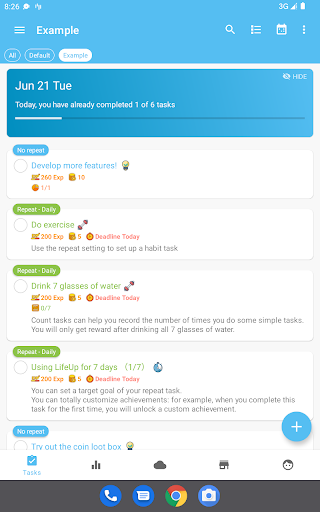
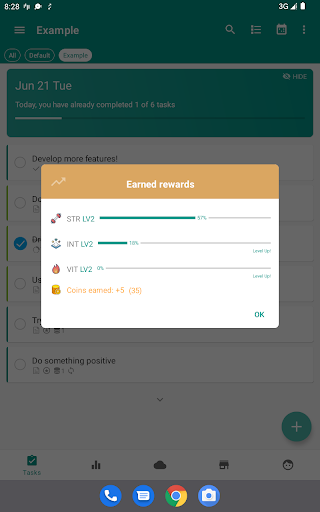

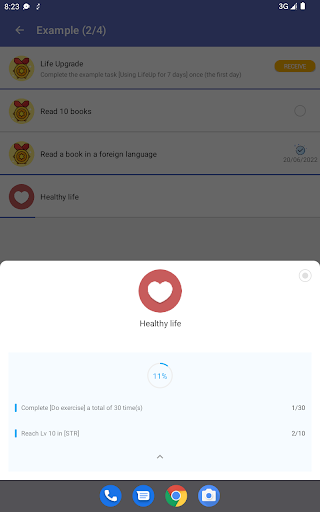
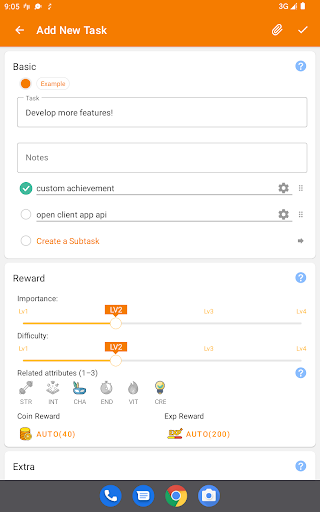
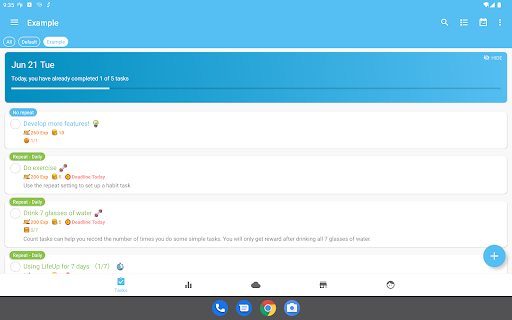
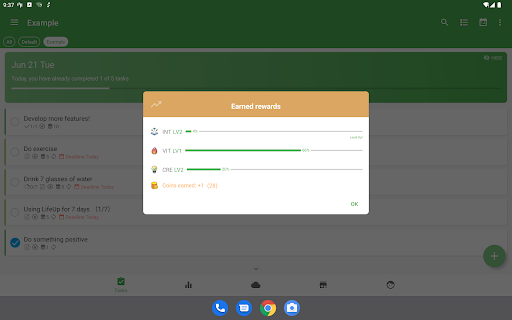
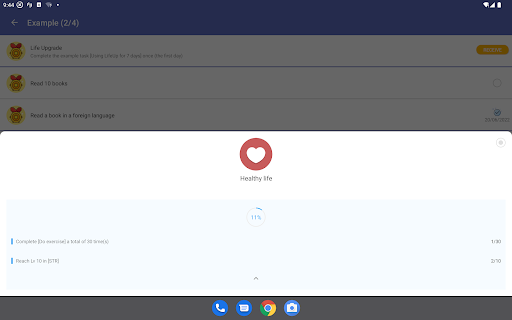
LifeUp is a revolutionary productivity app that transforms your daily tasks and habits into an engaging role-playing game (RPG). This hyper-customizable system allows users to create their own rules, earning experience points (EXP) for completed goals and virtual coins for real-life rewards. With features like skill leveling, personalized shops, and custom milestones, LifeUp offers a unique approach to productivity.
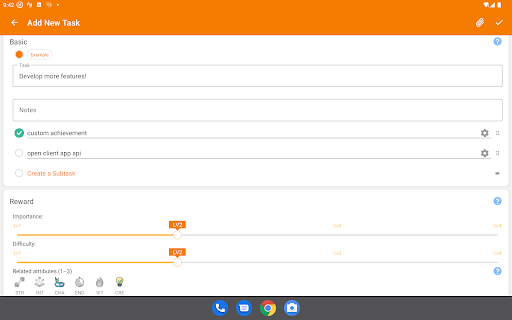
The app supports offline usage with optional cloud sync through Google Drive, Dropbox, or WebDAV. It combines powerful productivity tools such as to-do lists, habit trackers, and Pomodoro timers with gamification elements. Users can design their own skills, build personal reward systems, and track their progress through customizable statistics and themes.
LifeUp is particularly beneficial for those who struggle with traditional productivity methods and seek a more personalized approach to task management. Its one-time payment model and ad-free interface make it an attractive choice for users looking for long-term value without interruptions.
LifeUp stands out with its unprecedented level of customization in the productivity app market. The application allows users to design their own skill trees, linking real-life abilities like 'Coding' or 'Fitness' to in-game skills that can be leveled up. This feature creates a direct connection between virtual achievements and real-world progress.
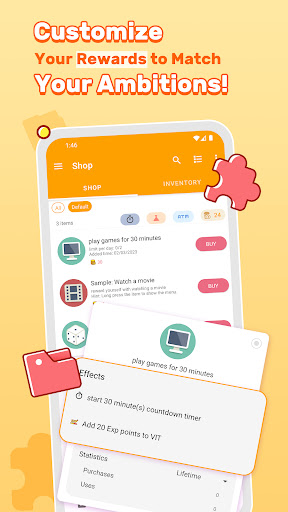
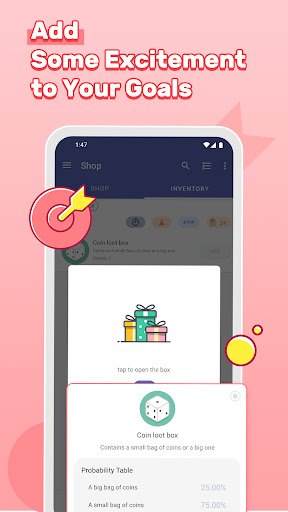
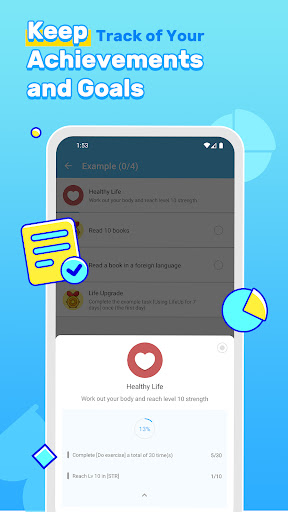
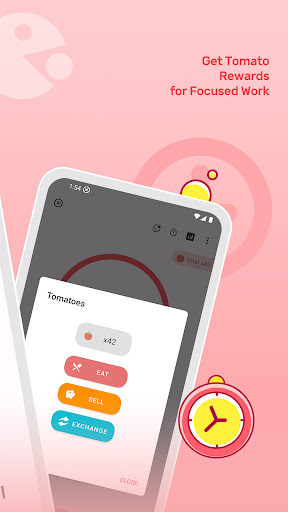
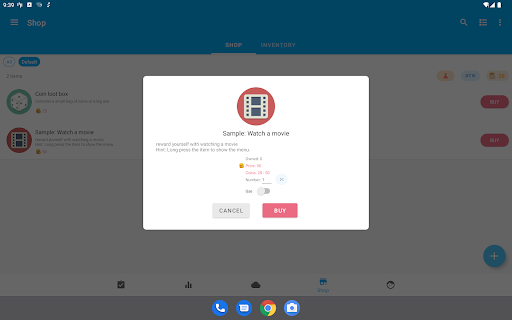
The app's personal shop feature lets users define their own reward system using virtual coins earned from completing tasks. From taking breaks to watching movies, users set the prices for these rewards themselves. Additionally, the milestone system enables users to create personalized achievements with defined rewards, providing clear goals and motivations.
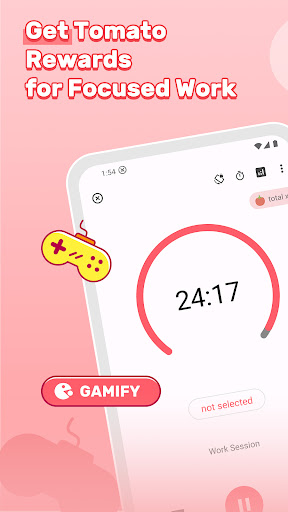
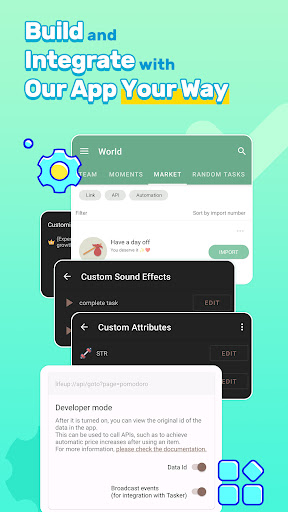
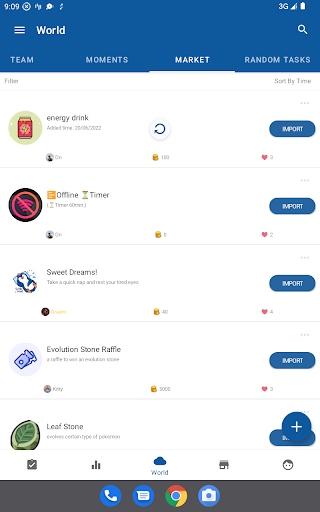
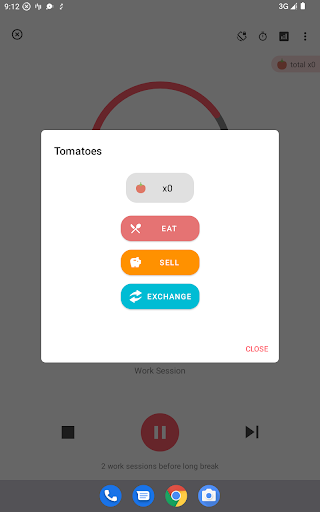
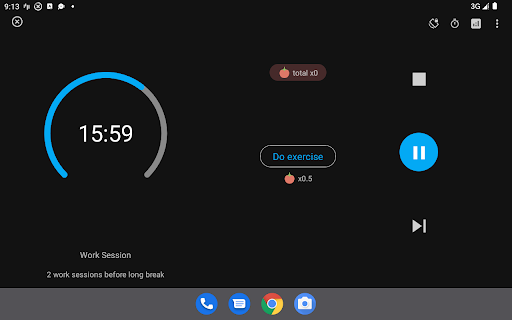
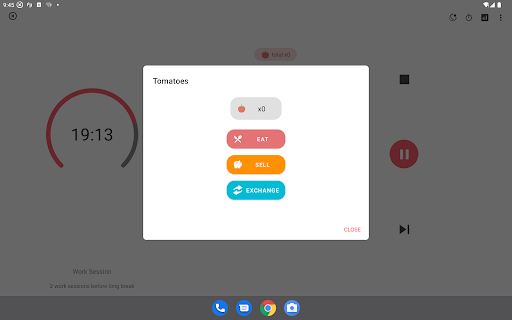
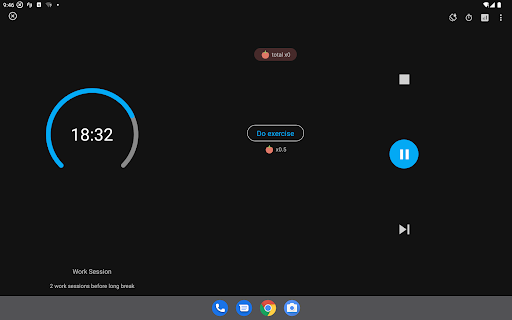
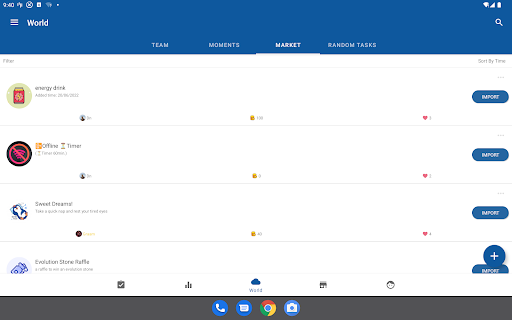
Advanced productivity tools include complete to-do functions with repeats and reminders, habit tracking with streaks, and customizable Pomodoro timers. The world module facilitates community interaction through task teams and shared reward ideas. With dozens of themes, night mode options, and app widgets, LifeUp offers both functionality and personalization.
Highly customizable
No subscription fees
Offline functionality
Community-driven updates
Comprehensive privacy protection
Steep learning curve
Initial setup time
Limited default templates
No built-in social features
Premium price point

Secure, fast, open-source, VNC and SSH Remote Desktop for Windows, Linux and Mac
 4.70
4.70
Auto-shutoff Alarm with Sunrise, Sunset & Fixed Options.
3.50
The Pro Version of Android's tiniest Notepad app. Just 0.3MB but feature-packed!
4.60
Customizable calendar widget for seamless event sync, planning & scheduling.
4.00
Cloud storage, automatic phone backup, and more.
4.10
The AI assistant that thinks with you - write, code, and solve complex tasks
4.60
Code on-the-go with VScode for Android. Edit,debug and collaborate from mobile!!
3.10
A comprehensive suite of tools designed specifically for Lactation Consultants
4.4
Share files & memories safely. Keep your photos and videos secure.
4.40
Seamlessly integrate data and reports to build your presentation to impress
4.80
Understand anything with a personalized AI research assistant
4.80
QuickBooks Workforce lets teams view pay info and track time in one place.
4.70
Quickly and easily keep track of your work shifts
4.70
Client for Nextcloud Deck
4.60
Secure, fast, open-source, Remote Desktop Client for Windows and Linux with SSH
4.60
CalenGoo is a very flexible and feature-rich calendar app
4.40
Activate Two Factor Authentication (2FA or Multi OTP), Password manager and more
4.10
All in one sketching tool. Technical and General drawing. Online Maps support.
3.70
Simple and reliable communication between inmates, friends and family
3.20


User Reveiws