
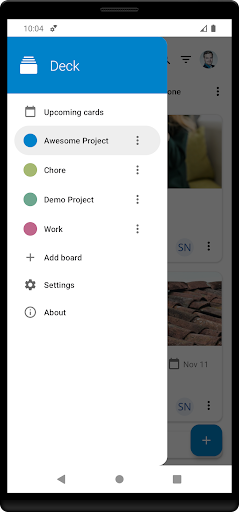
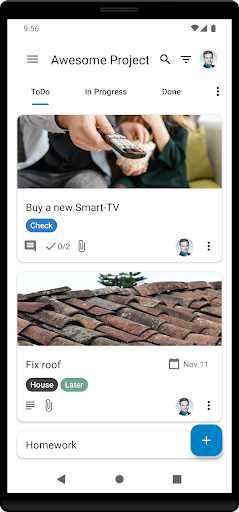
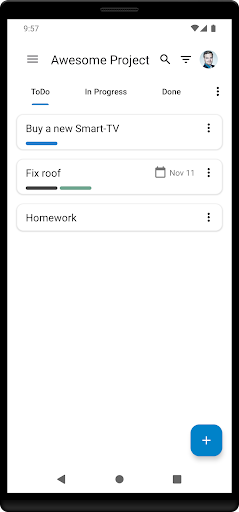
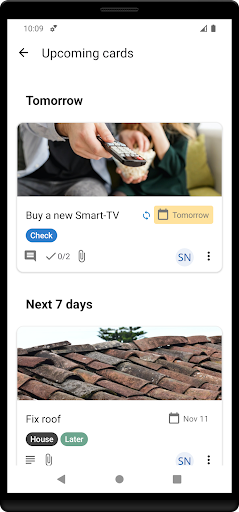
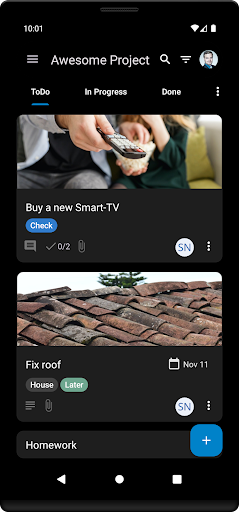
Nextcloud Deck is a productivity-focused application designed to streamline task management and team collaboration. This app allows users to create and organize tasks using cards, lists, and boards, making it an ideal tool for both personal and professional project management.
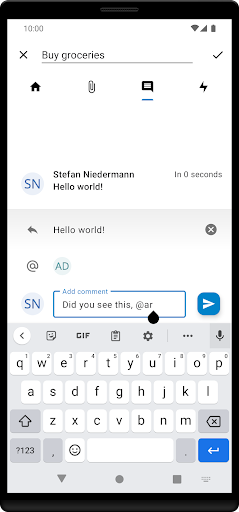
One of the standout features of Nextcloud Deck is its ability to work offline, ensuring that users can manage their tasks even without an internet connection. Additionally, the app supports multiple accounts, attachments, activities, and comments, providing a comprehensive platform for effective communication and organization.
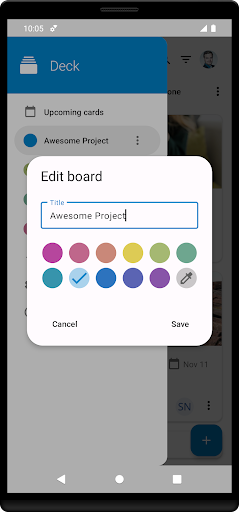
With its dark mode and multi-language support, Nextcloud Deck offers a customizable and accessible user experience. Whether you're coordinating a team project or simply keeping track of your daily tasks, this app provides the tools necessary to stay organized and productive.
Nextcloud Deck boasts a variety of features that enhance its functionality as a productivity tool. The app supports multiple accounts, allowing users to manage different projects or teams from a single interface. Its offline capabilities ensure that users can continue working without disruption, regardless of their internet connectivity.
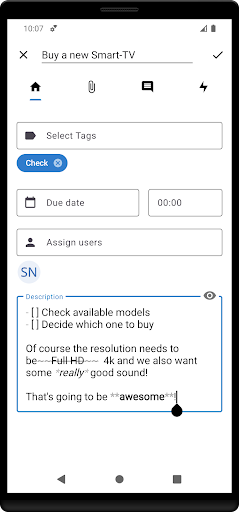
The app's core functionality revolves around managing cards, lists, and boards, which can be customized with tags, attachments, activities, and comments. These features facilitate detailed task management and foster collaboration among team members. Furthermore, the inclusion of a dark mode provides a visually comfortable experience, particularly in low-light environments.
Translated into many languages, Nextcloud Deck caters to a global audience, breaking language barriers and enhancing accessibility. By integrating seamlessly with Nextcloud and its related applications, this app ensures a cohesive and efficient workflow for all users.
User-friendly interface
Offline functionality
Multi-account support
Comprehensive task management
Global language support
Requires Nextcloud setup
Limited standalone use
No built-in calendar
Dependent on third-party apps
Advanced features need technical know-how

Secure, fast, open-source, VNC and SSH Remote Desktop for Windows, Linux and Mac
 4.70
4.70
Take control of your clipboard with Clipper!
3.90
Auto-shutoff Alarm with Sunrise, Sunset & Fixed Options.
3.50
Protect and view your important info on your phone and tablet with eWallet®
4.80
Device's storage information in a simple and clear graphical form (infographics)
4.10
The ultimate file manager for rooted devices. The original and still the best.
4.00
Access your phone's notifications, calls, apps, photos & texts on your PC
3.90
Ultimate Virtual AI Character for immersive Roleplay Chat. Perfect Companion
3.90
Intelligent AI Assistant
4.10
Multilingual translator for text, voice, and image translation!
4.90
Android Wallet Password Manager
4.80
A beautiful digital clock with autostart and many other functions
4.70
Absolutely the best CNC machinist speed and feed calculator around. fswizard.com
4.60
Secure, fast, open-source, Remote Desktop Client for Windows and Linux with SSH
4.60
Send files, sync SMS, notifications & clipboard across devices via local network
4.40
A lightweight JSON & XML files creator, editor and viewer (Premium Version)
4.40
Unlock AutoNotification
4.00
Make your handwriting beautiful, even more than pen on paper.
3.60
Ads Free App! Editor, Hide File, Copy, Move, Delete and Rename.. all facility av
1.70


User Reveiws